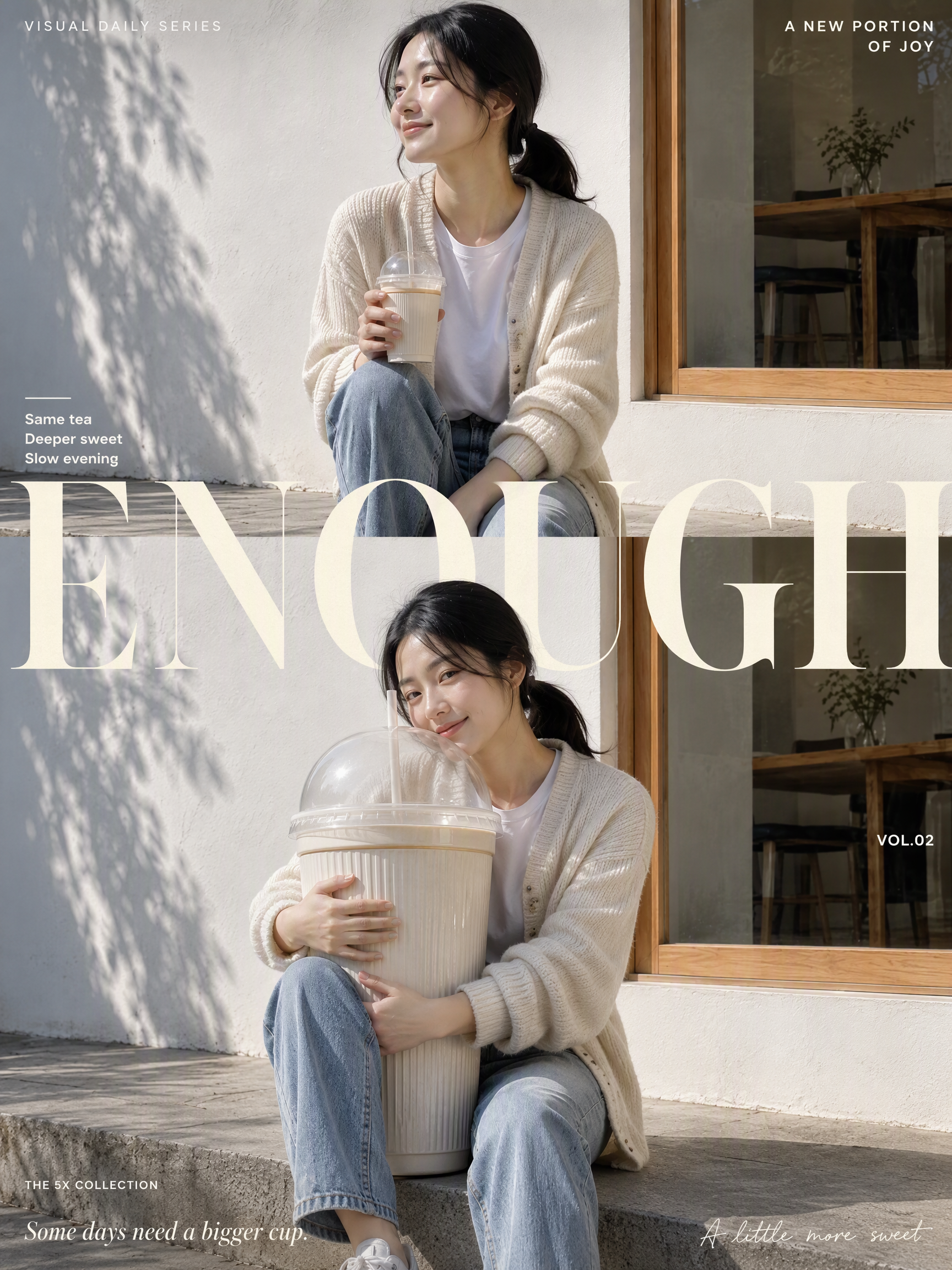
Exaggerated Scale Poster
Two-panel split comparison scaling up an everyday item
Exaggerated Scale Poster
Two-panel split comparison scaling up an everyday item
Showcase
Description
Transform a portrait photo into a striking vertical dual-panel fashion poster with extreme scale contrast. The top panel keeps an item at its original size as credible evidence, while the bottom panel enlarges the same item to roughly the torso height of the person, who interacts with it naturally through close-up touches, chin rests, hugs, supports, or shoulder leans for an exaggerated yet grounded visual impact. If no item is specified, one is prioritized from the subject's interactions, gaze, or motions, defaulting to a 5x scale-up. The person's facial features, expressions, hairstyle, attire, core pose, camera angle, lighting direction, and overall tone are preserved to match the original photo as closely as possible, adjusting only for the contact, occlusion, shadows, and necessary background extension brought by the enlarged item. Even with group photos, hand occlusion, poor lighting, or off-center subjects, best efforts are made to complete the task. The final image adopts a bright, minimalist magazine editorial style, complete with a clean horizontal seam, a bold main title spanning across the seam, and layered English typography. It defaults to a 3:4 vertical aspect ratio and also supports 2:3 or 9:16. Perfect for fashion editorial posters, brand key visuals, social media series, and creative visual projects requiring high subject fidelity, scale contrast, and magazine layouts.
Recommended by
Dancang
Why we love this skill
Turn ordinary portraits into high-impact visuals with a split-panel design: the top preserves the original scale, while the bottom enlarges a single object to an absurd size, making the exaggeration believable and striking through realistic weight, contact, lighting, and magazine-style layout.
Best for
Ideal for creating editorial fashion posters, brand key visuals, social media series, and creative visuals emphasizing subject fidelity and scale contrast.
How to use this Skill
Provide your input
Upload a portrait photo and optionally specify the item to enlarge, scale factor, poster text, and aspect ratio.
Run the Skill
Transforms the photo into a split-panel comparison poster: the top panel keeps the item at its original scale, while the bottom panel exaggerates its size, adding natural contact, a bright background, and magazine typography.
Review your result
Receive a vertical fashion diptych poster featuring a striking visual contrast between the person and the same item at original and exaggerated scales.
Related Skills
View all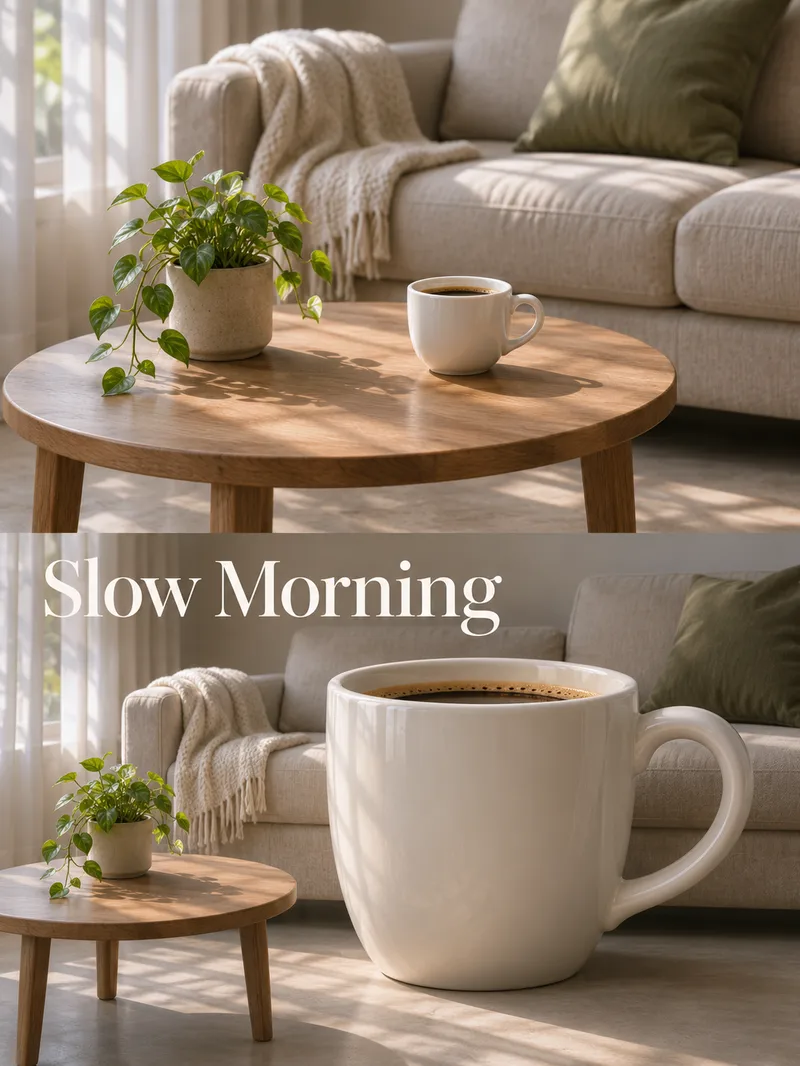 Image
Colossal Scale Photography
Ideal for creators looking to produce surreal social media visuals, creative posters, or design practice. Provide a text theme or a readable photo with usage rights, specifying one object to enlarge, a short title, scene, and aspect ratio. If unspecified, confirm the main prop first to avoid modifying the wrong subject. The skill first organizes the original subject, scale reference, and light direction, then plans an upper and lower diptych: the top frame is natural photography, and the bottom frame exaggerates the specified prop, adjusting grips, ground support, and contact shadows, before calling the current image tool to generate and reviewing image by image. It delivers the actual poster, title, and verification notes, with complete prompts attached when needed. Usage: Enter the theme and the single object to enlarge. After generation, focus on checking structures like hands, cup handles, or umbrella shafts, ground support, and titles, then modify based on specific issues. This is surreal image creation, not for size or real photographic records. The four display examples are fictional AI cases genuinely generated locally on November 12, 2026, using the final skill method: giant orange, camera, coffee cup, and blue umbrella; these are not clients, actual photography, real product functions, or architectural records. All four targets have distinct scale contrasts, but character poses, camera details, furniture and scene proportions, and upper/lower areas will vary. It does not guarantee that every pixel except the target changes. The avatar reference was generated separately from the giant orange case, and the visual layout and Chinese title are arranged independently, not as a fifth independent case. Text planning recommends GPT, and image generation relies on actually available image generation or editing tools. Local use utilizes built-in image_gen, the tool does not return specific model IDs, and it does not claim binding to Image2. Photo editing and YouMind runs are not practically tested, and identity, product structure, text, or cross-image exact consistency cannot be guaranteed. If image tools are absent, clearly state image generation is incomplete. The 299 credits is the skill installation price and does not include platform models or third-party service fees; it does not deliver PSD or vector source files, nor does it automatically publish or purchase.
 Image
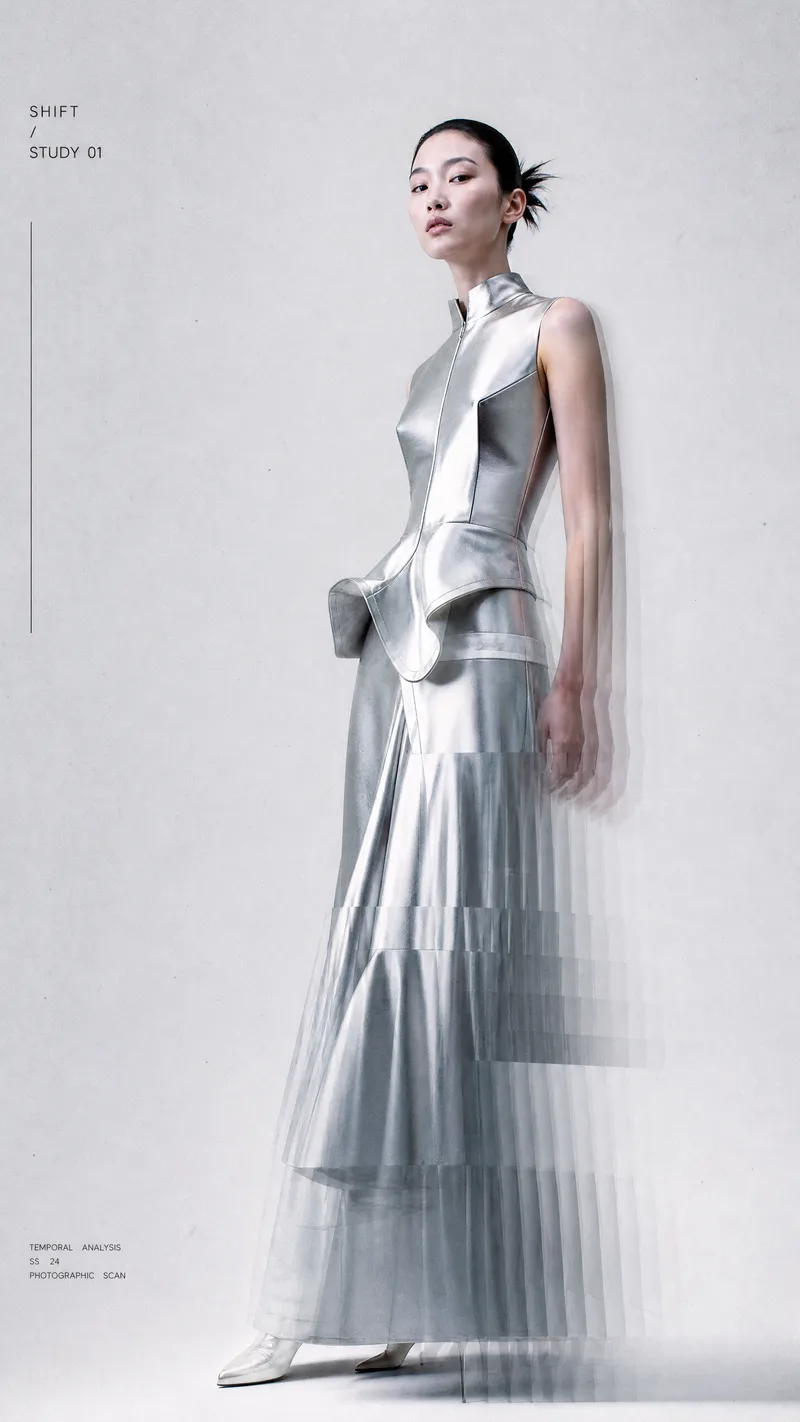
Avant-Garde Fashion Poster
Transform text, portraits, clothing photos, or brand materials into avant-garde, editorial-style fashion posters that highlight the visual contrast between a sharp subject and local scan ghosting effects. The composition combines realistic fabric textures, layered lighting, generous negative space, and restrained magazine-style layouts to flexibly deliver asymmetrical compositions, translucent double exposures, time-slice, or optical glitch effects. Ghosting is concentrated on arms, hemlines, hair, or clothing edges while maintaining facial recognition and clear human anatomy. You can specify the subject identity, styling, color palette, release scenario, aspect ratio, copy, and brand logo. When reference images are provided, the Skill preserves character features, clothing details, or logo imagery based on their intended use, ensuring style references are not mistaken for creation requirements. When details are left unspecified, it completes reasonable visual settings based on the theme. It defaults to generating a single vertical poster. When series requests are made, it varies styling, materials, composition, and ghosting details under a unified visual language, making it suitable for avant-garde fashion releases, clothing concept displays, and editorial photography visual creation. For complex text or logos, the output faithfully notes potential accuracy limitations.
 Image
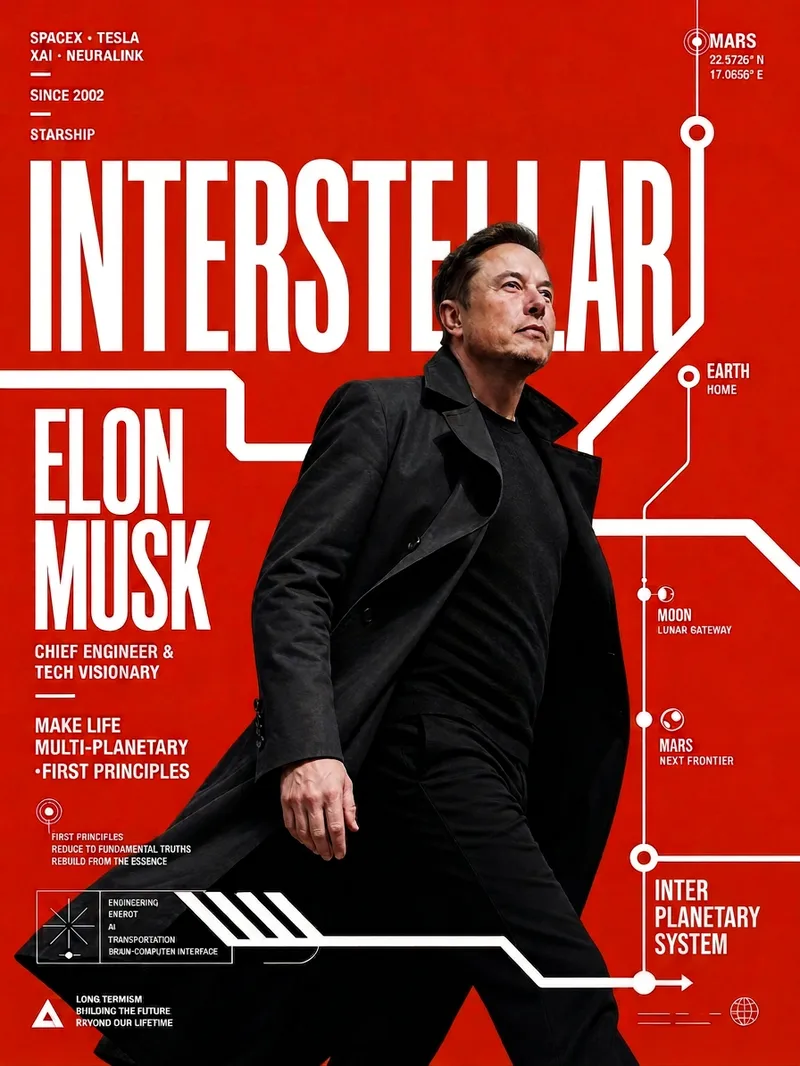
Personal Brand Fashion Poster
Turn a portrait and personal profile into a fashion-forward visual poster with a distinctive personal brand identity. Whether you provide a real photo or a cartoon character, it can serve as the subject reference. By combining your name, profession, keywords, philosophy, notable experiences, desired tone, and brand details, the Skill creates a more editorial and stylish personal image. When key information is missing, it first helps confirm the details instead of inventing titles, numbers, or achievements. The poster centers on the subject and extends their positioning into a complete visual world. Oversized Chinese typography, modernist fonts, airport wayfinding elements, and route-map-like line systems create visual connections between the person, brand name, profession, and theme. Rather than simply placing the subject in the center of a background, it integrates them into the typography and graphic structure through a high-end fashion photography approach, with a natural, intelligent, and slightly bold look and pose. It is suitable for creators, designers, consultants, entrepreneurs, culture professionals, and personal brands. You can specify the brand colors, on-image text, whether to preserve the portrait’s recognizability, and the output ratio. If no colors are provided, the primary color scheme is determined based on your field, personality, theme, and audience. The final deliverable is a vertical personal brand poster primarily in Chinese, optionally paired with brief English information, along with the reasoning behind the chosen primary colors, the core text, the personal information extracted, and the direction for the subject’s styling.
Information
- Version
- v3
- Last updated
- Runtime credits
- Usage-based
- Models
- Auto
- Use cases
- Images & designMarketing & growth
- What you get
- Image
- Visual styles
- Editorial
