Notion Markdown Formatter
Notion Markdown Formatter
Showcase
Description
Converts basic Markdown text into high-quality formatting tailored to Notion's style. Automatically optimizes heading levels, adds Callout boxes, uses Toggle lists, formats tables and code blocks to improve readability and professionalism. Suitable for mixed content like articles, notes, and technical documents.
Instructions
Click to expand: Title
This section contains collapsed content, which can include multiple paragraphs of text, lists, code, etc.Related Skills
View all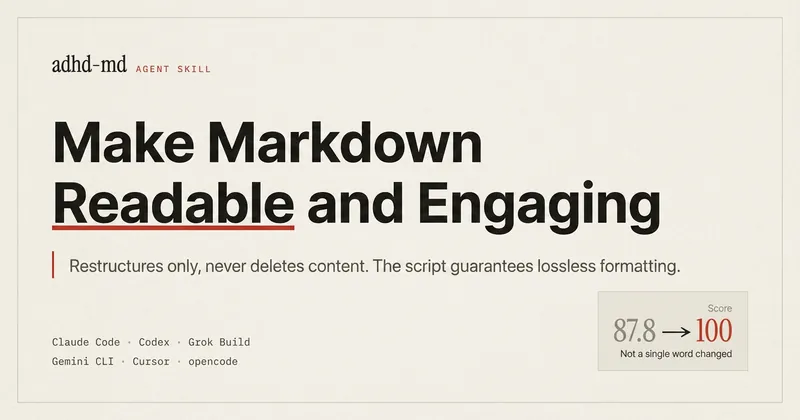
Lossless Markdown Readability
Turn Markdown documents into something readers with attention difficulties can actually get through: lead with the conclusion, break up paragraphs, shorten sentences, clarify actions, and eliminate noise. Unlike a general “help me improve the formatting” request, this skill is different in three ways. First, the scope of changes is controllable. You can change formatting only, leaving every word of the body untouched while rearranging markers, whitespace, and block order. Or you can change wording only without touching the formatting style. If you do not specify, both are changed. Use Light-Touch mode for documents that are sensitive to edits, such as specifications and API documentation; use Restructure mode for meeting notes and messy notes. Second, it never deletes information. When you ask a model to “simplify” something, the most common result is that it quietly drops two constraint conditions—and you may not notice right away. This skill follows one strict rule: rearrange, never delete. If the document is too long, content is collapsed or moved to an appendix. After editing, it also lists “what was intentionally not changed” so you can verify the result. Third, it removes AI-sounding language along the way. Contrarian framing, teaser-style colons, faux profundity, jargon, vague quantifiers, claims without numbers, and stacked subordinate clauses are not just matters of style. Each one makes readers spend extra attention. Yet these are exactly the patterns models are most likely to produce when rewriting content. The original project is a cross-agent skill with a deterministic script layer for scoring and lossless validation. It can be installed in Claude Code, Codex, Grok Build, Gemini CLI, Cursor, and opencode. The version on YouMind is prompt-only, with the rules included inline but without script-based validation. After editing, compare the result with the original to double-check numbers and exception conditions. Source code and rule library: github.com/tsonglew/adhd-md
IP-Style WeChat Long Read
Converts user-provided articles into in-depth long reads with one click: intelligently identifies natural sections and auto-numbers them, bolds key sentences, marks technical terms, formats insight quotes, beautifies tables, and adds IP-style illustrations. Outputs formatted Markdown documents ready to publish on WeChat.
 Write
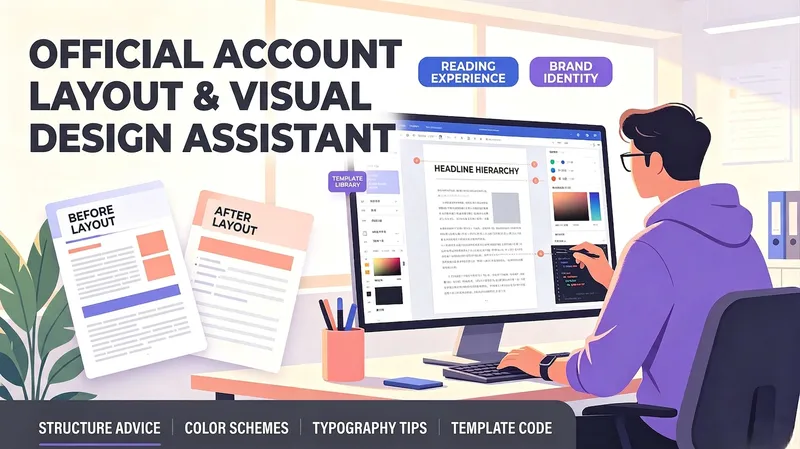
WriteOfficial Account Layout Helper
A layout and visual design assistant for personal account creators, business account operators, and beginners who lack design experience. Enter your article type and content to get automatic recommendations for heading levels, paragraph length, emphasis styles, and separator placement, along with brand-color palettes, font and size suggestions, and image-style keywords. It can generate layout template code for popular editors or Markdown styling, helping non-designers create professional, attractive official account articles that are easy to read.
Information
- Version
- v1
- Last updated
- Runtime credits
- Usage-based
- Models
- Auto
