
Official Account Layout Helper
Layout and visual ideas, no design skills
Official Account Layout Helper
Layout and visual ideas, no design skills
Showcase
Description
A layout and visual design assistant for personal account creators, business account operators, and beginners who lack design experience. Enter your article type and content to get automatic recommendations for heading levels, paragraph length, emphasis styles, and separator placement, along with brand-color palettes, font and size suggestions, and image-style keywords. It can generate layout template code for popular editors or Markdown styling, helping non-designers create professional, attractive official account articles that are easy to read.
Recommended by
Shuting@YouMind
Why we love this skill
For operators without design experience, it turns article content into clear, professional, brand-aligned visuals and ready-to-use layout code.
Best for
For personal account creators, business account operators, and anyone with limited design experience who wants better article readability.
How to use this Skill
Provide your input
Provide the article type, main text, and optional brand colors and brand tone.
Run the Skill
The assistant analyzes your content and suggests heading levels, paragraph structure, emphasis styles, separators, colors, fonts, sizes, and image styles.
Review your result
Get a complete layout and visual plan for an official account article, with optional template code or Markdown styling.
Related Skills
View all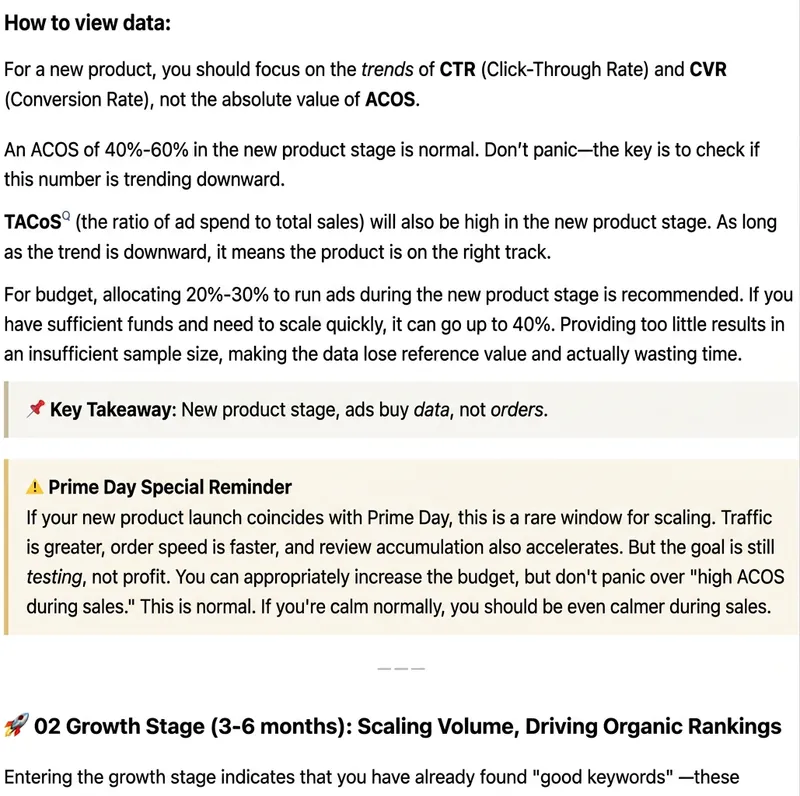
WeChat Article Formatter
Paste plain text, Markdown, web body text, or existing HTML, and it will automatically recognize the article structure and generate beautiful formatting suitable for WeChat Official Accounts. Supports styles: Minimalist Reading, Knowledge Card, Business Professional, Warm Life, Tech Future, and New Media Magazine. You can either format the entire article in one click, or fine-tune headings, whitespace, key highlights, quotes, lists, and ending CTA while preserving the body. Output uses WeChat-compatible inline HTML, ideal for content operators, brand teams, knowledge bloggers, and corporate accounts.
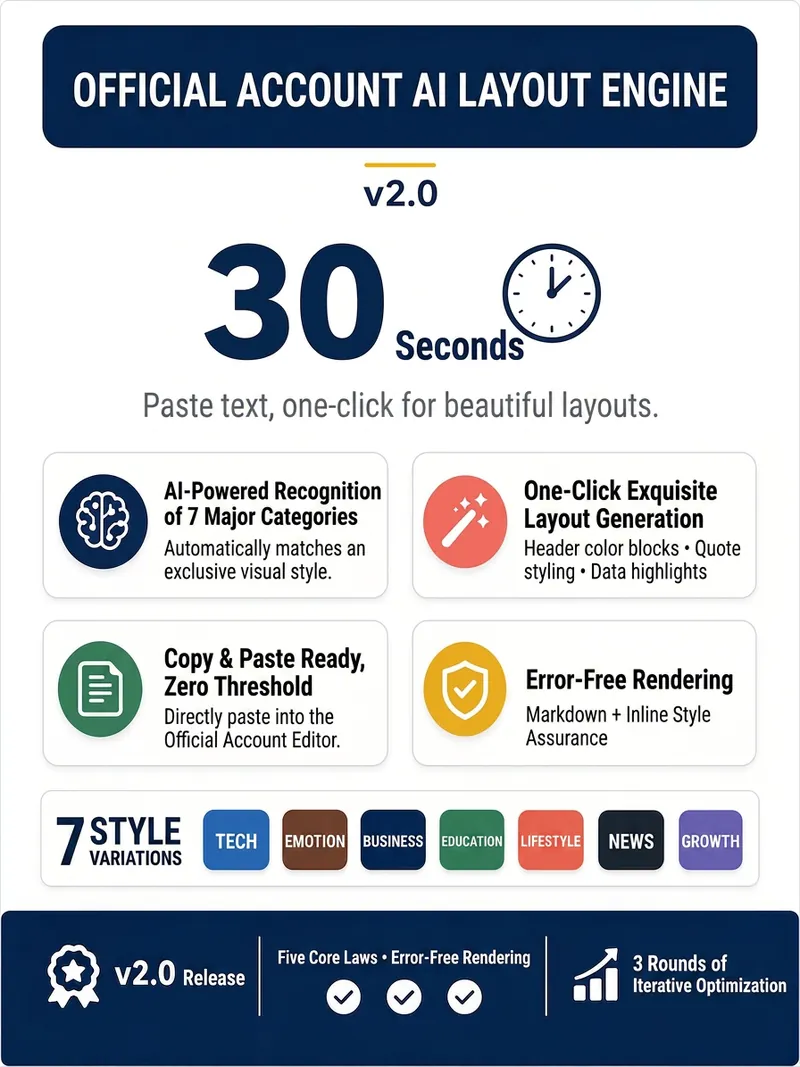
WeChat Layout Engine v2.0
Paste your article, get a beautifully formatted WeChat layout in 30 seconds. 🔹 Intelligently identifies 7 article types (Tech, Emotion, Business, Education, Lifestyle, News, Growth) and automatically matches a unique visual style. 🔹 Title color blocks, quote highlights, data emphasis, and bold key points – generate professional layout with one click. 🔹 Select all and copy to paste into the WeChat editor with formatting fully preserved. 🔹 Markdown + inline style rendering, say goodbye to layout garbled text and formatting failures. After opening, paste the article text or @reference the document, select a layout style, and start. Survey-style interaction, complete in 3 steps, zero learning curve. Version 2.0, after 3 rounds of deep optimization, 7 stable style outputs, five ironclad rules ensure zero rendering errors.
 Write
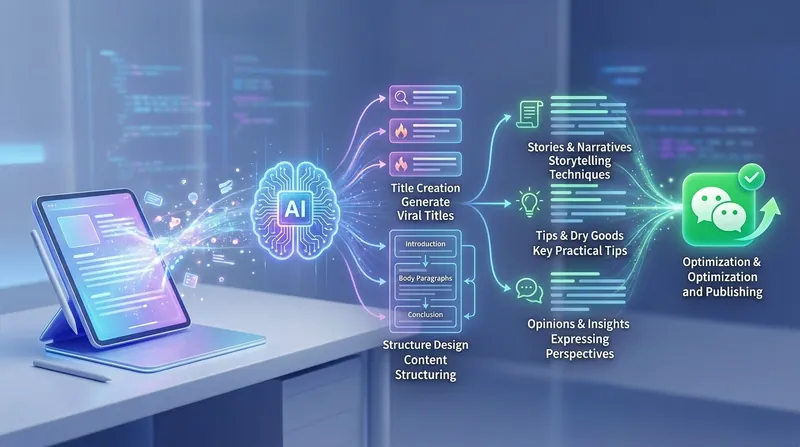
WriteViral WeChat Post Writing 2.0
This skill helps creators efficiently produce WeChat articles. Whether you're sharing practical knowledge, expressing in-depth opinions, telling emotional stories, or promoting products, it offers end-to-end support from headline ideas to content writing, making your words more appealing in a mobile reading environment. During the writing process, it provides viral headline suggestions in various styles, including numeric, suspense, and contrast-based formats, and matches the most suitable structural framework to your article's topic. Whether you're crafting a logic-driven practical summary or an emotionally resonant narrative, it ensures clear structure and logical flow, precisely reaching your target audience. In addition, this skill includes professional layout optimization recommendations and quality checks. By controlling paragraph length, refining sentence rhythm, and enhancing the readability of key information, it elevates the overall quality of your content. It also assists with SEO keyword placement and conversion goal guidance, so every piece you write not only reads smoothly but also achieves the desired reach and conversion results.
Information
- Version
- v2
- Last updated
- Runtime credits
- Usage-based
- Models
- Auto
- Use cases
- Writing & contentMarketing & growth
- What you get
- CodePlan
