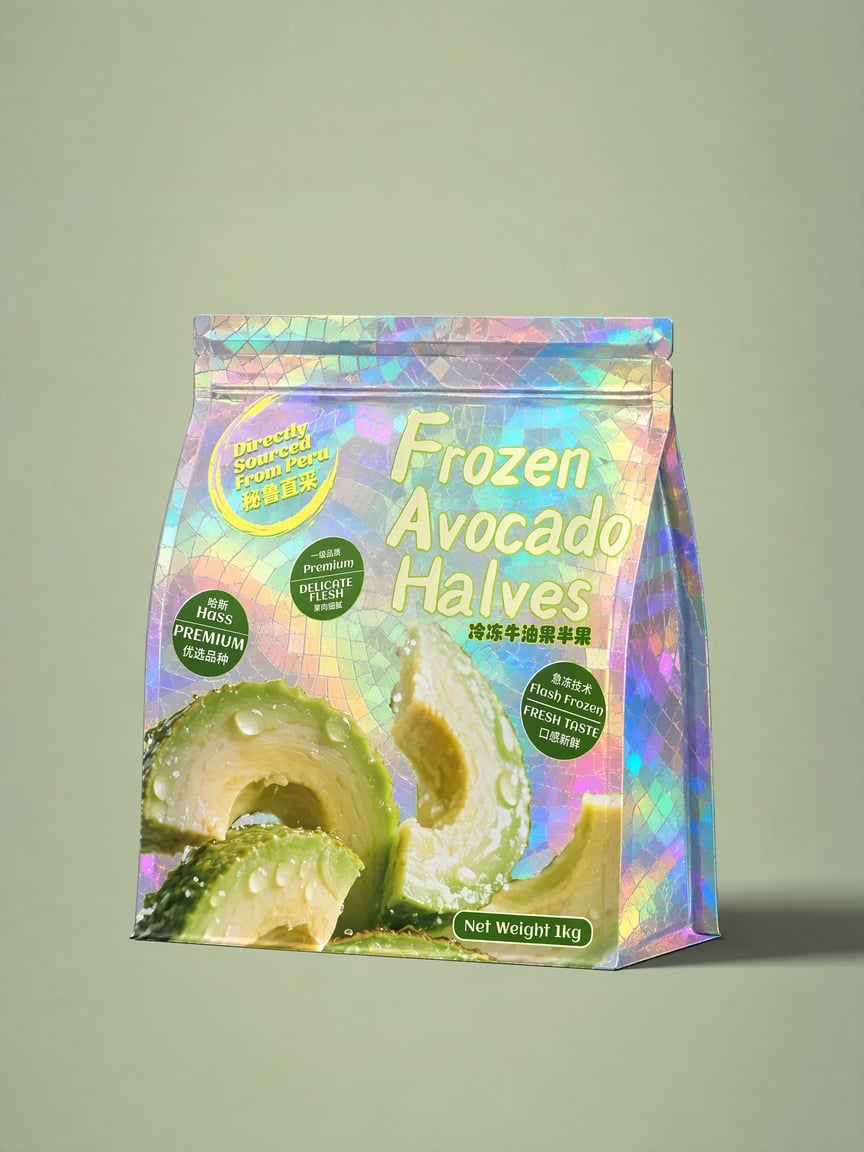
Anything Can Be Mosaic
Create mosaic art, preserving key features
Anything Can Be Mosaic
Create mosaic art, preserving key features
Showcase
Description
Upload a photo and give an ordinary scene the texture of a work of art! “Anything Can Be Mosaic” is a multi-style AI mosaic art generation Skill. Whether you’re working with portraits, wedding photos, pets, food, products, landscapes, or architecture, it can transform the original photo into a distinctive mosaic artwork. Multiple art styles to explore Switch freely among fine pixels, stained glass, crystal gemstones, low-poly, ceramic collage, 3D relief, metallic textures, retro pixels, and more. Each style gives your photo a different visual character. Preserve the original subject as closely as possible Using your uploaded photo as a visual reference, it focuses on preserving facial features, hairstyles, poses, clothing, and the key characteristics of products and pets, helping the artistic style remain as consistent with the original content as possible. Flexible ratios and quantities Supports common portrait, landscape, square, and custom aspect ratios. You can specify the number of images to generate or have the same photo rendered in different mosaic styles. Explore multiple creative directions from one photo From translucent stained glass to sparkling gemstone collages and design-forward geometric pixels, transform ordinary photos into visual works for profile pictures, wallpapers, posters, social media graphics, and creative designs. No complex design software or manual collage work is needed. Upload a photo, choose a style, and let AI help you begin your mosaic art journey. Recommended approach: upload a photo and enter “Generate 4 different styles, ratio 3:4, preserving the original subject as closely as possible” to explore different artistic effects at once. Note: Final image details, subject similarity, image ratio, and output quantity depend on the image generation model and platform capabilities used.
Why we love this skill
A versatile mosaic art tool that preserves subjects across distinct styles, from stained glass to mineral collage, for people, pets, and products.
Best for
For users who want to turn portraits, pet, product, or landscape photos into mosaic art.
How to use this Skill
Provide your input
Upload a photo and optionally specify the mosaic style, image ratio, number of images, and how closely to preserve the subject.
Run the Skill
Choose or describe the artistic style you want, then submit your generation request.
Review your result
Receive one or more mosaic art images that preserve the key features of the original subject as closely as possible.
Related Skills
View all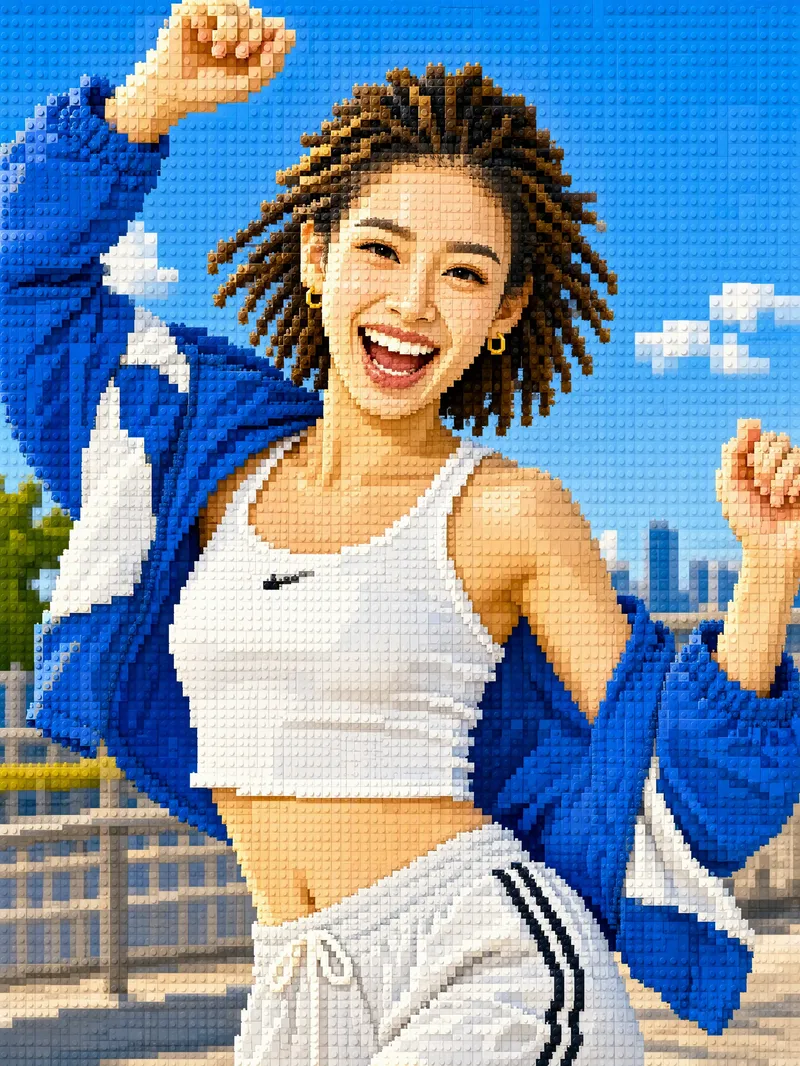 Image
Turn Photos into Mosaic Art
Mosaic transformation magic: reassemble your photo into a work of mosaic art. 12 styles: pixel blocks, tiles, ancient Roman mosaic, stained glass, honeycomb hexagons, polka dots, LEGO, cross-stitch, low-poly, gold leaf, 8-bit, and paper-cut collage. Choose a style, or let it automatically create a combination with the greatest differences. True to your appearance: faces and key areas are recreated with finer color blocks, while the composition, pose, and clothing stay the same—it's still clearly the same person at a glance. Choose any aspect ratio: 3:4 by default, or switch to 1:1, 9:16, 16:9, and more. Choose the number of images: generate 1 to 9 at a time, each in a different style with the same subject. Works across models: ready to use with mainstream image-generation models. Great for profile pictures, social media covers, short-video covers, personal IP visuals, and custom gift artwork.
 Image
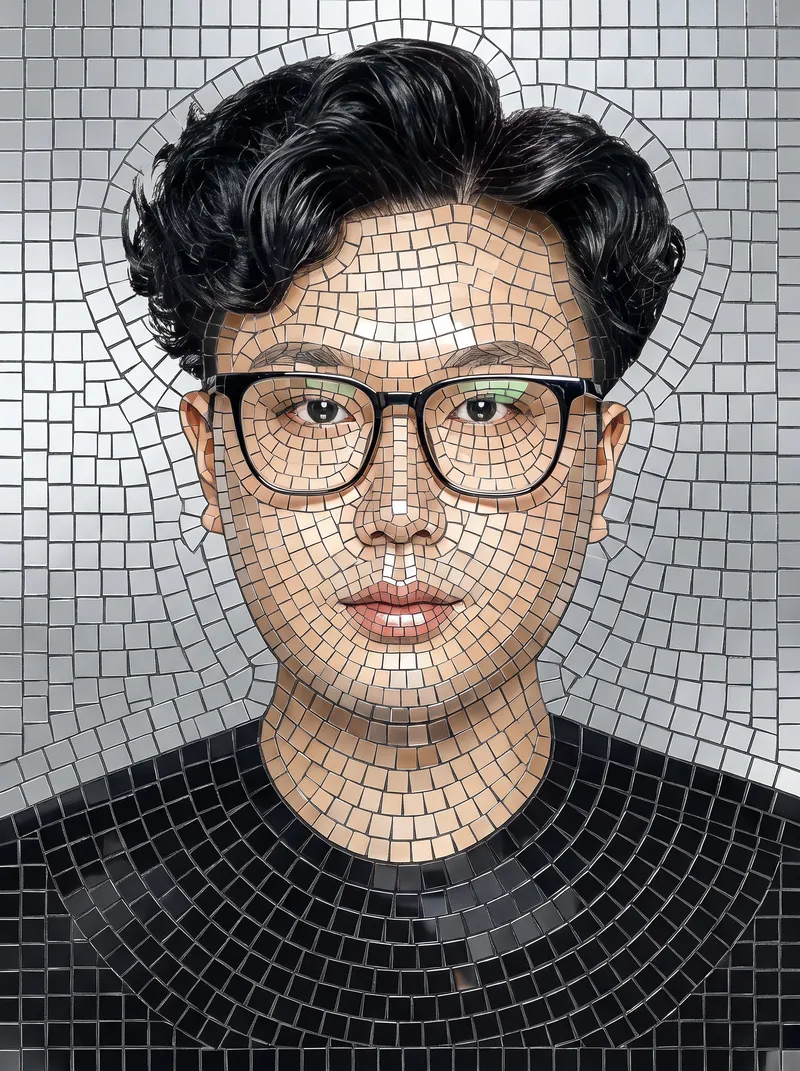
Photo Mosaic Art Generator
Upload any photo to automatically redraw it into mosaic art made of hundreds of small tiles and materials. Supports 8 styles: Classic Ceramic, Gold-Thread Marble, Vintage Faded, Stained Glass, Mirror Metal, Pebbles, Pixel Art, and Photo Fragments. Changes only the material style without altering facial features or adding random people. Customize the output aspect ratio (default 3:4) and quantity (default 1), compatible with mainstream image generation models.
 Image
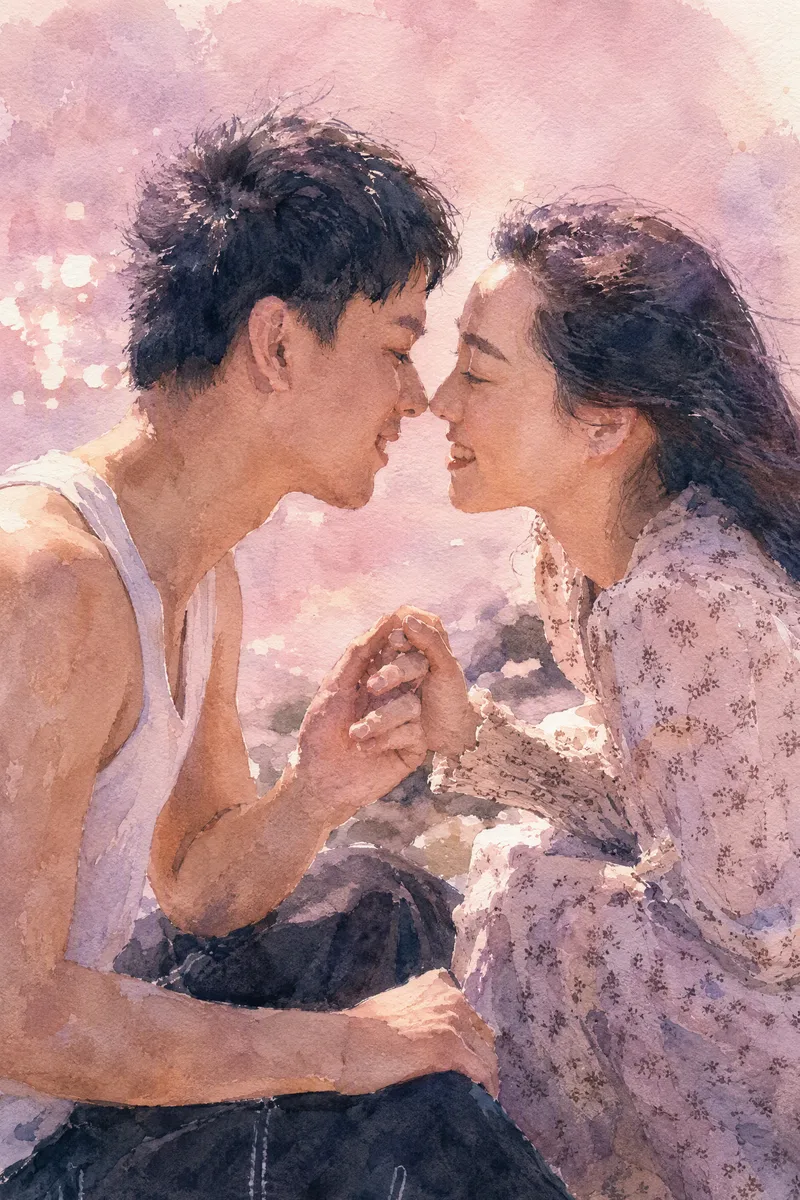
One-Click Watercolor Magician
🎨 One-Click Watercolor Magician | Give your photos an artistic soul Tired of cookie-cutter AI images? Transform your real photos into warm, expressive watercolor art. Just upload an image to turn ordinary photos into delicate, luminous, and emotionally resonant realistic watercolor illustrations. Soft pigment washes, natural hand-drawn brushstrokes, subtle paper textures, and cinematic lighting give every image a unique artistic atmosphere. ✨ What can you do with it? 💕 Couple & Portrait Photography: Turn precious moments into romantic, gentle watercolor portraits. 🎨 Art Style Conversion: Give travel and everyday photos an upscale, hand-painted magazine feel. 🏡 Home & Interior Illustration: Transform interior design, kitchen, and lifestyle scenes into soft artistic visuals. 💎 Commercial Product Art: Craft exquisite watercolor visual styles for product promotional images while preserving original appearances and structures. 🖼️ Personalized Creation: Freely adjust colors, lighting, background washes, and overall mood. Natural watercolor layers, soft color transitions, realistic paper textures, and well-balanced focus between subjects and backgrounds help your images ditch that harsh filter look. Whether you are preserving memories, making social media graphics, or exploring commercial visual creativity, it all starts with a single photo.
Information
- Version
- v3
- Last updated
- Runtime credits
- Usage-based
- Models
- Auto
- Use cases
- Images & design
- What you get
- Image
- Visual styles
- Retro3DPixel art
