Miniature Pet Escape Generator
Input animals and containers to generate interactive miniature scenes.
Miniature Pet Escape Generator
Input animals and containers to generate interactive miniature scenes.
Showcase
Description
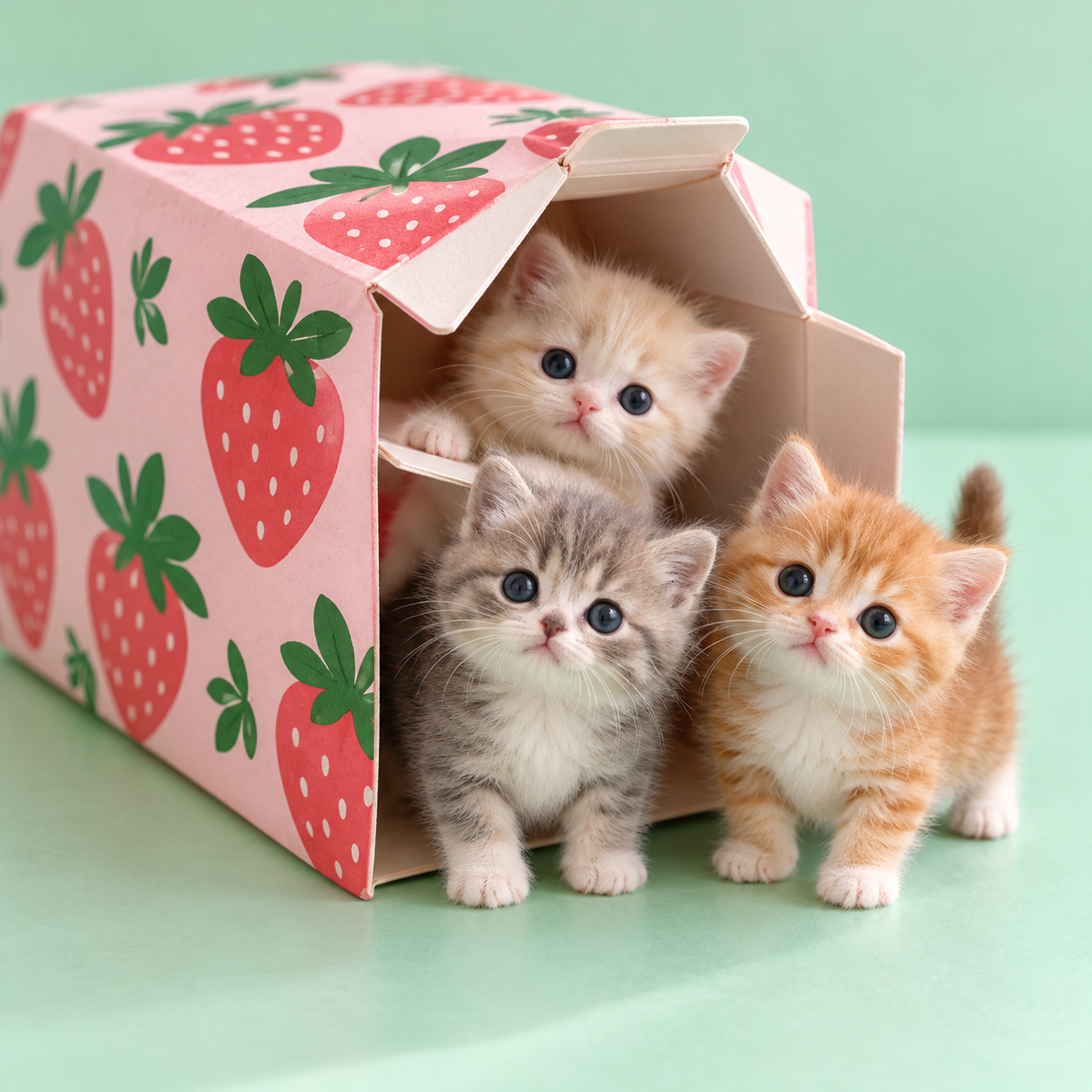
How did a litter of kittens get into your milk carton? Turn ordinary containers into tiny exits for adorable pets: a kitten peeking out of a strawberry milk carton, a bunny stepping out of a suitcase, or a puppy looking back next to rain boots. The animals are just a few centimeters tall, with photographic textures in their fur, lighting, and contact shadows, adding delightful details to everyday objects that make you want to zoom in. Simply state an "animal + container" to generate scene images. You can also upload reference photos of your pets or containers, and adjust the animal count, fur color, scene, color scheme, and aspect ratio. • Instant Output: Defaults to one text-free 3:4 vertical miniature scene. • New Ideas: Apply the same method to create new animals and containers. • Continue the Story: Provides coherent video storyboards and image-to-video prompts for actions like "peeking -> stepping out -> landing -> looking back," ready for use with video tools if available. Try: "Have 5 bunnies walk out of a teal suitcase, warm lighting, text-free, generate directly." Great for creative pet images, heartwarming social media visuals, and short video visual development. Supports both Chinese and English.
Recommended by
Dancang
Why we love this skill
Transforms everyday containers like milk cartons, suitcases, and rain boots into miniature theaters with clear scale, exits, and action logic. It goes beyond cuteness, rigorously handling foot support, occlusion, lighting, and continuous motion to make every peek, step, and glance believable and storytelling.
Best for
Ideal for content creators who need creative pet images, heartwarming social media visuals, or short video visual assets.
How to use this Skill
Provide your input
Provide text settings for the animal and container, and you can attach photos of your pet, container, or scene as visual references. You can also specify the quantity, fur color, action, color scheme, and aspect ratio.
Run the Skill
Generates a miniature scene where the animal peeks out, steps out, or looks back to interact with the container. It can also plan coherent video motions based on the scene image.
Review your result
Receive a text-free miniature scene image. When a video is needed, obtain coherent storyboards and image-to-video prompts.
Related Skills
View all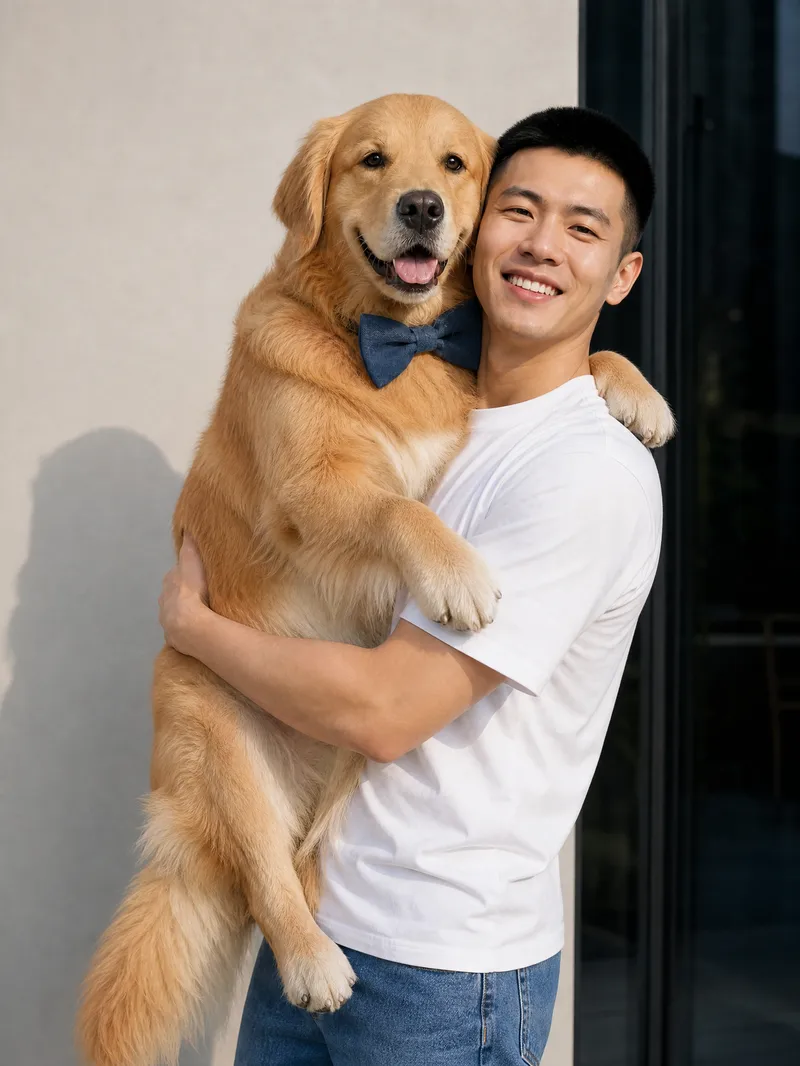 Image
Pet-and-Owner Photo Maker
Turn real photos of you and your pet into natural, heartfelt everyday moments. Just provide one real photo of yourself and a complete pet profile to generate realistic, photography-style images of you together. The results aim to preserve your facial features, hairstyle, and body shape, while retaining your pet’s coat color, size, and accessory details, making each image feel like a genuine snapshot of time spent together. Choose from everyday scenes such as walking in the park, cuddling on the sofa, holding your pet, lounging in bed, feeding time, sunbathing by the window, watching TV together, keeping you company while you work, or playing outdoors. You can also describe the scene you want directly. The system arranges natural poses, lighting, and interactions based on the setting—for example, a dog wagging its tail to greet you or a cat snuggling and rubbing against you—to reduce the stiff feel of posed photos and capture a close, authentic sense of companionship. Single- or multiple-pet group photos are supported, with high-resolution portrait or landscape images suitable for sharing and saving. Whether you want to document everyday life, create a pet memorial photo, or preserve a warm moment with your beloved pet, you can get multiple realistic, story-filled photos of you and your pet together.
 Image
Viral Pet Life Photo Maker
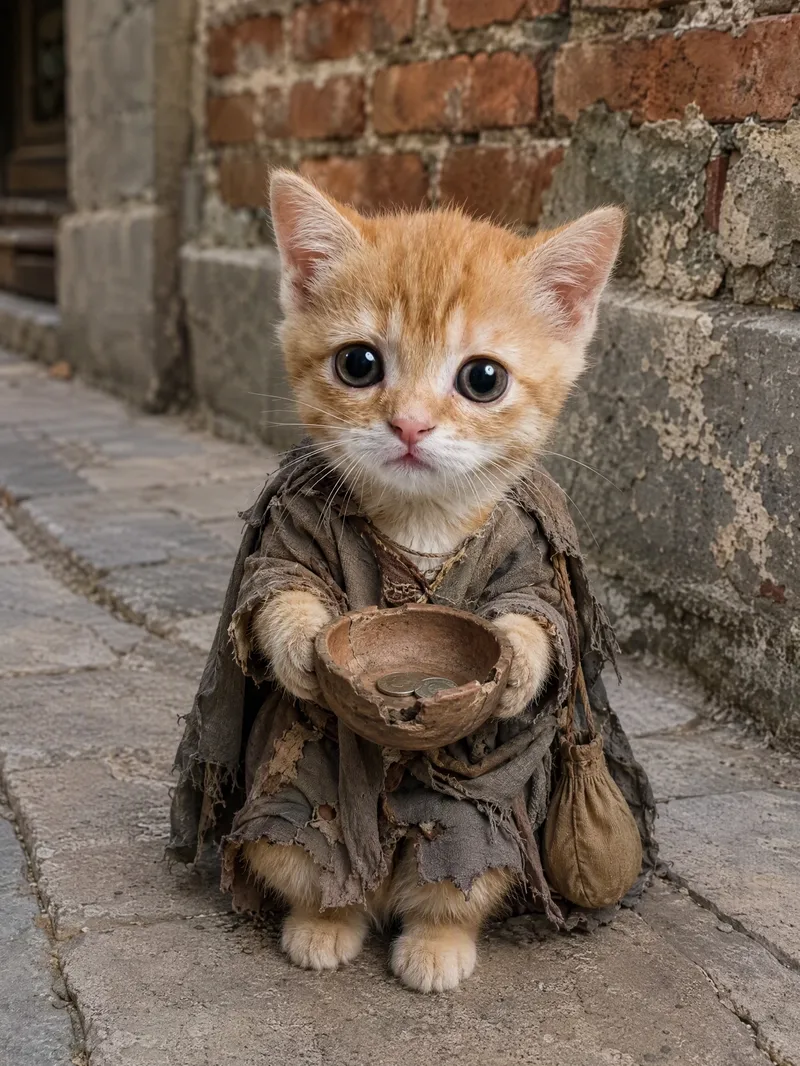
Turn your pet into the star of a life lived like a human, creating realistic, humorous, and shareable anthropomorphic lifestyle photos. After you upload a pet photo, the image will preserve its breed, coat color, facial features, expression, and overall personality as closely as possible, so the result truly looks like “this pet” experiencing a new life. Without a photo, you can also create a completely new character based on an animal breed and text description. Specify your pet’s expression and activities, such as lounging on the sofa watching a movie, drinking coffee in sunglasses, enjoying a sauna in a bathrobe, traveling in a sun hat, working out, camping, working, dining, or relaxing on the beach. Realistic fur texture, natural photographic lighting, everyday environments, portrait composition, and clothing or props such as sunglasses, hats, hoodies, coffee, pizza, and phones work together to enhance moods like cute, cool, awkward, content, or sleepy, while helping the pet blend naturally into everyday human scenes. Ideal for creating pet lifestyle photos, pet outfit content, and social-platform-style cute pet posts. Customize the setting, props, mood, and aspect ratio, with 3:4 images generated by default. You can also create multiple lifestyle scenes featuring the same pet. This Skill is not intended for owner-and-pet photos, cartoon avatars, reaction stickers, or standard pet beautification filters.
 Video
Pet Rant Video Generator
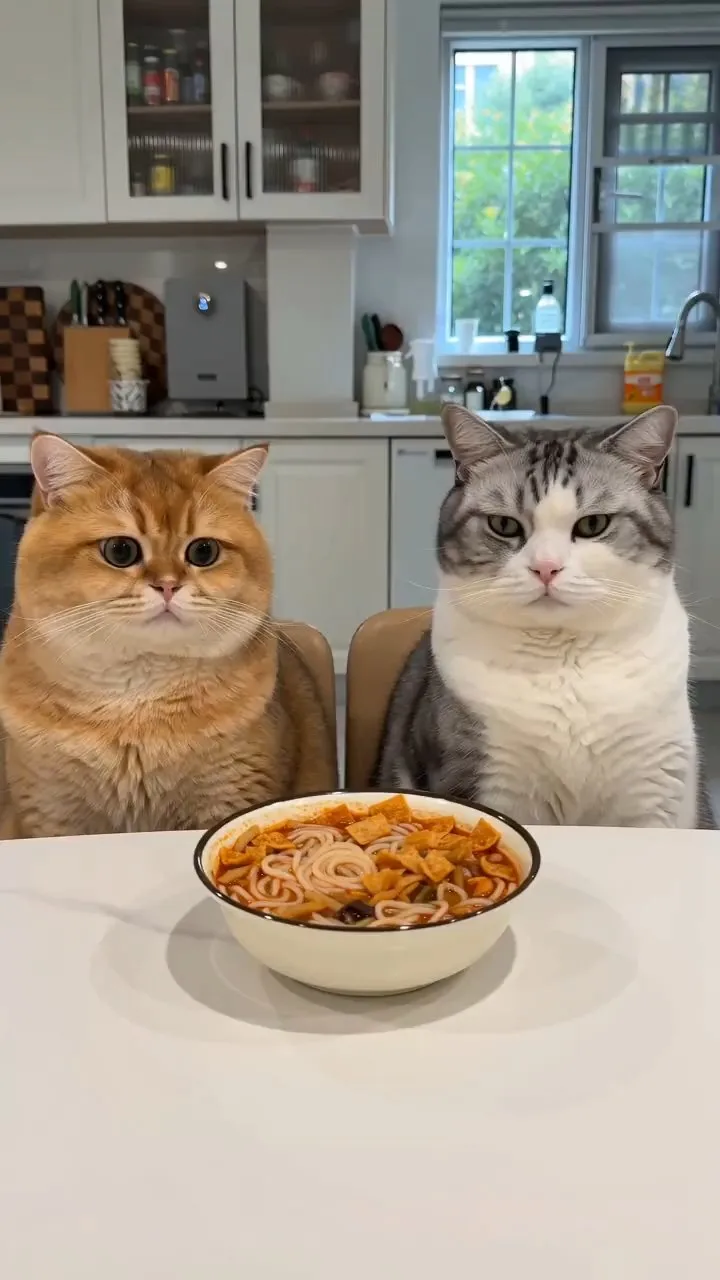
Turn pet photos, videos, or everyday rant themes into entertaining, character-driven pet rant short videos ready for publishing. Whether it is a cat complaining about its sleeping owner, a dog grumbling about walk schedules, or witty banter between multiple pets, you can design original characters, settings, and voiceover scripts tailored to your materials and themes, letting pets "speak up" in a natural and fun way. You can provide pet materials, character settings, rant targets, and target platform requirements. Even without materials, you can build suitable pet personas around a theme. Before production, it organizes a story outline, aspect ratio and duration, shot-by-shot visuals, dialogues, and plans for dubbing, subtitles, background music, and sound effects for your review and revision. Vertical short videos are set by default, featuring solo monologues or multi-pet dialogues based on the content, ensuring consistent pet appearance and character expression. Once the plan is confirmed, it produces the final video with character dubbing and subtitles, focusing on visual continuity, dialogue clarity, subtitle sync, pacing, and ending impact. Any tool limitations regarding lip-sync, subtitles, or audio are explicitly noted along with feasible alternatives. It does not auto-publish or fabricate unfinished production steps.
Information
- Version
- v4
- Last updated
- Runtime credits
- Usage-based
- Models
- Auto
- Use cases
- Images & designVideo & audioLifestyle & entertainment
- What you get
- ImagePromptPlan
- Visual styles
- Photorealistic
