Guide Infographic Maker
infographics instantly
Guide Infographic Maker
infographics instantly
Showcase
Description
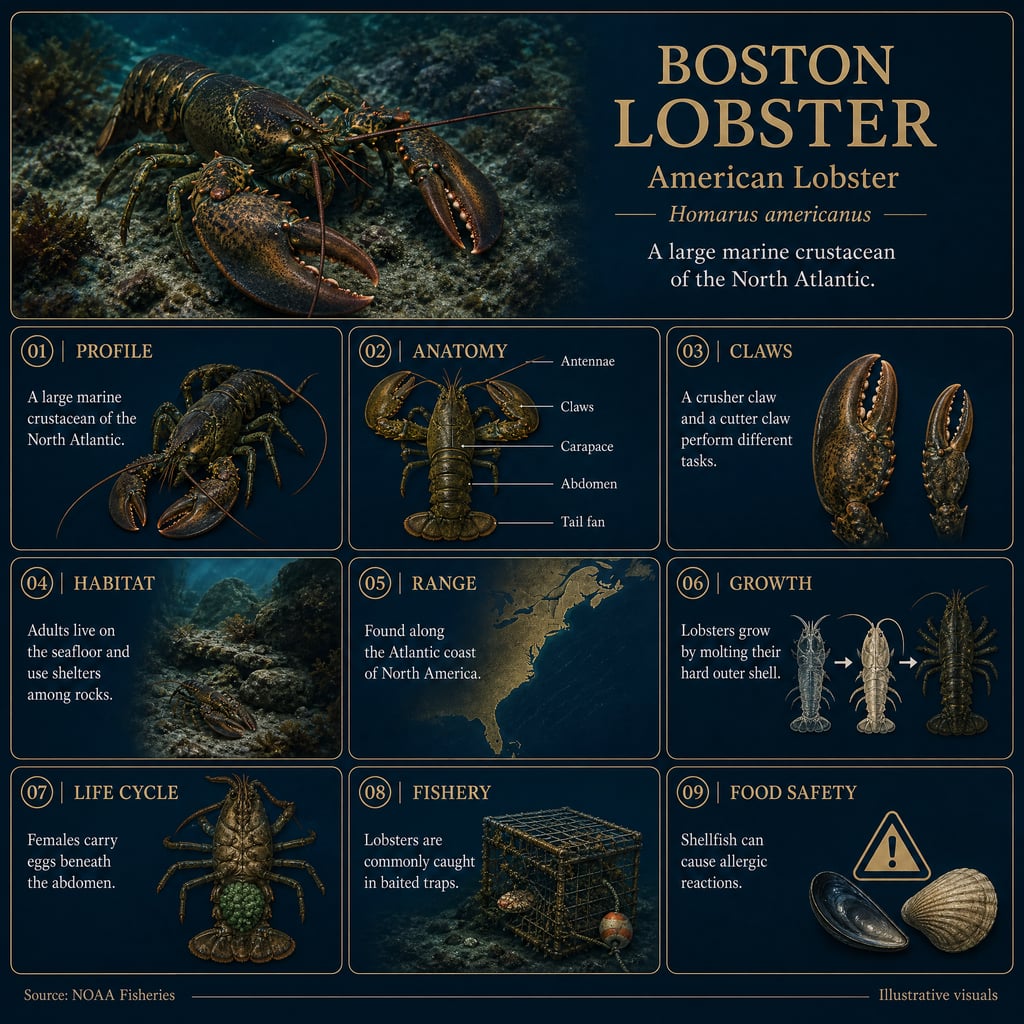
This skill creates accurate natural‑history field‑guide style infographics. It covers anatomy, botany, nutrition, wildlife, geography and lifestyle‑improvement themes. Following museum‑plate visual language with cream archival paper texture, restrained earth‑tone palette and strict grid layout, it assembles 6‑9 fact‑checked knowledge modules. It strictly forbids fabricating statistics or scientific claims. Output ready‑to‑use infographic visuals or complete generation prompts, ideal for educational sharing and editorial content creation.
Recommended by
Dancang
Why we love this skill
Transforms almost any educational topic into a collectible museum-style infographic, combining verified facts, clear visual storytelling, and editorial structure. Its standout strength is adapting diagrams, comparisons, practical guidance, and safeguards to the subject without padding or fabricating detail.
Best for
Educators, learners, and editorial content creators who need accurate, visually structured educational infographics.
How to use this Skill
Provide your input
Provide a topic, with an optional aspect ratio, audience, platform, reference image, or preference for a prompt-only result.
Run the Skill
The skill organizes the topic into a structured field-guide infographic and checks available facts for accuracy, consistency, and clarity.
Review your result
Receive a ready-to-use infographic visual or a complete, copy-ready English image-generation prompt.
Related Skills
View all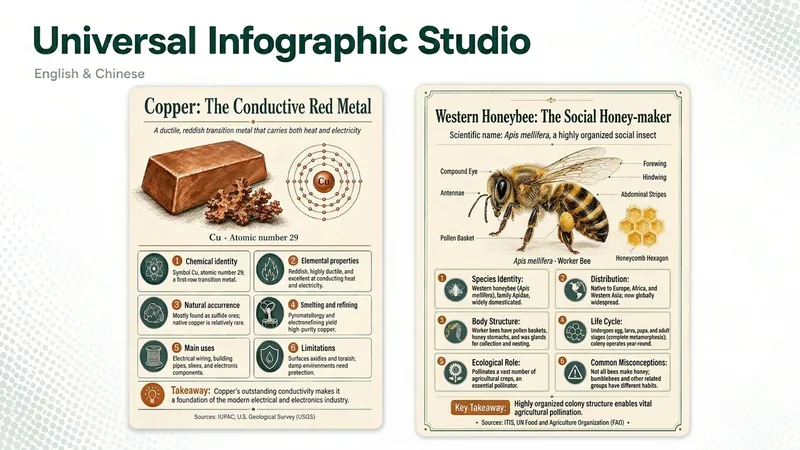 Image
Universal Infographic Studio
Universal Infographic Studio turns a topic — or material you supply — into one clear, structured knowledge infographic. Give it a subject, or paste a document, article, or image you want explained; it returns a finished infographic image, the exact on-image text in copyable form, and the sources it used. It works in English and Chinese, follows the language of your topic, and defaults to a museum field-guide look in a single 3:4 poster with four to six knowledge modules. Figures such as percentages and rankings appear with their context, and every point is checked before it is drawn. When image generation is unavailable, you receive a complete render prompt instead. Turn a topic, article, document, or image you provide into one clear, structured knowledge infographic. Give it a subject or source material to receive a finished infographic, copyable text from the image, and the sources actually used. It supports English and Chinese, follows the language of the topic by default, and uses a museum field-guide style in a single 3:4 image with four to six knowledge modules. Figures such as percentages and rankings are labeled with their context, and every key point is checked before rendering. If image generation is unavailable, it returns a complete render prompt. AI-generated text, data, and illustrations should be reviewed before publication. AI-generated text, data, and illustrations still require human review before publication.
 Image
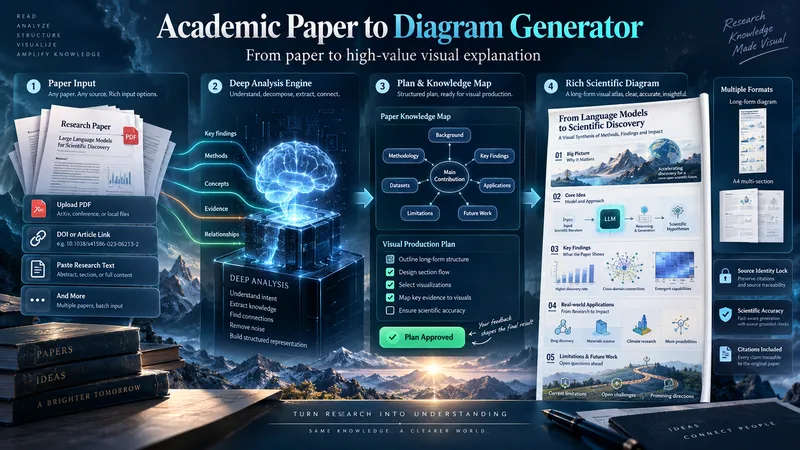
Academic Paper to Diagram Generator
Transform academic papers into detailed, scientifically faithful visual diagrams. The skill deeply analyzes the paper, identifies its most valuable concepts, mechanisms, methods, findings, and relationships, then builds a visual plan with you before generation. Instead of forcing every paper into a small infographic, it can create long vertical diagrams, wide technical maps, multi-section visual explainers, or A4-ready 2–3 part layouts when needed. The visual style is adapted to the subject, with room for AI-driven creativity, scientific illustration, data integration, annotations, and topic-specific visual storytelling. You can start with a PDF, URL, DOI, pasted text, or a request to find a suitable paper. The diagram language is user-approved, the source identity is locked for accuracy, and the final image is generated only after you review the visual plan and production prompt.
 Image
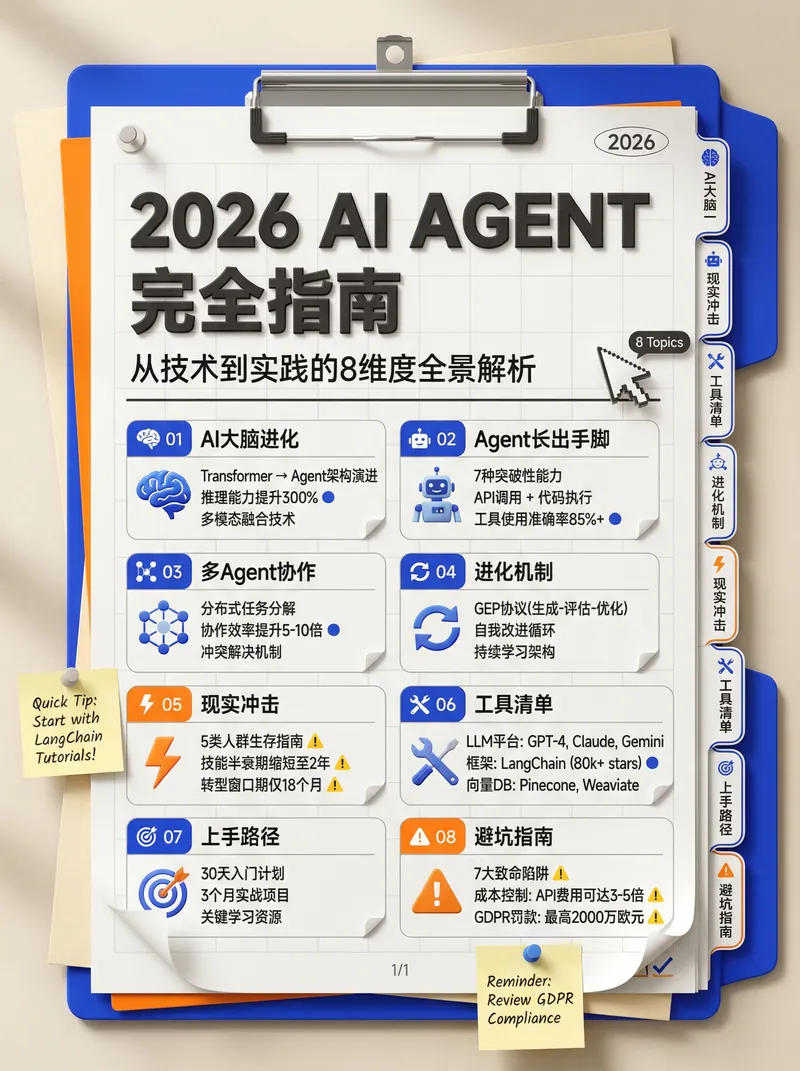
High-Density Knowledge Infographic Generator v1.0
High-Density Knowledge Infographic Generator v1.0 by WaytoAGI.com AJ Usage Guide: Select the content to be input + output multiple high-density information large images + select this skill
Information
- Version
- v2
- Last updated
- Runtime credits
- Usage-based
- Models
- Auto
- Use cases
- Writing & contentImages & designLearning & education
- What you get
- ImagePrompt
- Visual styles
- EditorialPhotorealistic
