Everyday Items to Mini Worlds
Turn everyday objects into vivid mini worlds.
Everyday Items to Mini Worlds
Turn everyday objects into vivid mini worlds.
Showcase
Description
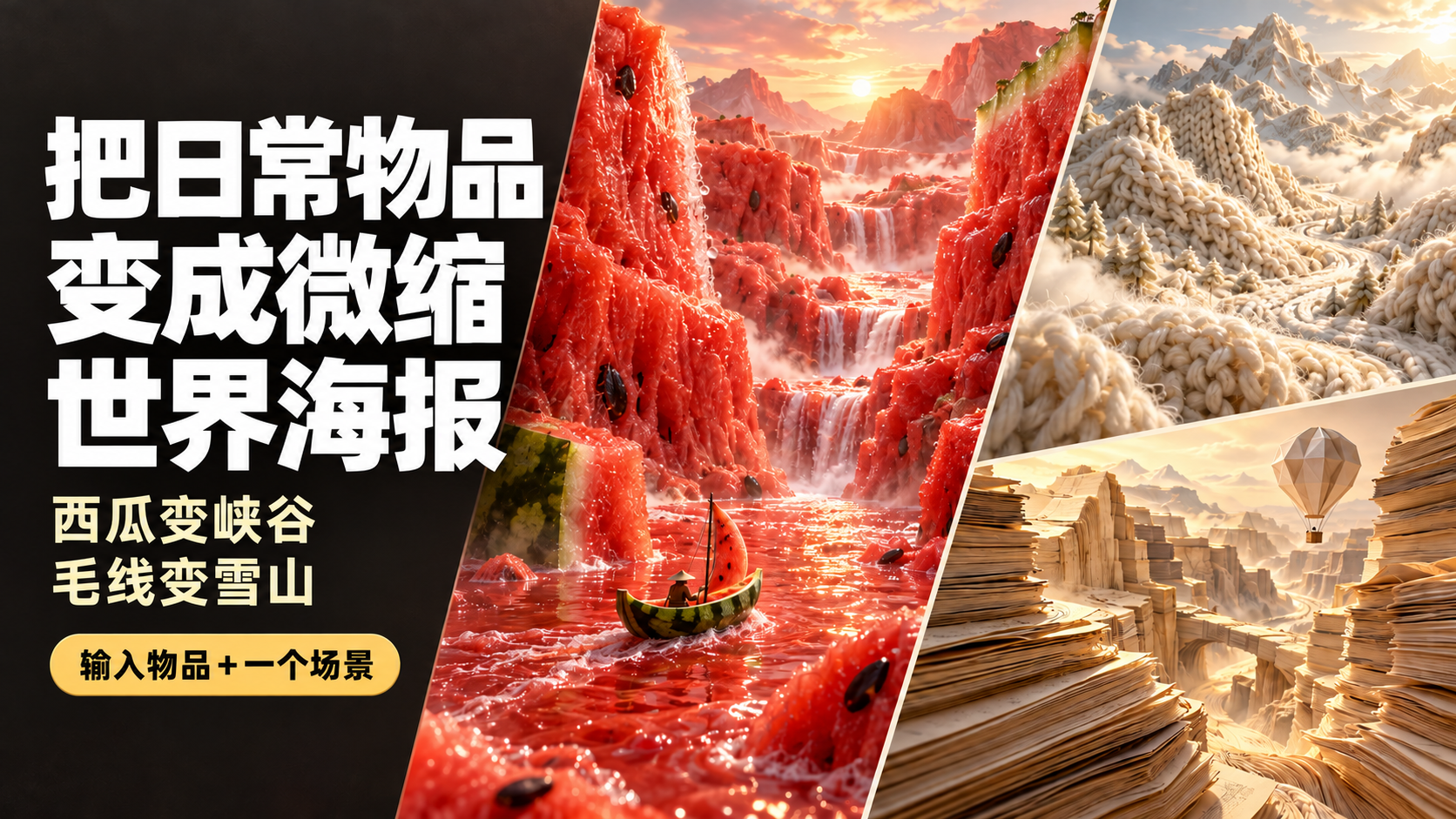
Enter “boating through a watermelon canyon” to generate a realistic poster made of flesh-colored mountain ranges, a juice river, and a watermelon-rind boat. This Skill transforms everyday objects such as food, yarn, and paper into miniature worlds you can explore. Simply describe “what object+what scene,” and it uses the object's real textures to arrange the terrain, lighting, and composition, then generates the image directly. Here are some ways to use it: Boating through a watermelon canyon: the flesh becomes mountains, and the rind becomes a small boat. Camping on yarn-covered snowy mountains: knitted textures form the mountain ranges, with a small campsite set up on the slopes. Hiking through coffee dunes: coffee grounds form the dunes, and coffee beans become giant boulders. Traveling through a book-page canyon: layered pages form the cliffs, while a paper hot-air balloon passes through the valley. You can start by naming just one object, and the Skill will automatically pair it with a scene. You can also upload a reference image and carry over its colors and textures. People, props, titles, and aspect ratios can all be adjusted as needed. By default, each generation produces one 3:4 portrait, text-free poster, suitable for creative visuals, social media covers, themed posters, and brand-visual inspiration. After generation, it checks the materials, composition, and unwanted elements, then makes corrections as needed. An environment that supports image generation is required; actual usage is subject to the platform's rules. The displayed images are AI-generated examples.
Recommended by
Dancang
Why we love this skill
Turns everyday textures into believable, cinematic miniature worlds with real terrain, liquid, and scale relationships.
Best for
Content creators and brand designers who need creative visuals, social media covers, or themed poster concepts.
How to use this Skill
Provide your input
Enter an everyday object or material, optionally adding a scene, activity, reference image, and requirements for people, props, a title, or aspect ratio.
Run the Skill
The Skill extends the item's real textures into a miniature world with depth and consistent lighting, then adjusts the composition and elements as requested.
Review your result
Generates a realistic miniature-world image, with a portrait poster composition by default.
Related Skills
View all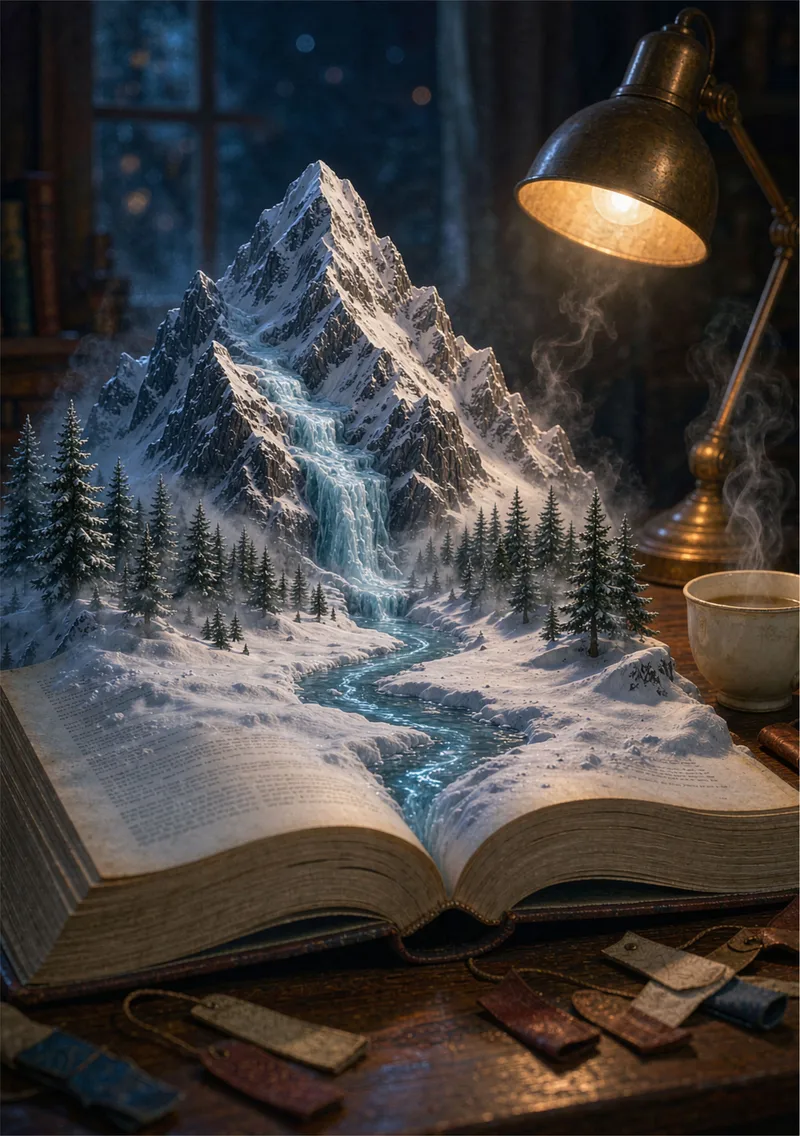 Image
Miniature Fantasy World Generator
✨ Put an entire world into a tiny object! Imagine a brilliant galaxy hidden inside a crystal ball, a dreamy forest growing in a glass bottle, or a golden sunset sealed inside a teacup... The AI Miniature World Magic Generator is a creative image generation Skill built specifically for AI art enthusiasts. Just enter a theme, and it will automatically design the carrier, miniature landscape, spatial layers, material details, lighting atmosphere, and overall composition to generate fantasy miniature art with strong visual contrast, exquisite textures, and a soothing vibe. Core Features 🌍 Miniature Everything: Freely create themes like oceans, forests, starry skies, snow-capped mountains, gardens, and cities. 🫙 Creative Container Design: Multiple carriers including glass bottles, crystal balls, teacups, hourglasses, and books. ✨ Exquisite Visual Effects: Transparent refraction, macro photography, cinematic lighting, depth of field, and spatial layering. 🎨 Smart Prompts: Automatically completes scene design and composition details, defaulting to a 3:4 vertical format. 🖼️ Multi-Model Adaptation: Select image generation models such as GPT Image, Nano Banana, Midjourney, and Seedream according to your task. Target Audience AI painting beginners, digital art creators, short video bloggers, social media managers, wallpaper designers, creative designers, and side-hustle creators looking to explore AI image monetization. Monetization Directions Create soothing miniature world short videos to run accounts on TikTok, YouTube Shorts, Instagram Reels, and more. Produce phone wallpapers, digital art asset packs, and downloadable creative images. Customize thematic art, social media illustrations, and creative posters for clients. Use original visual works for content marketing, digital product sales, or commercial licensing.
 Image
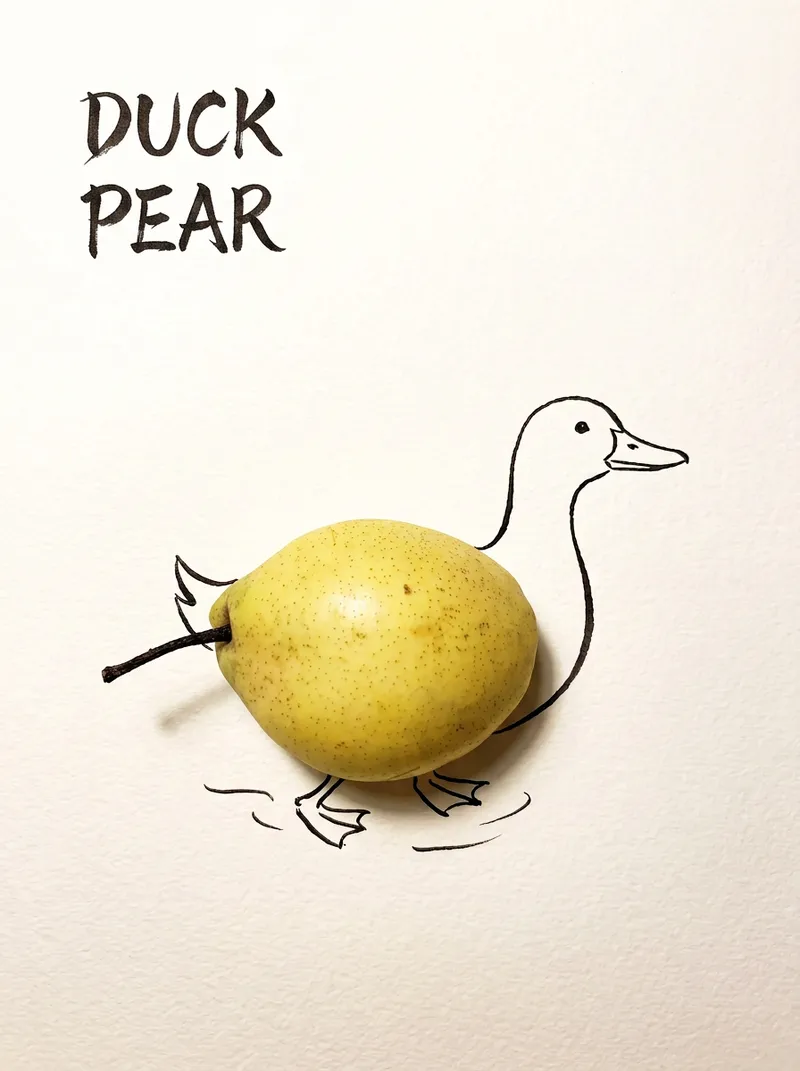
Bring Objects to Life
Best for: Xiaohongshu / Douyin creators Turn everyday objects into posters and create a consistent "bring-to-life series" with highly engaging content Food and lifestyle creators Turn ingredients into cover images that make your work more memorable Illustrators / designers Find inspiration quickly and test the "real object + line art" creative direction Teachers / parents Create materials for arts and crafts lessons, helping children make up stories with objects around them Businesses / brand operators Create creative hero images, holiday posters, and packaging inspiration for produce, fruit, and snacks Cultural creative brands, stationery shops, and coffee shops Design merchandise, postcards, stickers, and menu illustrations Everyday enthusiasts Photograph something nearby and share an "artwork" on social media Everything you photograph is hiding another character. "Bring Objects to Life" is a creative poster generator that combines real-object photography with minimalist line art. Just upload a photo of an object, and AI will automatically do three things: 🔍 Read the shape: Analyze the object's outline, curves, and texture to find what it most resembles ✏️ Add line art: Use dark ink pen lines to draw in a head, limbs, a human figure, ropes, and more, fitting the lines precisely to the object's edges 🖋 Turn the idea into a phrase: Create a 2–4-character Chinese pun title and arrange it in the empty space in an artistic typeface The finished image preserves the object's real colors and texture. The background is clean, warm-white watercolor paper, with at least 40% negative space. The result feels calm and refined: recognizable at a glance, then delightfully witty once you see the idea. The default format is a 3:4 vertical layout, suited to Xiaohongshu, Moments, and Douyin image posts. The aspect ratio, font, and title can all be customized.
 Image
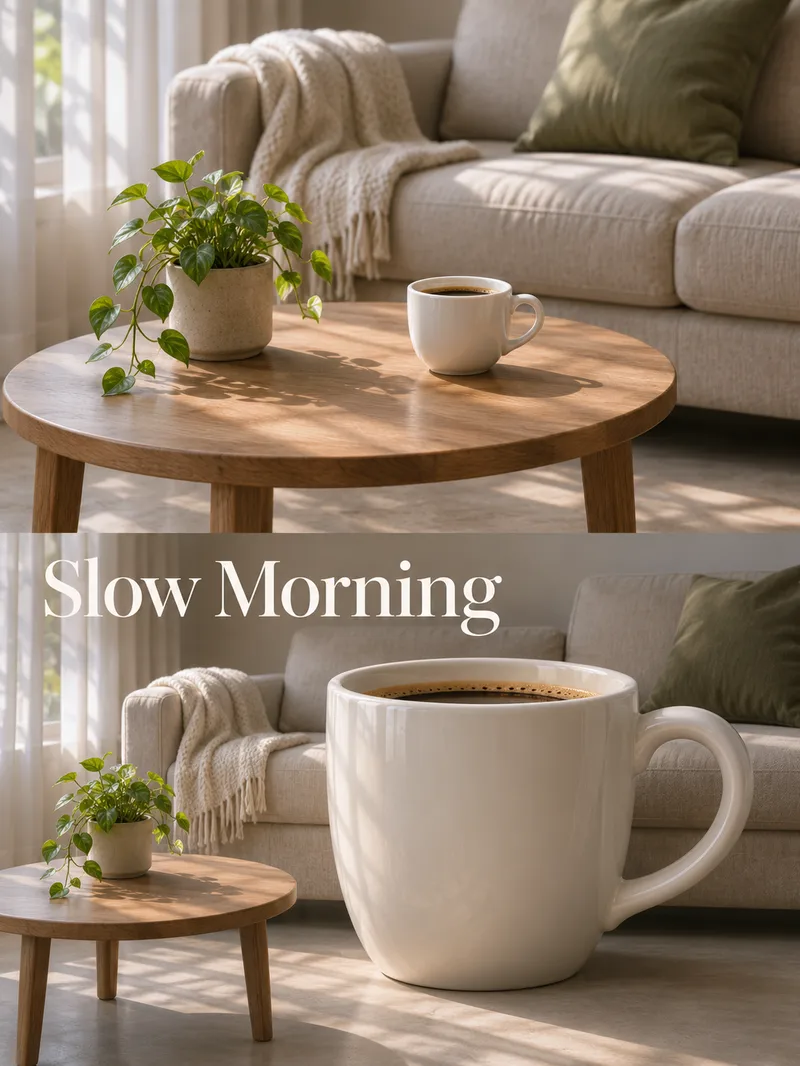
Colossal Scale Photography
Ideal for creators looking to produce surreal social media visuals, creative posters, or design practice. Provide a text theme or a readable photo with usage rights, specifying one object to enlarge, a short title, scene, and aspect ratio. If unspecified, confirm the main prop first to avoid modifying the wrong subject. The skill first organizes the original subject, scale reference, and light direction, then plans an upper and lower diptych: the top frame is natural photography, and the bottom frame exaggerates the specified prop, adjusting grips, ground support, and contact shadows, before calling the current image tool to generate and reviewing image by image. It delivers the actual poster, title, and verification notes, with complete prompts attached when needed. Usage: Enter the theme and the single object to enlarge. After generation, focus on checking structures like hands, cup handles, or umbrella shafts, ground support, and titles, then modify based on specific issues. This is surreal image creation, not for size or real photographic records. The four display examples are fictional AI cases genuinely generated locally on November 12, 2026, using the final skill method: giant orange, camera, coffee cup, and blue umbrella; these are not clients, actual photography, real product functions, or architectural records. All four targets have distinct scale contrasts, but character poses, camera details, furniture and scene proportions, and upper/lower areas will vary. It does not guarantee that every pixel except the target changes. The avatar reference was generated separately from the giant orange case, and the visual layout and Chinese title are arranged independently, not as a fifth independent case. Text planning recommends GPT, and image generation relies on actually available image generation or editing tools. Local use utilizes built-in image_gen, the tool does not return specific model IDs, and it does not claim binding to Image2. Photo editing and YouMind runs are not practically tested, and identity, product structure, text, or cross-image exact consistency cannot be guaranteed. If image tools are absent, clearly state image generation is incomplete. The 299 credits is the skill installation price and does not include platform models or third-party service fees; it does not deliver PSD or vector source files, nor does it automatically publish or purchase.
Information
- Version
- v4
- Last updated
- Runtime credits
- Usage-based
- Models
- Auto
- Use cases
- Images & designMarketing & growth
- What you get
- Image
- Visual styles
- CinematicPhotorealistic
