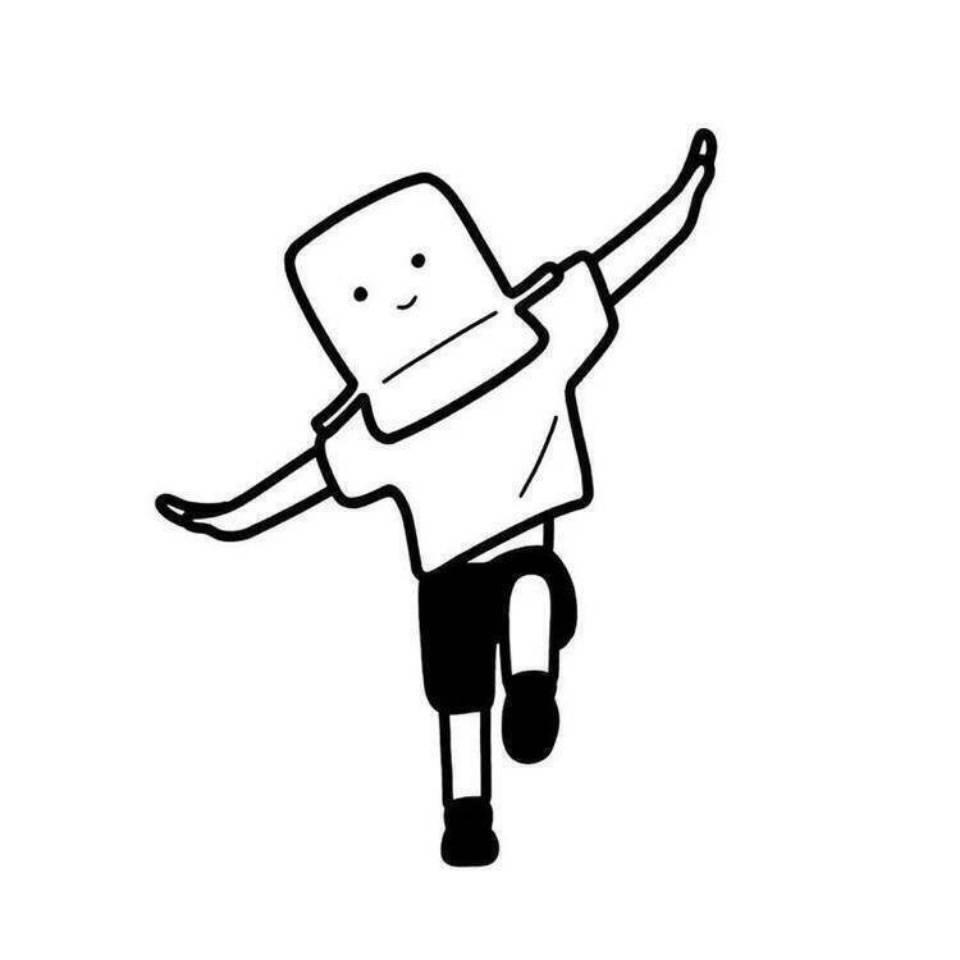
Meme Sticker Generator
Create a full sticker set from one character
Meme Sticker Generator
Create a full sticker set from one character
Showcase
Description
No custom images for group chat memes? 【Meme Sticker Generator】 lets you describe a character (or upload a reference image) and create a complete sticker set at once: the same character in 6–9 different emotions and actions—happy, speechless, shocked, slacking off, cheering, and refusing. The character stays consistent across every image, with expressive actions and emotions that remain clear even at small sizes. The default output has no text, and each image comes with a recommended caption, so you can add the text later and use the stickers right away.
Recommended by
Dancang
Why we love this skill
Keeps one character consistent across a complete set of expressive, high-recognition reactions, with text-free images, suggested captions, and clear details at small sizes.
Best for
For users who need stickers for everyday chats, group conversations, or social sharing.
How to use this Skill
Provide your input
Provide a written description or reference image for a character. You can also specify the number of emotions and visual style.
Run the Skill
Describe your needs to generate a set of text-free stickers featuring the same character with different emotions and actions.
Review your result
Get 6–9 coordinated sticker images, a recommended caption for each, and character details for easy follow-up creation.
Related Skills
View all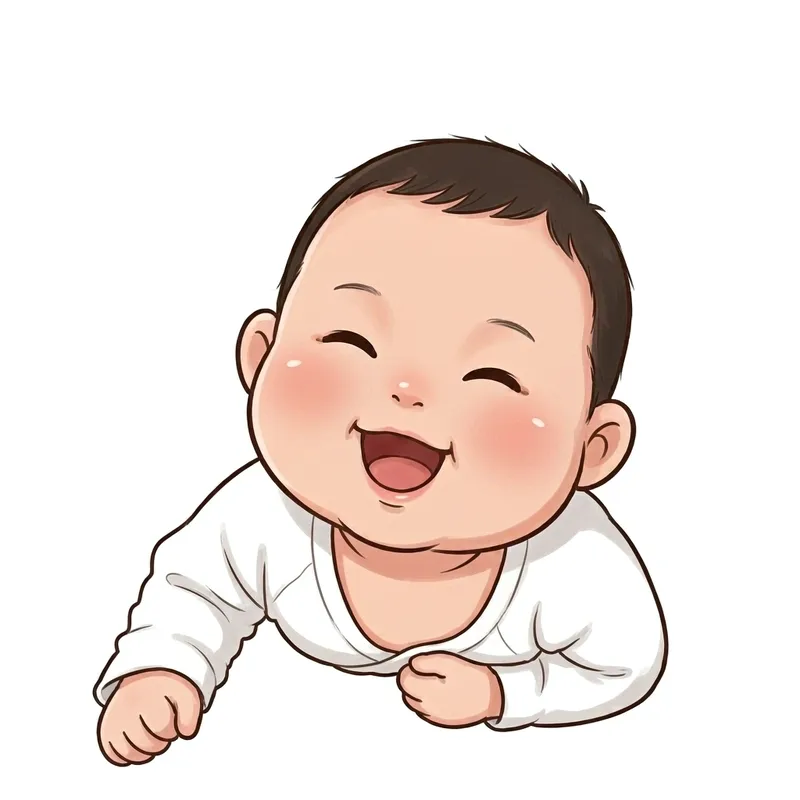 Image
Custom Cartoon Sticker Set
Upload a real-life photo to generate an exclusive cartoon avatar and batch-create a complete sticker set (chibi, Korean, or hand-drawn style), with support for custom counts and consistent appearance. Use this when users say "make my sticker pack", "turn photo into stickers", "exclusive cartoon avatar", "how to make stickers from photos", "how many stickers can I make", or "I want my own sticker set". 1.0.0 - You receive not just a document, but a guided skill featuring "upload 1 photo to stably produce exclusive cartoon stickers" along with a ready-to-use prompt library. - Follow four steps: lock character -> set quantity -> generate images (including two fidelity rules: face-locking for emotions, pose modification for actions) -> remove background and import to WeChat; includes 5 art style prompt libraries (chibi, Korean, hand-drawn, 3D sticker, Japanese manga). - You finish with a SKILL.md file, a 20-sticker prompt library, and 6 tested sample images (including failure comparisons). Follow along to avoid the awkward "9 different faces in 9 stickers" issue.
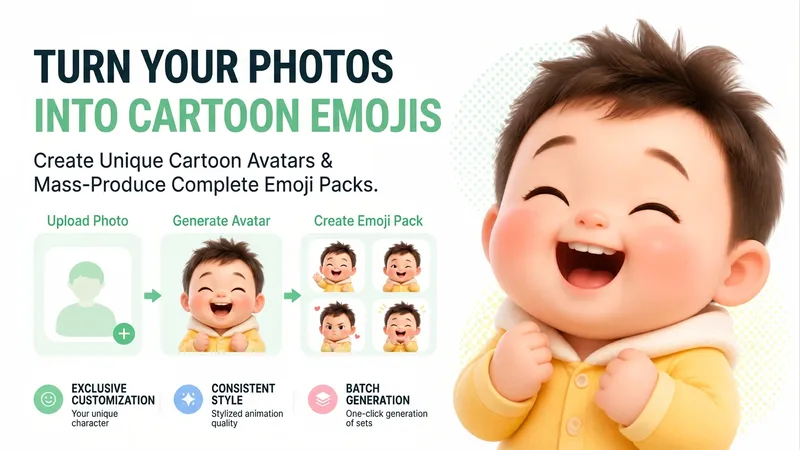
Photo to Cartoon Stickers
Stickers are a staple of everyday chatting. Photo to Cartoon Stickers takes a real-person photo, captures key facial features to create an exclusive cartoon avatar, and then batch-produces a full set of themed stickers based on that avatar. This includes sets for common emotions, holiday greetings, and chat scenarios, all while maintaining a consistent visual style. Strict rules apply: the cartoon focuses on capturing the likeness rather than copying every detail, avoids sensitive features, and contains no embedded text so you can add your own later. Real portraits are never used for derogatory, bizarre, or unlawful content.
 Image
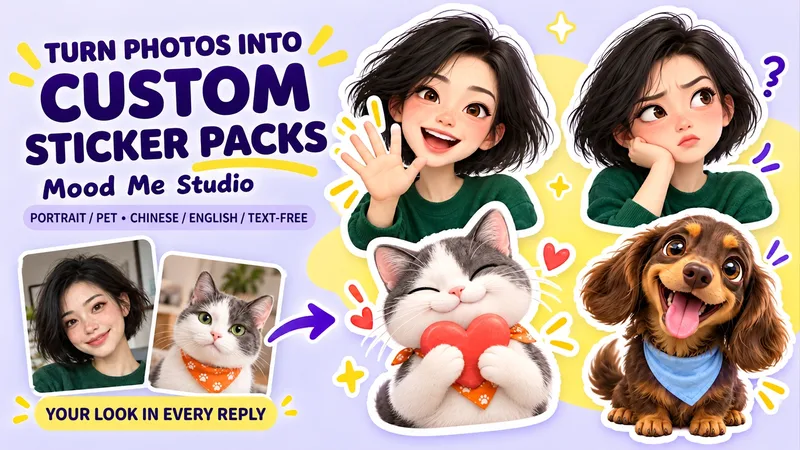
Photo to Reaction Stickers
Upload a portrait or pet photo and turn it into a custom reaction sticker sheet. Choose 6, 9, or 12 expressions, with natural Chinese or English captions—or no text. Keep the face, hairstyle, coat colors and signature markings that make the character yours. Choose soft 3D, marker-comic or soft-clay styling, then create a coordinated sheet of everyday reactions. Try: Turn my pet photo into six soft 3D reaction stickers: delighted, unimpressed, surprised, affectionate, sleepy and proud. No captions.
Information
- Version
- v2
- Last updated
- Runtime credits
- Usage-based
- Models
- Auto
- Use cases
- Images & designLifestyle & entertainment
- What you get
- Image
- Visual styles
- Pixel art
