
Storyboard Educational Videos
Any document becomes a filmable scene plan
Storyboard Educational Videos
Any document becomes a filmable scene plan
Showcase
Description
Hand it a document — a training guide, an SOP, a product brief, a course chapter — and get back a shooting plan you can film today: numbered scenes, one idea each, each with a clear visual direction, an English image prompt, spoken narration that fits the clock, and subtitles that match the voiceover word for word. Most documents are written to be read, not performed: the narration rambles, the visuals repeat the text, the subtitles drift out of sync. This Skill rebuilds the material for the screen — 3–6 observable learning objectives, a hook → orientation → teaching beats → recap → CTA arc, and a fixed time budget of 2.2 words per second per scene, so nothing gets cut later in the edit. Every plan ships with an overview, one visual style guide reused across all scenes, a scene index with exact timings, a per-scene breakdown (purpose, framing, on-screen text, English image prompt, voiceover, subtitle cues, audio), production notes and an explicit list of assumptions and content risks. How to ask for it — four shapes that work best: • Just the file: "Turn this into an educational video plan." Audience and runtime are inferred and stated as assumptions. • File + runtime + audience: "A 4-minute onboarding video for new support hires; screen recordings only, no on-camera presenter." • File + format: "A 60-second vertical 9:16 plan for LinkedIn, high tempo, one-line subtitles." • Thin or messy source: "These notes are scattered bullets — still build a 3-minute plan, mark the gaps TODO: and list your assumptions." Output language follows your message: ask in Turkish, Spanish or Japanese and the whole plan comes back in that language. Only the image prompts stay in English, ready for any image model. Built for L&D teams, course creators, product marketers and anyone handed a twelve-page PDF and told "make it a video".
Why we love this skill
Turns source material into a production-ready educational video blueprint, then develops it into a fully timed scene plan. Its rigorous one-idea-per-scene structure, narration word budgets, literal subtitles, visual consistency, and explicit content-risk checks make it an editor’s pick.
Best for
L&D teams, course creators, product marketers, and anyone turning a document into an educational or onboarding video plan.
How to use this Skill
Provide your input
Provide a document such as a training guide, SOP, product brief, or course chapter. You can also specify the audience, runtime, platform, aspect ratio, tone, or presenter format.
Run the Skill
The Skill restructures the source into an educational video storyboard with learning objectives, timed scenes, visual directions, narration, subtitles, production notes, assumptions, and content risks.
Review your result
Receive a filmable scene plan with a consistent visual style guide, scene index, English image prompts, synchronized subtitles, timeline, and production requirements.
Related Skills
View all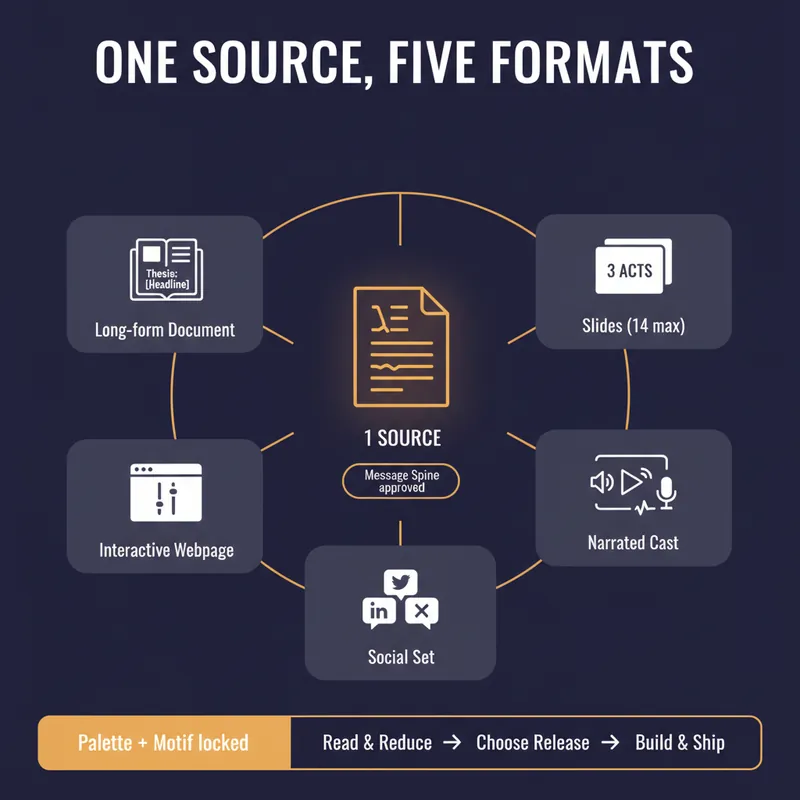 Write
One Source, Five Formats
YouMind can produce a document, a slide deck, a narrated video, an interactive webpage and a set of social posts. Most people use one of them, because doing all five by hand means writing the same argument five times and watching it drift a little further each time. This skill stops the drift by refusing to start until you have a spine. Before anything is generated it writes a Message Spine: one thesis under 25 words, three load-bearing points, the single strongest piece of evidence, the one image a reader should still have tomorrow, the change you want in them, and who this is explicitly not for. You approve it. Every format is then built from the spine, never from the previous format, so nothing compounds an earlier compromise. Then it tells you which formats are actually worth making. A short reflective essay makes bad slides. A dense data teardown makes bad audio. It will recommend two formats and explain why the other three would weaken the work, which is the opposite of what a content-multiplier is supposed to say. Each format gets built to its own rules, one at a time, with your confirmation. Slides get one idea per slide and speaker notes that carry the argument. The cast script is written for the ear, with numbers rounded and given a comparison and a deliberate pause before the strongest evidence. The webpage gets exactly one interactive move the flat text could not do. The social set opens each post on a different point so it does not read as three copies of itself, and every post gives away something real instead of begging for a click. One palette, one type treatment, one recurring motif, decided in writing before the first image is generated. You finish with a ship sheet: what goes where, in what order, how many days apart, with what call to action, and the one signal to watch. Plus a consistency check that quotes the thesis sentence from every format and confirms they still agree. It estimates credits before it spends them and never renders a full cast or image set without an explicit yes.
MotionCraft AI 2.0
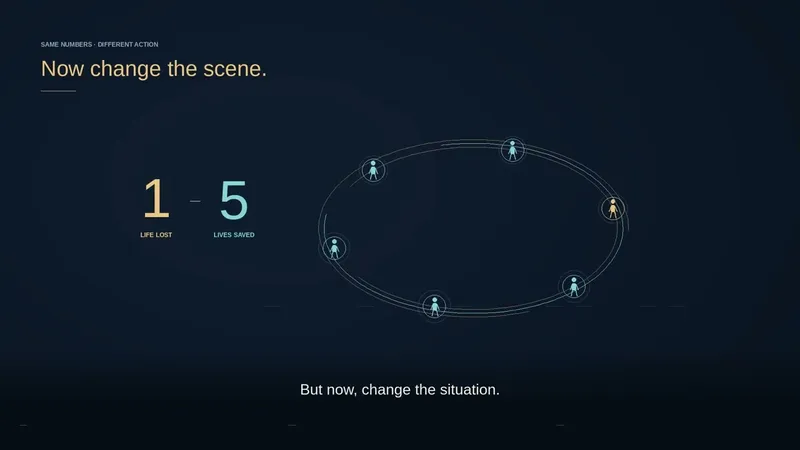
Turn ideas, scripts, documents, images, charts, data, or audio into thoughtfully directed 2D explainer videos and motion graphics for education, science, technology, business, finance, history, product demonstrations, tutorials, public information, and storytelling. MotionCraft AI shapes each project around its core message, audience, and communication goal rather than forcing content into a generic template. You’ll get a clear Simplified Chinese narrative by default, supported by a coherent visual direction, detailed 2D illustrations, meaningful character and object animation, cinematic camera movement, diagrams, data visualization, and purposeful transitions. The studio also pays close attention to Chinese typography, readable on-screen storytelling, subtitle timing, music, sound effects, pacing, and platform-specific formats such as landscape or vertical video. Depending on the available production environment, MotionCraft AI can deliver a rendered MP4 with embedded Chinese subtitles, a separate SRT file, and a representative cover, or an honest, production-ready package containing the script, storyboard, shot list, timeline, visual specifications, animation directions, subtitle content, audio plan, and export guidance. Content accuracy, visual consistency, natural motion, and final quality are reviewed throughout so the result feels like a directed animated film—not a slideshow of unrelated images.
 Video
video-style-jeffsu-ai-demo
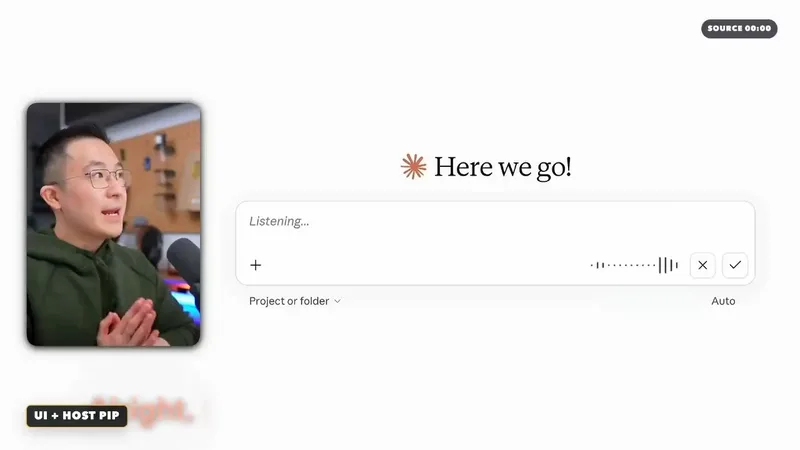
Turn a technology, AI tool, or workflow script into an evidence-led video storyboard and post-production plan that is clear, credible, and ready to edit. The skill maps each spoken idea to the right visual treatment, balancing presenter footage for promises, explanations, and conclusions with real screen recordings or public product pages for demonstrations and proof. It also uses warm white vector system diagrams to explain relationships, rules, tool ecosystems, and workflow architecture without pretending that abstract graphics are real product interfaces. When a claim depends on visible evidence, the plan can call out a specific interface area, structure a fair side-by-side comparison, compress low-value waiting time, or introduce a restrained chapter transition. Visual emphasis, captions, colors, and layouts can be adapted to your brand guidelines rather than copied mechanically from a reference. For every brand, product, or service appearing in the new video, the skill helps gather authentic logos and relevant website or product screenshots, while clearly distinguishing official public material, user-provided recordings, and illustrative mockups. The deliverable includes an editable semantic timeline with dialogue purpose, visual state, screen text, key actions, exit conditions, fallback options, and a source-aware media list. It is especially useful for AI demos, SaaS tutorials, productivity workflows, automation explainers, and technology education where viewers need both a compelling story and verifiable UI evidence.
Information
- Version
- v7
- Last updated
- Runtime credits
- Usage-based
- Models
- Auto
- Use cases
- Writing & contentImages & designLearning & education
- What you get
- DocumentScriptPlan
