
Variety Dopamine Infographic
Generate variety dopamine-colored infographic
Variety Dopamine Infographic
Generate variety dopamine-colored infographic
Showcase
Description
Variety-show-style infographic with dopamine color palette, supporting landscape or portrait layout.
Recommended by
Nico@YouMind
Why we love this skill
This skill transforms your copy into a variety-show-style dopamine infographic, with unique sticker-like effects and extra-thick outlined fonts, making the information presentation vibrant and visually striking.
Related Skills
View all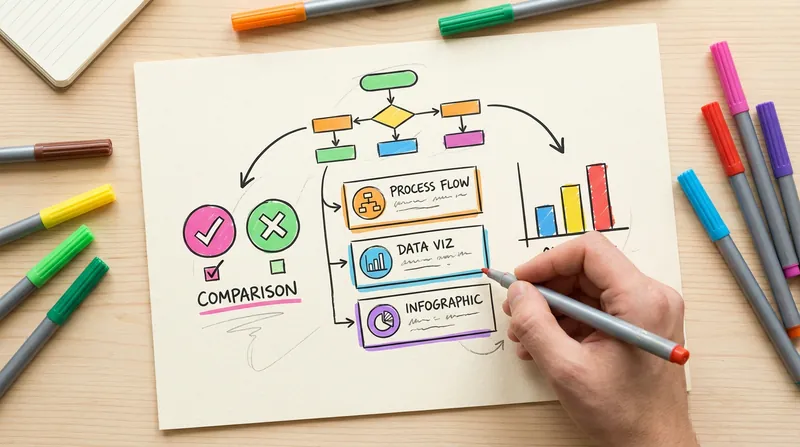 Image
ImageHanddrawn Infographic Generator
Generate warm and natural hand-drawn style infographics, simulating the texture of an artist's sketchbook. Supports multiple layouts (comparison, card list, data chart, FAQ, etc.). The lines have the natural fluctuation and imperfection of hand-drawn strokes. Users can customize the main color or use recommended color schemes.
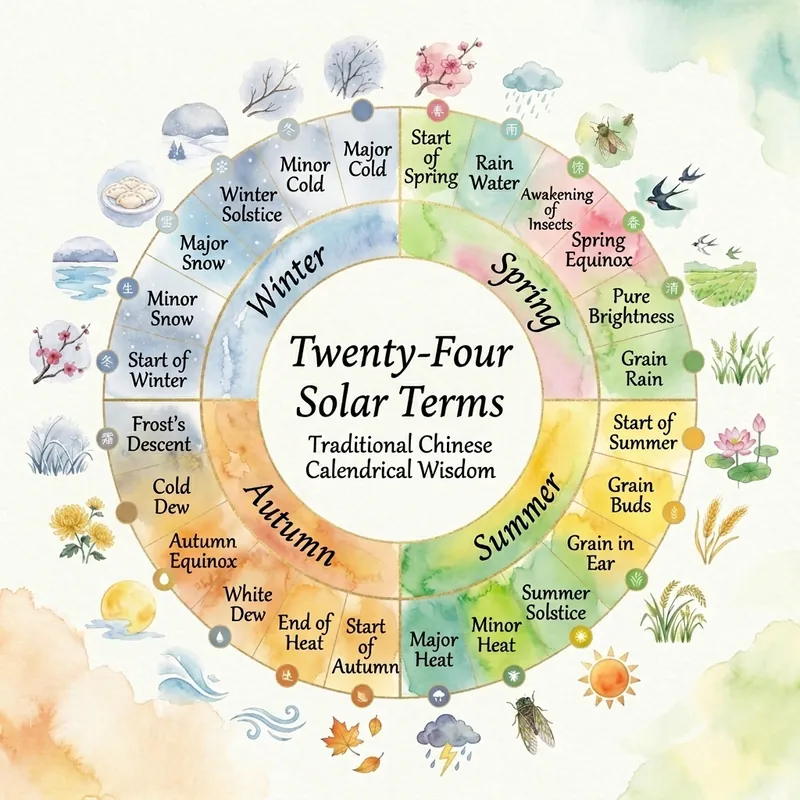
BY Universal Infographic Maker
Generate professional infographics with one sentence. 20 infographic layouts (bridge/circular-flow/comparison-table/funnel/pyramid/venn/timeline/mind-map, etc.) × 17 visual styles (craft-handmade/claymation/kawaii/cyberpunk-neon/pixel-art/origami/lego-brick, etc.). AI automatically analyzes content and recommends the best layout × style combination to generate publication-quality infographics. Supports three aspect ratios: landscape (16:9), portrait (9:16), and square (1:1).
 Image
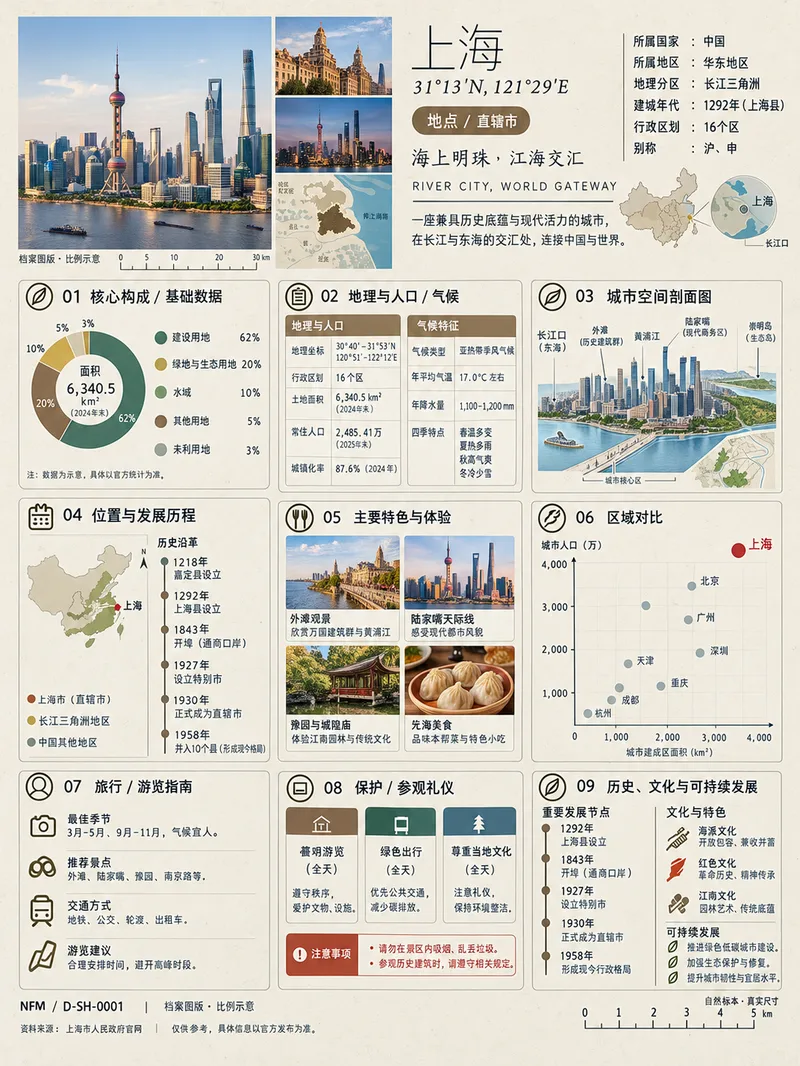
Image(Trending) Anything as an Infographic
A trending infographic generator. Enter the name of any subject, and it automatically identifies the type—such as a living thing, mineral or material, man-made object, place or building, cultural concept, or historical figure—then creates a dense 3:4 portrait infographic poster using a fixed “natural specimen archive × modern museum guide plaque” layout system. It includes a header identification area, specimen-style image area, a central 3×3 grid with a core data radial chart, detailed key metrics, structural cross-section, spatial and temporal distribution, applications and user experience, side-by-side comparison, identification guide, preservation and maintenance, and historical lineage, plus a collection number and reference information area at the bottom. The layout, grid, typography, and color systems are consistent, making the posters easy to collect as a series. GPT Image 2 is used by default as the best-fit image generation model. Best for: building an account from scratch and taking commissioned work.
Information
- Version
- v3
- Last updated
- Runtime credits
- Usage-based
- Models
- GPT Image 2
