
Any Document-to-Training Course
AI Training Creator for Teachers, Trainers & HR Teams
Any Document-to-Training Course
AI Training Creator for Teachers, Trainers & HR Teams
Showcase
Description
Transform supported source documents into accurate, learner-centered training presentations and optional course materials using YouMind’s native capabilities.
Related Skills
View all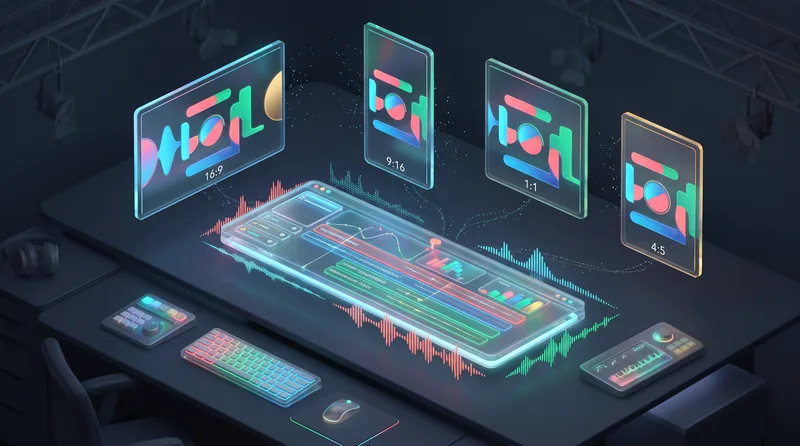
Universal Motion Graphic Creator
Transform any supported document, dataset, article, infographic, or transcript into an autonomous motion graphic video campaign across four independent aspect ratios (`16:9`, `9:16`, `1:1`, `4:5` at 1080p 30 FPS MP4) alongside complete scripts, schema-validated storyboards, design system tokens, vector/SVG assets, synchronized subtitles, and a 4-state automated QA report using YouMind's native and portable capabilities.

Document2Slides Pro
Transform PDF, DOCX, XLSX, PPTX, CSV, Markdown, TXT, and scanned documents into genuinely editable PowerPoint (`.pptx`) presentations across five independently composed aspect ratios (`16:9`, `4:3`, `9:16`, `1:1`, `4:5`), complete with native editable charts, native tables, editable shape-and-connector diagrams, embedded speaker notes, a `.pdf` presentation export, a synchronized `.docx` presentation script, a source-to-slide traceability map, and a visual QA report using YouMind's native capabilities.
 Video
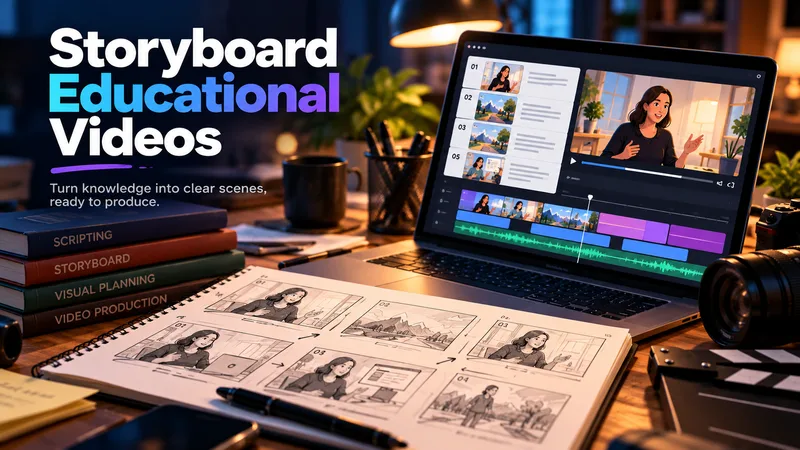
Storyboard Educational Videos
Hand it a document — a training guide, an SOP, a product brief, a course chapter — and get back a shooting plan you can film today: numbered scenes, one idea each, each with a clear visual direction, an English image prompt, spoken narration that fits the clock, and subtitles that match the voiceover word for word. Most documents are written to be read, not performed: the narration rambles, the visuals repeat the text, the subtitles drift out of sync. This Skill rebuilds the material for the screen — 3–6 observable learning objectives, a hook → orientation → teaching beats → recap → CTA arc, and a fixed time budget of 2.2 words per second per scene, so nothing gets cut later in the edit. Every plan ships with an overview, one visual style guide reused across all scenes, a scene index with exact timings, a per-scene breakdown (purpose, framing, on-screen text, English image prompt, voiceover, subtitle cues, audio), production notes and an explicit list of assumptions and content risks. How to ask for it — four shapes that work best: • Just the file: "Turn this into an educational video plan." Audience and runtime are inferred and stated as assumptions. • File + runtime + audience: "A 4-minute onboarding video for new support hires; screen recordings only, no on-camera presenter." • File + format: "A 60-second vertical 9:16 plan for LinkedIn, high tempo, one-line subtitles." • Thin or messy source: "These notes are scattered bullets — still build a 3-minute plan, mark the gaps TODO: and list your assumptions." Output language follows your message: ask in Turkish, Spanish or Japanese and the whole plan comes back in that language. Only the image prompts stay in English, ready for any image model. Built for L&D teams, course creators, product marketers and anyone handed a twelve-page PDF and told "make it a video".
Information
- Version
- v2
- Last updated
- Runtime credits
- Usage-based
- Models
- Auto
