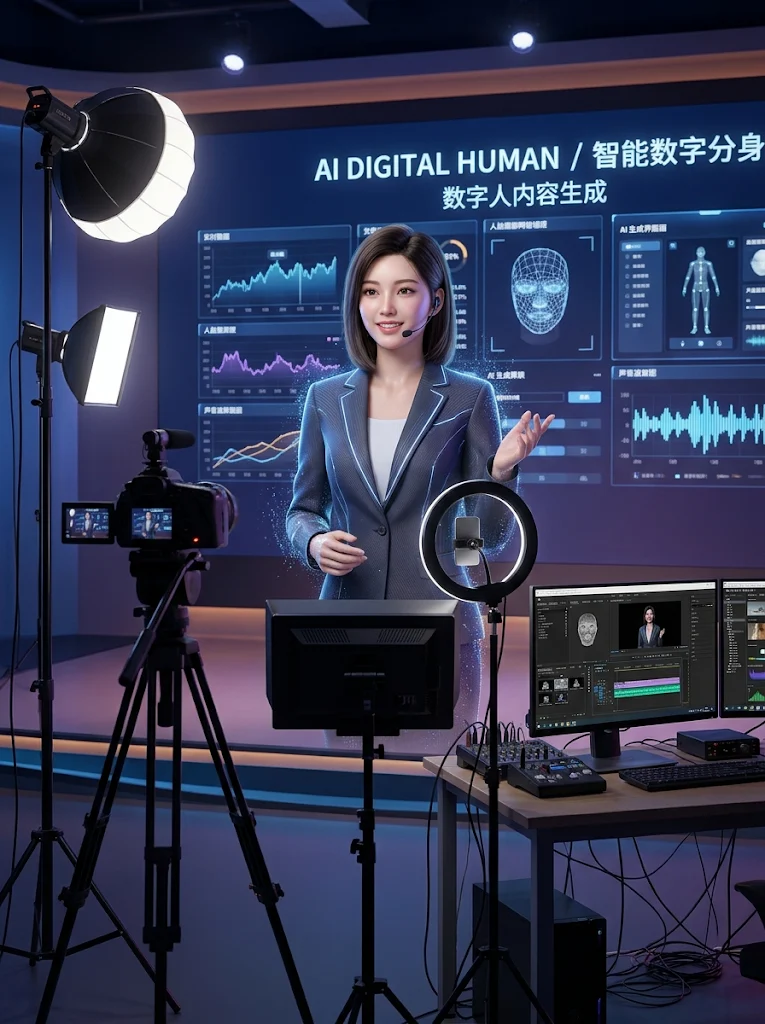
Digital Human Video Creator
Digital Human Video Creator
Showcase
Description
Use authorized portraits and confirmed voice recordings, or previewed synthetic voiceovers, to produce a single voice-driven digital human presentation video.
Best for
Content creators and marketers who need to turn scripts or audio into digital human presentation videos.
How to use this Skill
Provide your input
Provide authorized portrait and confirmed audio, or a short script and preferred voice options.
Run the Skill
Check authorization, media availability, and production limits. Preview synthetic voiceovers if needed before creating the digital human video.
Review your result
Receive a digital human video generated with your portrait and confirmed audio, along with a review scope summary.
Related Skills
View all
Talking-Head Video Maker
Save and reuse user-uploaded digital human assets (avatar/voice) to generate talking-head explainer videos. Use this skill when users want to keep a specific digital human appearance or voice, turn a script, URL, or PPT into a talking-head explainer video, or need reusable prompts/templates for generating talking-head videos. This skill only handles generation; if users need final editing, burned-in subtitles, or MP4 compositing, hand off to “Talking-Head Final Cut,” “Talking-Head Editing,” or talking-head-remotion.
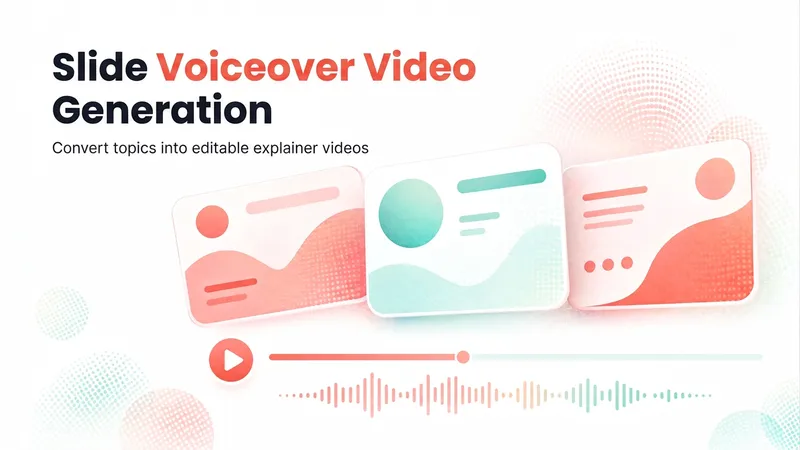
Slideshow Narration Video
Turn a presentation topic—or your existing script, materials, or Slides—into an editable 16:9 video with Chinese narration for each slide. The Skill first plans the main narrative and asks you to confirm the outline and preview, then generates the slide visuals, writes and synthesizes Chinese narration for each slide, and assembles an editable video with one slide visual and one narration segment per page. Subtitles are enabled by default. The visual style, voice, slide count, and tone adapt to the topic, audience, and platform.
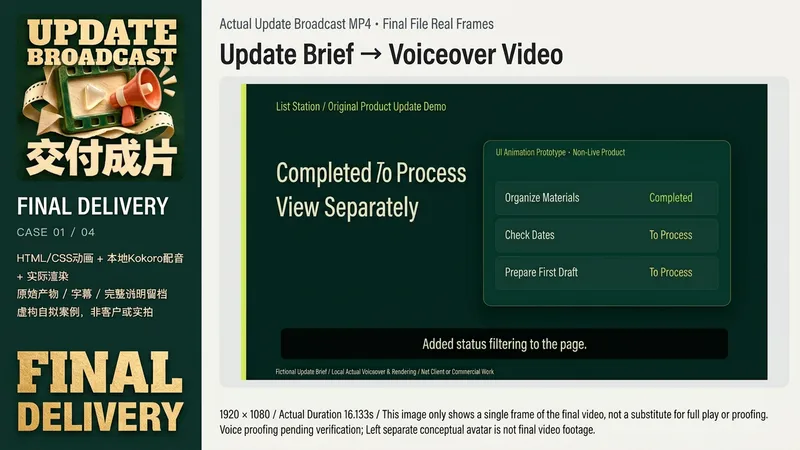 Video
Product Update Video
Suitable for creators, small teams, and educators who need to explain product changes. Provide a real update list, completed or planned status, authorized screenshots or prototypes, target audience, aspect ratio, and original audio. Missing dates, effects, and customer data will not be fabricated. Fictional product illustrations are clearly marked when you only have an idea. Input brief -> Verify facts and permissions -> Concise script and shots -> Actual voiceover or receive original audio -> Arrange subtitles and visuals based on actual audio -> Actual rendering -> Playback, visual and audio review -> Deliver MP4, SRT, script, and generated source projects. Real interfaces use original layouts only and are not sent for AI image generation. If rendering tools are missing, unrendered status is clearly stated. The four local examples are original fictional products: list filtering, calendar preview, pre-export check, and course progress. Using fixed Kokoro-82M version, zf_xiaobei local voice synthesis, HyperFrames 0.8.174, and Chrome/FFmpeg, outputting two 1920x1080, one 1080x1080, and one 1080x1920 videos, approx. 16.1-18.5 seconds; subtitles are scheduled based on actual audio sample durations without claiming mandatory word-level alignment. These are not live software, real customers, or actual learning outcomes. GPT is recommended for text planning. Core requirements include real files, animation or video rendering, FFmpeg/FFprobe, and available legal original audio or TTS. Instructions include a complete original local rendering assistant that only checks or renders existing HyperFrames projects and does not auto-generate UI or voiceover. You need to configure your own Node, HyperFrames CLI, and browser paths. Image tools are optional original aids; independent avatars are generated by ImageGen (model not returned) and are not case frames. Platform GPT-6.1 Sol is an optional setting and is not guaranteed to match local tools or models. Testing on YouMind did not consume credits, and installation does not guarantee these tools are immediately available. 299 credits cover installation only, excluding models, TTS, fonts, assets, third-party services, or hosting. Does not automatically clone voices, purchase services, or publish to other channels. Does not guarantee arbitrary input, zero errors, distribution, review, or commercial results. Current local examples have been genuinely rendered and played; independent audio track review is still pending and not treated as complete quality acceptance.
Information
- Version
- v2
- Last updated
- Runtime credits
- Usage-based
- Models
- Auto
- Use cases
- Images & designVideo & audioMarketing & growth
- What you get
- Video
