
Course Enrollment Poster
Structured course posters for instructors
Course Enrollment Poster
Structured course posters for instructors
Showcase
Description
Using a fixed seven-section structure, this Skill confirms your materials and directly generates a JPG vertical, long-form course enrollment poster (it does not generate a webpage). You can choose from styles such as cyber-tech, minimalist business, warm and vibrant, or premium dark green. Provide the instructor’s photo as a reference image to maintain visual consistency, and the text will be rendered exactly as provided in your materials.
Recommended by
Dancang
Why we love this skill
Turns course enrollment details into a fixed seven-section vertical poster covering instructor credibility, course pathways, value anchoring, and limited-time benefits—with confirmed assets, selectable styles, faithful photos, and exact text rendering.
Related Skills
View all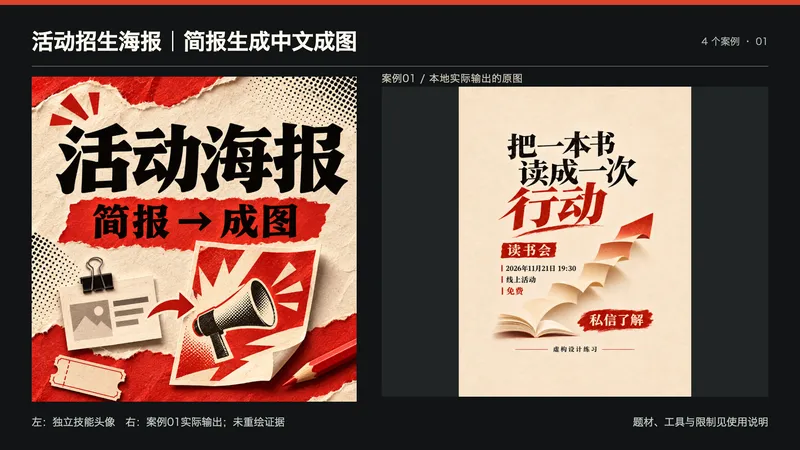 Image
活动招生海报|简报生成中文成图
适用人群:需要为读书会、公开课、活动或招生宣传制作海报的创作者与小团队。 你需要提供:活动标题、目标人群、时间地点、内容、价格条件、报名方式、画幅与有权使用的素材。未知事项请注明待定;不要上传无权使用的Logo、照片或二维码。 如何处理:先整理文字事实卡,再确定信息层级和视觉方向,调用当前可用的图片工具生成,逐项核对标题、数字、地点与报名信息。 最终交付:海报图片、可复制文字清单与核对说明。优先原始PNG附件;实际格式、像素和下载能力以所用工具为准,不以JPEG预览冒充PNG原件。不提供PSD/AI矢量源文件或自动发布。 使用:粘贴活动简报,说明画幅与风格;生成后核对文字、活动事实和裁切,发现问题可继续修订。文字规划推荐GPT,生图需环境实际提供图片工具;本地使用内置image_gen,具体图像模型ID未返回,不宣称已绑定Image 2。 四张展示图为最终技能流程在本地生成的虚构设计练习,分别展示读书会、公开课、体验日和交流沙龙,不是真实活动或客户项目。个别示例留白偏紧,不作为精确安全区或印刷规格保证;中文字、像素与构图仍需检查。 不适用:虚构师资、认证、合作背书、招生收入或活动效果。技能不创建真实活动,也不保证招生或广告审核结果。 展示说明:首张为独立技能头像与案例01实际输出的并排排版,用于横向缩略展示;不是新增案例,也未让生图模型重绘证据。其余三张对应案例02—04。
Long Copy Poster Designer Pro
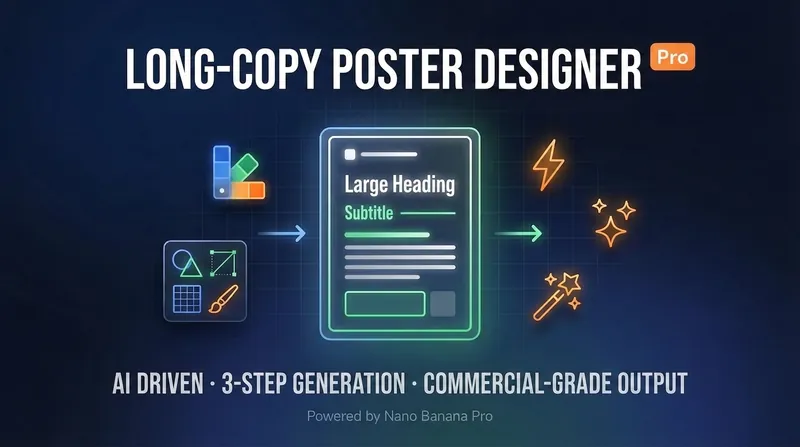
A professional long-copy poster design assistant, adept at handling high-information-density promotional posters (events, courses, products, service introductions, etc.). Based on a systematic design decision process, it automatically organizes information hierarchy, builds color systems, positions visual style, and generates posters that meet commercial standards. Supports co-creation with users in the dimensions of 'color + style', with a high first-generation success rate, greatly reducing rework. Suitable for consultants, trainers, product managers, marketing operations, and others who need to quickly produce professional posters.
 Webpage
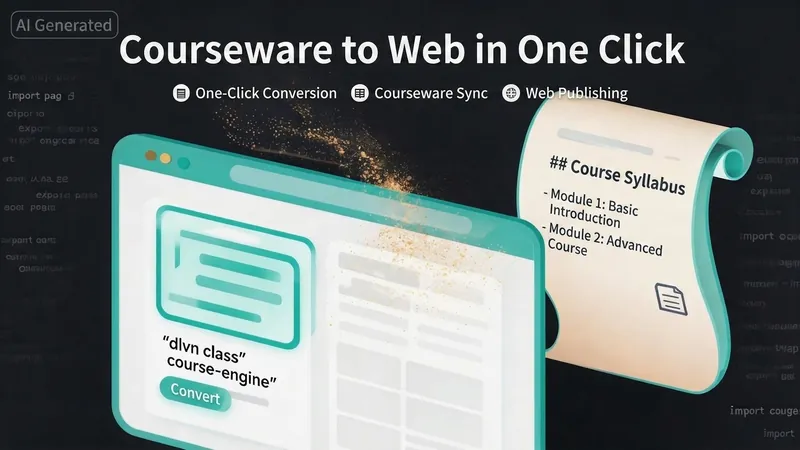
One-Click Courseware to Web
Turn your courseware into a viewable website. Whether you have a Markdown note, a PDF paper, a PPT slides, or a plain text script, or even a public account link, One-Click Courseware to Web can automatically convert it into a clear, beautifully designed online course display webpage. You don't need to write a single line of code—just provide the content. Two display styles: - Course training content → generates a scrolling long page, like flipping through a book. - Paper/report content → generates a PPT-style page-turning website, like browsing slides one by one. Responsive design adapts to mobile and desktop. What you need to do: Just one step: provide your courseware content. Supported formats: .md Markdown files, .pdf PDF documents, .pptx PPT presentations, .txt plain text. You can also paste course content directly in the conversation. Example commands: "Turn these lecture notes into a webpage" "Make this PDF paper into a PPT-style website" "Here is my courseware content, generate an online display page" What you get: A directly accessible online course display website, with the display mode automatically determined. Your content automatically selects the effect: - Course outlines, training handouts, textbooks → scrolling long pages, modules naturally connected, scroll to browse. - Academic papers, research reports → PPT-style slide flipping, each page focuses on one point. - Speeches, meeting reports → PPT-style page-by-page display, supports keyboard/click navigation. If you explicitly request "scrolling" or "PPT", your request is respected. Content extraction capability: For information-dense papers and long texts, the skill automatically performs: - Structure decomposition: splits continuous discourse into independent chapters/slides. - Information condensation: condenses three paragraphs into three key points, each within 20 characters. - Thesis-first: each page gives the conclusion first, then supporting arguments. - Framework visualization: models and classification systems are presented with charts instead of plain text. - Data highlighting: key numbers and metrics are displayed on separate pages prominently. Subsequent modifications: After the website is generated, you can request adjustments at any time: "Update the content of module three" "Change the color scheme to warm tones" "Add a course roadmap" "Change this module to a timeline layout" Modifications only affect the corresponding part; you don't need to regenerate the entire website. What it does not do: This skill currently focuses on course content display and does not include the following LMS (Learning Management System) features: - User login/registration - Learning progress tracking - File download - Online quizzes/practice If you need these features, they are separate extensions.
Information
- Version
- v3
- Last updated
- Runtime credits
- Usage-based
- Models
- Auto
