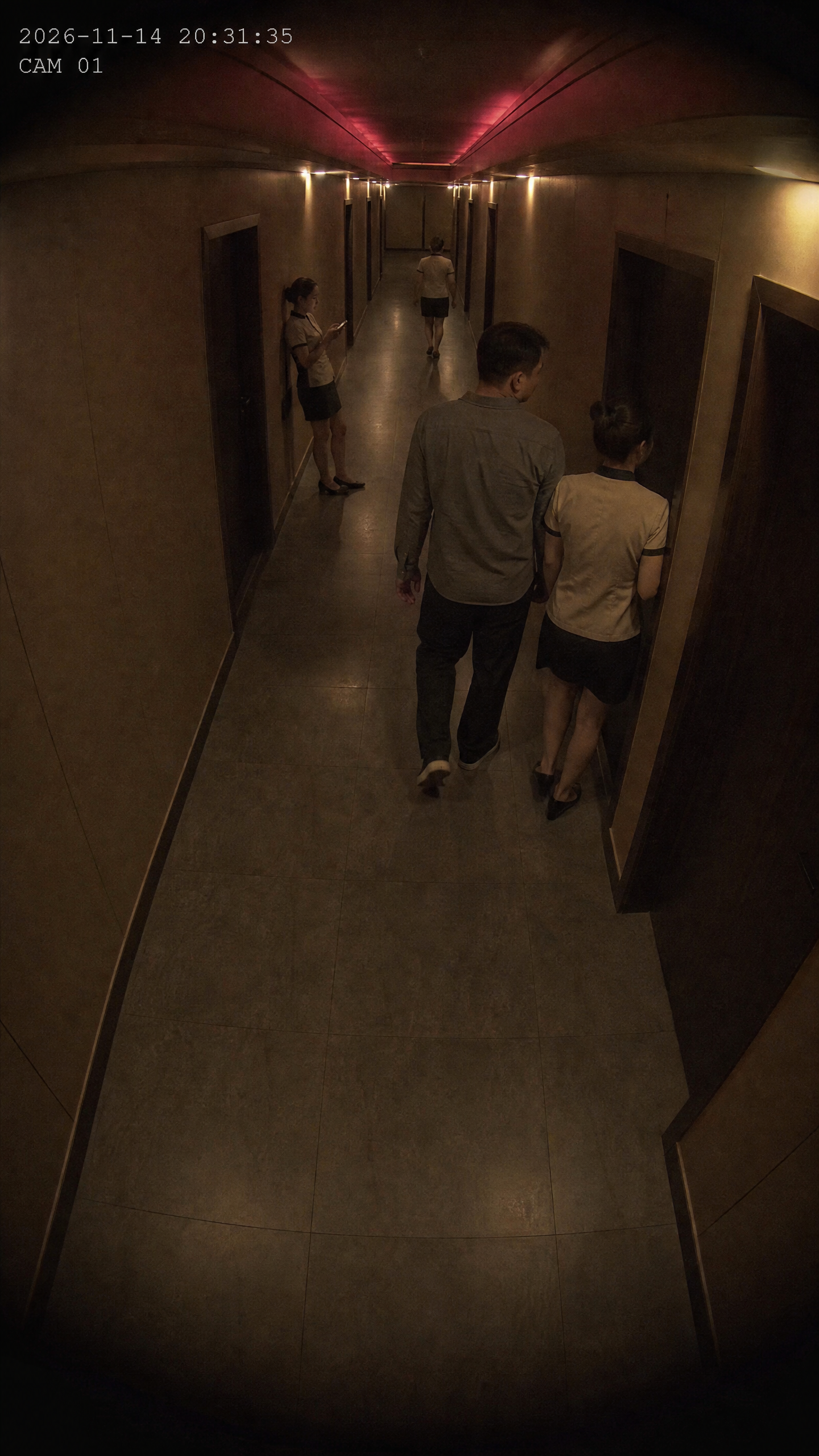
Launch Edition Corridor Generator
Generate vertical security-style corridor clips instantly from a single sentence based on venue keywords.
Launch Edition Corridor Generator
Generate vertical security-style corridor clips instantly from a single sentence based on venue keywords.
Showcase
酒店走廊独自敲门短片
酒店走廊独自敲门|8秒
Description
【Who is this for】 1. Local life and city merchant content creators: Foot baths, KTVs, hotels, clubs, and homestays needing scene ambiance materials without scheduling shoots or visiting stores. 2. Story accounts, suspense accounts, and novel promotion accounts: Needing "surveillance footage" visuals for openings, transitions, or B-roll, changing locations with a single sentence. 3. Short video matrix and batch publishing: Lacking time to set up and shoot, relying on a single sentence to generate scene footage in batches. 4. People who only want pure visuals without writing lines or adding subtitles. 【Monetization Methods】 1. Merchant content orders: Create scene ambiance short videos for local foot baths, KTVs, hotels, and homestays, charging per video or for monthly operations, providing direct cash flow. 2. Account growth and monetization: Story and suspense accounts using surveillance footage as a base to increase output, gaining followers to run ads and earn platform traffic shares. 3. Batch selling material packages: Produce hallway footage for various locations and bundle them into a "surveillance perspective scene material library" to sell to peers. 4. Custom video orders: Deliver specific locations, actions, or durations requested by peers with a single sentence to earn the price difference. 【Product Description】 Type a location term and directly generate a vertical short video resembling hallway surveillance footage. The input is just one sentence: foot bath hallway, KTV hallway, hotel hallway, office building corridor, press Enter to generate.
Recommended by
Dancang
Why we love this skill
Generate vertical surveillance corridor shorts with a single venue keyword, automatically handling scene branching, character actions, fixed camera angles, and timestamps. Featuring continuous single shots, dark tones, silence, and strict absence of extra text for rapid, zero-form-filling delivery.
Best for
Best for local business creators, drama or mystery short video creators, and those who need to batch-produce scene atmosphere materials.
How to use this Skill
Provide your input
Enter a location term, such as "hotel hallway", "KTV hallway", or "office corridor", optionally adding desired actions.
Run the Skill
The system generates a vertical hallway scene with a fixed security camera angle, dim lighting, and a single shot based on the location term, defaulting to no sound, captions, or outro elements.
Review your result
Receive a silent vertical short video of about 5 to 15 seconds featuring a top-left timestamp, natural character movement, and the corresponding venue atmosphere, along with relevant prompts and parameter notes.
Related Skills
View all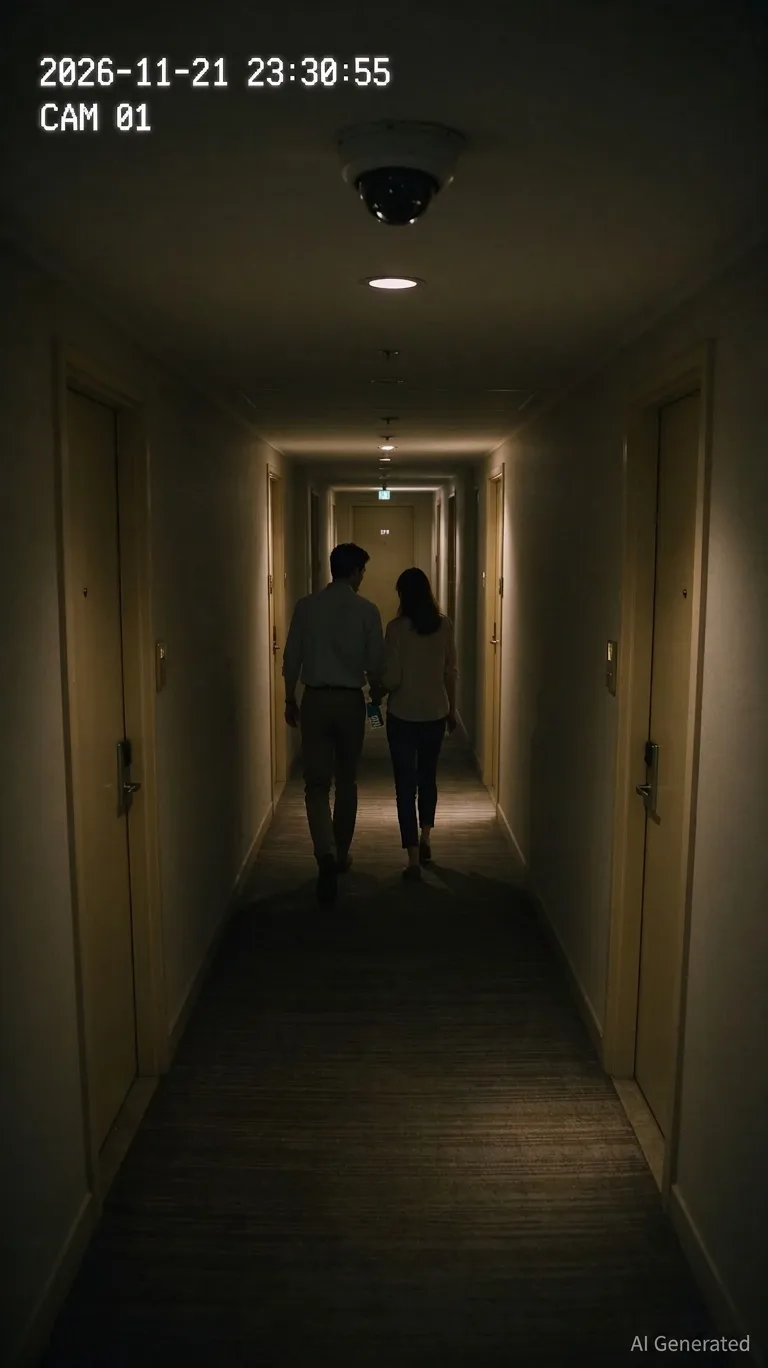 Video
CCTV Scene Video Generator
Generate simulated surveillance hallway short videos or complete prompt plans from a single sentence, supporting various scenes and elderly or child character configurations. Foot bath hallway Hotel hallway E-sports hotel hallway Murder mystery store hallway Hospital night inpatient hallway, characters changed to two white-haired elders Rental apartment late-night return hallway, characters changed to an adult male and a boy 15-second teahouse club hallway Plan only, apartment late-night return hallway, characters changed to adult man and woman with a girl

First-Person Drama Generator
Suitable for: 1. Individual bloggers who want to make short videos but cannot write scripts or storyboards. 2. Operations staff who need daily output for short dramas or narrative channels. 3. Creators looking to drive traffic and monetization using identity-experience content. 4. MCNs and e-commerce teams that need to batch-produce vertical video material. How to monetize with it: - Traffic revenue: Immersive short dramas have high completion rates, ideal for earnings on platforms like TikTok, video channels, or YouTube Shorts. - Account matrix: One identity per account, serializing daily updates to build account authority. - Custom client orders: Create customized promotional short dramas for clients, such as "A Day in the Life of a CEO" or "A Day in the Life of a Brand." - Product placement: Naturally weave products into the plot (scenes involving serving or feeding are naturally compatible). Product Description: 1. State a theme -> Automatically matches an identity (Built-in with 6 high-precision identities: Billionaire CEO, Ancient Emperor, Top Scholar, Immortal Master, Top Celebrity, Wealthy Matrilocal Son-in-Law, each with 72-102 event cards and 8-12 series arcs; any other theme uses a general fallback engine and runs just as well). 2. Select a series -> Choose from 3 distinct tone options (luxurious warmth, power fantasy, super sweet romance, etc.), each with estimated episode counts. 3. Output storyboards -> About 7 shots per episode: close-up hook opening -> alternating serving, power, highlight, and sweetness -> fade to black ending, with lines, actions, sound effect markers, and copy-pasteable visual prompts for each shot. 4. Ready for production -> Model calls are arranged according to the YouMind platform model selection.
 Video
AI Short Drama Pipeline
【What it does】Built around a “storyboard artist” workflow, it moves a short drama through six automated steps: 1. Project setup and requirements: Understands your script, asks only about things you cannot determine from it, and creates three sample images of the same scene in different visual styles so you can choose a direction at a glance; 2. Final script + two tables: Adds filming instructions without changing a single line of dialogue, then creates a “segment table” and a “continuity table” to lock down the details most likely to cause continuity errors; 3. Asset design: Creates a three-view sheet and a distinctive identifying feature for each character, along with settings and a dedicated voice style, to keep the cast consistent throughout the video; 4. Storyboard prompts: Specifies the camera position, duration, performance, ambient sound, and constraints for every segment. Text in the frame is rendered precisely using “first and last frames”; 5. Generation and selection: Generates candidates segment by segment, filters them against hard criteria first—does it look right, is it correct, did it break?—then selects based on performance; 6. Assembly and self-review: Combines everything into an editable video timeline and fixes flash frames, continuity errors, and fake-looking text during editing. It only interrupts you at the three points where your decision is needed: choosing the visual style, approving the assets, and reviewing the footage. 【Who it’s for】 · Independent creators and social media creators who want to complete the entire AI short-drama workflow alone; · Screenwriters and web novel authors with a script or novel who want to adapt it for the screen quickly; · Producers and directors on short-drama and micro-drama teams who want to greatly improve efficiency and reduce costs; · Advertising, e-commerce, and knowledge-commerce teams that need to produce narrative content in volume at low cost; · People who understand storytelling but have no idea how to write prompts or edit video. 【Ways to monetize】 · Platform revenue sharing: Short-drama and mid-length video incentive programs on Douyin, Kuaishou, WeChat Channels, and Bilibili; · Custom commissioned projects: Branded short dramas, product story ads, and corporate promotional videos; · Paid short dramas: Paid episode unlocks in mini programs and revenue sharing from novel promotions; · Account networks and managed operations: Launching multiple accounts at scale and producing dramas for clients; · Copyright and IP: Licensing and adapting scripts and finished videos. 【What makes it different】 It does not just “teach” you how to make short dramas—it does the work directly. You do not need to write prompts or edit the video; you keep only the director’s judgment: deciding whether the scene works. The methodology is built into every step, so it can adapt when you change the genre, visual style, or platform.
Information
- Version
- v5
- Last updated
- Runtime credits
- Usage-based
- Models
- Auto
- Use cases
- Images & designVideo & audioMarketing & growth
- What you get
- VideoPrompt
