City Culture Poster Maker
Create cinematic five-panel city posters
City Culture Poster Maker
Create cinematic five-panel city posters
Showcase
Description
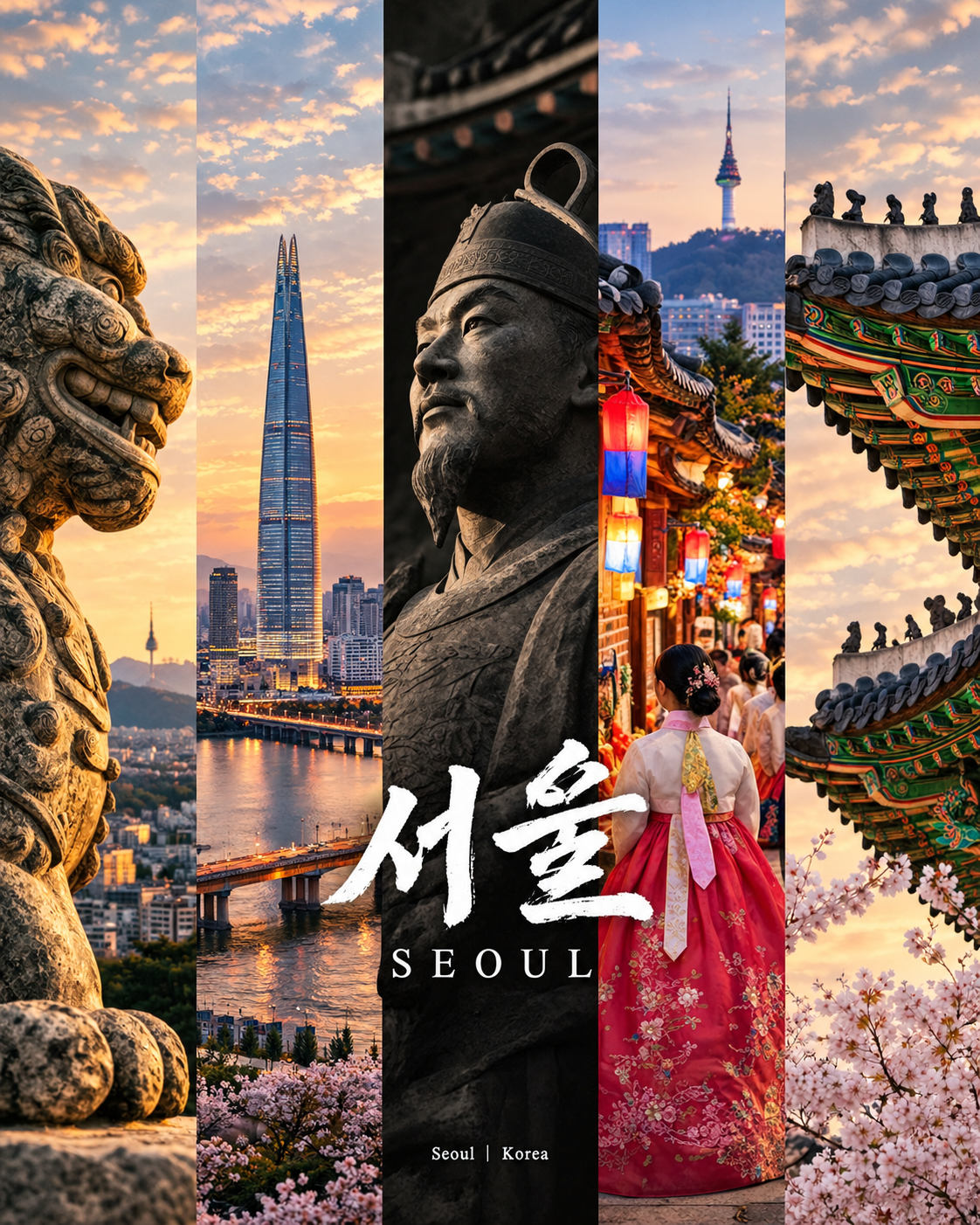
Enter a place name to instantly create a polished city identity poster in a five-panel vertical-strip format. The design seamlessly combines five equal-width vertical strips: close-ups of cultural artifacts and nature on the outer panels, an architectural landmark in the second panel, local customs and cultural life in the fourth, and the city’s most soulful cultural symbol in the center. The overall look uses warm golden-hour light and cinematic color grading. The center panel is darkened and desaturated to create a "warm—cool—warm" visual rhythm. A large white calligraphic place name, its English serif name, and the small text "Administrative Region | Country" are layered below the center panel. Two ways to use it: · Upload 5 photos you took yourself and enter a place name: the system automatically sorts them by content, crops them vertically, applies consistent color grading, and combines them into a poster in the same style · Enter only a place name: the system automatically selects 5 of the area’s most representative real-world elements and faithfully generates the poster Ideal for travel blogger covers, city tourism promotion, Xiaohongshu/Instagram carousel cover images, city identity cards, and album covers.
Recommended by
Dancang
Why we love this skill
Transforms place names or personal photos into cinematic five-panel city identity posters with researched landmarks and refined visual storytelling.
Best for
Ideal for travel bloggers, tourism promotion teams, and anyone creating city cards or album covers.
How to use this Skill
Provide your input
Enter a place name and optionally upload 5 photos.
Run the Skill
After submission, the system organizes five vertical panels based on the place name or photos, then creates a city poster with a unified layout and cinematic color grade.
Review your result
Get a cinematic five-panel vertical-strip city culture poster featuring the place name, its English or romanized name, and administrative region and country information.
Related Skills
View all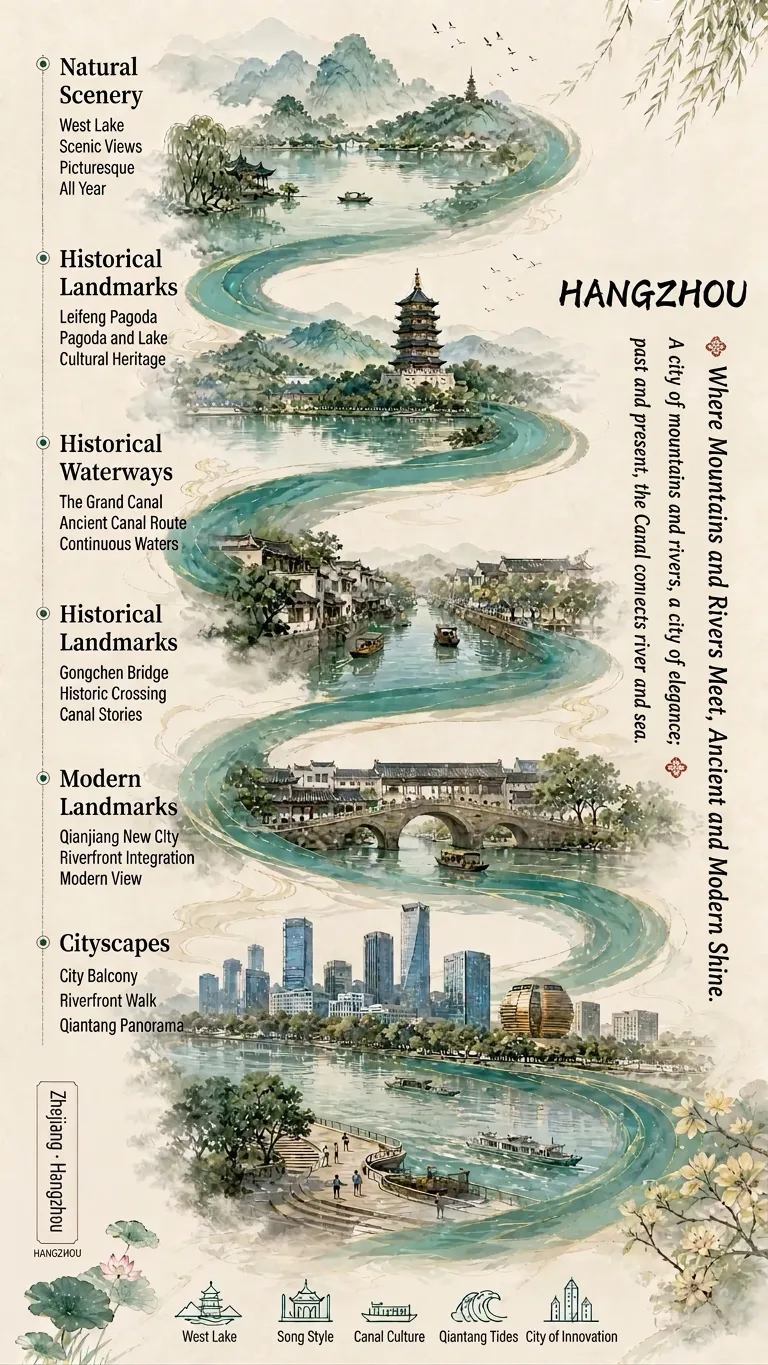 Image
Landscape Scroll Generator
Enter a city or province name to generate a cyan-green landscape tourism poster blending local elements. The artwork extends from natural landscapes and history to modern cities, capturing regional character through cyan-green tones, ink washes, rice paper textures, and detailed architecture linked by a continuous landscape motif. It is ideal for city branding, tourism promotion, and cultural communication. The content incorporates representative natural sights, historical buildings, cultural symbols, and modern landmarks: cities focus on the local area, while provinces balance features from different regions while avoiding misattributed sights. The poster includes prominent location names, vertical slogans, city overviews, and landmark descriptions with cultural tags, offering both visual appeal and rich information. For ambiguous locations, you will be prompted to clarify first; otherwise, the image is generated directly. The final output includes selected representative elements and reference sources for verification. Since small text in images may have minor rendering errors, please review all place names, landmark titles, and captions carefully before official printing or publishing.
 Image
Urban Architecture Poster
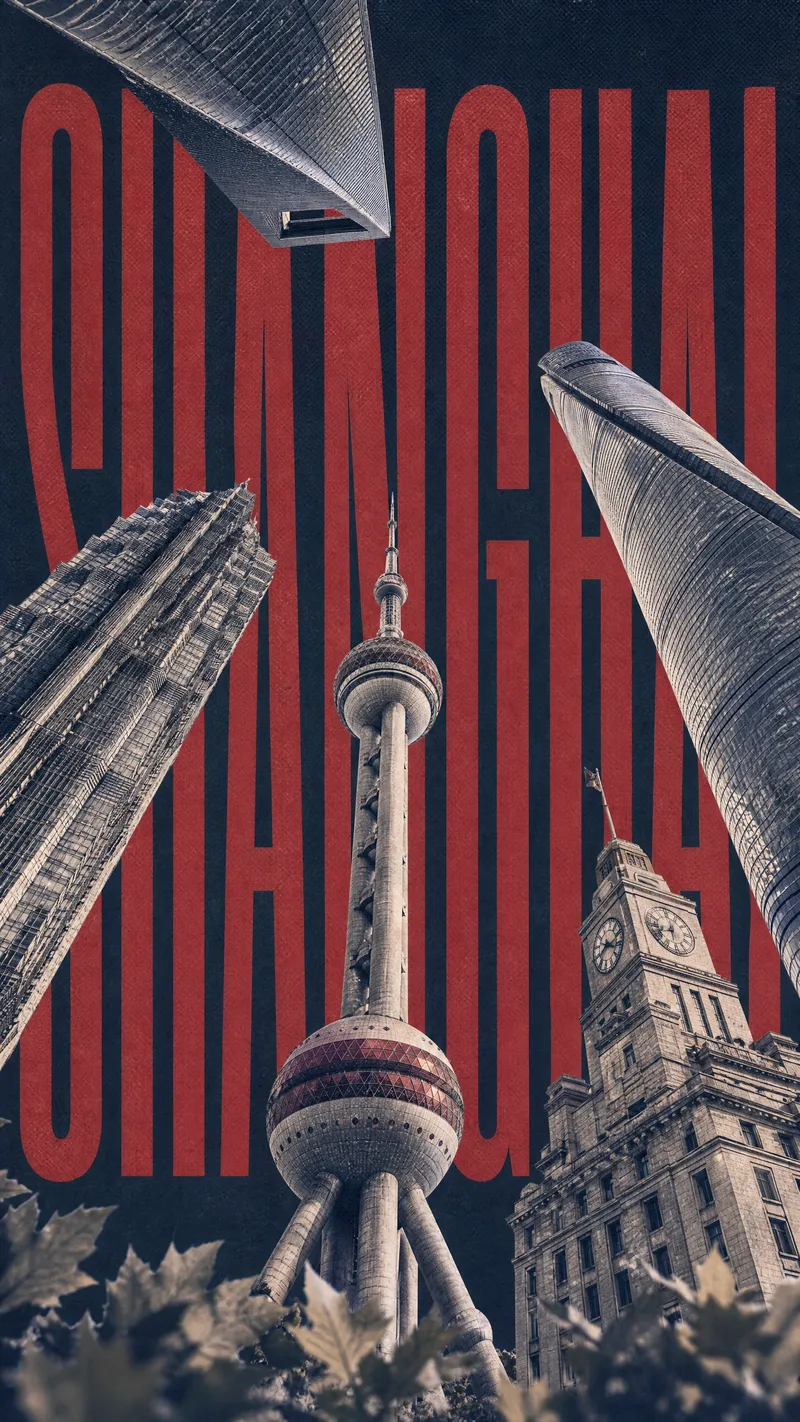
Enter a city name to get a polished, magazine-style architectural poster that blends local landmarks, urban culture, and editorial visual design. Featuring a vertical composition and a striking low-angle worm's-eye view, it uses a core building as the visual center, complemented by surrounding real landmarks in an architectural photography collage converging toward the sky, offering high recognizability, depth, and urban character. The poster incorporates restrained color palettes, suitable foreground elements, and bold English city typography based on local traits, enhancing layout performance through layered depth between architecture and text. It integrates subtle retro print textures, paper grain, halftone details, and noise while preserving architectural outlines and text readability to avoid the clutter of typical tourism ads. You can also specify landmarks, text, colors, aspect ratios, or visual styles to generate finished images suited for city showcases, architecture-themed content, and visual inspiration.
 Image
Ink City Poster Generator
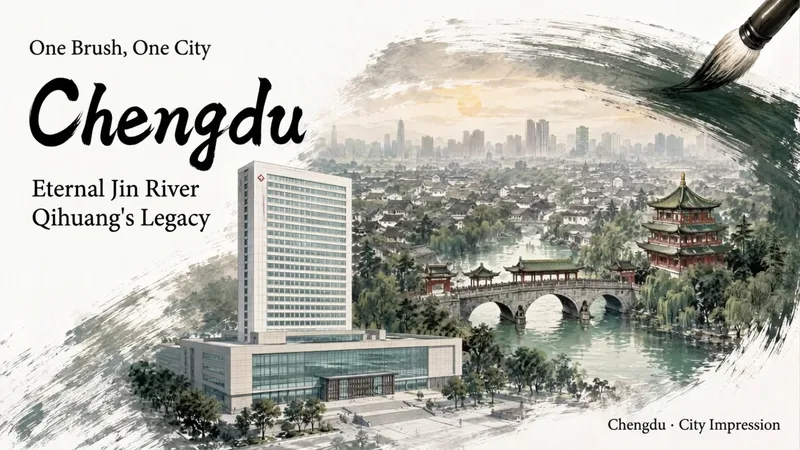
Enter a city name to create a miniature city poster with a strong sense of place and polished design, suitable for conference backdrops, city promotions, and event visuals. Traditional Chinese painting brushwork wraps realistic city scenes, organizing landmark buildings, waterways, neighborhoods, and skylines into three layers of depth: foreground landmarks, midground city, and distant outlines. Clear negative space is reserved for titles and brand copy, allowing the city image and text information to blend naturally. Create posters for conferences or city-related events. You can specify landmarks, a main title, subtitle, brand copy, and details such as the meeting name, date, time, and location. Choose a brush effect—ink brush, pen, pencil, or charcoal—and pair it with ink black, stone green, ochre, cobalt blue, cinnabar red, smoke gray, or a custom color. You can also adjust the presentation from expressive to balanced to realistic. Landscape, portrait, and square formats are supported. Meeting fields display only the information actually provided, with no placeholder content added. During generation, the city’s buildings are first checked for their names, locations, forms, and sources. The composition is then planned and the poster is generated. Delivery also includes an architectural reference table and itemized review results, with a focus on landmark attribution, building forms, spatial relationships, Chinese text, brushwork texture, layout spacing, and parameter consistency—helping you create a city visual more suitable for formal presentation.
Information
- Version
- v3
- Last updated
- Runtime credits
- Usage-based
- Models
- Auto
- Use cases
- Images & designMarketing & growthLifestyle & entertainment
- What you get
- Image
- Visual styles
- CinematicPhotorealistic
