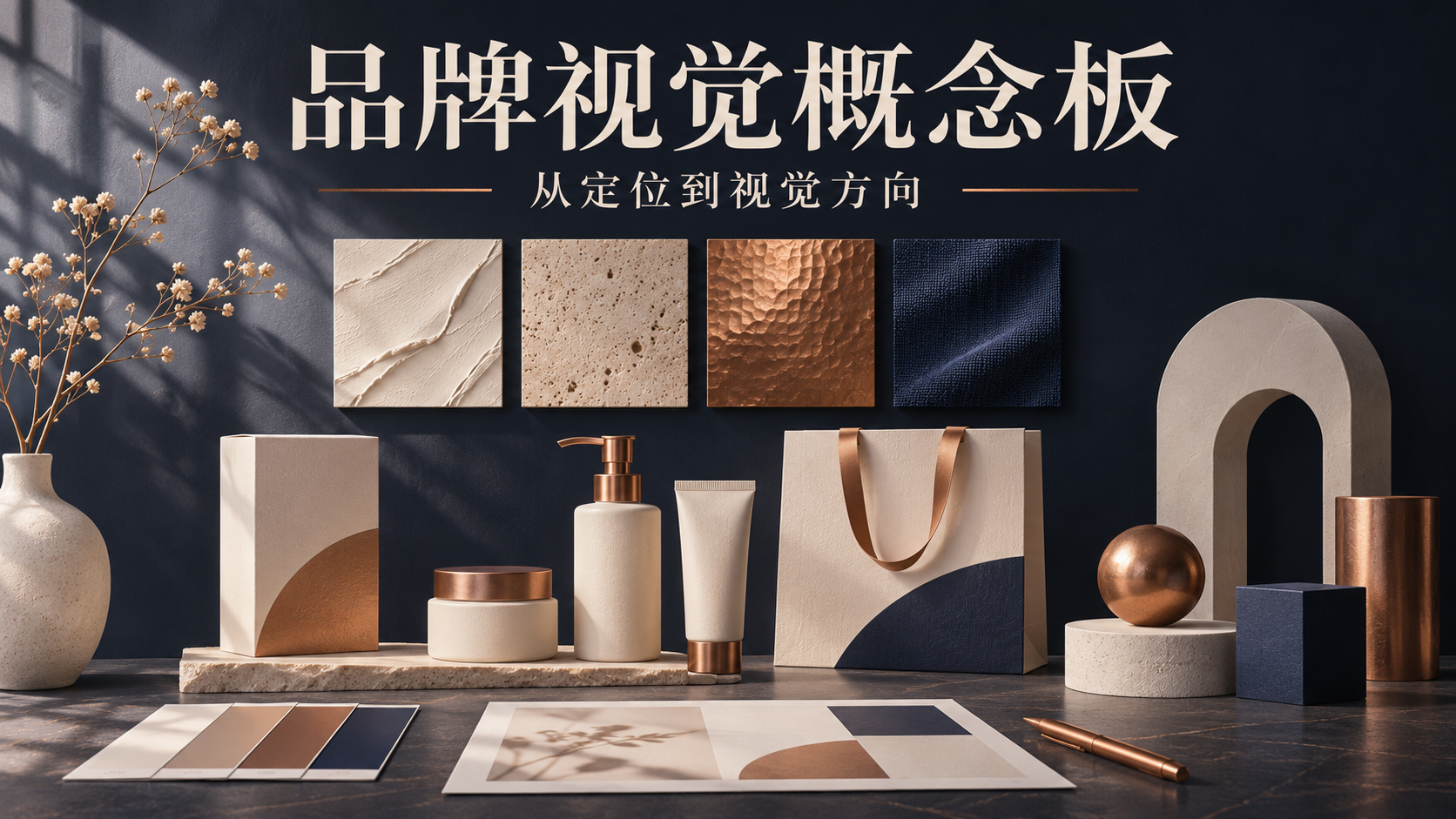
Brand Vision Board
From positioning to visual direction
Brand Vision Board
From positioning to visual direction
Showcase
Description
Enter your brand positioning, audience, use cases, and visual preferences. This skill plans colors, materials, and applications, and generates a concept board when supported by the current environment. The four display images are AI visual mockups produced locally based on a fictional brand brief and have not been fully tested in YouMind; they are not actual client projects, nor are they registerable trademarks or production design files. Usage: Provide brand background and purpose; review the design direction, adjust based on feedback, and conduct clearance checks and professional design before official commercial use.
Recommended by
Dancang
Why we love this skill
Translates brand positioning into an explainable visual direction, systematically combining colors, shapes, materials, and application scenarios based on audiences, keywords, and metaphors. It delivers concept boards while clearly separating facts from assumptions.
Related Skills
View all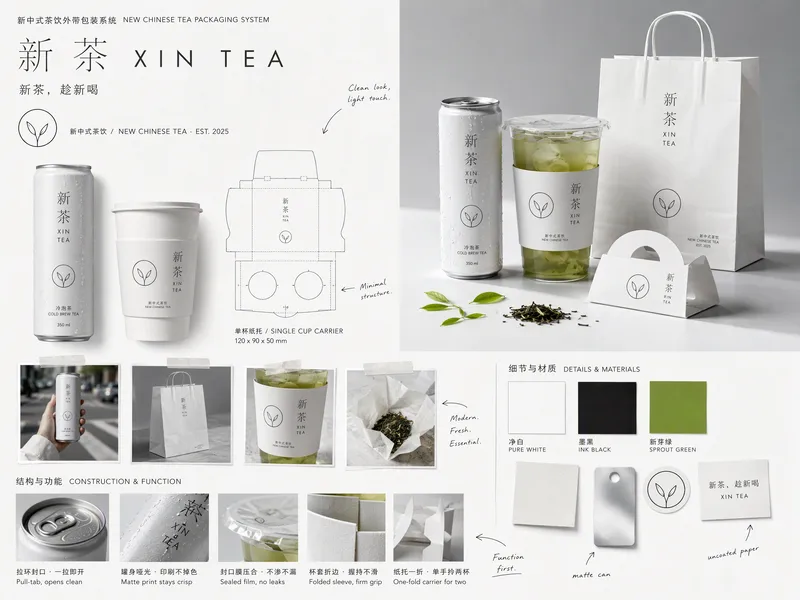 Image
Brand Packaging Proposal Board
Turn a brand name into a packaging proposal board ready for discussion and further development, suitable for categories such as coffee, tea drinks, baked goods, chocolate, florals, alcohol, fragrance, and skincare. You can provide the brand name in Chinese and English, slogan, category, brand voice, specified materials, or formal logo; even with incomplete information, suitable packaging directions can be developed based on consumer contexts. The proposal selects packaging materials and application details around real-world delivery scenarios, such as paper bags, cups, gift boxes, tea tins, labels, stickers, or structural dielines, and pairs them with brand color palettes that can be applied to paper, ink, foil, and textiles. The visual style is adjusted to the brand’s character through color temperature, contrast, typographic feel, and decorative density, rather than applying the same “premium minimalist” template to every brand. The final output is a landscape 4:3 bilingual English-Chinese packaging design proposal board containing a brand title, primary packaging mockup, flat artwork, structural diagram, application scenes, color swatches, material samples, and functional details. It is presented as a design proposal for clients to review, not as a standard advertising image. If you provide a formal logo, it will be used as a brand asset throughout the packaging and layout wherever possible; slogans and system titles can also be developed based on the category and later replaced or extended.
 Image
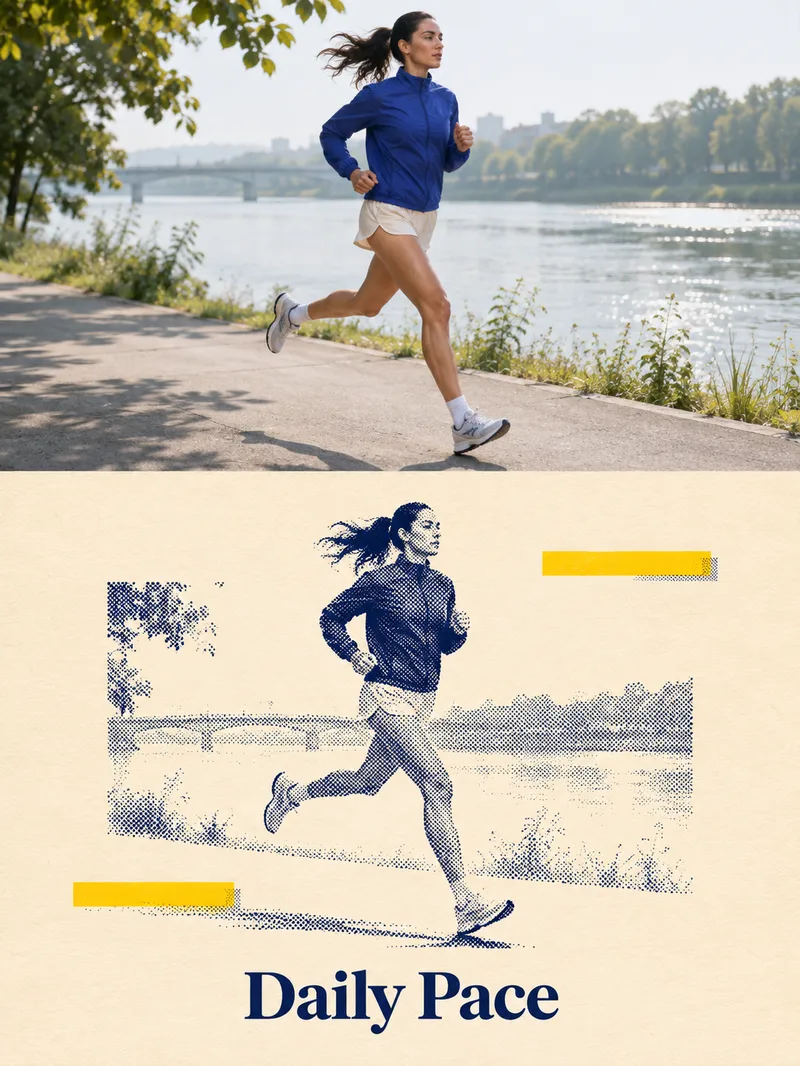
Two-Tone Halftone Overprint
Ideal for creators making social media graphics, editorial posters, and personal visual exercises. Provide a subject such as a person, pet, building, or still life, and optionally specify a title and color scheme. Photo mode requires authorized, clear, and readable images. The skill first identifies the subject and essential outlines, planning a vertical diptych layout: the top features natural photography, while the bottom uses dark blue halftones of varying density for light and shadow, paired with a warm white paper texture, subtle yellow geometric blocks, and a short title. It then uses the current environment's image tools to generate and review the result. Delivers an actual poster, title text, and verification notes, with copyable prompts included when needed. Usage: Enter a subject or photo, specify the title and purpose, then review the subject, text, and composition after running, and request specific adjustments. The four display images are AI examples generated locally following the full skill visual method: an adult runner, an orange cat, a fictional building, and an unbranded coffee pot, and are not actual photos or real client cases. The avatar was generated separately based on the local halftone cat case, showing visual effects and Chinese titles. YouMind integration and uploaded photo editing have not been tested in practice; details, halftone thickness, whitespace, and subject size may vary. The runner example retains more background, and exact consistency per run is not guaranteed. Text planning can use GPT, while image creation relies on the actual image tools provided by the runtime environment. The local image_gen did not return a specific model ID, and no binding to Image2 is claimed. Without image tools or if generation fails, image delivery is incomplete, and only pending prompts can be provided. Verify text, portrait rights, and product structure before official use; exact identity or detail consistency is not guaranteed, and automatic publishing or purchasing is not supported.
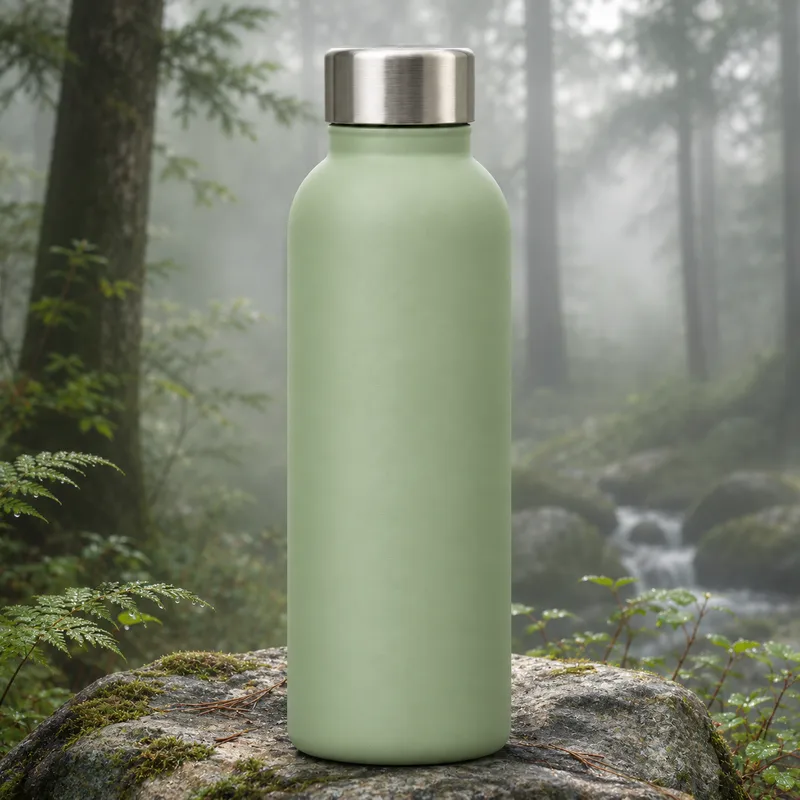
Product Creative Scene
Upload authorized product photos and describe your desired setting. The Skill organizes key fidelity details and generates scene images when environment support for reference image editing is available. Display images are created locally using a fictional, unbranded water bottle for reference, and are not real photographs or actual client cases; minor variations may occur on the bottle body and cap, and exact product consistency cannot be guaranteed. Full testing on YouMind is still pending. Usage: Provide product photos along with material authorization, intended use, and setting; compare the final image with the original product item by item.
Information
- Version
- v2
- Last updated
- Runtime credits
- Usage-based
- Models
- Auto
