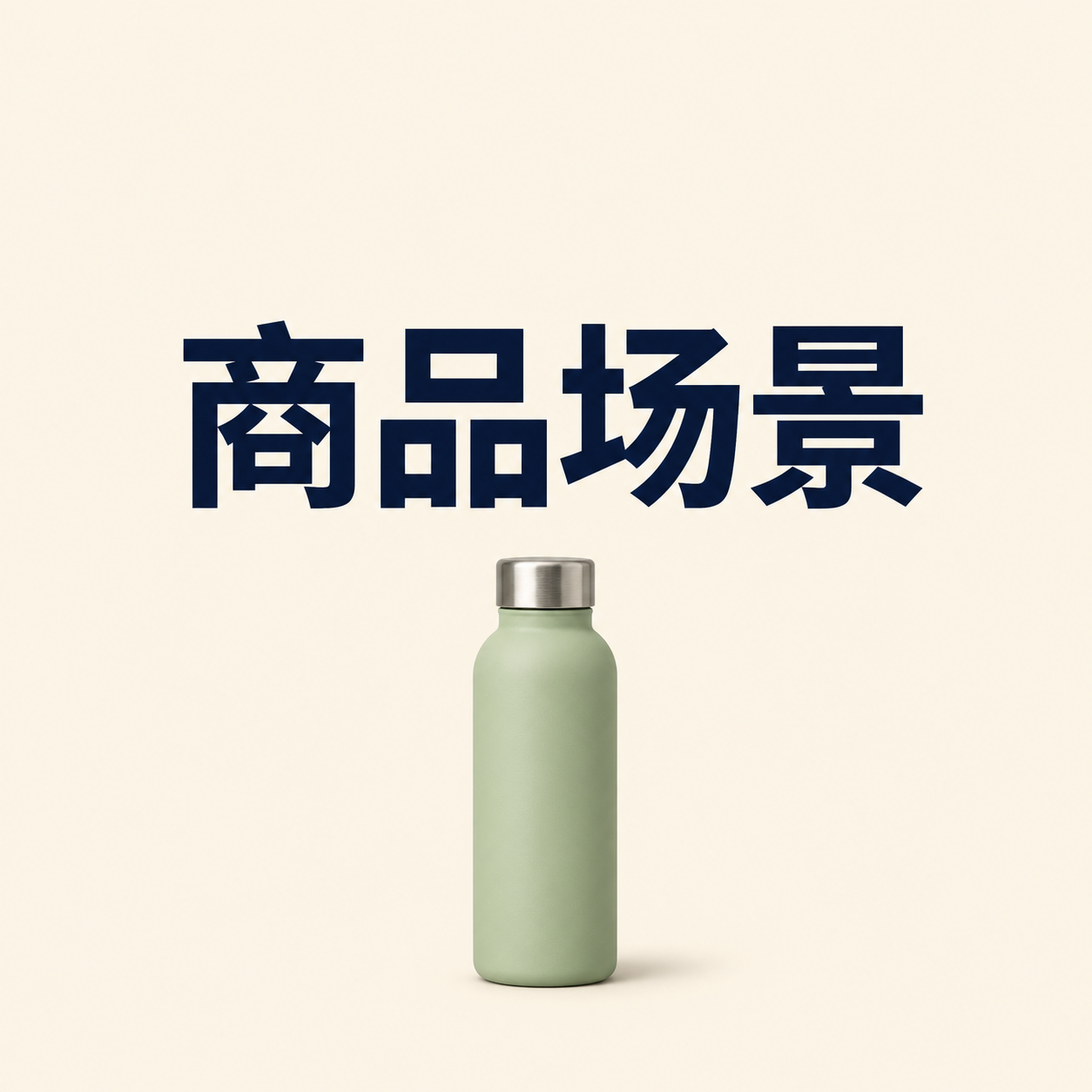
Product Creative Scene
Design new settings for product photos
Product Creative Scene
Design new settings for product photos
Showcase
Description
Upload authorized product photos and describe your desired setting. The Skill organizes key fidelity details and generates scene images when environment support for reference image editing is available. Display images are created locally using a fictional, unbranded water bottle for reference, and are not real photographs or actual client cases; minor variations may occur on the bottle body and cap, and exact product consistency cannot be guaranteed. Full testing on YouMind is still pending. Usage: Provide product photos along with material authorization, intended use, and setting; compare the final image with the original product item by item.
Best for
Ideal for creators and merchants looking to design scene images for product displays or sales materials.
How to use this Skill
Provide your input
Provide product photos with usage rights, purpose, and desired setting, while specifying which parts may be modified.
Run the Skill
Extracts fidelity key points from the original image, designs the scene composition, generates the image when reference image editing is supported, and checks for differences between the result and the original product.
Review your result
Receive product scene images, image generation prompts, and a comparison breakdown covering shape, color, logo, and structure.
Related Skills
View all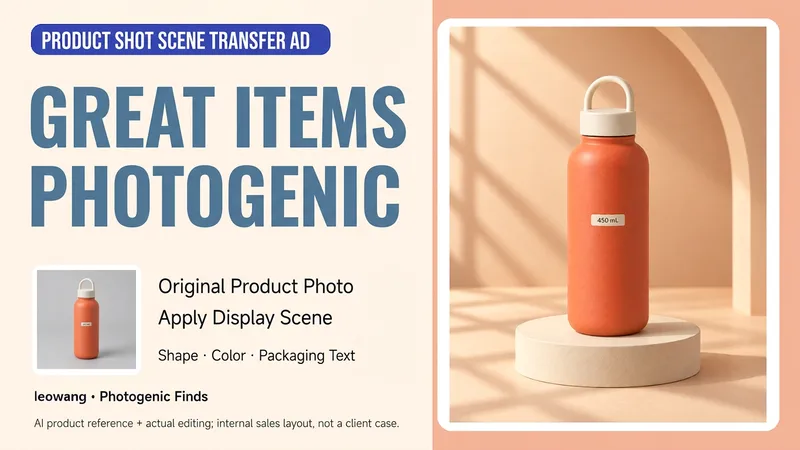
Product Photo to Scene Ad
Have a product photo but no usable scene image to showcase it? Upload a photo of a single product and tell me its real selling points, brand style, and intended use. I’ll help design the set, lighting, and composition, then generate a scene ad image while checking the product’s shape, color, quantity, and packaging text against the original. Suitable for small businesses, handmade sellers, and independent brands. The first version focuses on one product in one scene. By default, it creates a clean image without ad copy; when text is needed, use content supported by the provided information. The final image depends on the reference-image generation or editing tools available in the host environment. Generative editing may change product details, so exact reproduction of packaging, labels, or colors is not guaranteed. When the original product must remain completely unchanged, use a compositing method that preserves the product layer. Product design and workflow: leowang.
 Image
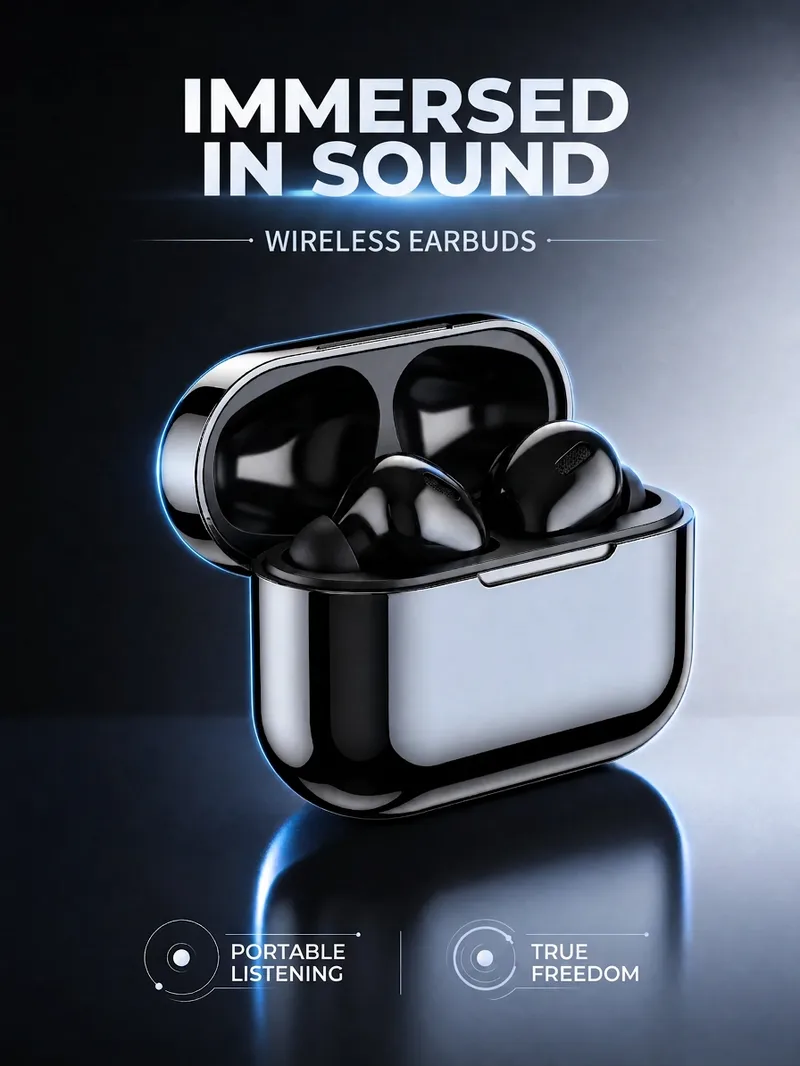
E-commerce Detail Image Generator
Transform product materials, packaging images, and sales scenarios into a series of cohesive detail images for e-commerce display rather than just a single poster. Whether for food, daily essentials, or other goods, you can plan the theme, sequence, dimensions, and visual style of an entire set around practical needs such as the hero visual, core selling points, product details, usage methods, and packaging information, helping customers clearly understand product value. When copywriting is lacking, information can be verified based on reliable product materials, distinguishing between confirmed product facts and general category information; unconfirmed ingredients, parameters, origins, efficacy, or promotional content will not be fabricated. User-provided product photos, brand logos, and packaging text serve as visual references to maintain consistency in product appearance and brand information; when physical photos are unavailable, it is clearly stated that illustrative product images are used. Before generation, you will first see a complete step-by-step plan, including the purpose, proposed text, suggested dimensions, and information needing verification for each image, before confirming the production of the cohesive set of e-commerce detail images. The final delivery includes multiple independent images labeled with their respective purposes, along with reminders of any details that cannot be accurately reproduced or still require confirmation, making it suitable for product detail pages, platform launches, and product selling point displays.
 Image
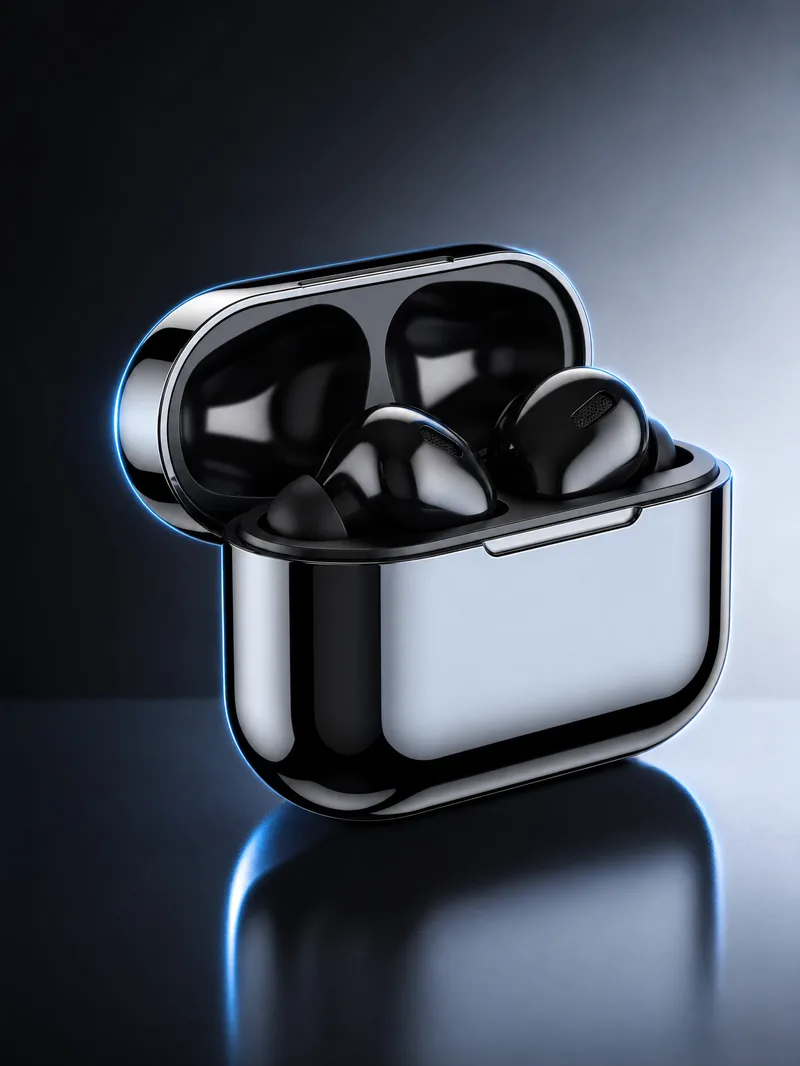
Product Promo Image Generator
Transform real product photos into professional promotional images suitable for e-commerce, brand promotion, and social media. This tool highlights the product itself while strictly preserving key characteristics such as shape, structure, color, material, packaging, and logos. Whether you need e-commerce main images, horizontal brand KVs, vertical social media posters, or studio, lifestyle, holiday, and cinematic lighting visual directions, it plans the appropriate aspect ratio, composition, scene, and lighting based on the product use case and publishing channel. To use, upload a clear original product image and describe your use case, channel, and preferred brand style. The Skill will combine your product features to propose several actionable creative directions to help you confirm the visual plan before generating the promotional image. If no specific request is made, promotional text is generally not embedded directly into the image; instead, clean layout areas are reserved so you can easily add accurate price, promotional, or product information later. Generated results use the original product image as the primary reference to avoid unauthorized additions of accessories, specifications, packaging, or unconfirmed features, and will prompt you to verify product details, logos, text, and true proportions. It is well-suited for brands, merchants, and designers who need to quickly produce product advertising assets, new arrival visuals, e-commerce display images, and social media content.
Information
- Version
- v2
- Last updated
- Runtime credits
- Usage-based
- Models
- Auto
- Use cases
- Images & designE-commerce & sales
- What you get
- ReportImagePrompt
