
Opus 5.5-Impact Product Reel
Beat-synced product reel as playable HTML with Opus 5.5
Opus 5.5-Impact Product Reel
Beat-synced product reel as playable HTML with Opus 5.5
Showcase
Description
Create a fixed 24-second impact-driven, beat-synced product reel with locked typography, transitions and sound, while adapting product, campaign and palette.
Recommended by
Shuting@YouMind
Why we love this skill
An editor’s pick for turning verified product stories into polished, beat-synced HTML reels. Its standout strength is a rigorous, reusable motion system that preserves playable interaction, real media, brand-native workspaces, audio timing, and validation instead of producing a static mockup.
Related Skills
View all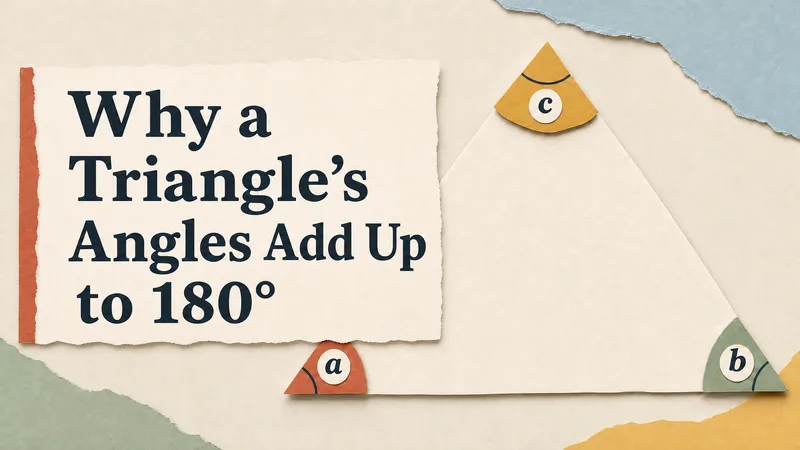 Video
Opus 5.5-Paper Cutout Explainer Video
Turn a topic, process, or product into a narrated paper-cutout animated explainer. Get a directly playable HTML video with layered paper illustrations, purposeful motion, background music, playback controls, and toggleable captions. Customize the subject, audience, language, palette, and format.
Create videos with Opus 5.5
Turn an idea, message, or creative brief into a polished motion video with a distinctive visual identity. This skill helps you shape the concept, key visuals, typography, color palette, composition, pacing, and transitions so every design choice supports the story you want to tell. It can create a wide range of video experiences, from expressive title sequences and promotional pieces to presentations, social content, and other visual storytelling projects. Your explicit requirements remain central, while the overall direction is developed with the judgment of a creative director and motion designer to produce engaging visual moments and smooth continuity from shot to shot. The result is a finished, browser-based video experience with carefully coordinated motion and design, checked for technical issues before delivery. Start with a clear prompt describing what you want to communicate, the tone or style you have in mind, and any must-have content or constraints.
 Video
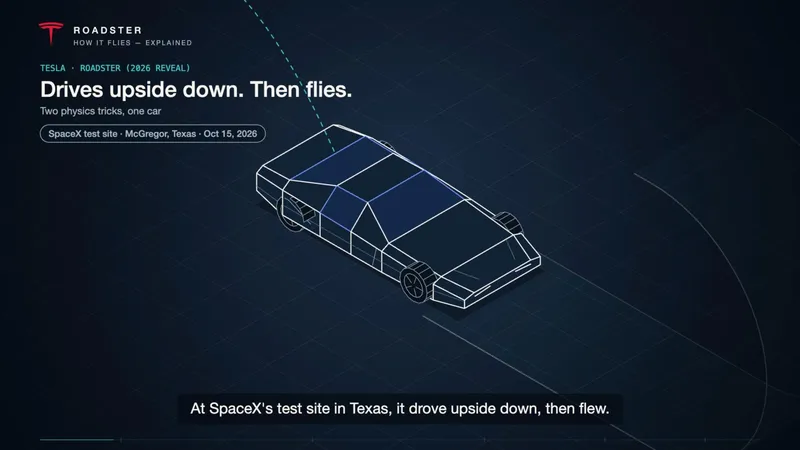
Opus 5.5-Isometric Explainer Video
Turn a process, system, or concept into a captioned isometric explainer with precise line tracing, component assembly, visible flows, and connected camera moves. Customize the topic, audience, language, palette, duration, and narration. Builds the finished playable webpage video directly by default; storyboard previews only when you ask for them. Video export depends on runtime capabilities.
Information
- Version
- v16
- Last updated
- Runtime credits
- Usage-based
- Models
- Auto
