Article to Vertical Minimal Motion
Any article or idea into a 9:16 B&W kinetic type video
Article to Vertical Minimal Motion
Any article or idea into a 9:16 B&W kinetic type video
Showcase
English Video Content Plan
365 Days of Content
365 Days of Content
365 Days of Content
English Video Content Plan
365 Days of Content
365 Days of Content
365 Days of Content
Description
Turn any article, link, file, or idea into a 9:16 vertical black-and-white minimalist motion video built from kinetic typography and line infographics. Only black and gray are used, every idea becomes a concrete visual structure, and the pacing builds from a single word to a dense climax frame. You first get an English storyboard to confirm. It then becomes a video-exportable motion webpage, laid out on a strict UI layout system with nested containers and an 8pt grid, plus a built-in check that no text overlaps, overflows, or gets clipped.
Why we love this skill
An editor’s pick for turning dense ideas into disciplined 9:16 visual arguments. Its storyboard-first workflow, strict component system, and layout-aware kinetic typography create minimalist black-and-white videos that clarify rather than overwhelm.
Best for
Content creators and educators turning articles or ideas into concise vertical educational motion videos.
How to use this Skill
Provide your input
Provide an article, link, file, or idea, along with any preferred duration or scene changes.
Run the Skill
Review the English storyboard, request edits if needed, then confirm it to generate the motion piece.
Review your result
Receive a 9:16 black-and-white kinetic typography video with structured line-infographic visuals and video-exportable motion layout.
Related Skills
View all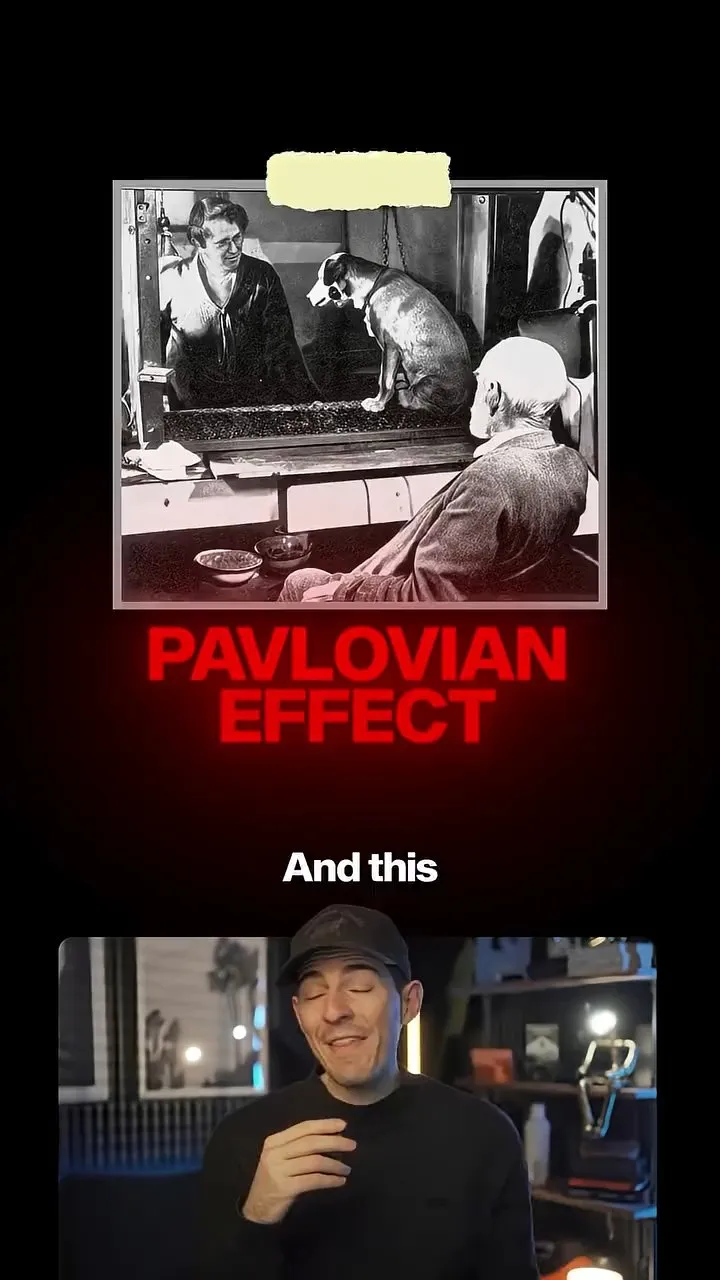 Video
Kallaway Black & Red Vertical Style
Turn a vertical talking-head video into a dense, editorial-style Shorts or Reels cut with a distinctive black-and-red visual language, warm gray graph-paper layouts, and clear infographic storytelling. The result keeps your original voice and ideas at the center while translating key moments into focused visual scenes rather than generic captions or a static talking-head edit. The edit can combine a continuous rounded video window with evidence cards, archive-style references, avatar relationship diagrams, phone and post mockups, comparison layouts, animated metrics, concept labels, and focused principle-by-principle reveals. Full-screen presenter moments provide breathing room between information-heavy sections, while short on-screen words reinforce what is actually said in the video without adding new claims. The opening goes straight into the presenter and a representative visual element—no unrelated cover or title card. Upload your video and optionally provide a script, key points, portraits, logos, screenshots, historical images, data, or emphasis terms. When supporting assets are missing, the edit uses clearly marked neutral placeholders and identifies what to replace. You receive a previewable editing webpage with timeline navigation, playback controls, scrubbing, mute, a segment overview, and video export with original audio when browser support allows. If export is blocked by media permissions or cross-origin restrictions, the page provides a clear screen-recording fallback.
Universal Motion Graphic Creator
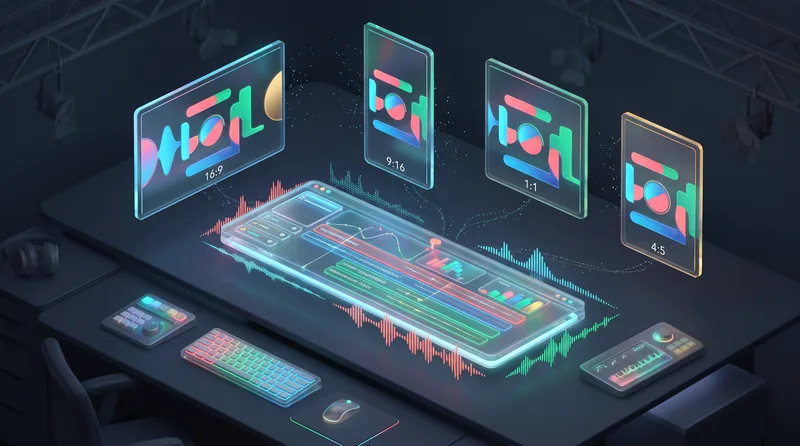
Transform any supported document, dataset, article, infographic, or transcript into an autonomous motion graphic video campaign across four independent aspect ratios (`16:9`, `9:16`, `1:1`, `4:5` at 1080p 30 FPS MP4) alongside complete scripts, schema-validated storyboards, design system tokens, vector/SVG assets, synchronized subtitles, and a 4-state automated QA report using YouMind's native and portable capabilities.
 Video
Storyboard Educational Videos
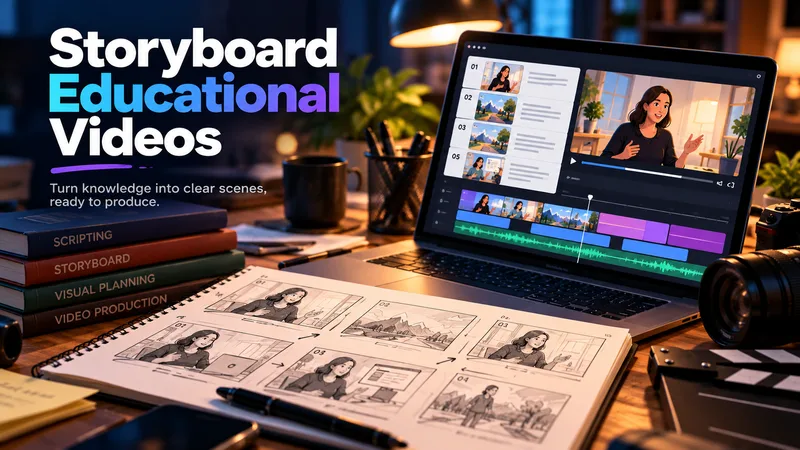
Hand it a document — a training guide, an SOP, a product brief, a course chapter — and get back a shooting plan you can film today: numbered scenes, one idea each, each with a clear visual direction, an English image prompt, spoken narration that fits the clock, and subtitles that match the voiceover word for word. Most documents are written to be read, not performed: the narration rambles, the visuals repeat the text, the subtitles drift out of sync. This Skill rebuilds the material for the screen — 3–6 observable learning objectives, a hook → orientation → teaching beats → recap → CTA arc, and a fixed time budget of 2.2 words per second per scene, so nothing gets cut later in the edit. Every plan ships with an overview, one visual style guide reused across all scenes, a scene index with exact timings, a per-scene breakdown (purpose, framing, on-screen text, English image prompt, voiceover, subtitle cues, audio), production notes and an explicit list of assumptions and content risks. How to ask for it — four shapes that work best: • Just the file: "Turn this into an educational video plan." Audience and runtime are inferred and stated as assumptions. • File + runtime + audience: "A 4-minute onboarding video for new support hires; screen recordings only, no on-camera presenter." • File + format: "A 60-second vertical 9:16 plan for LinkedIn, high tempo, one-line subtitles." • Thin or messy source: "These notes are scattered bullets — still build a 3-minute plan, mark the gaps TODO: and list your assumptions." Output language follows your message: ask in Turkish, Spanish or Japanese and the whole plan comes back in that language. Only the image prompts stay in English, ready for any image model. Built for L&D teams, course creators, product marketers and anyone handed a twelve-page PDF and told "make it a video".
Information
- Version
- v4
- Last updated
- Runtime credits
- Usage-based
- Models
- Auto
- Use cases
- Images & designLearning & education
- What you get
- WebpageVideo
- Visual styles
- MinimalistBlack and white
