AI Product Photo Studio
Premium product visuals from your reference images
AI Product Photo Studio
Premium product visuals from your reference images
Showcase
Description
Turn your product photos into premium, advertising-ready visual concepts with professional creative direction. Upload a product image alone or combine it with people, environments, mood references, composition examples, or your own creative idea. The skill analyzes each reference by role, protects the product’s identity, branding, labels, visible text, colors, proportions, and packaging details, then guides you through a short adaptive creative brief. Choose from photorealistic, premium studio, lifestyle, editorial, still life, minimal, luxury, surreal, UGC-style, cinematic, and other visual directions — with or without people. You receive 5 genuinely different creative concepts and 5 detailed English production prompts designed for high-end image generation. Every concept prioritizes natural product integration, realistic lighting, coherent shadows and reflections, accurate materials, believable scale and perspective, and strong commercial composition. Human scenes are directed toward natural anatomy, realistic hands, authentic interaction, and detailed skin texture without artificial plastic or waxy results. Optional image generation, variations, revisions, and quality-control workflows help you refine selected concepts into polished product visuals for social media, e-commerce, marketplaces, websites, campaigns, and brand content.
Recommended by
Dancang
Why we love this skill
Featured for treating product identity as non-negotiable while enabling ambitious campaign imagery. It assigns clear roles to mixed references, protects branding and readable packaging, and applies rigorous checks for lighting, materials, reflections, human realism, and natural scene integration.
Related Skills
View all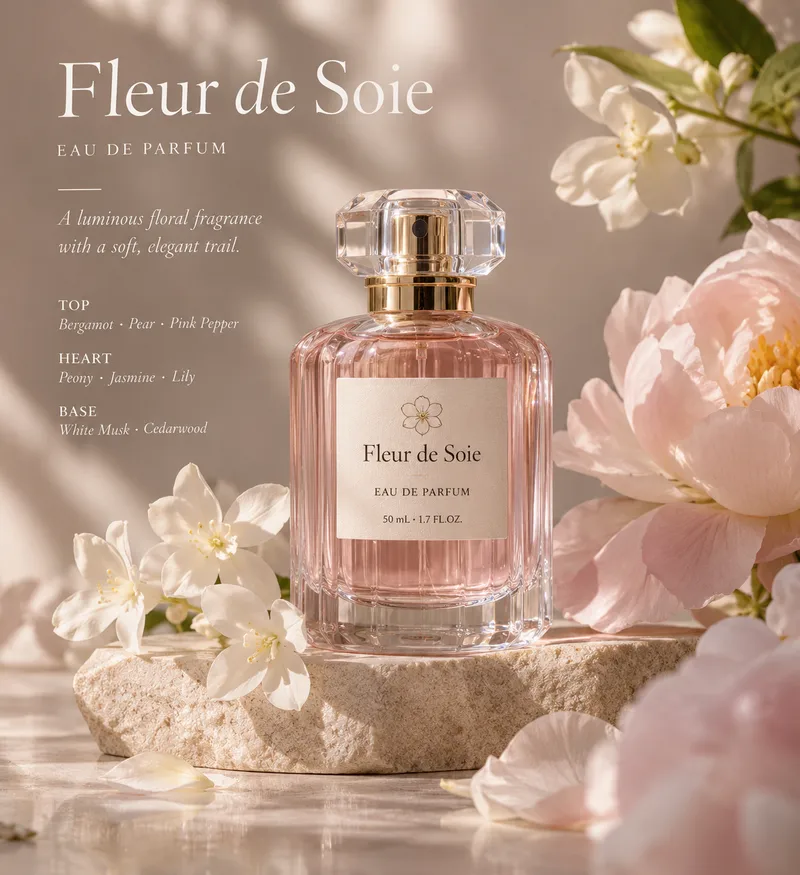 Image
Product Atelier AI
Create polished, photorealistic product photography and luxury campaign concepts from your product images or written references. Product Atelier AI acts as a commercial photographer, visual stylist, and art director, shaping each concept around the product’s authentic silhouette, materials, packaging, branding, and distinctive details while elevating its visual appeal for advertising. You’ll receive a clear creative direction plus a production-ready image-generation prompt covering the setting, materials, lighting, product placement, camera perspective, composition, color palette, and realism requirements. The approach adapts to beauty and skincare, jewelry, fashion, furniture, interiors, lifestyle, and home products, with support for hero product shots, e-commerce photography, editorial posters, beauty campaign portraits, coordinated campaign series, and multi-panel visual collections. Use it to develop refined still-life photography, premium brand campaigns, realistic model-led beauty imagery, or clean commercial visuals without sacrificing product accuracy. It also helps protect approved branding by avoiding invented claims, unnecessary props, distorted packaging, altered gemstones, unrealistic materials, and common AI image artifacts. When exact labels or logos matter, it can recommend a workflow that preserves the original product imagery and adds typography or branding separately.
 Image
A/B Product Creative Variant Studio
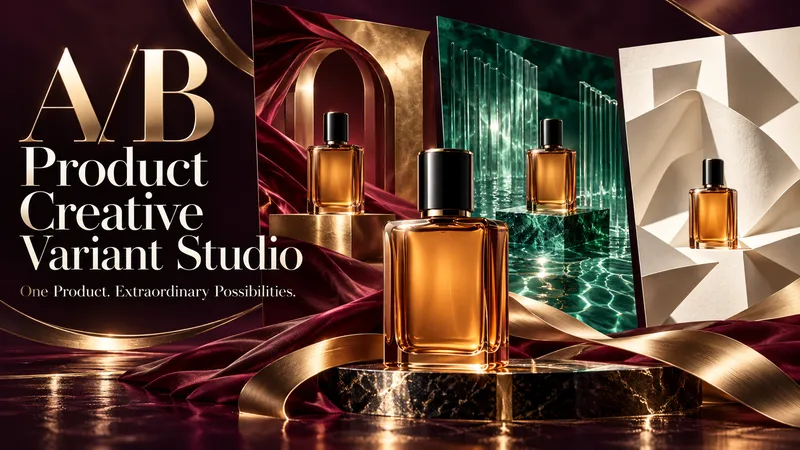
One product. Multiple creative possibilities. Turn your product photo into 3–5 distinctive advertising visuals with A/B Creative Variant Studio. Explore imaginative settings, elegant compositions, and expressive slogan typography—all built around your product. CREATIVE WORLDS, BUILT FOR YOUR PRODUCT Explore 13 style families, from luxury editorial and cinematic lighting to botanical scenes, surreal environments, bold graphics, and futuristic design. Each concept brings together materials, light, depth, and space for a cohesive visual story. SLOGANS THAT BECOME PART OF THE DESIGN Shape your message with striking scale, intentional line breaks, refined lettering, and scene-integrated typography. Choose a slogan-only layout, a complete ad composition, or a text-free visual. TWO WAYS TO EXPLORE • Concept Exploration: discover different combinations of style, composition, and messaging. • Controlled Variants: focus on one selected creative variable while keeping the other agreed elements consistent, where the available tools support it. A GUIDED PROCESS Upload your product → define your goal → choose visual directions → refine slogans → approve the variant plan → generate your images. You review the concepts before production begins. The workflow checks product appearance, text accuracy, readability, and composition, with targeted corrections where needed. WHAT YOU RECEIVE 3–5 separate ad images, clear concept labels, and a concise comparison of what changes across the set. Refine a favorite or use it to explore a new direction. Conversations follow your language. Advertising copy can use a different language of your choice. Image production requires available generation tools. This skill prepares creative candidates; it does not run live A/B tests or guarantee advertising performance.
 Image
Before/After Transformation Ad Studio
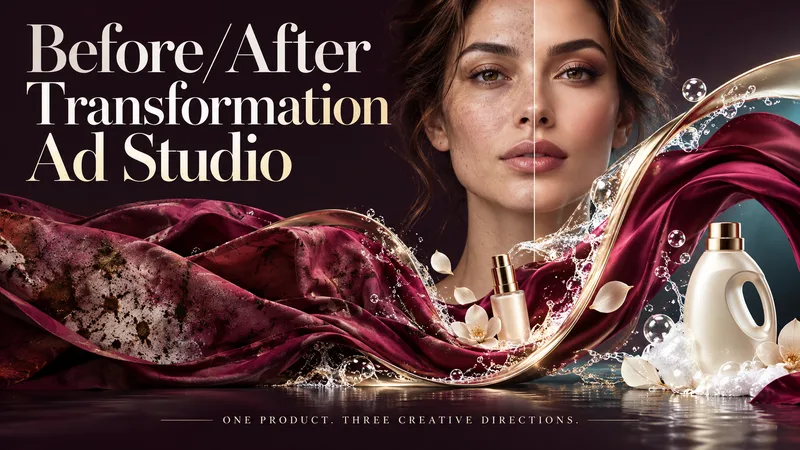
Make the transformation the hero. Turn a single product photo into bold before-and-after advertising visuals with expressive art direction, striking compositions, and a transformation that takes center stage. From cosmetics and personal care to cleaning and fitness, this skill explores your product’s uses and develops creative ways to visualize its relevant benefits. YOUR PRODUCT. YOUR CREATIVE DIRECTION. Start with a photo. The skill researches the product, then helps you choose the scene, materials, visual elements, format, and text style. Prefer a surprise? Let AI take the creative lead. THREE CONCEPTS. THREE DISTINCT VISUAL IDEAS. Explore three tailored concepts with complete image-generation prompts. Think flowing fabric reveals, sculptural environments, dramatic close-ups, glass transitions, or an unexpected world built around your product. Each concept offers a different visual story. BEFORE & AFTER, FRONT AND CENTER. Large, clearly readable transformation scenes lead the composition. Product placement, atmosphere, and typography work together to make the change stand out—even on a phone screen. YOU APPROVE. THEN IT CREATES. Review the prompts, request adjustments, and select one concept or all three. Image generation begins only after your approval, using the capabilities available in your workspace. BUILT AROUND YOUR PREFERENCES. Choose square, portrait, landscape, or custom dimensions. Add a bold headline, keep the copy minimal, or let the visuals speak. The workflow adapts to your language, while production prompts are written in English by default. Upload your product. Shape the scene. Bring the transformation into focus.
Information
- Version
- v9
- Last updated
- Runtime credits
- Usage-based
- Models
- Auto
