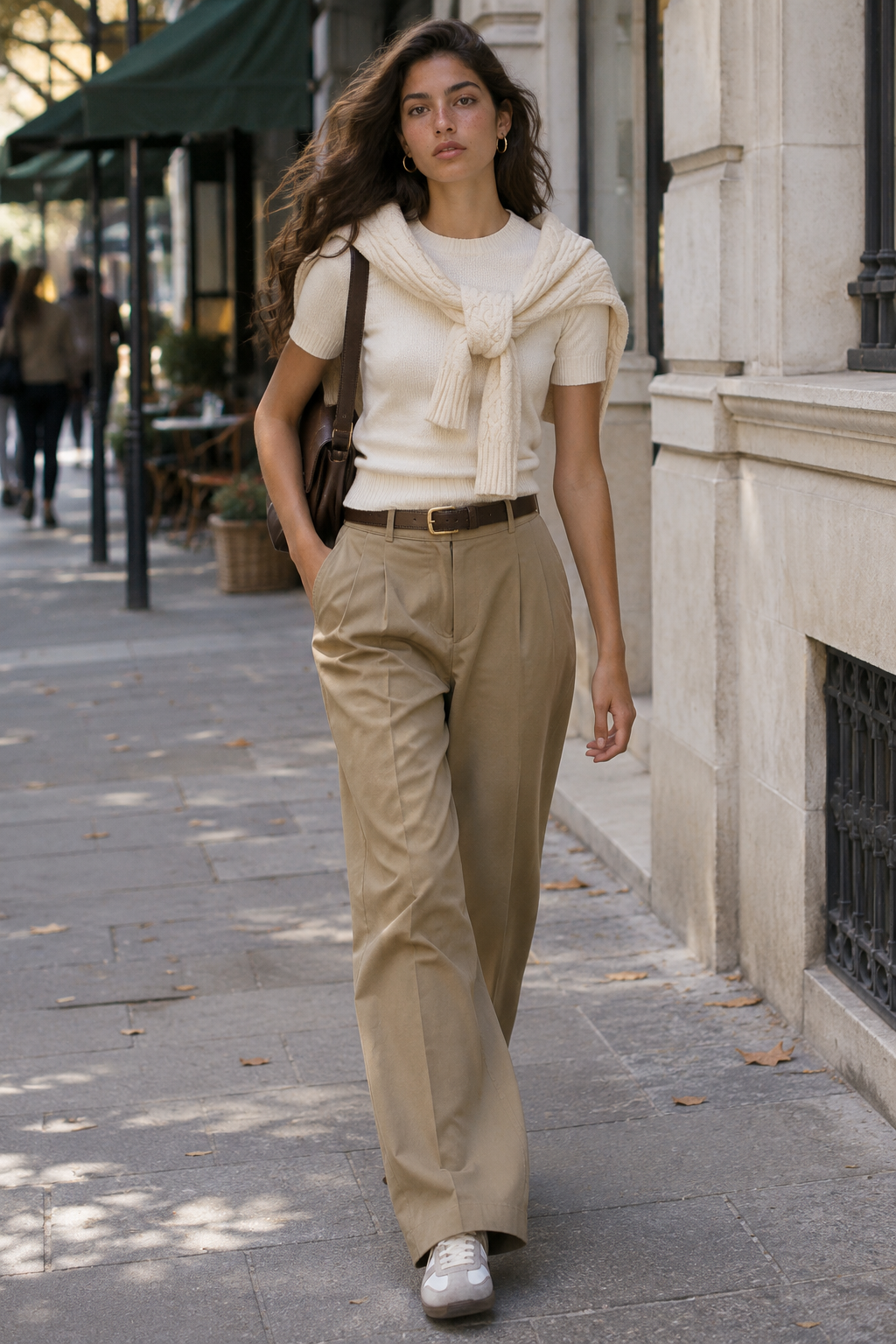
AI E-Commerce Model Studio
Create consistent, customizable AI fashion models
AI E-Commerce Model Studio
Create consistent, customizable AI fashion models
Showcase
Description
Create professional AI fashion models and e-commerce visuals with complete creative control. Customize adult models by ethnicity, mixed heritage, height, body type, skin tone, eye color, facial features, hairstyle, clothing, pose, lighting, and background. Generate consistent four-view model identity sheets, photorealistic studio portraits, fashion product listings, or lifestyle campaigns. Choose between realistic commercial photography and premium 3D character rendering. Ideal for fashion brands, online sellers, designers, and creative agencies looking to produce flexible, consistent product visuals.
Related Skills
View all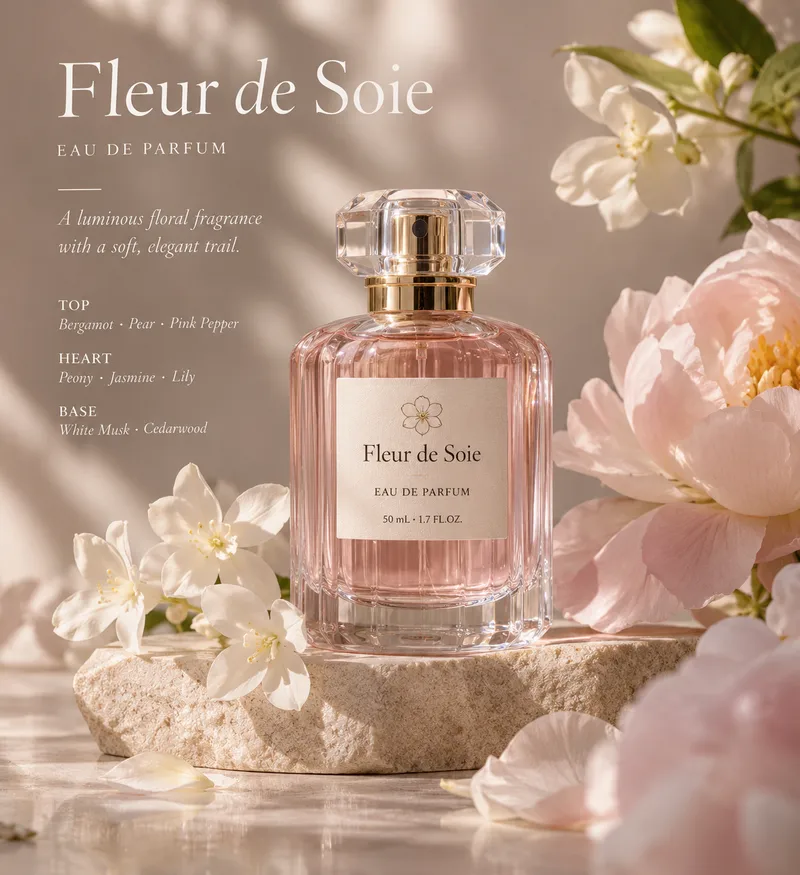 Image
Product Atelier AI
Create polished, photorealistic product photography and luxury campaign concepts from your product images or written references. Product Atelier AI acts as a commercial photographer, visual stylist, and art director, shaping each concept around the product’s authentic silhouette, materials, packaging, branding, and distinctive details while elevating its visual appeal for advertising. You’ll receive a clear creative direction plus a production-ready image-generation prompt covering the setting, materials, lighting, product placement, camera perspective, composition, color palette, and realism requirements. The approach adapts to beauty and skincare, jewelry, fashion, furniture, interiors, lifestyle, and home products, with support for hero product shots, e-commerce photography, editorial posters, beauty campaign portraits, coordinated campaign series, and multi-panel visual collections. Use it to develop refined still-life photography, premium brand campaigns, realistic model-led beauty imagery, or clean commercial visuals without sacrificing product accuracy. It also helps protect approved branding by avoiding invented claims, unnecessary props, distorted packaging, altered gemstones, unrealistic materials, and common AI image artifacts. When exact labels or logos matter, it can recommend a workflow that preserves the original product imagery and adds typography or branding separately.
 Image
AI Product Photo Studio
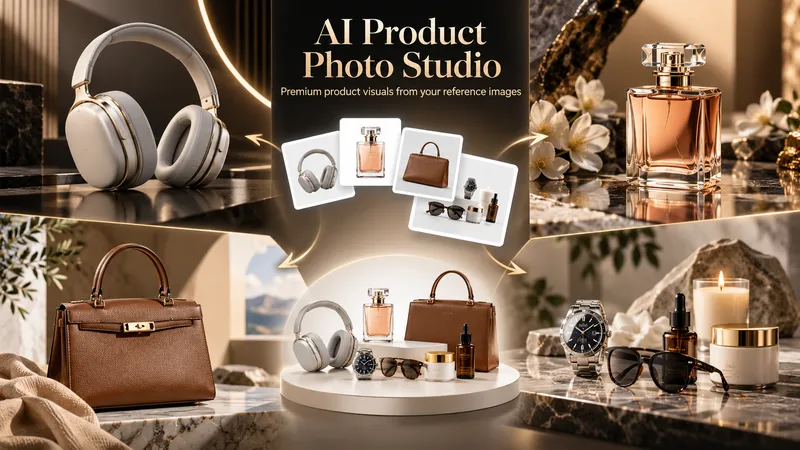
Turn your product photos into premium, advertising-ready visual concepts with professional creative direction. Upload a product image alone or combine it with people, environments, mood references, composition examples, or your own creative idea. The skill analyzes each reference by role, protects the product’s identity, branding, labels, visible text, colors, proportions, and packaging details, then guides you through a short adaptive creative brief. Choose from photorealistic, premium studio, lifestyle, editorial, still life, minimal, luxury, surreal, UGC-style, cinematic, and other visual directions — with or without people. You receive 5 genuinely different creative concepts and 5 detailed English production prompts designed for high-end image generation. Every concept prioritizes natural product integration, realistic lighting, coherent shadows and reflections, accurate materials, believable scale and perspective, and strong commercial composition. Human scenes are directed toward natural anatomy, realistic hands, authentic interaction, and detailed skin texture without artificial plastic or waxy results. Optional image generation, variations, revisions, and quality-control workflows help you refine selected concepts into polished product visuals for social media, e-commerce, marketplaces, websites, campaigns, and brand content.
TryOn Atelier
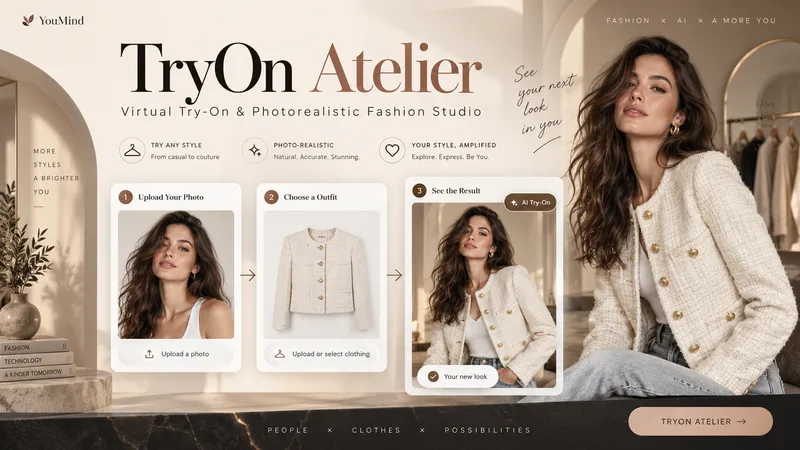
Your Model. Your Outfit. Six Ways to Wear It. Transform a simple person photo and a clothing image into a professional virtual fashion photoshoot with TryOn Atelier — your AI-powered virtual try-on and creative fashion photography studio. No complex prompts. No photography equipment. Just upload, explore, select, and create. ✦ THE EXPERIENCE 1. Upload Two Images Provide a photo of a person and an image of the clothing you want them to wear. TryOn Atelier analyzes both references to preserve recognizable facial features, body proportions, garment colors, textures, and design details. 2. Explore 6 Distinct Poses See the same person wearing the same outfit in six numbered previews: front-facing, three-quarter angle, side profile, walking, seated, and interactive fashion poses. Unlike ordinary background-changing tools, TryOn Atelier focuses on how the outfit looks through different body positions and natural movement. 3. Choose Your Favorites Select one pose, several, or all six. Choose your preferred image aspect ratio and generate individual, high-quality fashion photographs. 4. Discover New Atmospheres Want to explore more? Take a favorite pose into different environments, lighting setups, and cinematic moods — without starting over. ✦ BUILT FOR VISUAL REALISM TryOn Atelier prioritizes natural anatomy, believable fabric draping, realistic lighting, accurate shadows, physical contact, and seamless scene integration. It aims to make every image feel like a genuine fashion photograph rather than an artificial cutout. ✦ PERFECT FOR Fashion creators, clothing boutiques, e-commerce sellers, content creators, AI influencers, and anyone exploring outfits visually. From one person and one outfit to an entire fashion photoshoot. AI-generated previews are visual concepts, not guarantees of real-world garment fit.
Information
- Version
- v2
- Last updated
- Runtime credits
- Usage-based
- Models
- Auto
