
Thumbnail CTR Lab
Design an original 16:9 thumbnail that earns the click
Thumbnail CTR Lab
Design an original 16:9 thumbnail that earns the click
Showcase
Description
Design an original 16:9 YouTube thumbnail from your own video topic, using click-through mechanics rather than imitation. The first step locks the audience, the promise, and the one question the thumbnail must plant, and reads any reference only for transferable principles — contrast hierarchy, focal read order, word ceiling, mobile legibility at 210x118 px. The second step builds three genuinely different concept routes with different hook mechanisms, recommends one, and writes overlay copy of two to five words that adds information instead of repeating the title. The third step renders variants through a ten-point quality gate, gives you a text-free plate for clean compositing, a seven-day A/B plan with a decision threshold, and a series style lock so your channel stays consistent.
Recommended by
Dancang
Why we love this skill
Featured for its disciplined, conversion-focused workflow: it separates reference analysis from originality, develops genuinely distinct hook routes, and validates thumbnails at mobile size with measurable typography, quality gates, and an actionable A/B testing plan.
Related Skills
View all
Mystery YouTube Thumbnail
Create suspenseful, portrait-led YouTube thumbnails with bold editorial headlines.
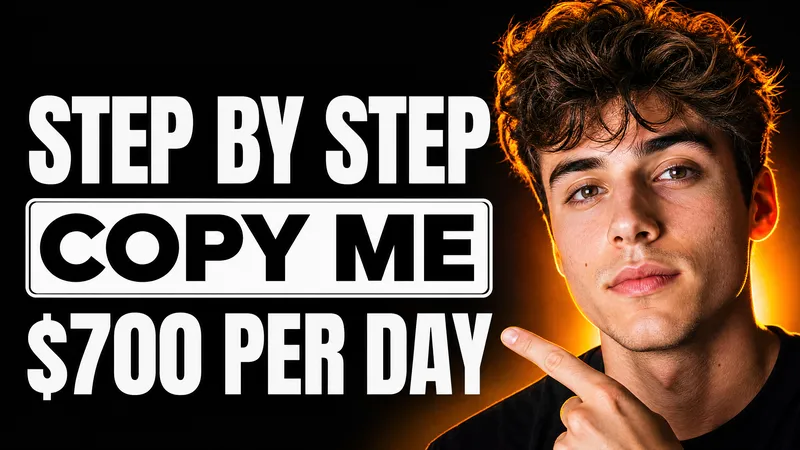
Step by Step Copy Me YouTube Thumbnail
Create Marketing YouTube thumbnails in the Orange Rimlight Daily Revenue style, with bold typography and dramatic creator portraits.
 Image
Modern How-To YouTube Thumbnail
Create clean black, white and yellow how-to thumbnails with bold headlines and a presenter portrait.
Information
- Version
- v2
- Last updated
- Runtime credits
- Usage-based
- Models
- Auto
