Structured Image Master
Structured Image Master
Showcase
Description
Converts user input natural language character or scene descriptions into structured image/video generation prompts (JSON format). When users describe a character, person, advertising image, video protagonist, or say 'generate a prompt for me', 'convert to image generation format', 'I want to generate a character', 'write an image generation prompt', this skill must be used. Even if the user description is brief, it should proactively complete and output a full structured prompt. It is recommended to use with Image2 for better results!
Related Skills
View all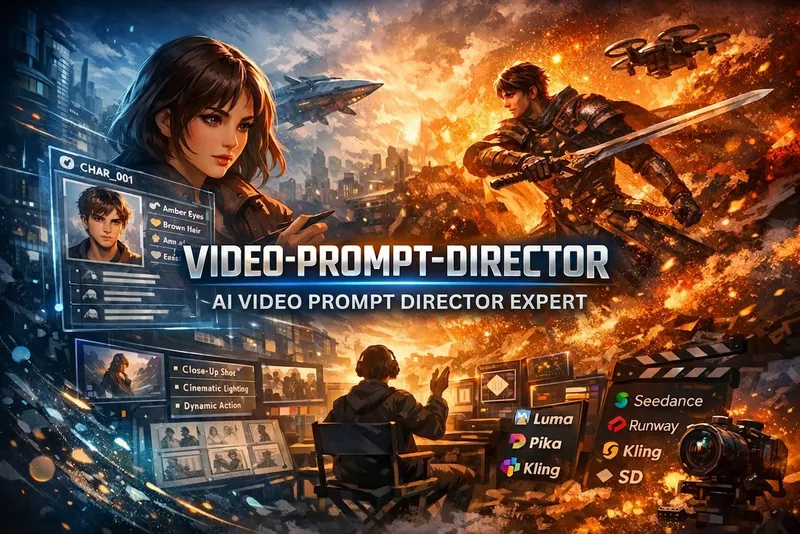
AI Video Director
Automatically expands plain-language descriptions of video and image scenes into director-level structured prompts for generation tools such as Seedance 2.0, Runway, Luma, Pika, Kling, and Stable Diffusion. This Skill must be triggered whenever the user mentions "generate a video," "video prompt," "video storyboard," "continue the scene," or "keep the character consistent," mentions "Seedance," "Runway," "Kling," or "Luma," or describes any video or image scene they want to generate. It should also be triggered when the user simply says "help me generate an XX image" or "a video of an XX scene."
 Write
WriteMeta-Prompt Architect
Enhanced meta-prompt generator—combining the RTF framework, three-layer intent analysis, dual-expert review, and four-part hallucination suppression to ensure outputs are ready to use through an 80-point quality gate. Trigger with: “Help me write a prompt,” “Optimize this prompt,” “I need an AI role,” “Help me design a prompt,” “This prompt isn’t working well,” or “Generate a system prompt.” Whenever the user mentions prompts, prompt, system prompt, AI role design, or prompt optimization, this skill must be used. The output includes three parts: the final prompt, a design explanation, and optimization suggestions.
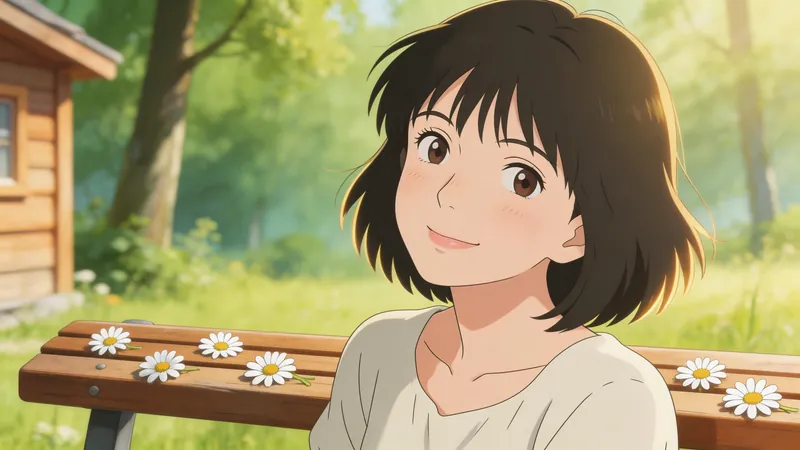
Jimeng Healing Portrait Prompt
Describe the image you want in one sentence, and it will automatically generate professional prompts that can be directly pasted into Jimeng. ✦ Who is it for For you who want to create healing-style character portraits with Jimeng but don't know how to write prompts. ✦ How to use Simply tell the Skill your idea, for example: · "A Japanese girl under cherry blossoms, a bit melancholic" · "Grandma reading by the window, afternoon sunlight, warm and healing" · "Randomly generate a healing-style male avatar for me" The more detailed your description, the more accurate the output. If your description is incomplete, the Skill will actively ask for missing information and provide reference options, helping you lock in the exact image you want step by step. ✦ Output Structured Jimeng prompts covering 7 dimensions: subject, style, scene, lighting, color, composition, and atmosphere. Just copy and paste into the Jimeng text-to-image input box.
Information
- Version
- v1
- Last updated
- Runtime credits
- Usage-based
- Models
- Claude Opus 4.6
