
Spanish Voiceover Splitting
Break scripts into short lines with emphasis
Spanish Voiceover Splitting
Break scripts into short lines with emphasis
Showcase
Description
Split Spanish copy into short lines suitable for text-to-speech (TTS) voiceovers and line-by-line subtitles, with no more than 7 Spanish words per line, and mark the emphasized words for voiceover in each line. Do not alter any words, word order, or punctuation in the original text. Output only the Spanish short lines, one per line.
Related Skills
View allShort Film Voice & Dubbing
Establish voice casting for dialogue-driven short films. Enter the lines and characters from your script, director's script, or storyboard to generate an eight-field voice profile for each character (character concept, voice, speed, tone, accent, prohibitions, two example lines, and bilingual prompts). It standardizes the film's speech rate, pauses, emotion, and ambient sound standards across the board, followed by a complete workflow of voice tests, single-line reruns for fallback, and subtitle alignment. Get your audio right on the first try without endless random generation or editing visuals for a single line.
LineBeat Pro | Voiceover
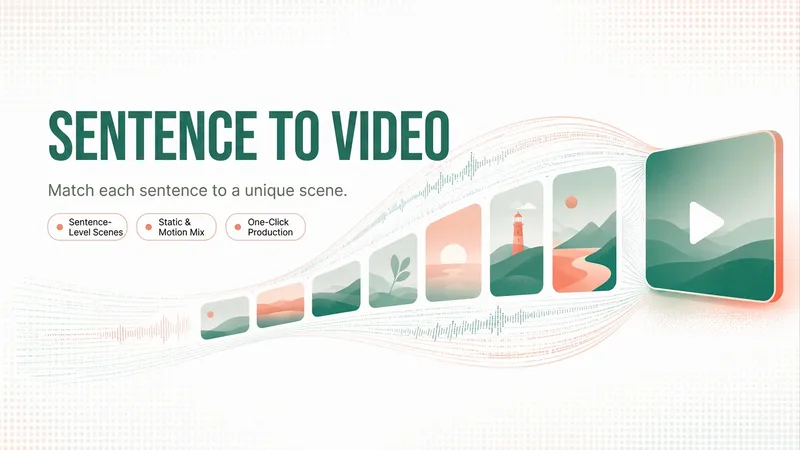
Turn a transcript or voiceover into sentence-level “line beats,” assign a primary visual to each line—static image, subtle motion effect, or moving clip—then use a consistent visual system to keep the shots cohesive. Finally, align the voiceover with optional subtitles and deliver a 16:9 finished video, an audio-visual alignment sheet, and a reusable storyboard. Ideal for short videos featuring talking-head narration, educational explainers, product introductions, and book notes.
Information
- Version
- v2
- Last updated
- Runtime credits
- Usage-based
- Models
- Auto
