Social Media Photo Grid
Arrange photos into a clean 3x3 grid
Social Media Photo Grid
Arrange photos into a clean 3x3 grid
Showcase
Description
Posting nine photos directly can look messy, and designing an attractive grid manually is tough. Social Media Photo Grid takes your photos and theme to generate three distinct 3x3 layout plans: which photo goes where, how to unify the color grading, and how to design the center tile as a visual focal point. It also includes a ready-to-use caption.
Best for
Anyone looking to organize travel, everyday, or commercial photos into a 3x3 grid with layout suggestions and matching captions.
How to use this Skill
Provide your input
Provide photos or photo descriptions, along with an optional theme, emotional tone, and whether it is for commercial use.
Run the Skill
Generates three distinct grid layout plans based on photo count and theme, assigns a central visual focus, unifies color grading, and checks for composition repetition.
Review your result
Receive a position reference layout, color grading suggestions, and three ready-to-use social media captions for easy formatting and posting.
Related Skills
View all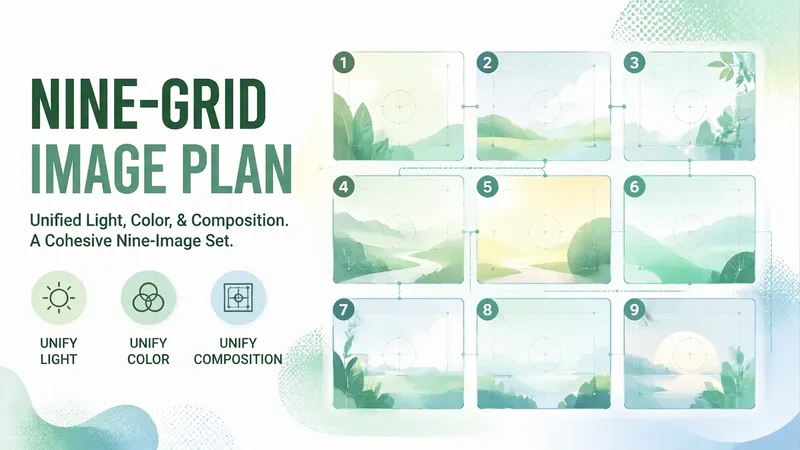 Image
9-Grid Visual Plan
Each of the nine images looks fine on its own, but together they look like they were made by nine different people—that’s the most common way a 9-grid layout fails. The problem is rarely that any single image looks bad. It’s that the nine images lack consistent lighting, color, and composition.【9-Grid Visual Plan】doesn’t just provide nine attractive images; it defines the relationships between them: first set one unifying theme, then assign each image a role (Image 1: hook; 2–4: development; Image 5: turning point; 6–8: payoff; Image 9: closing), and lock in the “three elements of consistency”—the same lighting (fixed direction and softness), the same color palette (with a 60/30/10 ratio and one specified color that cannot change across the nine images), and the same composition (consistent subject placement and scale). Each image includes a prompt you can copy directly for generation, specifying the subject, position, lighting, camera distance, and aspect ratio, along with the text-overlay position and character limit. Strict rules: no images are generated; no text may appear anywhere in the image (AI-generated Chinese text can be garbled and cannot be edited); no portraits of real celebrities; no existing cartoon, anime, game, or film characters; no imitation of a specific blogger or brand’s 9-grid style; and no promises of more likes or followers.
 Image
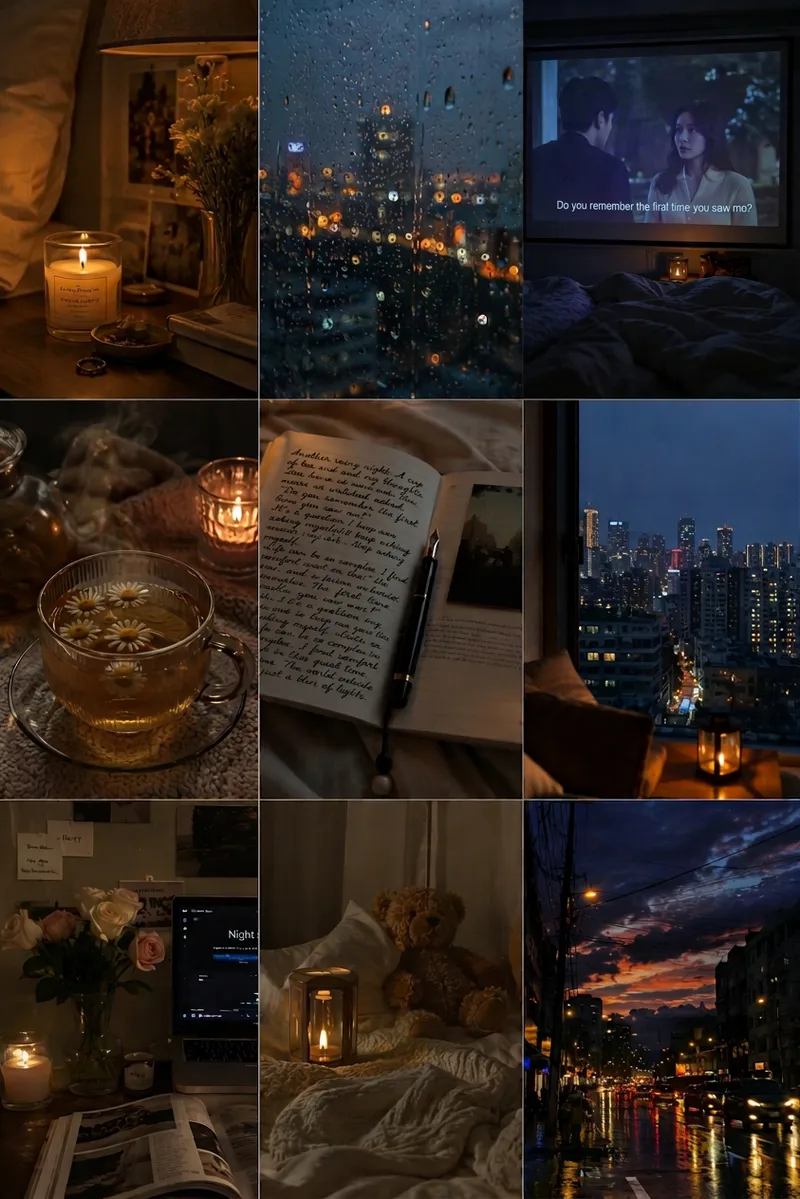
Grid Photo Color & Layout
Designed for lifestyle bloggers, photography enthusiasts, social media power users, and aesthetic perfectionists. This AI master solves the common pain points of cluttered colors, messy layouts, and lack of visual harmony in photo grids. Simply upload 6 to 9 casual snapshots from your weekend, and the AI will intelligently balance color temperature and lighting, apply professional grid composition rules, and generate a cohesive, high-definition panoramic layout with matching healing essays. Make every social post a high-engagement visual feast!
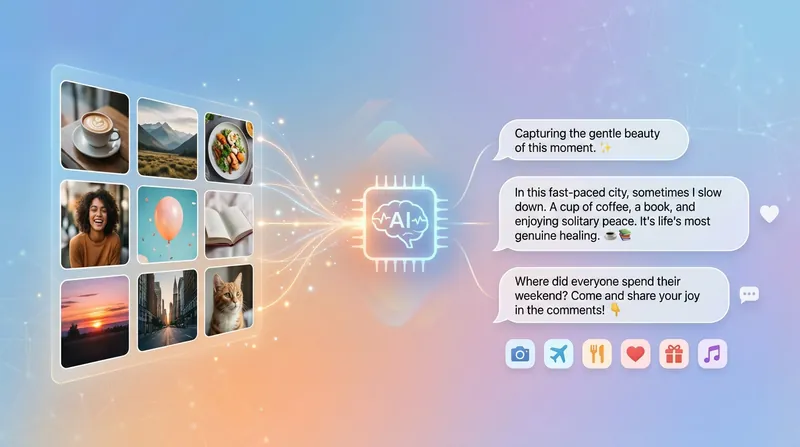
Moments Grid Caption Generator
Create captions for nine-grid photos like a Moments caption expert. Instantly generate captions for travel, food, emotions, and more, with diverse styles and high engagement.
Information
- Version
- v2
- Last updated
- Runtime credits
- Usage-based
- Models
- Auto
- Use cases
- Writing & contentImages & designLifestyle & entertainment
- What you get
- Social postDiagramPlan
- Visual styles
- Minimalist
