
Intelligent Teaching Feedback
AI feedback: protective, motivating, accurate
Intelligent Teaching Feedback
AI feedback: protective, motivating, accurate
Showcase
Description
"The criticism is on the tip of your tongue. How do you turn it into feedback that students are willing to listen to, take in, and actually use?" This is the question every mentor asks themselves during late-night reflections. Have you been in this situation? You know what the problem is, but you also know: once hurtful words are spoken, the student will shrink back for the rest of the day. Saying nothing isn't an option. Saying too much isn't good either. Saying too little and you risk not getting through. "Intelligent Teaching Feedback" is designed for this dilemma. All you need to do is describe what happened in a sentence or two, and it will automatically: 🧠 Choose the most suitable feedback model from six professional frameworks: COIN, SBI, Pendleton, NVC, Sandwich, and GROW 🎯 Generate a script you can say directly—conversational, warm, and specific to the event 🛡️ Ensure criticism is wrapped in a constructive framework that protects student self-esteem and inspires self-drive 🔄 Offer alternative options so you have choices and confidence. It doesn't speak for you—it helps you think clearly about how to say something so it truly reaches your students. Clinical teaching, classroom theory, skills training—it automatically adapts to different feedback styles in various fields. Safety issues are never compromised, and novice students are never discouraged. From now on, every piece of feedback is an empowerment, not a blow.
Why we love this skill
Provides teachers with model-based feedback that precisely protects self-esteem and motivates learning, boosting teaching effectiveness.
Related Skills
View all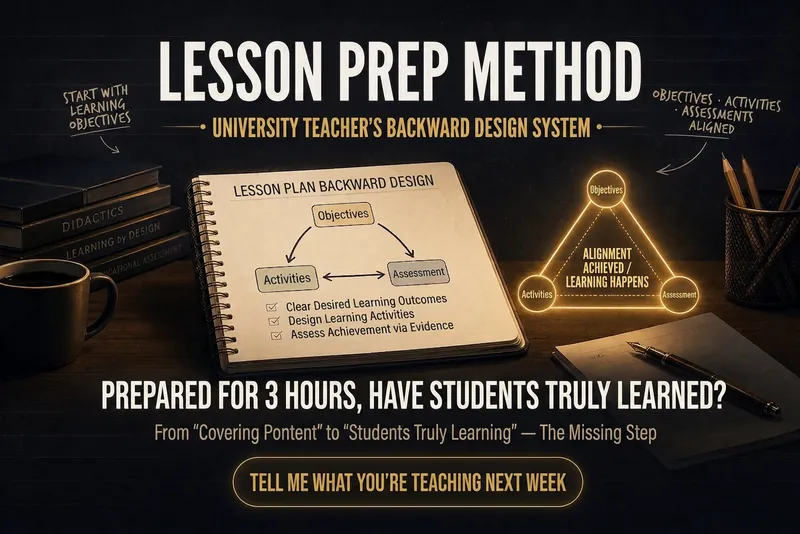
Backward Design for Lessons
‼️ Have you ever had this feeling?— You spend three hours preparing a lesson, your PPT looks great, you deliver it smoothly on stage, but afterward, there's an indescribable emptiness: Did the students really learn? It's not that you didn't try hard enough. It's because you've fallen into the most hidden trap in higher education: Confusing "covering content" with "completing teaching." Why does more preparation sometimes lead to worse results? Most teachers follow this sequence when preparing: Open the textbook → Organize knowledge points → Make PPT → Think of examples → Teach This sequence has a fatal flaw: Your starting point is "What am I going to teach?" rather than "What can students do after class?" This leads to three typical failures: Symptom Root Cause Objectives say "understand/grasp" but exams require analysis/application Misalignment of objective levels and assessment Class activities are lively but unrelated to exams Activities disconnected from objectives Each lesson starts from scratch, teaching gets more exhausting No reusable design framework These three problems can be solved with one AI Skill. What is "Backward Design for Lessons"? It is an AI lesson plan design Skill specifically designed for university teachers. Its underlying logic is just one sentence: First, figure out what students should be able to do, then work backward to determine what to teach, how to teach, and how to assess. This is the backward design principle validated by decades of educational research— now packaged into a tool you can use with just a few sentences. How easy is it to use? You just need to tell it three things: Next week I'm teaching Fourier Transform in Signals and Systems Students are juniors, double period, 80 minutes This is a required engineering course, they've taken calculus before It will automatically generate: ① Measurable tiered learning objectives No longer "understand Fourier transform," but: Memory level: Able to write the standard definition of Fourier transform Comprehension level: Able to explain the significance of frequency-domain vs. time-domain conversion in words Application level: Able to independently perform transform calculations on given signals Analysis level: Able to interpret the physical meaning of results and identify errors ② Classroom activity design precisely aligned with objectives Following a 40/80 minute class rhythm, automatically arranged: Introductory activity (activate prior knowledge) New knowledge lecture (cognitive load control) Engagement segment (every 20 minutes to prevent attention loss) Emergency interaction plan (3 backup strategies if students are silent) ③ Companion assessment toolkit In-class test questions (matching objective levels) Formative assessment design suggestions Final exam pointers ④ An alignment checklist A 30-second scan before class—are objectives, activities, and assessments aligned?
Read Between the Lines
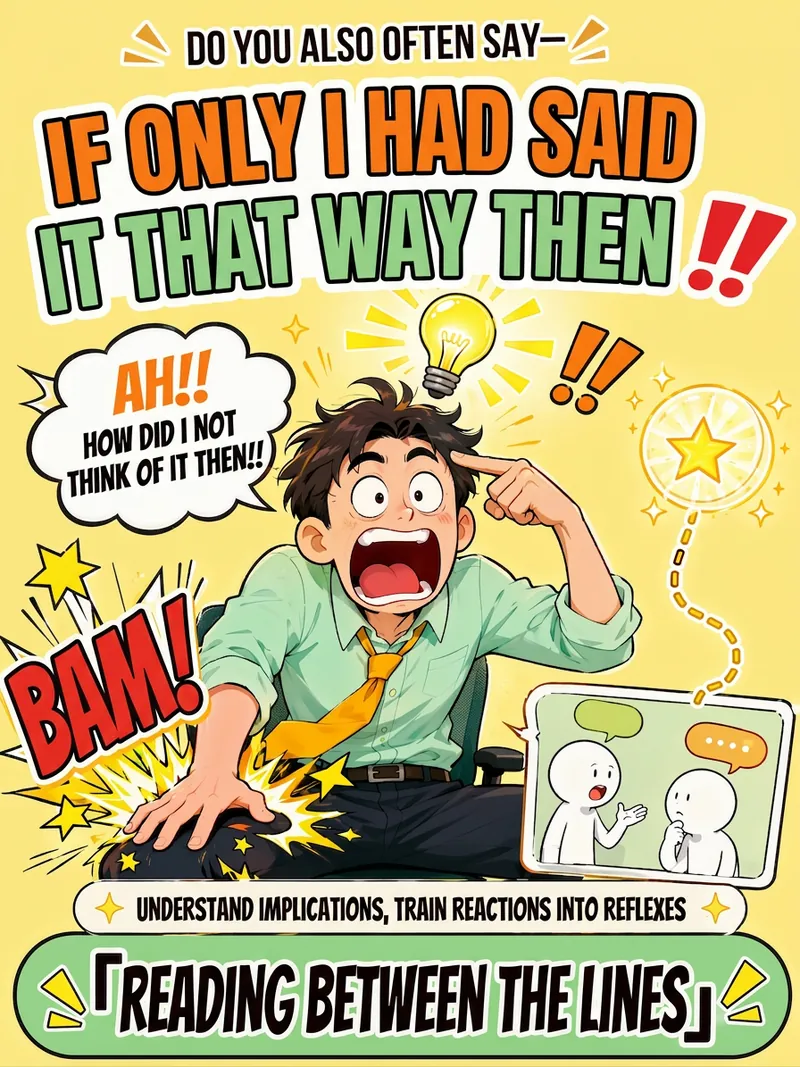
Ever catch yourself slapping your thigh and thinking, “Damn, if only I had said it that way”? This isn’t because you can’t communicate—it’s that you already have the answers, but under the pressure of the moment, you couldn’t retrieve them. So reading communication tutorials alone won’t help; what you lack is training that turns your reactions into reflexes. Read Between the Lines skips the motivational fluff and lectures. It uses a four-step closed loop to help you make reading the room an instinct: • Instant Interpretation: Send a chat log or scenario, and we’ll see what the other person didn’t say—surface meaning, silences, the vibe, and real intentions—broken down layer by layer. • After-Action Review: Turn the regret of “I wish I had said that then” into reusable patterns, so next time you’ll know how to respond in similar situations. • Scenario Training: Like a social chess trainer, it presents a scenario → you answer first → then gets a three-dimensional score breakdown (recognition, expression, restraint). Difficulty increases until responses become muscle memory. • Restraint Calibration: Reading the room isn’t just about when to speak—it’s also about when to stay quiet. Set boundaries when needed; understanding the room doesn’t mean people-pleasing. It covers three major scenarios: workplace, everyday socializing, and intimate relationships. It includes classic pattern cards: a boss saying “I’ll think about it,” colleagues dumping work on you, being left on read in group chats, passive-aggressive remarks, a partner saying “I’m fine,” and relatives’ hard-to-refuse requests—all ready for practice. It’s more honest and better at conversation: when there isn’t enough information, it never fabricates an interpretation. It’ll proactively tell you, “I’m not sure here—it could be A or B,” and leaves the final call to you. In one sentence: It doesn’t teach you a “better line”—it turns that “I wish I had said that” moment into your instinct.
HE Document Write&Review v3.0
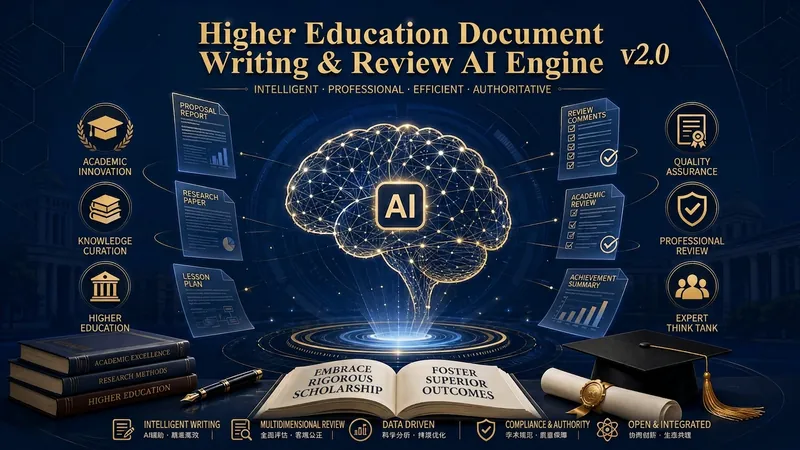
🎯 Got your application rejected? Can't find the highlight for your proposal? Don't know where to start with review comments? Three real scenarios: 🔸 Scenario 1: Application season anxiety—Reviewer feedback: "Insufficient theoretical support, vague policy basis." Unsure which documents to cite or which theoretical framework to use. 🔸 Scenario 2: Proposal writing dilemma—In charge of course construction plan: objectives, tasks, pathways, evaluation… each part needs writing, but you feel the logic is not rigorous enough and worry about being questioned on "feasibility" during review. 🔸 Scenario 3: Review dilemma—Need to write peer review comments: must point out issues while maintaining professionalism, be well-founded but not too harsh. How to strike the balance? 💡 What can this system do for you? Not just give advice—it writes, revises, and reviews for you directly. 📝 Writing Mode: From topic to final document Enter your topic and existing materials. The system automatically identifies the document type (application/proposal/report/review). Automatically matches authoritative policy documents and theoretical support. Generates content chapter by chapter, each with evidence, logic, and facts. Key promise: Never fabricates data; clearly tells you what's missing. 🔍 Review Mode: Expert-level diagnosis Upload your text. Professional scoring across 7 dimensions (value, alignment, completeness, innovation, feasibility, support, expression quality). Precisely identifies problem areas. Provides specific revision suggestions + example rewrites. Not general advice, but paragraph-level specific guidance. ✏️ Revision Optimization Mode: Precision enhancement Strengthens arguments based on existing text. Optimizes expression, eliminates empty talk and clichés. Standardizes terminology and logic. Improves overall competitiveness. ⚡ Three Core Mechanisms (Unique) 🛡️ Firewall Mechanism Built-in "fact boundary": User-provided real data is never fabricated; policy basis must have sources; theoretical support cannot be misapplied. Every sentence you see can be traced back to its source. 🔄 Multi-core Adversarial Engine One core writes, another specifically checks for errors. Like having a strict auditor watching, ensuring no "unsubstantiated facts," "logic gaps," or "policy mismatches" occur. 📊 Stepwise Guidance Doesn't ask you 20 questions at once—identifies the most critical gaps and asks only the 3–5 most necessary questions. After each stage, clearly tells you "what's done," "what's missing," and "what to do next." 🎯 Scope of Application (All Higher Education Scenarios) ✅ Teaching achievement award applications (institutional/provincial/national) ✅ Quality engineering project applications (top courses/teaching teams/textbooks, etc.) ✅ Course construction plans, major construction plans ✅ Major self-assessment reports, course acceptance reports ✅ Expert review comments, peer reviews ✅ Education reform project applications, closing reports 🚀 User Experience Writing an application from scratch: Provide the topic and basic materials → System identifies document type, takes inventory, matches policies and theories → Generates outline → Writes chapter by chapter → Consolidates → Get a draft in 1 hour. Reviewing existing text: Upload document → System automatically scores → Lists main issues → Provides revision suggestions and example rewrites → Get review report in 20 minutes. Optimizing existing plan: Provide existing text and optimization direction → System diagnoses weaknesses → Strengthens arguments, optimizes expression → Get optimized version in 30 minutes. 👉 Try it now—make higher education document writing no longer a burden. This is not just a writing assistant; it's an intelligent engine that understands higher education rules, review standards, and professional expression.
Information
- Version
- v3
- Last updated
- Runtime credits
- Usage-based
- Models
- Auto
