Portrait Pose Sheet
Portrait Pose Sheet
Showcase
Description
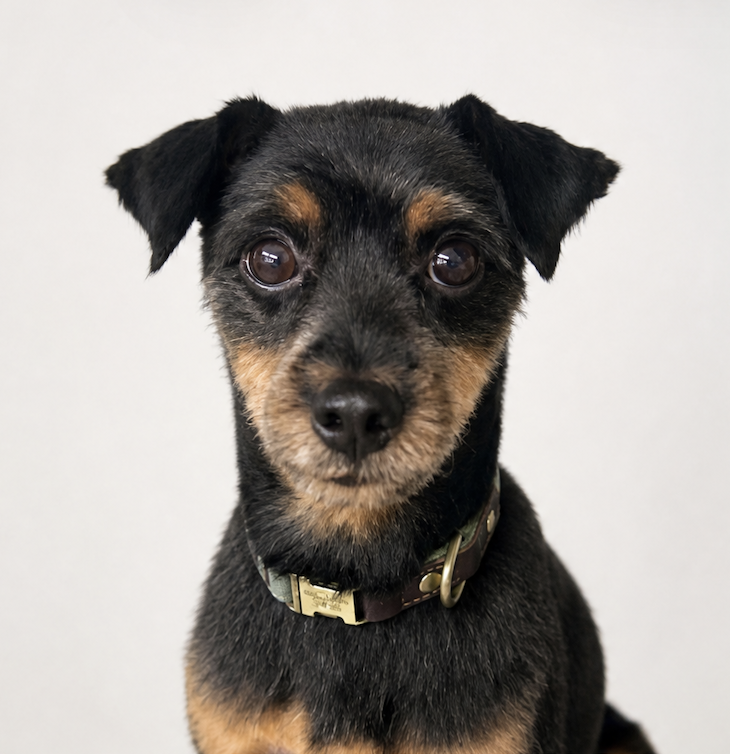
Create identity-consistent 2×2 core or 3×3 extended portrait pose sheets from one front-facing closed-mouth reference photo. Use for pose completion, talking-head assets, stop-motion portrait frames
Recommended by
Shuting@YouMind
Why we love this skill
An editor’s pick for turning a single portrait into a rigorously aligned 2×2 or 3×3 pose sheet. It preserves identity, framing, lighting, and expression details across animation-ready views, with deterministic cropping and an explicit quality audit.
Related Skills
View all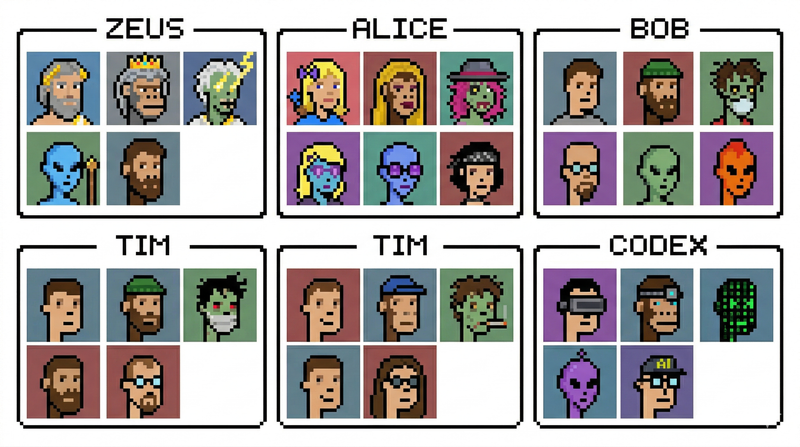
create-avatar
create-avatar generates a single 16:9 avatar contact sheet with exactly six named sections arranged in a 3×2 layout. Each section has a thin black border, a centered name tab, and a 3×2 grid of six portraits inside, for 36 portraits total. The skill is designed for quickly creating polished character boards, team avatar sheets, fictional profile collections, collectible-card layouts, or creative identity explorations. The user controls three main inputs: exactly six names, the visual style, and any special characters to include. The default style is photorealistic studio portraiture with a clean retro collectible-card aesthetic, but the style can be changed to pixel art, anime, cyberpunk, clay render, 3D toy, oil painting, noir photography, or other visual directions. The layout is intentionally fixed so the output remains consistent and reusable. Names always appear in order from left to right across the top row, then left to right across the bottom row. Each portrait uses a distinct solid-color background and the full sheet emphasizes character variety: different ages, ethnicities, skin tones, hairstyles, hats, glasses, facial expressions, tattoos, jewelry, and imaginative characters such as aliens, zombies, AI/robots, pandas, or monkeys. Use this skill when you want a clean, organized, highly visual avatar grid rather than a single portrait or a loose collage.
 Image
Image360 Face Reference AI
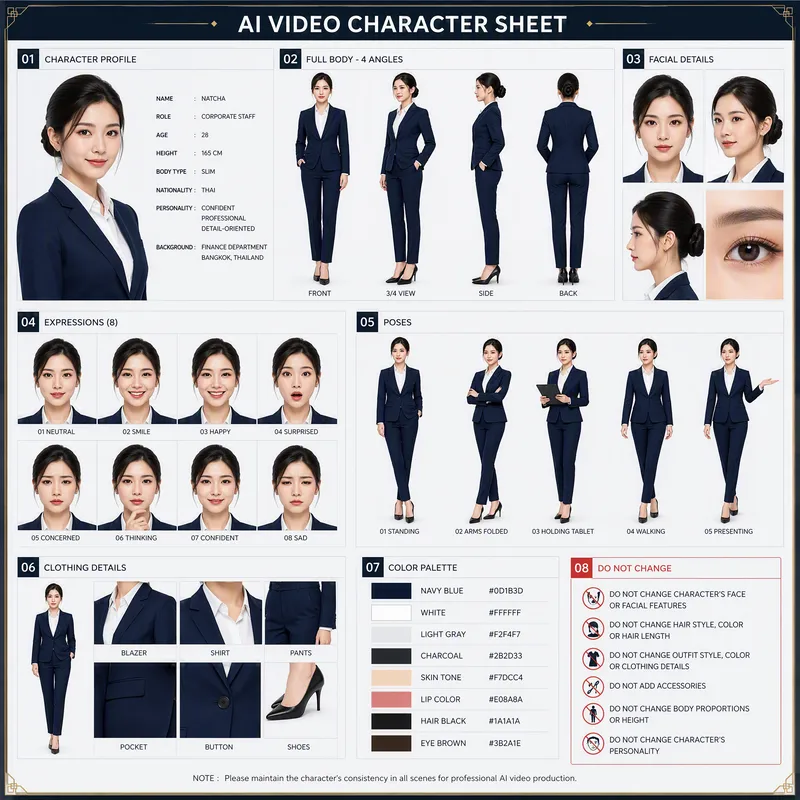
Generates a complete 4-angle full-body character turnaround reference sheet (front, 3/4, side, and back). Ideal for maintaining strict character consistency in 3D modeling, animation, and game development
 Image
ImageAI Travel Portrait Director
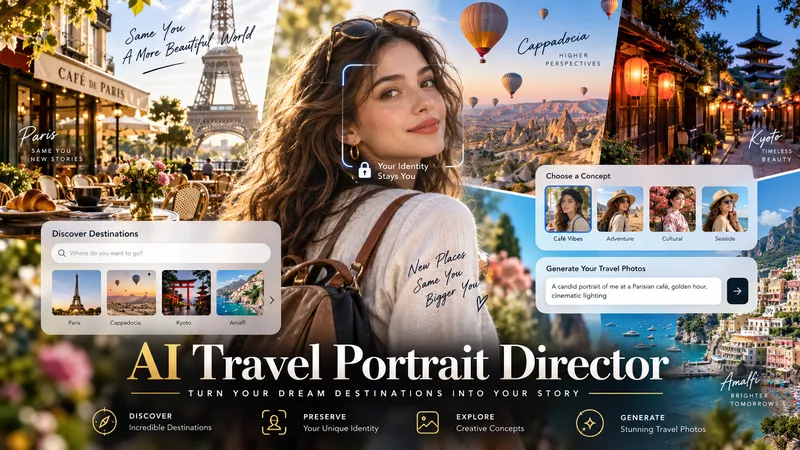
Turn a single character reference into a complete AI travel-photo workflow. AI Travel Portrait Director acts as a virtual travel photographer, destination researcher, and scene director. It preserves the character’s recognizable identity while helping you create believable, destination-specific travel portraits that feel like real photography—not a person pasted onto a tourist background. The skill can: - Analyze a reference image and set identity/style controls - Research current destinations, seasonal hotspots, and photogenic locations - Adapt instantly when you already know the exact destination - Create 10 distinct photo concepts with varied poses, actions, lighting, camera angles, and outfits - Build detailed production-ready image-to-image prompts in English - Preserve facial identity across styling and location changes - Check realism, perspective, lighting, anatomy, scale, and environmental consistency - Generate selected images when supported and explicitly approved You stay in control at each important step: choose the destination, select the concepts you like, review the prompts, and decide whether to generate images. Ideal for personal travel portraits, AI influencers, virtual models, social media creators, and character-based visual projects.
Information
- Version
- v4
- Last updated
- Runtime credits
- Usage-based
- Models
- Auto
