Photo to Line Art
Airy colored line portraits from photos
Photo to Line Art
Airy colored line portraits from photos
Showcase
Description
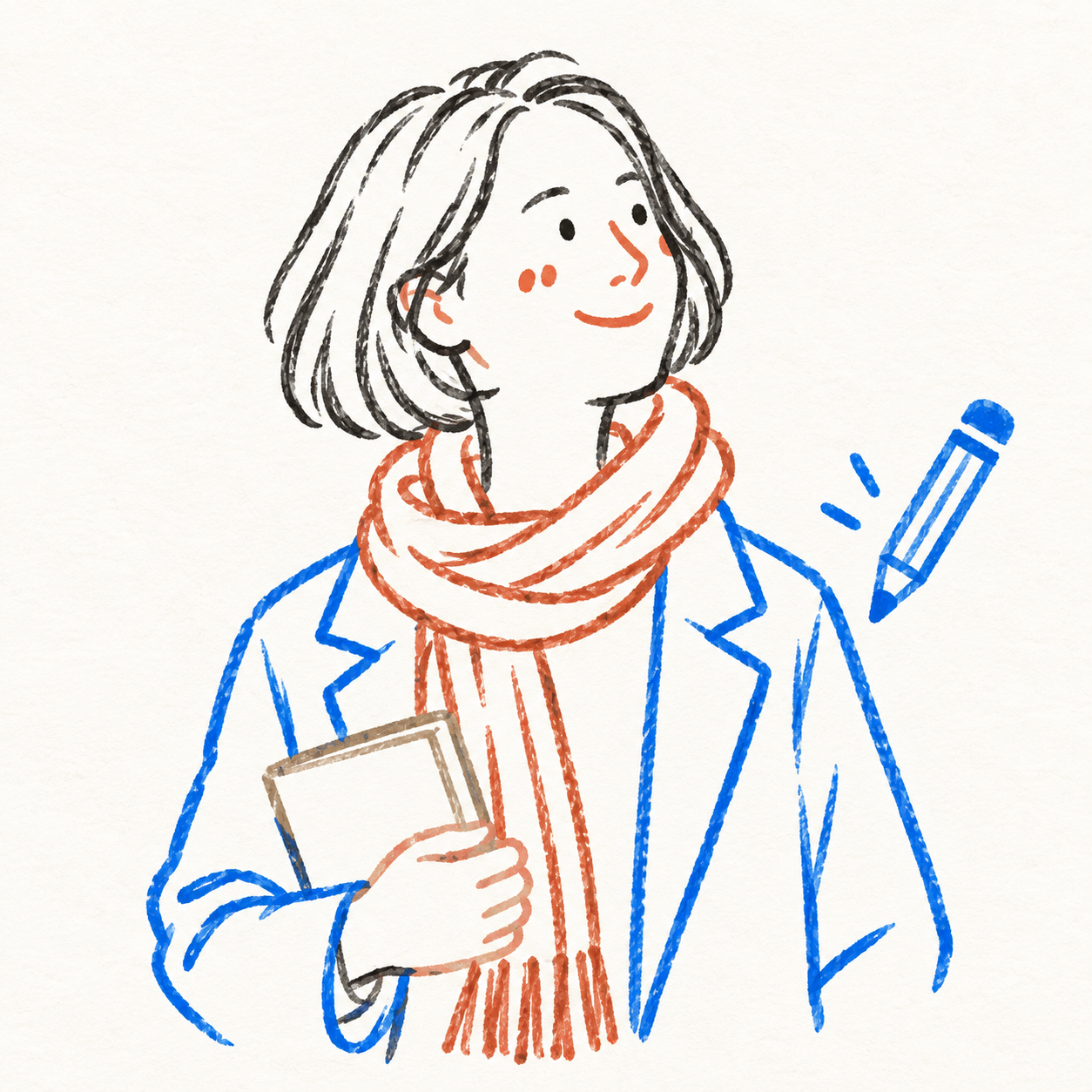
Upload a portrait photo to generate a colored-pencil doodle portrait, with an option for monochrome line art or subtle colored outlines. A few gentle lines capture the essence of you today. Keeping your hairstyle, pose, outfit, and personal items, it uses minimalist expressions, delicate outlines, and generous whitespace to create a hand-drawn illustration ideal for keeping, sharing, or outfit logging. Defaults to a text-free 3:4 vertical format, half-body or full-body based on the original image; you can also request a photo-and-drawing comparison. Try saying: Draw this photo as a colorful fine-line portrait, leave the clothes unfilled, keep my pose, and include no text. Upload a portrait or outfit photo and turn it into a simple colored-pencil portrait. Choose monochrome or delicate colored outlines. A few little lines, a look that feels like you. Keep the hairstyle, pose, outfit and personal details, with tiny facial marks and plenty of open paper. Create an airy portrait for outfit diaries, sharing or keepsakes. Default: one text-free 3:4 portrait, framed to match your photo. A photo-and-drawing comparison is available on request. Try: Turn this photo into a simple colored-line portrait. Leave the clothes unfilled, keep my pose, and add no text.
Recommended by
Dancang
Why we love this skill
Accurately transforms portraits into light colored-pencil line art while preserving pose, outfit, and distinct features, creating an airy feel with minimalist facial details and generous white space.
Best for
Best for anyone looking to turn portrait or outfit photos into light, airy hand-drawn sketches for sharing, keeping, or style journaling.
How to use this Skill
Provide your input
Upload a portrait or outfit photo; for group photos, specify which person to process.
Run the Skill
Converts the photo into an airy colored-pencil portrait, keeping visible poses, hairstyles, outfits, and accessories. Monochrome or photo-and-drawing comparisons can also be specified.
Review your result
Receive a text-free vertical hand-drawn portrait, using thin colored outlines, simple expressions, and unfilled faces and clothing by default.
Related Skills
View all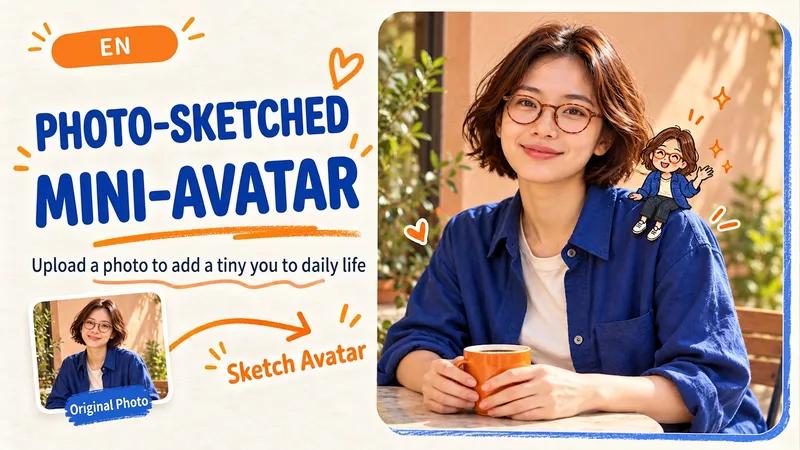
Doodle Little Me
Upload a photo and let a tiny hand-drawn you join the scene. Sit on your own shoulder, climb a backpack strap, or greet your cat on the windowsill. Keep the person and setting photographic while a small 2D doodle adds a playful moment, with relaxed ink lines, light crayon texture and a few flat colors. Create an original drawn double of a person or pet, echoing visible hair, glasses, clothing or fur markings. Pick an action and position, or let the scene guide the choice. You can also ask for the entire photo to become a hand-drawn illustration. By default: one edited image per photo, one small drawn character, the original aspect ratio and no added text. Customize the count, pose, placement, format or lettering. Use Chinese or English, with bilingual prompts on request. Try: “Add a tiny hand-drawn me sitting on my shoulder. Keep my round glasses and blue shirt. No text.”
 Image
Sketch Sidekick
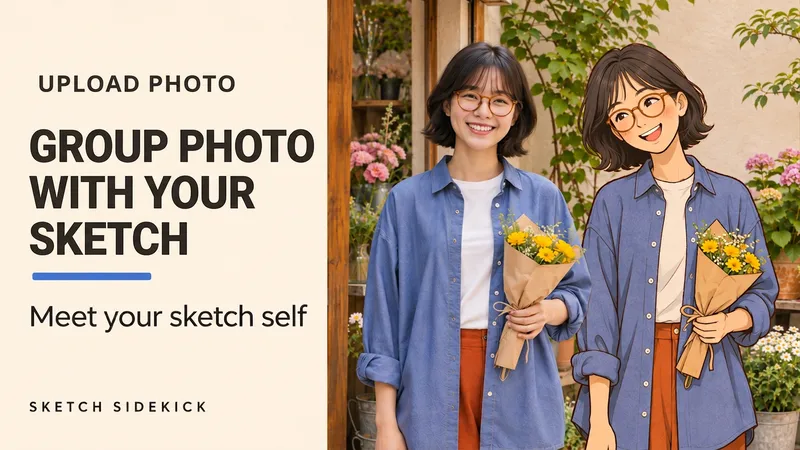
Upload one photo to create a portrait of you beside your matching, life-size 2D hand-drawn double. You can also choose a standalone hand-drawn portrait. Like meeting another drawn version of yourself in a flower shop, bookstore, or studio. The real person retains photographic quality, while the hand-drawn double echoes your hairstyle, glasses, outfit, and accessories, standing with you in the same frame. What you can do: • Side-by-Side Photo: Real person plus life-size hand-drawn double, perfect for travel, outfit posts, and everyday memories. • Custom Poses: Standing shoulder to shoulder smiling, reading a book together, or interacting based on the visible posture in the photo. • Standalone Illustration: Keeps only the single-person 2D illustration, featuring clean lines paired with soft color blocks. By default, it generates a text-free 4:5 image keeping the framing of the original photo. You can adjust the pose, background, and aspect ratio. Supports Chinese and English. Upload a photo and simply say: "Let me take a photo with my hand-drawn self, keep my glasses and blue shirt, no text." Meet your sketch self. Upload one photo to create a portrait of you beside your matching, life-size 2D hand-drawn double. Keep the person and setting photographic while the illustrated self echoes your hair, glasses, outfit and accessories with fine ink outlines, matte colors and a little pencil texture. Create a friendly side-by-side portrait, choose a pose or scene, or switch to a standalone illustration with one drawn person. Made for outfit diaries, travel memories and everyday moments. One text-free 4:5 image by default, framed to match your source photo. Customize the action, setting and aspect ratio. Start in Chinese or English. Try: "Use my photo. Let me pose beside my hand-drawn double. Keep my hair and clothes. No text." 更多玩法 / More ways to start "让手绘版的我坐在旁边,一起看书,保留原照取景。" "只要单人纯手绘版,保留我的发型和穿搭,不加字。" "Seat my sketch double beside me with a book. Keep the source crop." "Make a standalone illustration of me. Keep my hair and outfit. No text."
 Image
Folk Doodle Portraits
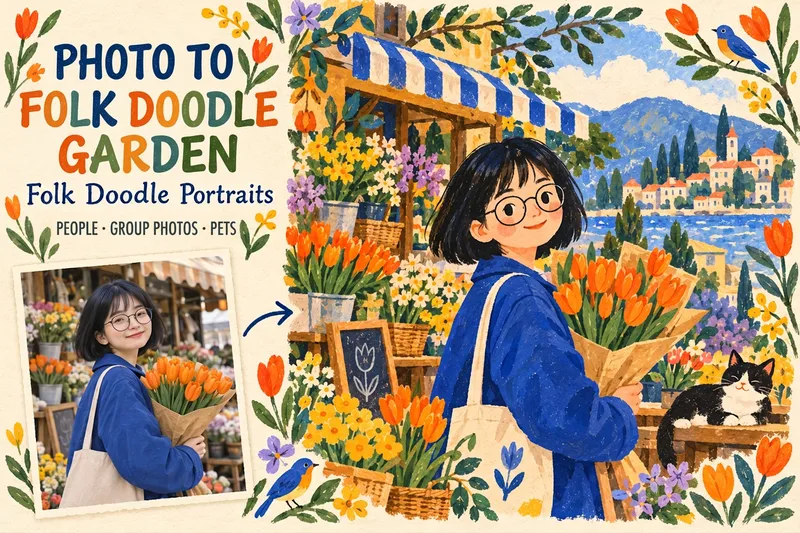
Upload portraits, group photos, pets, or everyday snapshots to transform the entire image into a vibrant folk doodle illustration. You can adjust the color palette, floral decorations, background, and aspect ratio. It preserves hairstyles, glasses, clothing, pet markings, and interactive poses, using flat color blocks, hand-drawn edges, and paper grain to turn ordinary moments into a warm storybook illustration. Perfect for avatars, family keepsakes, pet portraits, travel imagery, and holiday cards. By default, it generates a text-free 4:5 image, and square or landscape formats can also be specified. Upload a photo to get started, for example: "Turn this group photo into a painted garden style, keep the poses, use blue and orange colors, and keep the doodles minimal." Turn a portrait, group, pet or everyday photo into a joyful full-scene folk illustration. Customize the palette, botanical doodles, background and framing. Keep the distinctive hair, glasses, outfits, pet markings and shared gestures, then reimagine the whole scene with flat gouache shapes, handmade edges and tactile paper grain. Great for avatars, family keepsakes, pet portraits, travel illustrations and greeting cards. One text-free 4:5 image by default; square and landscape formats are available. Upload a photo and say: "Turn this into a folk gouache illustration. Keep the poses, use coral and cobalt, and add a few botanical doodles." Chinese and English supported.
Information
- Version
- v3
- Last updated
- Runtime credits
- Usage-based
- Models
- Auto
- Use cases
- Images & designLifestyle & entertainment
- What you get
- Image
- Visual styles
- MinimalistHand-drawn
