Fuse Bead Pattern Generator
Fuse Bead Pattern Generator
Showcase
Description
Convert cartoon images into fuse bead patterns, generating pixelated designs with a dual grid line system (darkened every 5 cells) and MARD color code palette.
Recommended by
Nico@YouMind
Why we love this skill
This skill can accurately convert any image into professional perler bead patterns, strictly following the MARD color standard, and provides clear grids and color matching lists, making it an ideal tool for perler bead enthusiasts.
Related Skills
View all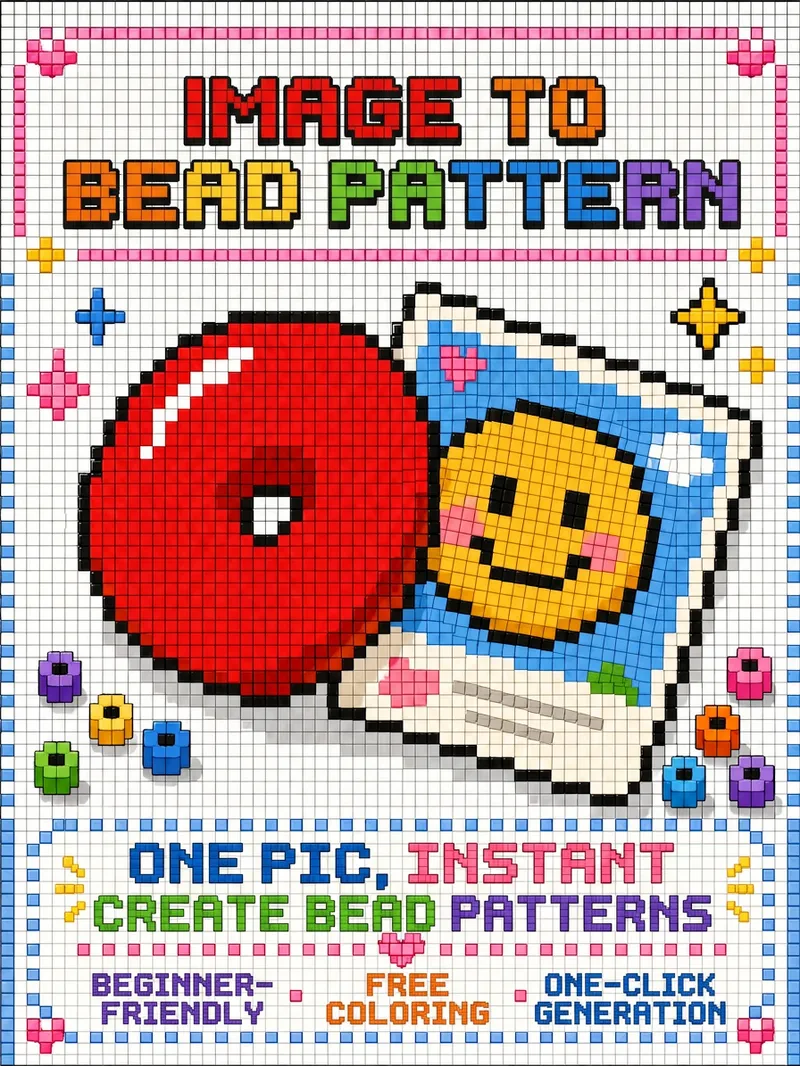
Turn Images into Bead Patterns
Upload any image to automatically analyze it and determine whether a beginner or advanced bead pattern is more suitable, with an explanation of the reasoning and a confirmation step. Generate a visual bead pattern image you can follow directly, and optionally add color-code references, bead lists, and assembly steps.
 Image
ImagePet Cartoon Character Sheet
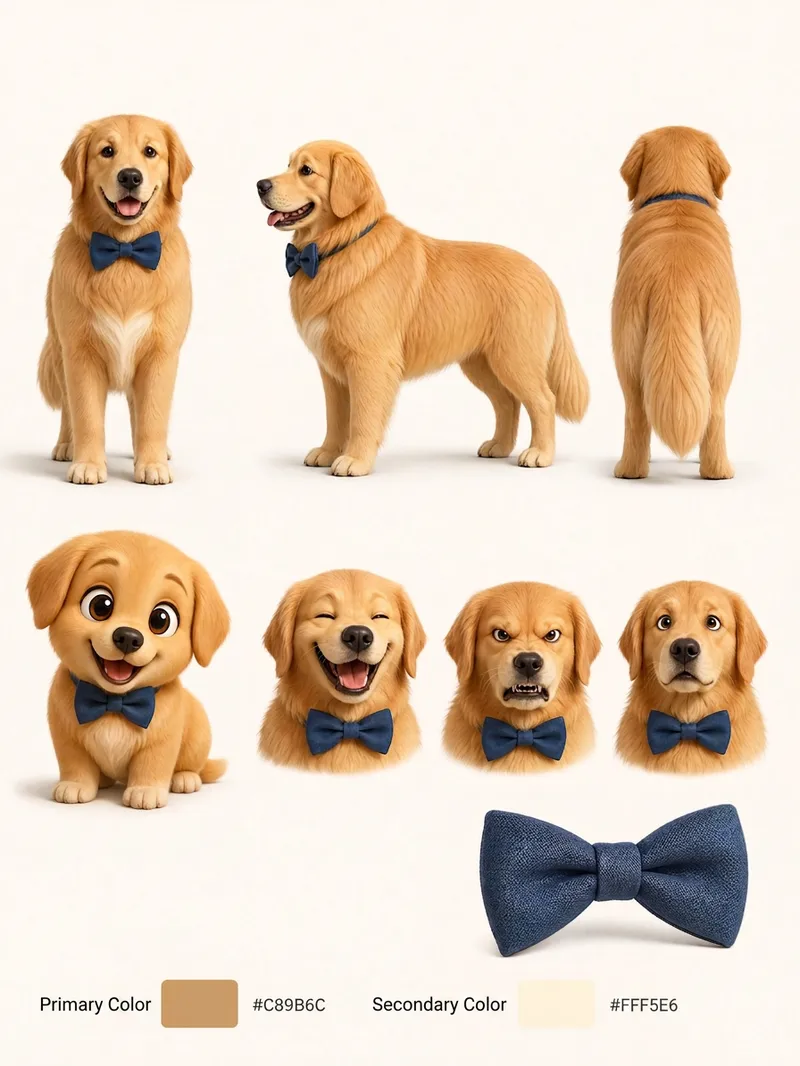
Turn an existing realistic depiction of your pet into a consistent, expandable cartoon character sheet. Use it as a stable visual reference for creating stickers, memes, comics, or animations. Before using this Skill, prepare a pet profile with realistic reference images, fur color, body type, distinctive features, accessories, and other details. The generated result will aim to preserve the character’s recognizability and maintain consistent details. The final result is a multi-view character sheet featuring front, side, and back views, a full-body chibi view, different emotional expressions, and signature accessories such as collars or tags. It also preserves the relationships between the primary and secondary colors. You can choose a 2D flat cartoon style, suitable for memes, stickers, and comics, or a 3D cartoon rendering style, suitable for animation, games, or 3D merchandise. If no style is specified, 2D is used by default. The generated cartoon character is also recorded in the pet profile, making it easier to maintain the same art style, fur colors, and accessory settings in future meme creation. This helps prevent character distortion or inconsistent styling from one creation to the next.
 Image
ImageHandmade Clay Image Maker
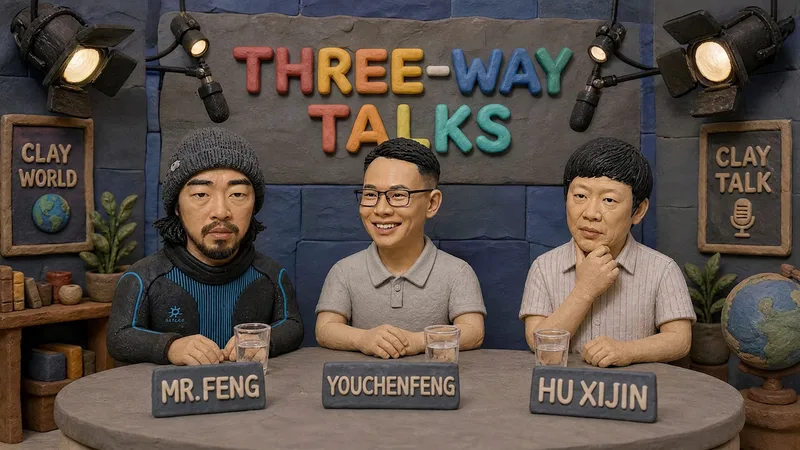
Turn text descriptions, people, animals, objects, or reference images into handmade clay-style artwork that truly looks molded, pressed, and assembled by hand. Rather than simply applying a clay texture, this style gives characters, scenes, props, buildings, and text the soft, dimensional volume of physical clay, with natural finger presses, hand-shaped edges, kneading marks, and subtle asymmetry for a detailed, matte, warm, and tactile handmade feel. Whether you need clay characters, miniature worlds, art illustrations, posters and ads, product visuals, or clay typography and lettering, the style automatically matches the colors, composition, and spatial depth to the subject. When you upload a photo of a person or animal, it aims to preserve recognizable features such as facial structure, hairstyle, body shape, clothing, and distinctive accessories, then reimagine them as a cohesive clay art figure. When text is requested, it is also integrated into the scene as dimensional clay lettering. You can specify the aspect ratio, color direction, subject pose, scene elements, or strength of the handmade effect, or simply describe the theme you want. The result is a complete clay-style image, along with the mode, colors, composition, and key visual settings used for generation, making it easy to continue refining the result toward a macaron, candy, retro, Japanese low-saturation, earth-tone, or warm storybook direction.
Information
- Version
- v2
- Last updated
- Runtime credits
- Usage-based
- Models
- GPT Image 2
