Vintage Photo Restorer
Vintage Photo Restorer
Showcase
Description
An intelligent skill for restoring old photos. It automatically detects issues such as blurring, damage, and fading, then selects the optimal restoration strategy based on severity to produce clear, natural-looking, and authentic photos. Facial features are carefully preserved to prevent distortion, avoiding any trace of excessive AI processing.
Related Skills
View all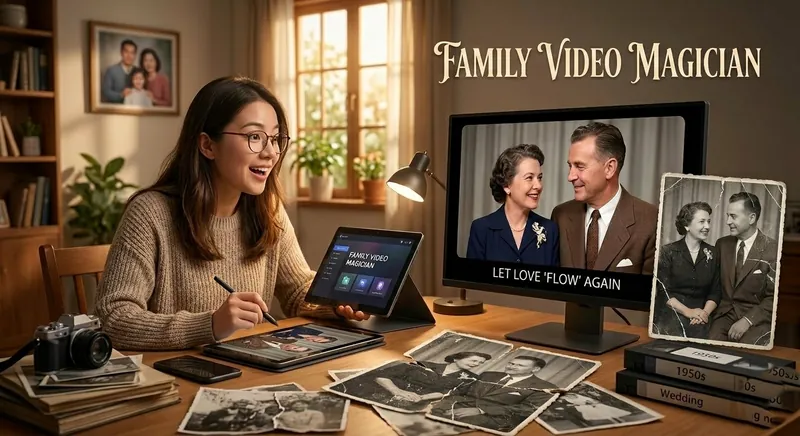
Smiling Old Photos · Revived
Your exclusive family photo magician. Not only can it restore and automatically colorize blurry, damaged, black-and-white old photos/videos to high definition, but it also uses AI generation technology to make people blink, smile, turn their heads, and even speak, turning dusty static memories into lifelike dynamic images, letting love 'flow' again.
Resume & Photo Polish
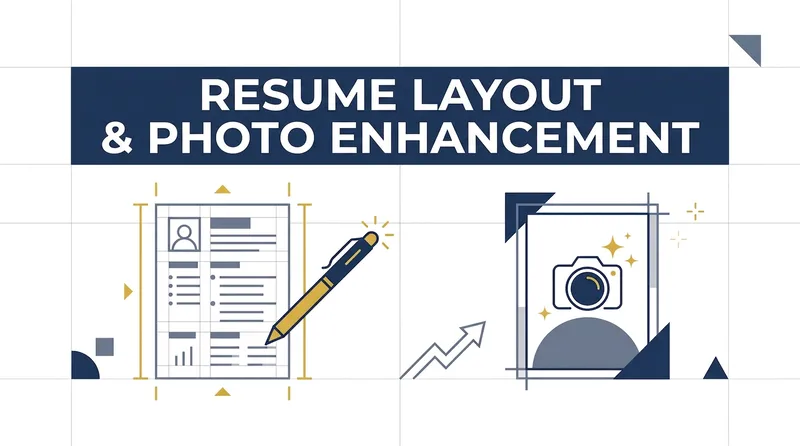
Turn scattered text, PDFs, Word files, image resumes, web content, PPTs, or mixed materials into an authentic, clear, professional resume for job applications. The skill first identifies the material types, then extracts and organizes personal information, education, work and internship experience, projects, skills, certifications, honors, and more. When key information is missing, it asks focused questions as needed; anything that cannot be confirmed is clearly marked “To be added.” No facts are altered or fabricated. For an included ID photo, it first evaluates the background, lighting, composition, pose, clarity, and imperfections, then offers options such as light retouching, a standard ID photo, or advanced retouching. It processes the photo after you confirm the background color and dimensions. Retouching preserves your identifying features and aims for a natural, credible result—no face swapping or exaggerated beautification. If you do not have a photo, you can skip the photo step. You will receive a Markdown content version and a web resume optimized for mobile, easy to print, or export as a PDF. The resume can also be tailored to the target role by adjusting information priorities, language, length, and phrasing, while considering both ATS parsing and visual presentation. Delivery also explains the completed wording improvements, all information still to be added, and the photo-processing status, helping you quickly review the content and continue making adjustments.
 Image
ImageReality Blend Artist Pro
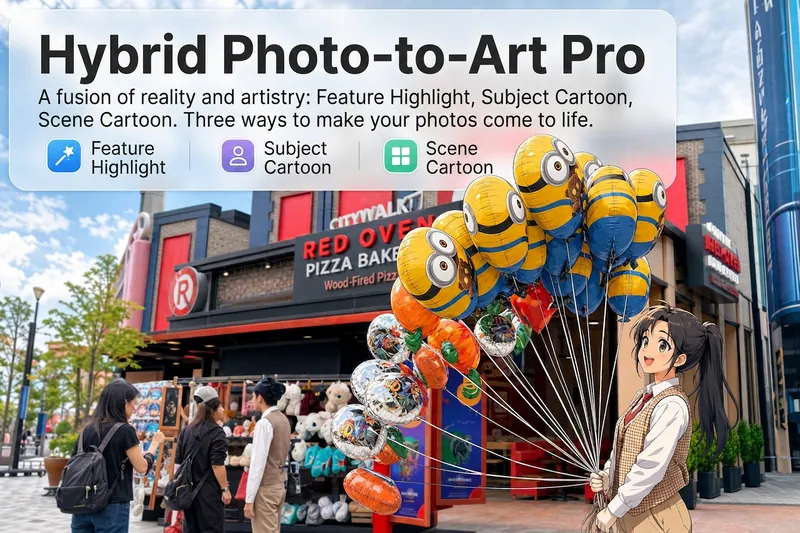
Upload a photo, and AI first reads it like a visual analyst across five dimensions: what the subject is, how it is composed, its color palette, where the visual focus lies, and what emotion it conveys. It then tells you where a hand-drawn treatment would have the most impact and how to make it look best. Four real-and-drawn blend modes, four ways to play: 🔹 Local Accents — Keep the overall image realistic while AI selects 2–3 local areas to replace with a hand-drawn style. Patterns on a sign, the coffee cup in someone’s hand, or a few flowers peeking out from a flower bed—just enough to give the photo a sense of life. Choose from 4 hand-drawn styles: pencil sketch / watercolor wash / sticker doodle / clay relief. 🔹 Subject Anime — Turn a person, animal, or object into an anime-style subject while keeping the background’s realistic photographic texture. Choose from 5 anime styles: action manga / American superhero comics / Ghibli-style / Korean webtoon / Chinese ink wash. It feels like an anime character has stepped into the real world. 🔹 Environment Anime — Reverse the approach: keep the subject realistic while transforming the surrounding environment into an anime style. The contrast of being in a real world surrounded by a 2D universe is instantly amplified. 🔹 Selective Color Light Trails — Convert the image to black-and-white grayscale while keeping selected objects in their original, highly saturated colors. Clean white detail outlines surround the colored objects, extending into flowing, curling, psychedelic agate-like color trails that naturally follow the scene’s direction. Retro collage × surreal art turns a single photo into a movie poster in an instant. Each mode × 2 blending methods: Gradient Feathering (a natural transition between real and illustrated, like ink spreading through paper) / Hand-Drawn Border (a white outline, like a sticker placed on the image). No blind image generation—you're in control at every step. AI analyzes first → recommends an approach → you confirm → then it generates, helping avoid wasted results. For portrait photos, faces and facial features are automatically avoided and are not replaced with hand-drawn elements. The number of local areas is limited to 2–3, with professional constraints on their position and size—the result is a finishing touch, not a collage. 4 modes · 16 styles · 2 blending methods = 32 real-and-drawn combinations. The same photo can take on completely different moods.
Information
- Version
- v1
- Last updated
- Runtime credits
- Usage-based
- Models
- Auto
