
Minimal Grid Diagrams
Create clear diagrams for logic and workflows
Minimal Grid Diagrams
Create clear diagrams for logic and workflows
Showcase
Description
Turn concepts, processes, and system relationships into minimalist diagrams with a light grid background and a black, white, and gray color palette. Automatically choose a layout and check for semantic accuracy.
Related Skills
View all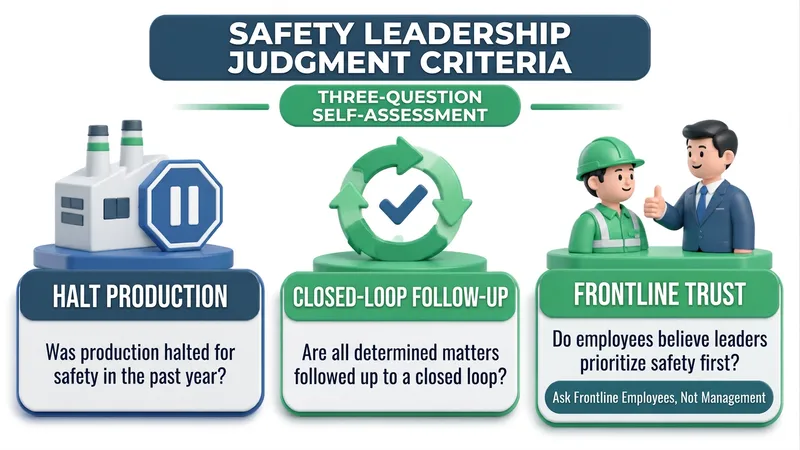
Text to Transparent 3D Diagram
Transform core logic from text into easy-to-understand, ready-to-use 3D diagrams with transparent backgrounds, perfect for presentations, courses, study notes, article illustrations, and technical explanations. Whether handling processes, classifications, hierarchies, comparisons, cycles, timelines, or abstract theories and management concepts, it selects the right 3D infographic or concept map based on the content rather than applying a single template. It distills key points, condenses complex content into concise node text, and presents it using flow arrows, module combinations, circular structures, pyramids, comparison panels, timelines, or subject models so that text relationships match the visual structure. It maintains consistent 3D lighting, materials, and spatial layers to ensure text is flat, front-facing, and clearly legible, while preserving original meanings without adding unverified facts or conclusions. Before generating, please provide a color scheme and aspect ratio (common landscape and square formats are supported). The final output is a transparent PNG, accompanied by notes on the graphic type, structure, actual colors used, retained text, and aspect ratio to help verify completeness. By default, no main title is added unless you explicitly provide one.
Minimal Explainer Diagram
Turn selected text, articles, files, or project information into a clear, compact explainer diagram. It extracts key nodes and relationships to help you organize processes, hierarchies, comparisons, timelines, or connections between different approaches. It’s suited to project presentations, team communication, content summaries, and organizing ideas. You can specify the diagram type, focus, layout direction, or accent color. Or simply provide the material, and it will determine a suitable way to present the content. It supports flowcharts, structure diagrams, comparison diagrams, timelines, and solution relationship diagrams. Before drawing, it lets you confirm the diagram type, layout, and colors to help prevent misunderstandings about the information’s focus. The finished diagram uses a white background, generous whitespace, fine lines, and flat geometric shapes, with a single low-saturation accent color. Short node labels and clear connecting lines show the relationships. It doesn’t crowd the original text or add people and decorative illustrations, so readers can quickly understand the content structure without first reading lengthy explanations.
Concept & Mind Map Generator
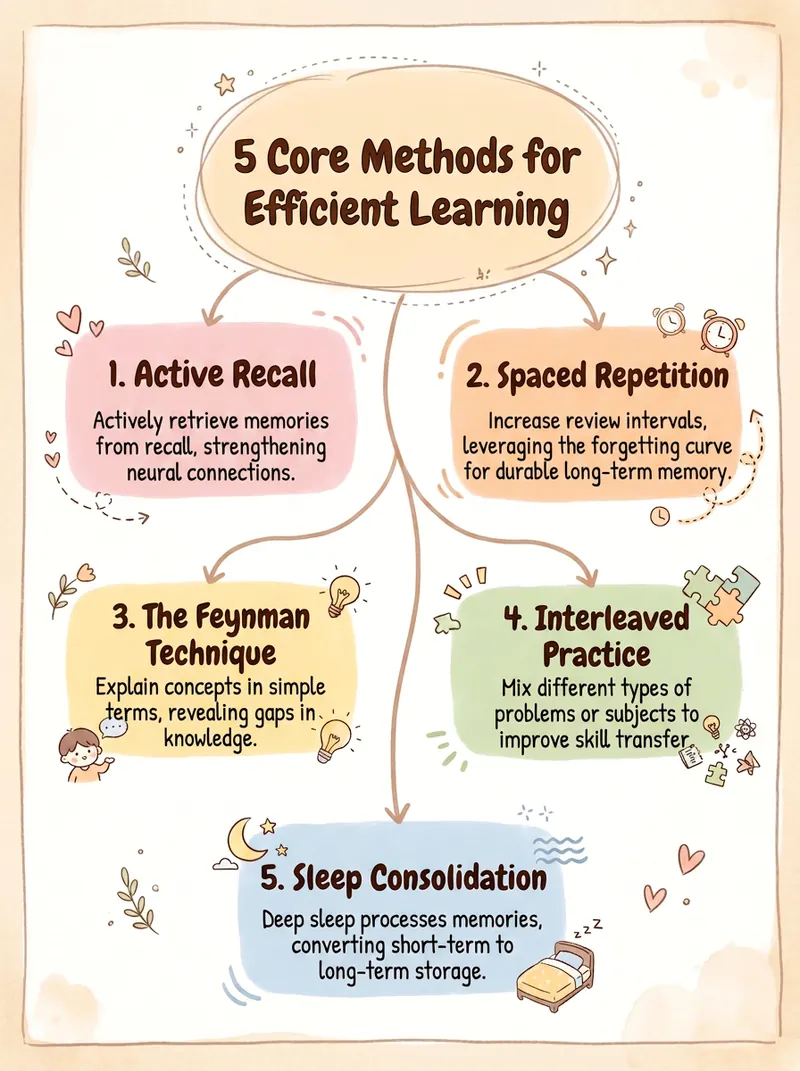
Studying but not retaining, flipping through notes as if you never saw them? Trying to create a mind map for Xiaohongshu, but the software takes forever, the color scheme ends up looking cheap, and exports are full of AI-generated giveaways. Paste a piece of content or a topic, and instantly generate a publishable knowledge graph—beautiful, clear, and logically sound. ✨ Core Capabilities 1. 4 diagram types: Mind Map (review), Concept Relationship Diagram (who influences who), Knowledge Framework (systematization), Process Flow Diagram (development timeline) 2. First shows a text structure for your approval, then generates the diagram—no mistakes, no rework 3. 5 styles: Creamy Journal, Business Minimal, Tech Blue, Morandi, Black & White Wireframe—one-click switching 4. 4 aspect ratios: Xiaohongshu 3:4, Square 1:1, Presentation 16:9, Portrait 9:16 5. Anti-AI-vibe guardrails: no purple-white gradients, no 3D plastic look, no rigid symmetry; clean lines with no tangles 📱 Use Cases Students reviewing key points, knowledge creators making infographics, teachers preparing presentation images, reading notes, illustrations for WeChat Official Accounts or Zhihu articles—ready to post on Xiaohongshu to collect saves. One piece of content, one image says it all—turning 'can't remember' into 'remember at a glance'.
Information
- Version
- v2
- Last updated
- Runtime credits
- Usage-based
- Models
- Auto
