
Knowledge Diagram V2.0
Turn topics into textbook-style diagrams
Knowledge Diagram V2.0
Turn topics into textbook-style diagrams
Showcase
Description
Based on a knowledge topic or complete written knowledge structure provided by the user, automatically generate a textbook-style mind map or knowledge structure illustration: a centered main topic, first-level branches extending horizontally to both sides, rounded-rectangle nodes, thin black connecting lines, Chinese typography, and a final PNG image. Supports two input modes: provide only a topic and let AI complete the structure, or provide a complete structure and follow the original faithfully. The color palette can be specified by the user; a default palette is used if none is provided. Generated images can be further edited and regenerated. Suitable for textbook, lesson, and handout illustrations.
Related Skills
View all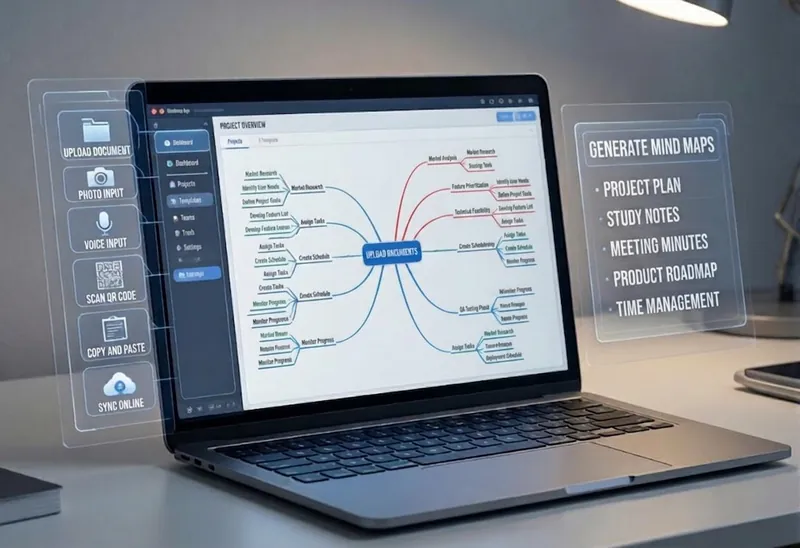 Research
Multi-Source Mind Map 2.0
Turn complex documents, web pages, or long text into clearly structured visual mind maps with one click. Whether it's academic papers, course materials, or technical documents, this tool intelligently extracts core topics and multi-level knowledge points, helping you quickly clarify the logical structure. Through in-depth content analysis of the input source, it automatically identifies section structure and key details, generating a well-organized knowledge system. This tool supports generating mind maps in multiple styles, including professional educational tree diagrams (PlantUML format) and intuitive center-radial diagrams (Mermaid format). You can directly get SVG images viewable in a browser, along with the corresponding source code files. This means you can quickly preview the results and also import the source code into XMind, FreeMind, or a Markdown editor for further editing and in-depth processing. Simply upload a PDF, Word, or text file, or provide a web link, to transform a large amount of information into a visual knowledge map. It's ideal for study notes, structured paper reading, and brainstorming presentations, making knowledge organization and sharing more efficient and professional.
 Image
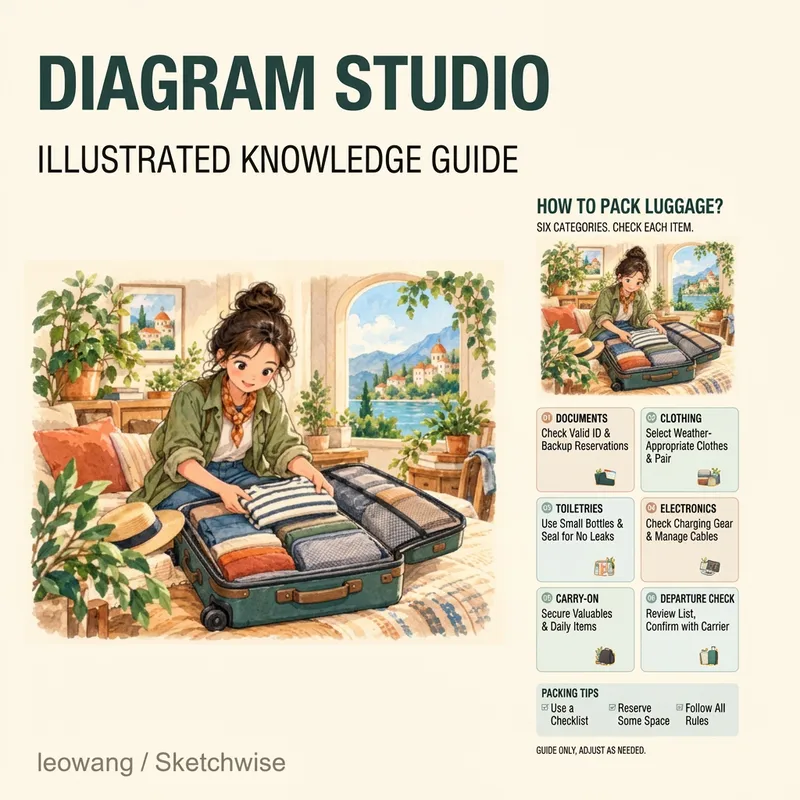
Infographic Studio 2
Have plenty of knowledge to share, but it ends up looking cramped and messy on an image? Infographic Studio organizes topics, articles, or notes into hand-drawn knowledge infographics: striking titles, content-matching illustrations, clear partitioned cards, and a summary at the bottom. Want a more visually appealing look? Choose the "Illustration Display Edition." Prefer an easier-to-read body text? Choose the "Clear Reading Edition." You can also use structures like steps, comparisons, or categories depending on the content relationship, and reference images are supported for layout, color scheme, or art style. Ideal for knowledge creators, educators, and anyone who needs to organize study notes. First clarify the text in the image, then design and generate it; when modifying a specific point, try to keep the other confirmed parts intact. v0.2 sample images use actual generated textless illustrations plus local typesetting. Actual image generation and file processing depend on the tools and quotas available to you in YouMind; when tools are missing, complete copy, layout, and prompts will be provided. Examples do not imply running inside YouMind. Adaptation and product design: leowang. Based on baoyu-infographic under the MIT license, preserving necessary copyright and license.
 Image
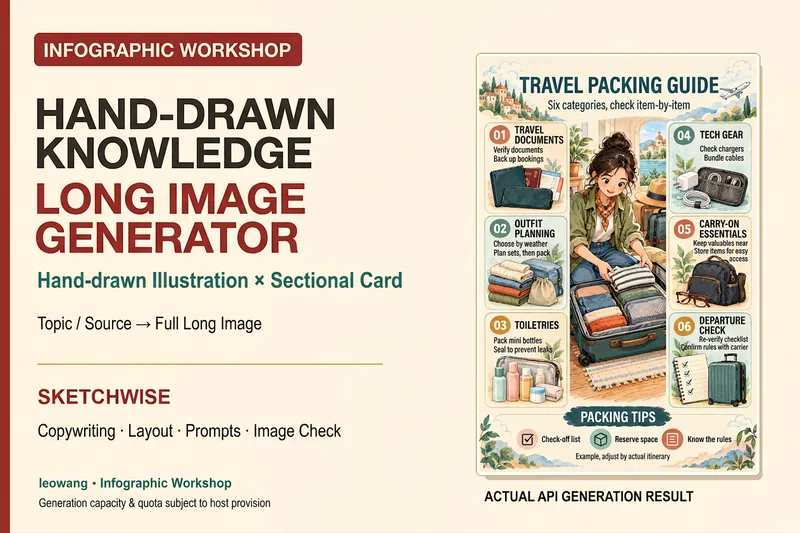
Illustrated Knowledge Infographic
Want to turn a piece of knowledge into a vertical infographic with illustrations, organized sections, and a top-to-bottom reading flow? Illustrated Knowledge Infographic organizes text from a topic, article, or notes; designs the main illustration, knowledge cards, and bottom summary bar; and provides complete image-generation prompts. When an image-generation tool is available, it generates the image and then checks the text, missing content, and layout. It supports reference images for composition and color palettes, Chinese or other languages, and layouts such as processes, comparisons, and modular cards. It can be designed for everyday knowledge, study methods, or work instructions; traditional Chinese and warm paper hand-drawn styles are optional. It is suitable for social media creators, educators and trainers, and knowledge-content creators. Actual image generation depends on the host tool and available credits. Without image-generation capabilities, it clearly delivers a design draft and prompts rather than presenting them as an image. Adaptation and product design: leowang. Adapted from baoyu-infographic under the MIT License, with the necessary copyright notice retained.
Information
- Version
- v3
- Last updated
- Runtime credits
- Usage-based
- Models
- Auto
