Hand-drawn Flowchart Maker
Hand-drawn Flowchart Maker
Showcase
Description
Transform dull processes into friendly, easy-to-understand diagrams that resemble hand-drawn notes. The crayon style adds warmth, making the flow not just accurate, but also more visually appealing and comprehensible. With clear structure and style constraints, it produces hand-drawn flowcharts with high consistency and controllability. Ideal for organizing study notes, teaching explanations, project workflows, product design documentation, algorithm step demonstrations, and knowledge structure visualization.
Related Skills
View all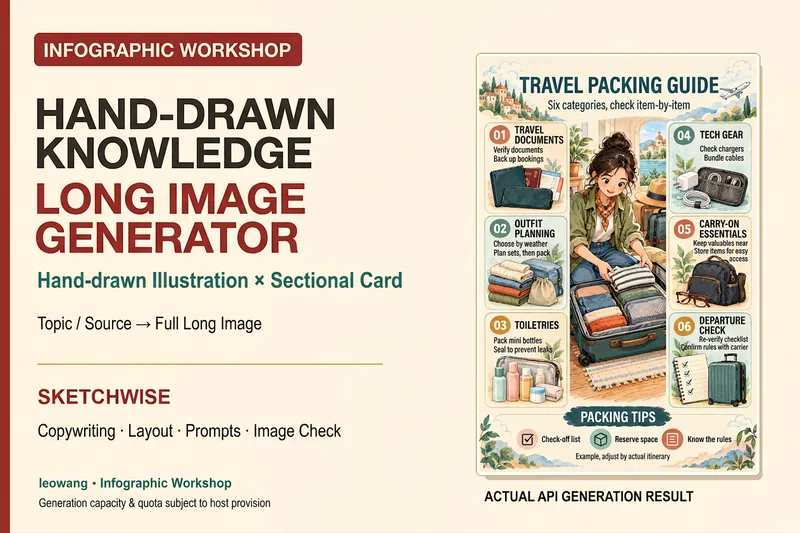 Image
Illustrated Knowledge Infographic
Want to turn a piece of knowledge into a vertical infographic with illustrations, organized sections, and a top-to-bottom reading flow? Illustrated Knowledge Infographic organizes text from a topic, article, or notes; designs the main illustration, knowledge cards, and bottom summary bar; and provides complete image-generation prompts. When an image-generation tool is available, it generates the image and then checks the text, missing content, and layout. It supports reference images for composition and color palettes, Chinese or other languages, and layouts such as processes, comparisons, and modular cards. It can be designed for everyday knowledge, study methods, or work instructions; traditional Chinese and warm paper hand-drawn styles are optional. It is suitable for social media creators, educators and trainers, and knowledge-content creators. Actual image generation depends on the host tool and available credits. Without image-generation capabilities, it clearly delivers a design draft and prompts rather than presenting them as an image. Adaptation and product design: leowang. Adapted from baoyu-infographic under the MIT License, with the necessary copyright notice retained.
 Image
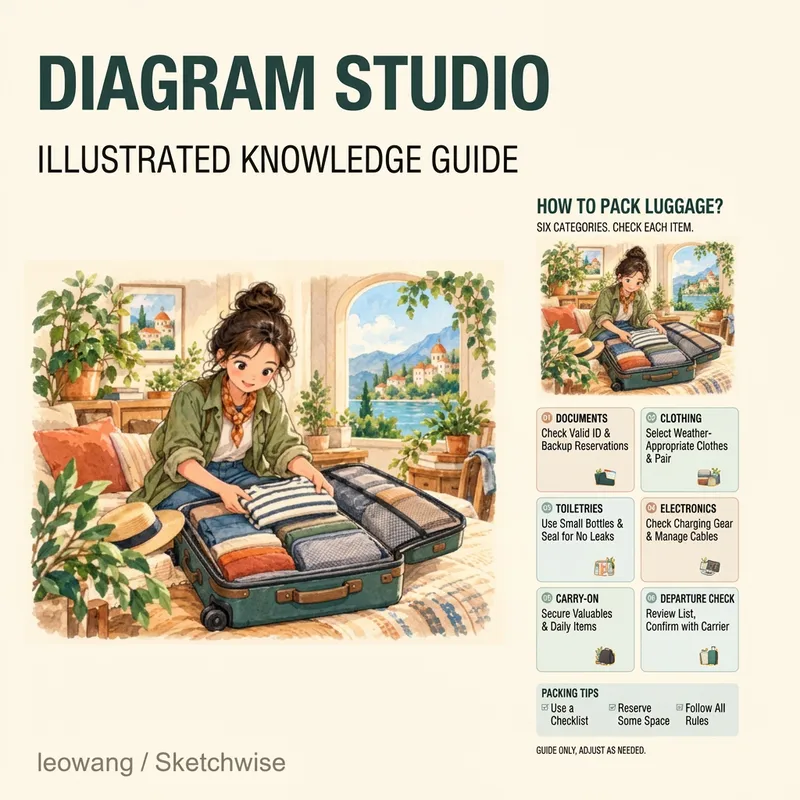
Infographic Studio 2
Have plenty of knowledge to share, but it ends up looking cramped and messy on an image? Infographic Studio organizes topics, articles, or notes into hand-drawn knowledge infographics: striking titles, content-matching illustrations, clear partitioned cards, and a summary at the bottom. Want a more visually appealing look? Choose the "Illustration Display Edition." Prefer an easier-to-read body text? Choose the "Clear Reading Edition." You can also use structures like steps, comparisons, or categories depending on the content relationship, and reference images are supported for layout, color scheme, or art style. Ideal for knowledge creators, educators, and anyone who needs to organize study notes. First clarify the text in the image, then design and generate it; when modifying a specific point, try to keep the other confirmed parts intact. v0.2 sample images use actual generated textless illustrations plus local typesetting. Actual image generation and file processing depend on the tools and quotas available to you in YouMind; when tools are missing, complete copy, layout, and prompts will be provided. Examples do not imply running inside YouMind. Adaptation and product design: leowang. Based on baoyu-infographic under the MIT license, preserving necessary copyright and license.
 Image
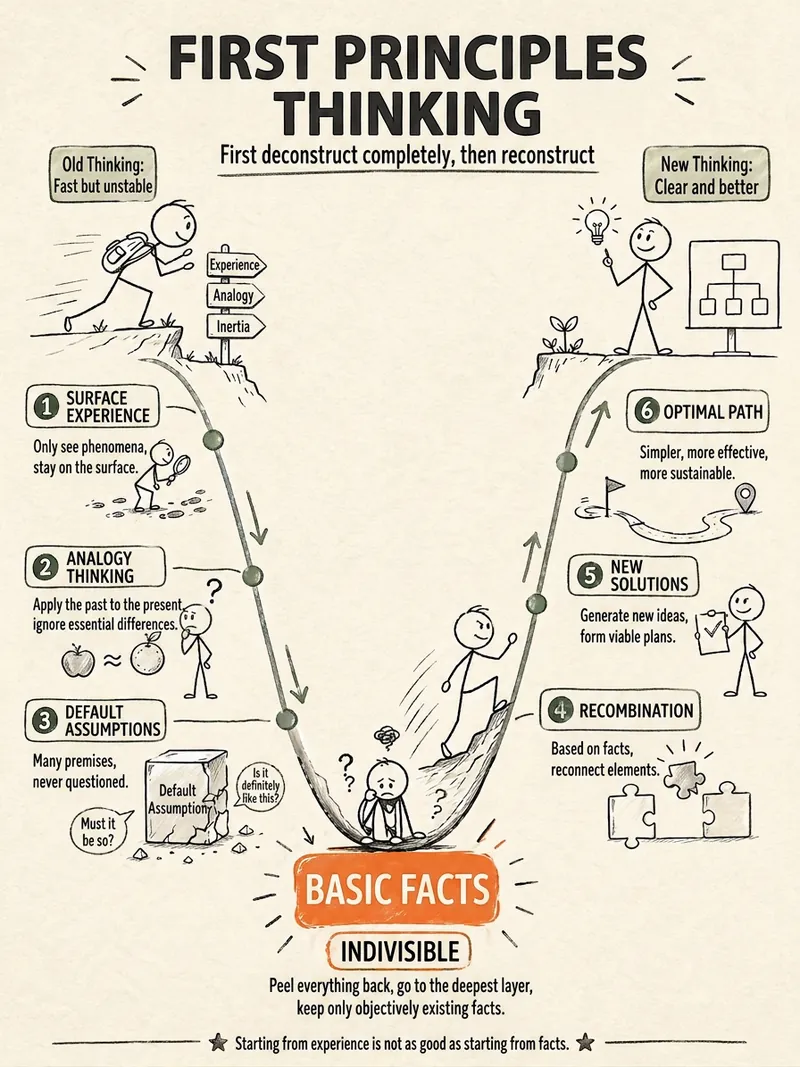
Stick Figure Explainer
Turn complex concepts, abstract theories, lengthy processes, notes, business analyses, or growth stories into prompts for vertical knowledge cards, infographics, and hand-drawn explainers optimized for GPT-Image 2. Whether you’re organizing a process, comparing before and after, analyzing causes, categorizing knowledge, or telling a story of growth from a low point to a breakthrough, it distills the key takeaway and matches it with a suitable composition, visual metaphor, and reading flow—making the content easier to understand and remember at a glance. You’ll receive a Chinese card structure guide and visual system recommendations covering composition, hand-drawn style, color philosophy, and typographic character, along with a ready-to-copy English image-generation Prompt. The default canvas is a 3:4 vertical format, suitable for knowledge cards, Xiaohongshu cards, vertical infographics, and posters. Depending on the topic, stick figures, simplified characters, or icons can be used to show states, actions, and emotions, while keeping the number of information modules under control to avoid crowded visuals, text that is too small, or scattered emphasis. It’s ideal for quickly turning reading notes, frameworks, workplace skills, psychology and personal growth topics, business insights, product workflows, and complex concepts into clear, narrative-driven, actionable visual content.
Information
- Version
- v2
- Last updated
- Runtime credits
- Usage-based
- Models
- Nano Banana Pro
