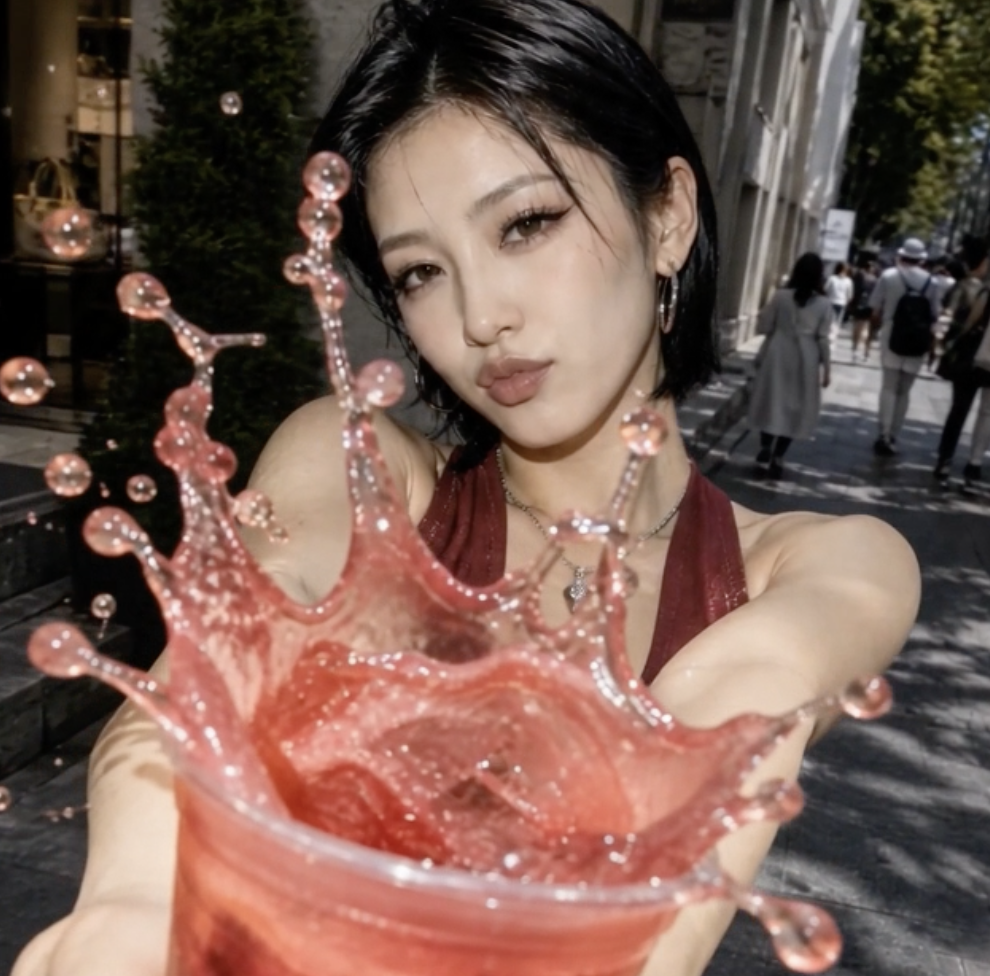
Stillwave — Frozen Photo Parallax
Keep the moment still. Let the camera drift.
Stillwave — Frozen Photo Parallax
Keep the moment still. Let the camera drift.
Showcase
Description
Turn a photo into a subtle pendulum-parallax video: gentle right–left camera motion adds depth while faces, objects, suspended liquids, and existing text stay frozen. Defaults to 4 seconds with no background music.
Best for
People who want to add restrained depth and camera movement to a still photograph without animating its subjects.
How to use this Skill
Provide your input
Provide a still photograph.
Run the Skill
Apply subtle horizontal parallax camera movement while keeping the photo’s subjects, objects, liquids, and existing text visually fixed.
Review your result
Receive a short, silent video with gentle depth motion, typically lasting 4 seconds.
Related Skills
View all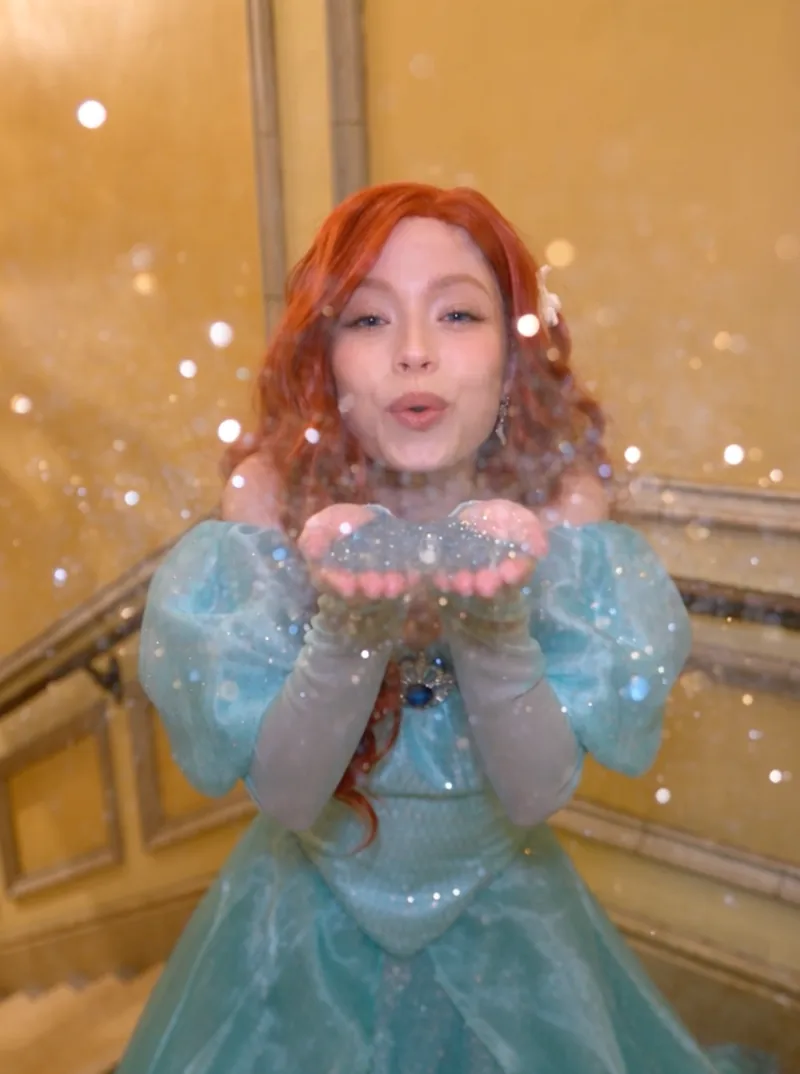 Video
Shiny and sparkling powder effect video
Create a polished glitter-effect portrait video while keeping the person’s face, hairstyle, clothing, background, and original lighting unchanged. The subject smiles toward the camera and gently blows a small handful of glitter, which then transitions into slow motion as fine particles drift, rotate, and shimmer across the frame. The glitter is color-matched to tones already present in the portrait—such as the outfit, accessories, or overall palette—with subtle silver or pale-gold highlights for added sparkle. Nearby particles create soft, dreamy bokeh while remaining delicate and clearly glitter-like rather than smoky. The result contains no text or subtitles, preserves the subject’s natural appearance without distortion, and adds a refined magical touch to portrait videos.
Loop Moment Lab
The last frame becomes the first. The story starts again. Loop Moment Lab helps you turn a fleeting idea into a short video designed to flow back into its beginning—with a compelling moment worth revisiting. A camera dives into a coffee cup and emerges in another kitchen. A reflection moves one second too late. A final gesture triggers the very action that opened the scene. Bring your own concept or discover something new. ✦ YOUR IDEA, REIMAGINED Transform an existing scene into a loop while preserving its central idea, mood, and payoff. ✦ DIFFERENT WAYS BACK Explore distinct loop directions, from hidden resets and matching movements to surreal return journeys. Choose the one that fits your vision. ✦ EVERY CONNECTION EXPLAINED See how the opening, middle, and closing connect through framing, camera movement, object placement, and sound. ✦ A PLAN YOU CAN CREATE FROM Receive a visual direction, timed scene breakdown, opening-to-ending comparison, and practical production and editing guidance. ✦ CREATIVE AMBITION, PRACTICAL OPTIONS Understand the trickiest part of your concept and get a simpler alternative that preserves its appeal. For product moments, visual illusions, character comedy, everyday magic, and surreal mini stories. The workflow follows your language. You guide the creative direction. Start with an idea. Leave with a loop design and a clear plan to bring it to life. Creates concepts and production plans; final loop continuity is checked against your rendered or edited footage.
Photo Whisper Pro|Gentle Motion
Turn a single old photograph into a 4–6 second keepsake clip. The skill confirms expectations and boundaries first, audits the photo, writes a deliberately minimal motion script (one blink, a faint lift at the mouth, a quiet breath), renders 2–3 candidates for side-by-side comparison, and delivers the file with clear framing language so it is never mistaken for new footage.
Information
- Version
- v4
- Last updated
- Runtime credits
- Usage-based
- Models
- Seedance 2.5
- Use cases
- Images & designVideo & audio
- What you get
- Video
