Create Healing Comic Notes
Create Healing Comic Notes
Showcase
Description
Automatically generate healing-style Xiaohongshu content for social media operators. Enter a topic to generate a 3:4 comic image with speech bubbles and matching copy. ## Step 1: Topic Analysis and Style Positioning Analyze the user's input topic, extract core keywords and emotional tone, determine the scene type (daily life/nature/pets/food/solo time, etc.), set the visual temperature (warm: warm yellow-orange tones vs fresh: blue-green-white tones) and emotional depth (light healing/deep resonance). **Prohibited**: Do not analyze commercial or sales-oriented content; avoid horror, thriller, negative, or overly sentimental tones. ## Step 2: Image Concept and Generation Use the imageGenerate tool to create a 3:4 ratio healing comic image. The prompt must include: healing comic style, soft colors, simple composition, appropriate white space, and comic speech bubbles (2-10 short warm words inside the bubble). Set quality to high. **Key Requirements**: The image must be a 3:4 comic style with soft colors and comic speech bubbles. ## Step 3: Copywriting Write Xiaohongshu copy including: a title (must include emoji, 15-20 characters), body text (automatically determined by topic emotional depth: 50 characters or less for light topics, 100-200 characters for story-driven topics), and 5 relevant topic hashtags (format #Hashtag). **Copy Requirements**: First-person perspective, warm and gentle, avoid commercial or preachy tone, may include a soft call-to-action at the end. **Output Format**: [Title] [Body] #[Hashtag1] #[Hashtag2] #[Hashtag3] #[Hashtag4] #[Hashtag5] ## Step 4: Final Output Combine the generated image and copy into a complete Xiaohongshu content proposal. --- **Tool Configuration**: imageGenerate (generates 3:4 healing comic images) **Usage Tips**: 1. The more specific the topic, the more precise the output 2. You can add style preferences like "I want a warm style" 3. Use the same topic multiple times to get different perspectives **Testing Suggestions**: - Standard scenario: Enter "Healing moments of the weekend" → generate warm/fresh comic + healing copy + 5 hashtags - Edge case: Enter a negative topic → automatically turn it into a positive healing direction
Related Skills
View all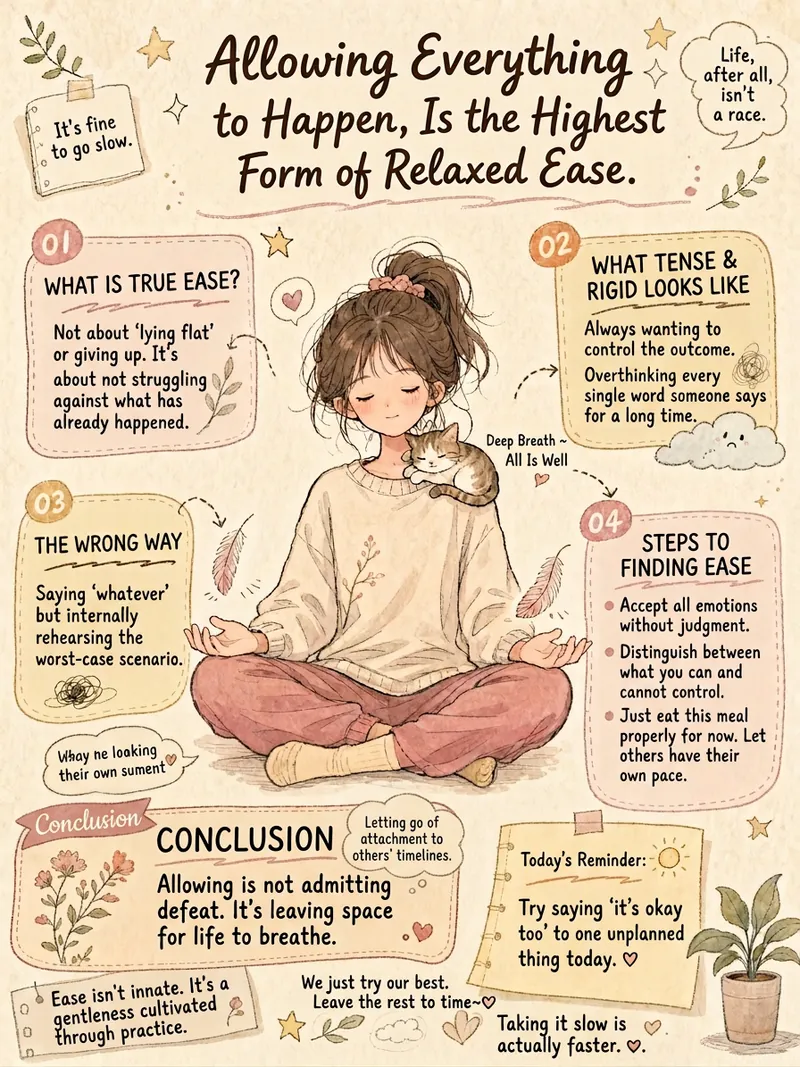
Healing Infographic Generator
Do you want to turn your written content into warm and artistic infographics? This healing infographic generator can automatically design various texts—such as psychological quotes, group announcements, popular science knowledge, or life insights—into beautiful hand-drawn style infographics. It intelligently matches the layout to your content, whether reflective, informative, educational, or essay-like, to deliver the best visual effect. We focus on creating a unique visual experience for you. Each infographic will feature a vintage paper texture, Morandi low-saturation colors, and a soft blend of Japanese manga and Chinese hand-drawn styles. The images include vivid characters and visual metaphors related to the theme, with a bullet journal-style multi-column layout to clearly present key information, and a mix of handwriting and print fonts to create a warm and artistic atmosphere. Simply input your text, and it will automatically extract core concepts, design unique visual metaphors, and select the most harmonious color scheme based on the emotional tone. In the end, you'll get a well-composed, soft-colored, clear healing hand-drawn infographic that delivers your message in the most beautiful way.
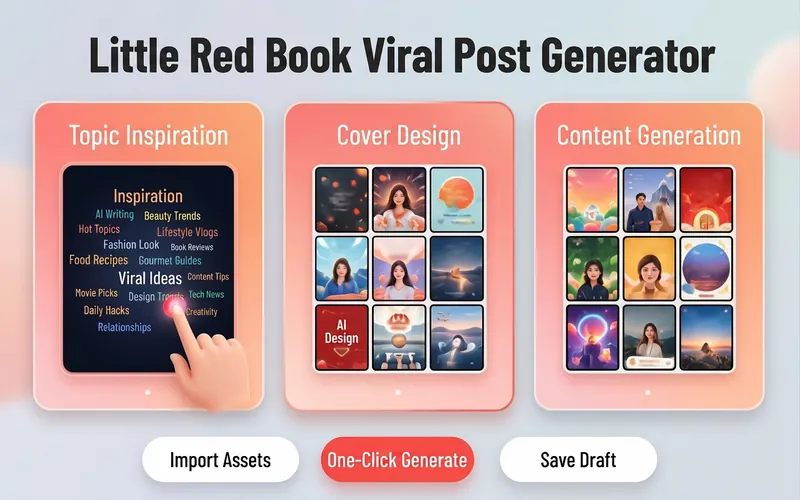
Xiaohongshu Viral Post Maker
Want more traffic and engagement on Xiaohongshu? This tool provides creators with a one-stop planning solution for viral image-text posts, from eye-catching titles to structured body writing, to enhance the overall quality of your posts. Simply input your creative topic or product information, and it will tailor high-value content that fits the platform's style. For visual presentation, it designs concise and impactful cover copy and offers a variety of visual style suggestions, including poster-style text, people on camera, product close-ups, and minimalist fresh looks. Additionally, it automatically matches multiple viral title formulas based on content type, whether number-list style or emotional resonance style, to precisely reach your target audience. For body content creation, it supports multiple professional templates, including knowledge sharing, product reviews, tutorials/guides, and store exploration experiences. Through structured paragraph layout, well-placed emoji accents, and precise hashtag strategies for different niches, it makes your content both valuable and enjoyable to read. Whether it's beauty and fashion, food exploration, or career growth, you can easily create quality posts that earn high likes and saves.
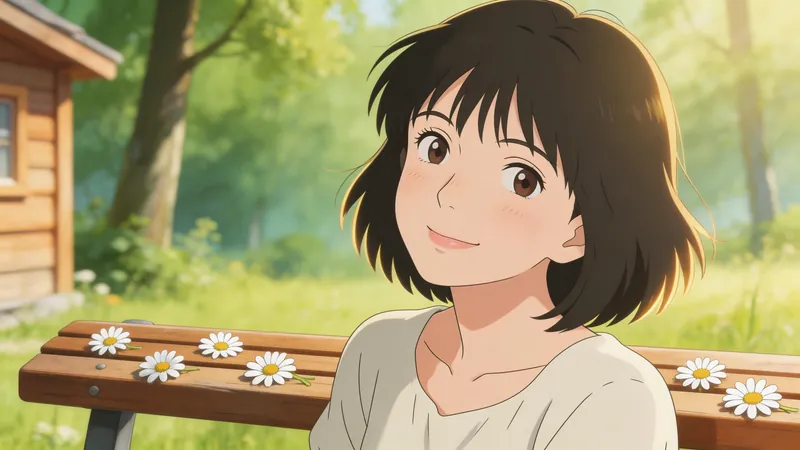
Jimeng Healing Portrait Prompt
Describe the image you want in one sentence, and it will automatically generate professional prompts that can be directly pasted into Jimeng. ✦ Who is it for For you who want to create healing-style character portraits with Jimeng but don't know how to write prompts. ✦ How to use Simply tell the Skill your idea, for example: · "A Japanese girl under cherry blossoms, a bit melancholic" · "Grandma reading by the window, afternoon sunlight, warm and healing" · "Randomly generate a healing-style male avatar for me" The more detailed your description, the more accurate the output. If your description is incomplete, the Skill will actively ask for missing information and provide reference options, helping you lock in the exact image you want step by step. ✦ Output Structured Jimeng prompts covering 7 dimensions: subject, style, scene, lighting, color, composition, and atmosphere. Just copy and paste into the Jimeng text-to-image input box.
Information
- Version
- v1
- Last updated
- Runtime credits
- Usage-based
- Models
- Auto
