Kallaway Neon Glass
Make dark tech videos with glass graphics
Kallaway Neon Glass
Make dark tech videos with glass graphics
Showcase
Description
Turn your own script, people, product footage, and interface assets into a dark, cinematic technology video with a credible on-camera host, translucent blue glass information layers, and spatial graphics that make complex ideas easy to see. This visual system works especially well for AI products, workflows, software demos, creator education, product explainers, and thought-leadership content that needs both human presence and structured visual explanation. It can shape evidence into web and product frames, organize people or examples into orbiting identity cards, and express systems through branching diagrams, workflow graphs, concentric maps, process cards, spatial data objects, metric cards, and luminous summary grids. Transitions connect objects and ideas naturally through card reveals, guided focus, diagram growth, and host-to-graphic movement rather than distracting effects. The look maintains deep navy space, cool cyan edge light, restrained warm practical light, readable white typography, and layered glass surfaces across both 16:9 and 9:16 formats. Bring a script or voiceover, presenter footage or portraits, product recordings or screenshots, logos or avatars you have permission to use, plus your preferred aspect ratio and duration. You’ll receive a visual storyboard that maps the spoken content to appropriate modules before production, while your original argument and wording remain intact. Missing assets can be represented with neutral placeholders, and the final handoff can identify which user materials were used, what still needs to be supplied, and how the piece could be adapted for vertical video.
Why we love this skill
An editor’s pick for dark tech storytelling that keeps the speaker credible while turning ideas into spatial systems. Its rigorously defined glass materials, cinematic lighting, modular diagrams, and restrained motion create polished videos without copying source content or sacrificing clarity.
Best for
Content creators, educators, and product teams explaining software, AI products, workflows, or complex ideas through human-led technology videos.
How to use this Skill
Provide your input
Provide a script or voiceover, presenter footage or portraits, product recordings or screenshots, permitted logos or avatars, plus the preferred aspect ratio and duration.
Run the Skill
The Skill maps your spoken content to a visual storyboard, then builds a dark technology video using host footage, translucent glass information layers, and spatial graphics while preserving your wording.
Review your result
Receive a cinematic technology video with a storyboard and a handoff noting used materials, remaining placeholders, and possible vertical adaptations.
Related Skills
View all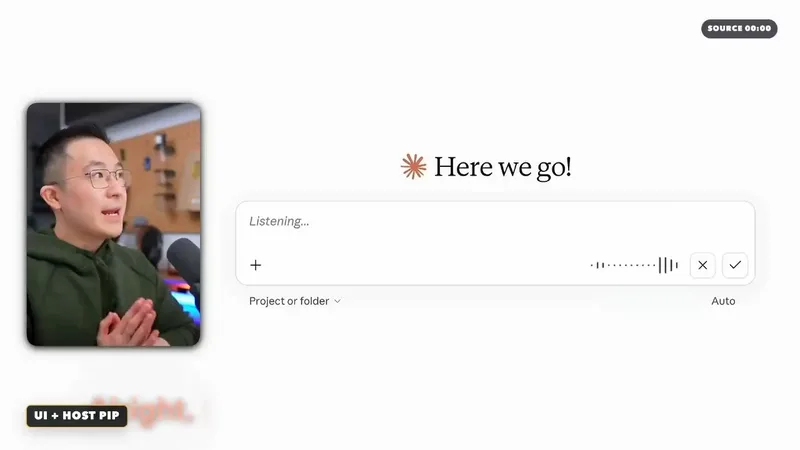 Video
video-style-jeffsu-ai-demo
Turn a technology, AI tool, or workflow script into an evidence-led video storyboard and post-production plan that is clear, credible, and ready to edit. The skill maps each spoken idea to the right visual treatment, balancing presenter footage for promises, explanations, and conclusions with real screen recordings or public product pages for demonstrations and proof. It also uses warm white vector system diagrams to explain relationships, rules, tool ecosystems, and workflow architecture without pretending that abstract graphics are real product interfaces. When a claim depends on visible evidence, the plan can call out a specific interface area, structure a fair side-by-side comparison, compress low-value waiting time, or introduce a restrained chapter transition. Visual emphasis, captions, colors, and layouts can be adapted to your brand guidelines rather than copied mechanically from a reference. For every brand, product, or service appearing in the new video, the skill helps gather authentic logos and relevant website or product screenshots, while clearly distinguishing official public material, user-provided recordings, and illustrative mockups. The deliverable includes an editable semantic timeline with dialogue purpose, visual state, screen text, key actions, exit conditions, fallback options, and a source-aware media list. It is especially useful for AI demos, SaaS tutorials, productivity workflows, automation explainers, and technology education where viewers need both a compelling story and verifiable UI evidence.
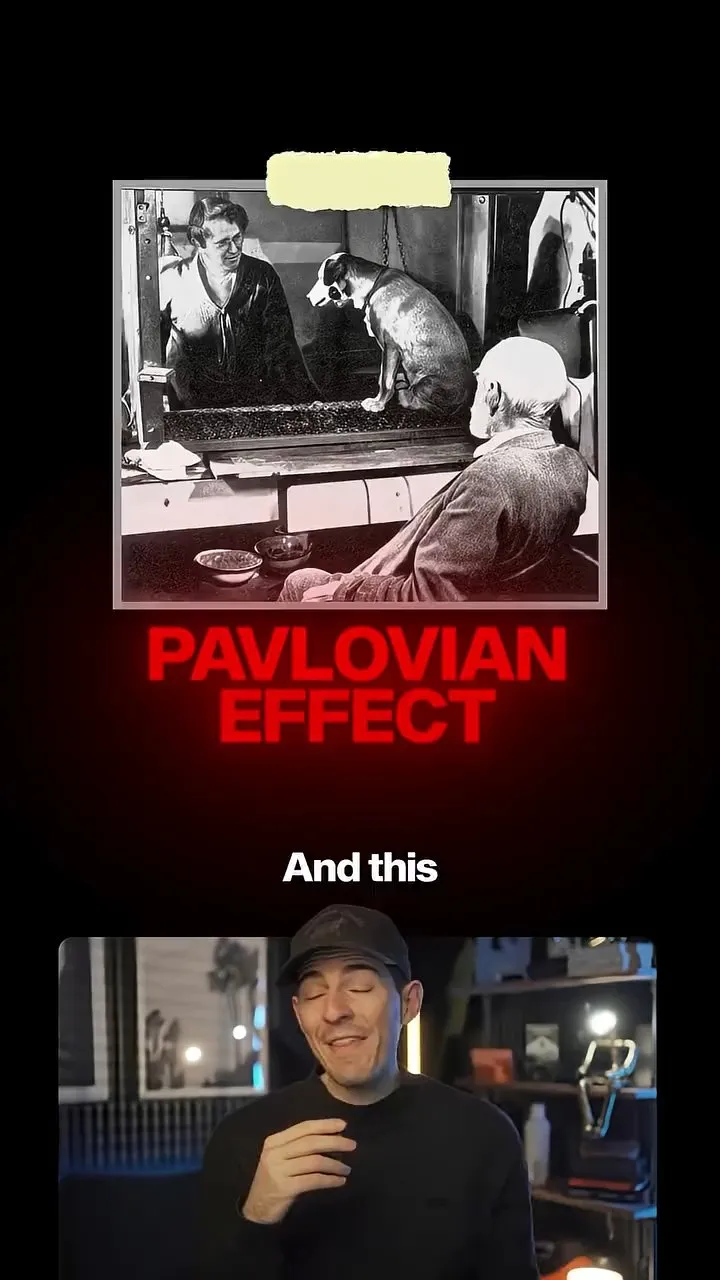 Video
Kallaway Black & Red Vertical Style
Turn a vertical talking-head video into a dense, editorial-style Shorts or Reels cut with a distinctive black-and-red visual language, warm gray graph-paper layouts, and clear infographic storytelling. The result keeps your original voice and ideas at the center while translating key moments into focused visual scenes rather than generic captions or a static talking-head edit. The edit can combine a continuous rounded video window with evidence cards, archive-style references, avatar relationship diagrams, phone and post mockups, comparison layouts, animated metrics, concept labels, and focused principle-by-principle reveals. Full-screen presenter moments provide breathing room between information-heavy sections, while short on-screen words reinforce what is actually said in the video without adding new claims. The opening goes straight into the presenter and a representative visual element—no unrelated cover or title card. Upload your video and optionally provide a script, key points, portraits, logos, screenshots, historical images, data, or emphasis terms. When supporting assets are missing, the edit uses clearly marked neutral placeholders and identifies what to replace. You receive a previewable editing webpage with timeline navigation, playback controls, scrubbing, mute, a segment overview, and video export with original audio when browser support allows. If export is blocked by media permissions or cross-origin restrictions, the page provides a clear screen-recording fallback.
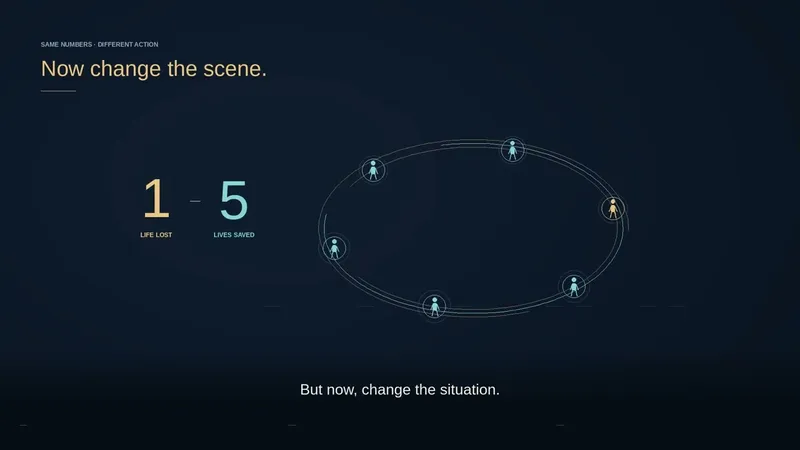
MotionCraft AI 2.0
Turn ideas, scripts, documents, images, charts, data, or audio into thoughtfully directed 2D explainer videos and motion graphics for education, science, technology, business, finance, history, product demonstrations, tutorials, public information, and storytelling. MotionCraft AI shapes each project around its core message, audience, and communication goal rather than forcing content into a generic template. You’ll get a clear Simplified Chinese narrative by default, supported by a coherent visual direction, detailed 2D illustrations, meaningful character and object animation, cinematic camera movement, diagrams, data visualization, and purposeful transitions. The studio also pays close attention to Chinese typography, readable on-screen storytelling, subtitle timing, music, sound effects, pacing, and platform-specific formats such as landscape or vertical video. Depending on the available production environment, MotionCraft AI can deliver a rendered MP4 with embedded Chinese subtitles, a separate SRT file, and a representative cover, or an honest, production-ready package containing the script, storyboard, shot list, timeline, visual specifications, animation directions, subtitle content, audio plan, and export guidance. Content accuracy, visual consistency, natural motion, and final quality are reviewed throughout so the result feels like a directed animated film—not a slideshow of unrelated images.
Information
- Version
- v3
- Last updated
- Runtime credits
- Usage-based
- Models
- Auto
- Use cases
- Images & designVideo & audioLearning & education
- What you get
- Video
- Visual styles
- CinematicFuturistic3D
