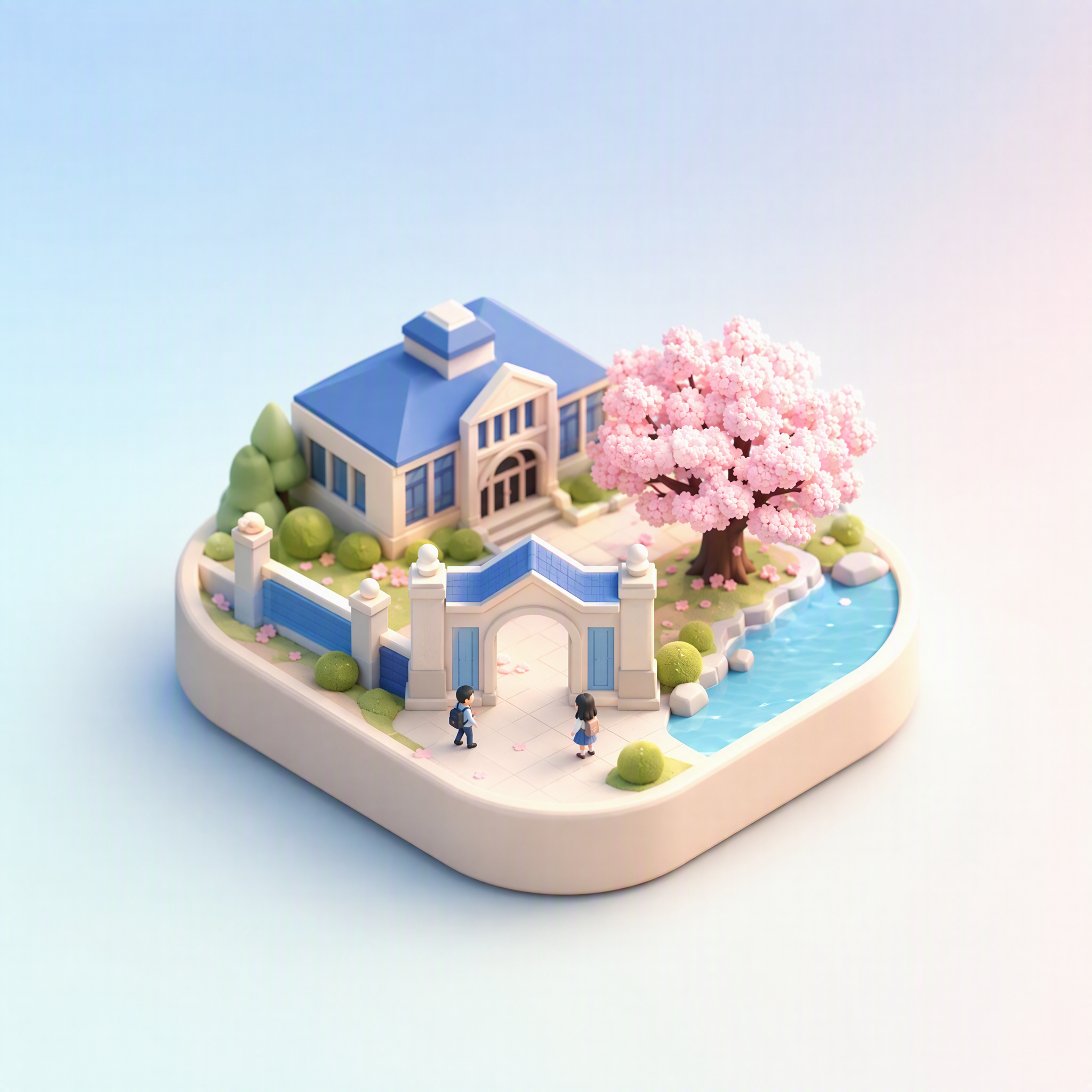
Campus Memory Diorama
Create a miniature campus memory diorama
Campus Memory Diorama
Create a miniature campus memory diorama
Showcase
Description
Based on the university name, memory scenes (such as academic buildings, cafeterias, dormitories, sports fields, and popular photo spots), enrollment or graduation year, and preferred visual style, this Skill researches the campus’s real layout, organizes 7–9 core memory locations, and generates a miniature campus youth memory diorama that combines accurate spatial layout with emotional resonance. It also includes shared-memory descriptions for each location and reusable image-generation prompts. Suitable for graduation keepsakes, alumni sharing, and campus merchandise displays.
Recommended by
Shuting@YouMind
Why we love this skill
Transforms real campus layouts and shared memories into a verifiable, generatable 3D diorama plan with distinctive, authentic details for each university.
Related Skills
View all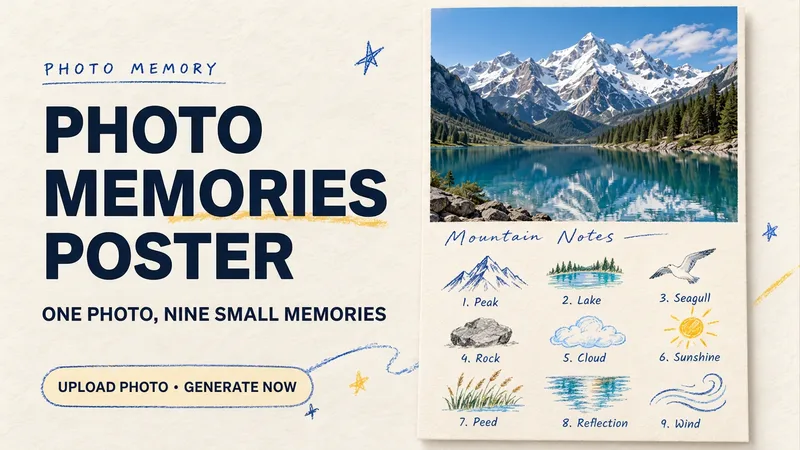 Image
Photo Memory Poster
Some photos in your album deserve to be remembered with care. Upload an original photo of a trip, a coffee break, a pet, or an everyday moment to turn it into a textured memory poster with paper grain and drawn strokes: the top half preserves the real moment, while the bottom half illustrates the details worth remembering as nine small crayon-and-colored-pencil icons. Each photo is output separately in a 3:4 portrait layout, with no multi-photo collage. The top and bottom each take up half the page, with a loose nine-grid layout, short handwritten title, and small caption, creating the feel of a private visual diary. Colors adapt to the photo instead of using a fixed scenic template. Just upload a photo and optionally add a title. The Skill extracts memorable details, creates the image, and checks the subject, nine icons, and actual layout divisions. When an image tool with reference-image support is available, it can generate the image directly. Strict layout separation and fidelity to the original photo also depend on the editing and assembly capabilities of the runtime environment; if the requirements cannot be met, this will be explained. Suitable for travel keepsakes, pet collections, lifestyle journaling, and social sharing. The showcase images are demonstrations using locally created original AI scenes, not examples from real users; on YouMind, the Skill has been trialed with input guidance for missing photos, while complete image generation still awaits testing. Image-generation usage is subject to the current platform.
 Image
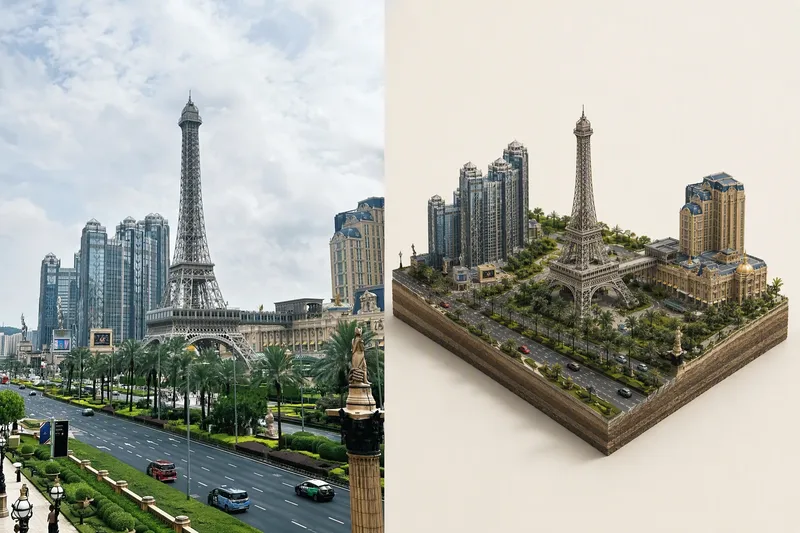
Tiny World Studio
An elite geographic visual designer and AI art prompt engineer. Best for: city landmark check-in images, travel memory posters, scenic area promotions, real estate and urban planning illustrations, WeChat Official Account headers, and Xiaohongshu covers. Use this Skill when you provide a real-world photo or a place name: ✅ Photo first ✅ Automatic aspect-ratio matching: calculates the best canvas and layout based on the photo’s actual proportions, preventing tower tips, rooftops, and people’s heads from being cropped; ✅ Two layouts: comparison image (real scene + miniature) or miniature only; automatically identifies diamond-shaped plots and rectangular skylines ✅ No "beautification" for people: no face retouching, face slimming, body slimming, face swapping, or chibi styling—only a reduction in scale ✅ Parameterized text: provides the location name, time, coordinates, position of the number, font, font size, letter spacing, and color for proofreading and rearrangement after image generation
 Webpage
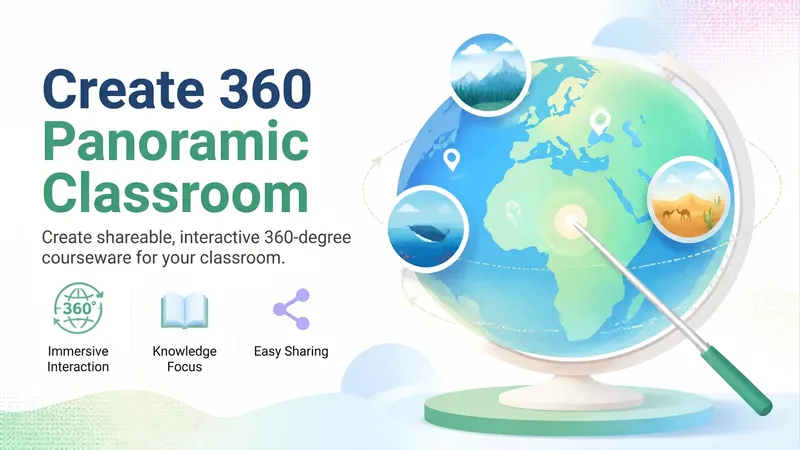
360° Panoramic Classroom
Transform lesson topics, grade levels, and teaching objectives into accessible, shareable interactive panoramic classroom web pages. Students can drag perspectives, switch scenes, and click knowledge hotspots to understand textbook content through spatial exploration. Whether it is literary observation perspectives in Chinese, science experiment scenes, or history and geography topics, you can organize appropriate scenes around learning objectives, complemented by age-appropriate explanations and guided inquiry questions. You can provide textbooks, lecture notes, real panoramic images, or other classroom materials. The system plans visual content, hotspot placement, and teaching focal points based on material use and availability. When materials are insufficient, unified-style AI illustrations are used, clearly distinguishing between real imagery, simulated visuals, and information pending verification. For history, science, and geography, relevant content undergoes reliability checks when needed to prevent speculation or illustration from being presented as fact. Before production, a lesson plan is presented for your confirmation, and web development begins only after approval. The final product is optimized for computers and mobile devices, supporting panoramic viewing, scene switching, hotspot pop-ups, and an essential teaching sidebar. It is suitable for classroom projection, independent student exploration, or after-class sharing. Delivery includes instructions on operation, material authenticity, completed checks, and known limitations. If materials lack full 360-degree capability, this is faithfully noted along with a recommendation for restricted-view interactive presentation.
Information
- Version
- v6
- Last updated
- Runtime credits
- Usage-based
- Models
- Auto
