Jellowow
IELTS Diary Vocabulary
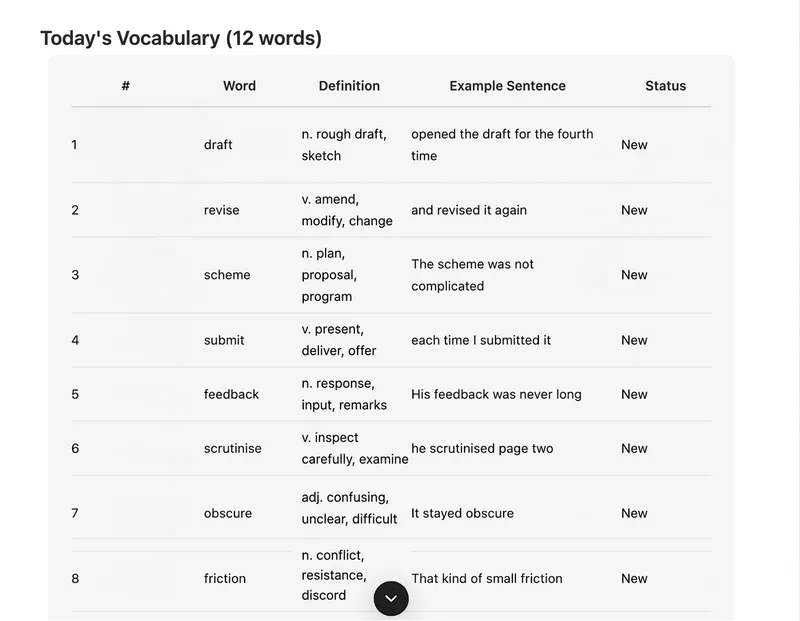
Share two or three sentences about something real that happened today in Chinese, and this Skill generates a 200–280 word English story, a Chinese translation, a study list of 12–15 words, and a review due date for each term. This is not generic AI English learning. It relies on a strict rule: key words are chosen exclusively from a built-in core database of 3,565 actual IELTS exam words across 10 themes, covering emotions, health, work, travel, society, nature, tech, lifestyle, actions, and time. Your story uses your own life events rather than made-up sample essays, keeping your people, places, times, numbers, and plot points intact. Best for learners who want daily practice without memorizing isolated lists, those who struggle to recall words they recognize, and anyone looking to turn everyday trivial moments into reviewable study materials. The output contains strictly four sections: Story, Chinese translation, Today's Vocabulary, and Self-Check. There are no greetings, study tips, or polite closing remarks. The self-check line reports word counts, key word counts, list row counts, bold counts, off-list words, and fabricated facts so you can plan your review schedule.

Weight-Loss & Muscle-Gain Meals
Upload a photo of your ingredients, fridge, or nutrition label (or list your available items in text), and instantly get a ready-to-make meal plan: one main dish plus two variants (a 5-minute version, a high-protein version, or an alternative flavor). Each dish includes per-serving calories, protein counts, and a full nutritional breakdown, paired with a consistent photo taken from the same angle and lighting. It automatically decides whether you are focusing on fat loss or muscle gain without listing options, requiring shopping trips, or lecturing on nutrition.
 Image
Selective Photo Color Changer
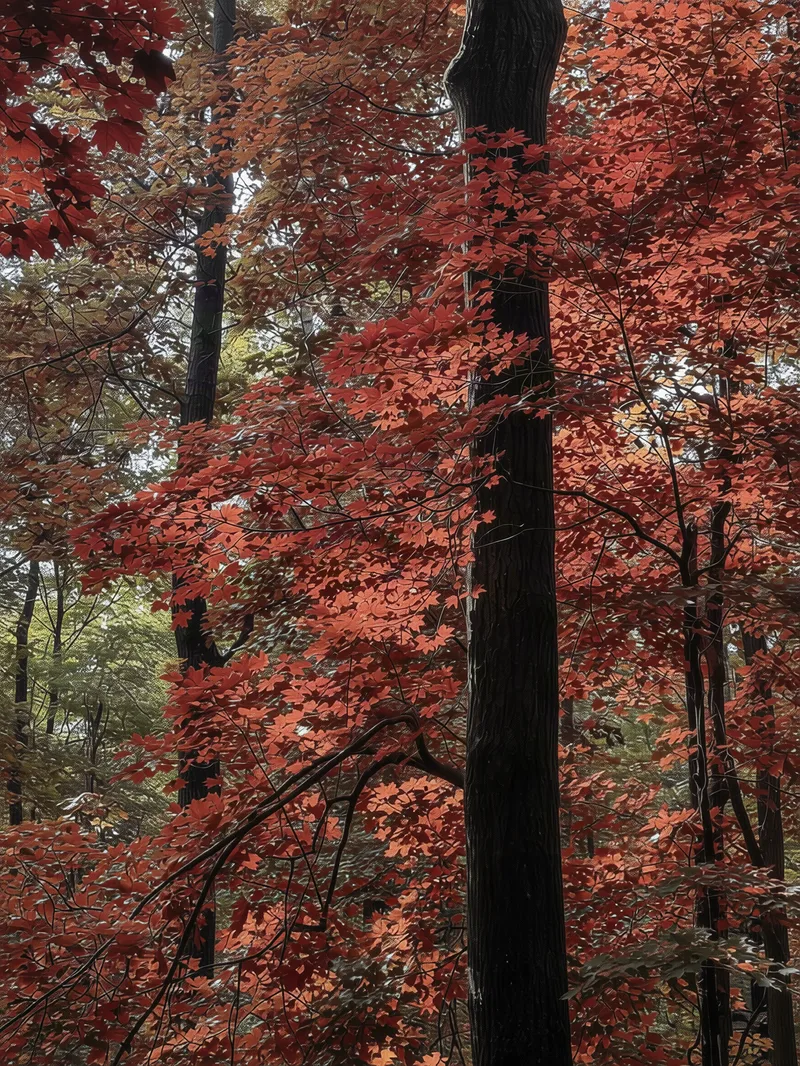
Easily swap the color of any object in your travel or everyday photos—turn green leaves into autumn red, the sky purple, a car matte dark green, or change clothing colors while keeping everything else untouched. Perfect for creating seasonal variations of the same location or previewing different colors for an item. Simply provide a photo, the object to change, and the target color to get a recolored image, a brief description of the edit, and tips for further adjustments. Uses top-tier image models and a fixed four-step prompt template by default, keeping the original aspect ratio without altering the entire image tone. Great for everyday and travel photos to create your own unique look.
Read Notes with Your Voice
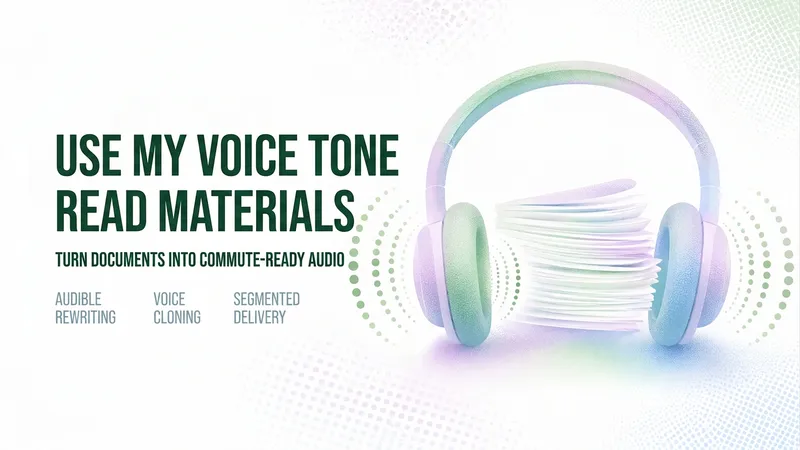
Turn articles, notes, and vocabulary lists into audible audio. It first adapts written text into a read-aloud script tailored for listening—removing markup, describing tables, breaking down long sentences, and keeping bilingual text intact—then synthesizes it paragraph by paragraph using your cloned voice or the highest-quality voice for that language, and finally provides an audio playlist and listening guide. It uses the best audio model by default and supports Chinese, English, and mixed Chinese-English materials. Voices remain consistent across paragraphs. Add your own voice in youmind settings to narrate knowledge in your own voice. Make knowledge sound like something you already learned and simply temporarily forgot. An efficient learning assistant useful across study, work, and daily life.
 Image
Room Corner Makeover
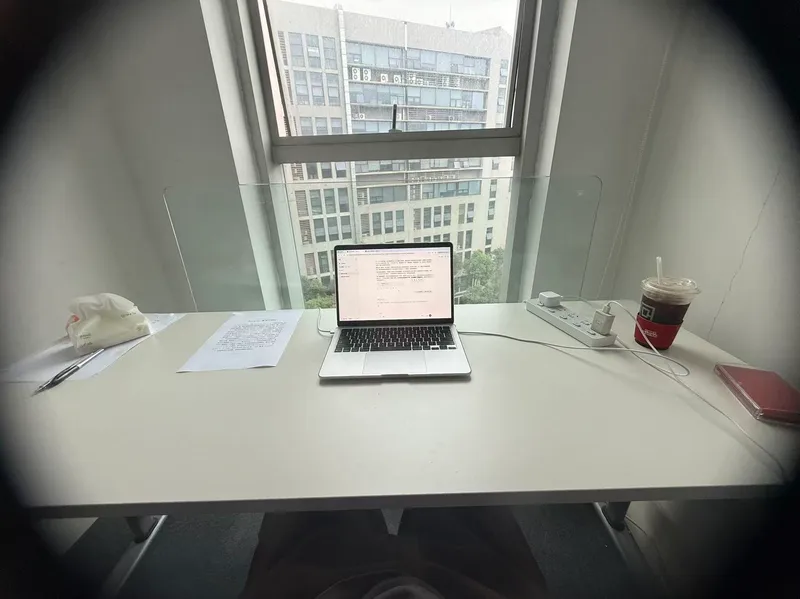
Upload a real room corner photo along with its intended use and budget, and this Skill generates two finished effect renders: a full daytime version and a nighttime version. Using the same camera angle, table, and items, the only difference is light and time—the daytime version relies on window light, while the nighttime version depends on lamp lighting. A cost table is included showing what to buy, individual prices, budget savings, or cut priorities if over budget. No more than three new items are added, all with realistic reference prices. It keeps your existing items, leaves walls, floors, and window placements untouched, maintains the camera angle, and matches your original photo aspect ratio. It does not overwhelm you with ten options to choose from, avoid forcing you to run prompts in other tools, and avoids buzzwords. Who is it for, and who is it not for? It is suited for renters, office desk users, people with clear budgets, and those tired of stock photo websites who just want to know what to buy. It is not suited for whole-house renovations, construction drawings, or adding large furniture. It handles a single corner, not an entire house. Three Hard Rules Do not throw away your things. Unless you explicitly state which item can be discarded, every existing item in the image must be identifiable across both renders. Its default stance is rearrangement first, purchasing second. Do not change hard finishes. Wall colors, flooring, window placements, and corner shapes are locked. It provides soft furnishing solutions, not construction plans. Do not change the camera angle. Both renders share lens parameters and height, and horizontal or vertical framing follows your original photo without unauthorized cropping for aesthetics. How to Use 1. Take a picture. Stand in place and capture the corner lines and countertop edges together, making sure the floor and window are visible. Blurry, overexposed, or floor-only photos may be rejected because the corner scope cannot be determined. 2. Speak. Describe the use, budget, and drilling permissions in one sentence. Missing details are fine as the Skill infers them, but clarity helps. More specific supplementary info yields more precise results: a desk and a display stand with the same wall and light need completely different items. Receive your images. Two images and one table, that is all. 3. For deeper content—a ten-direction style matrix, five progressive schemes across five axes, nine image sets (including main image, original comparison, detail close-ups, flat lay list), nine inspection checklists, and three-lock parameter cards—just ask, and it will expand. It is hidden by default to save credits since most decisions do not require draft processes.
 Image
Travel Capsule Packing
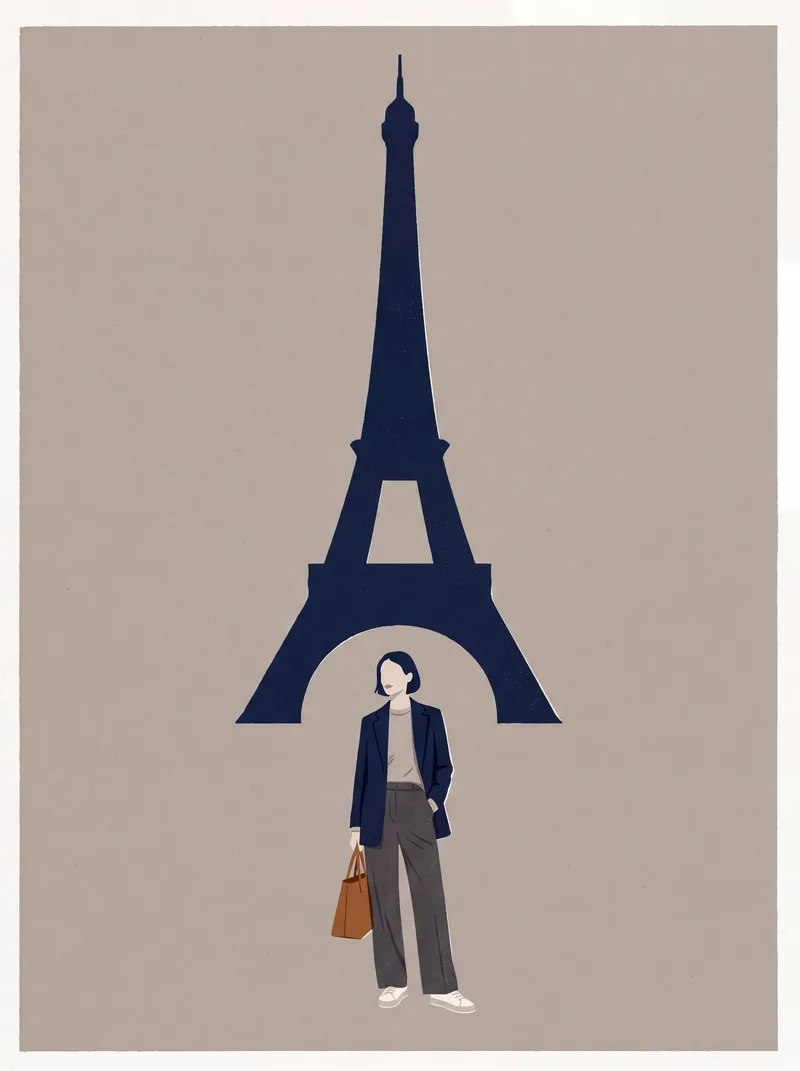
Give us a destination and number of days to select 9 highly versatile items (6 clothes + 2 shoes + 1 bag), plan unique daily outfits for N days, and generate a set of 6 travel poster-style images: landmark cover, individual outfits, flat lay overview, and top-down suitcase view, all in the same style, color palette, and character. Focused strictly on schedules, item counts, and image sets, without checking real-time weather or ticket prices, and without generating realistic human portrait photos.
 Image
Visual Diary Object Poster
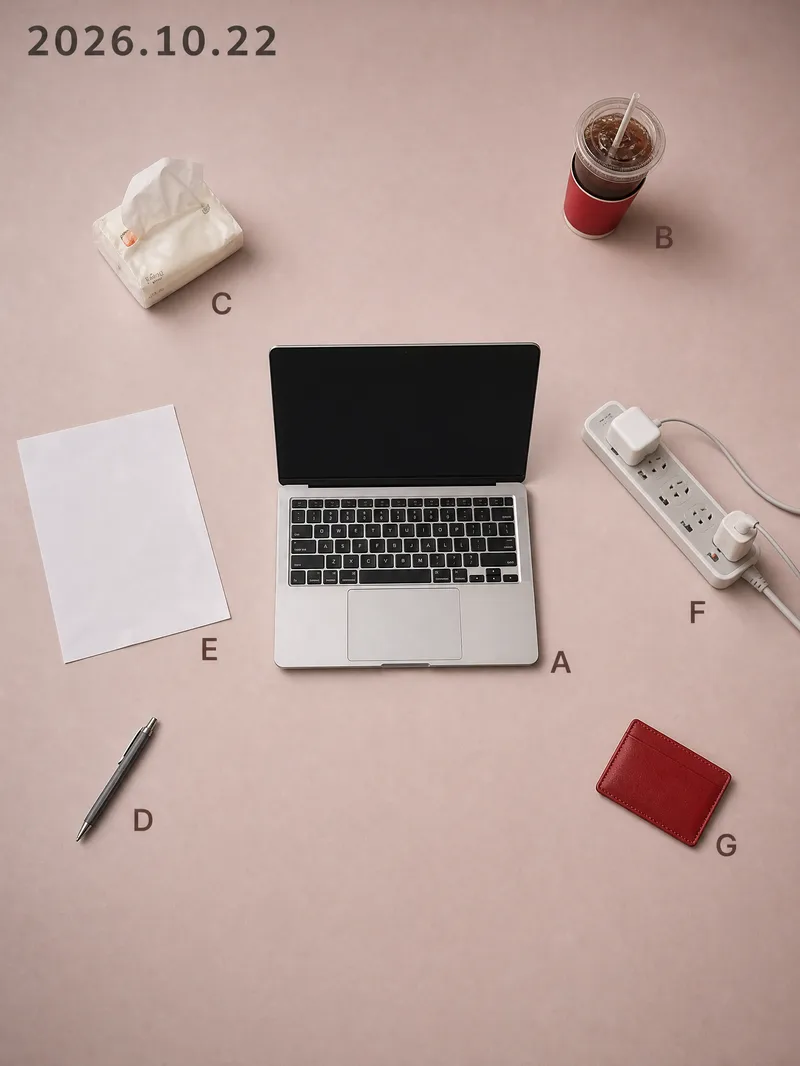
While others share the same batch of templates, you share that exact day. Every day has a desktop worth remembering: half a cup of cold coffee, an open book, a watch casually taken off. Yet when you take a photo and post it, it just looks like a slightly messy phone snapshot; turning it into a proper poster means opening design software, searching for templates, laying things out, and color grading, taking half an hour only to end up worse than the original. This Skill compresses that entire process into a single upload. You drop in a casual photo taken that day, and it recognizes the objects in the frame one by one, keeping only 5 to 11 items with traces of use. It rearranges them according to the grid position and orientation from the moment you took the photo, delivering two 3:4 vertical object posters at once. Using the same layout, you get one matte background in a low-saturation soft rose pink and one in dark ink, with the date at the top and a letter next to each item. The pink background is suited for daytime posting, while the dark background is great for night. The biggest difference between this and typical poster templates on the market is that it is never reused: the positions come from your own perspective. If two people photograph the exact same scene, they get two different posters. Your composition itself is your signature, ensuring no one else will have the same style. It asks no questions throughout, provides no analysis tables, and doesn't make you confirm styles. Upload and get two posters instantly without wasting extra credits. It also automatically avoids human faces, ID cards, screen contents, and brand logos, so the generated images are ready to post directly. Buy it once, and every day that desk can turn into a piece of art, ready to be shared straight to your social platforms.
 Image
Street Style Outfit Generator
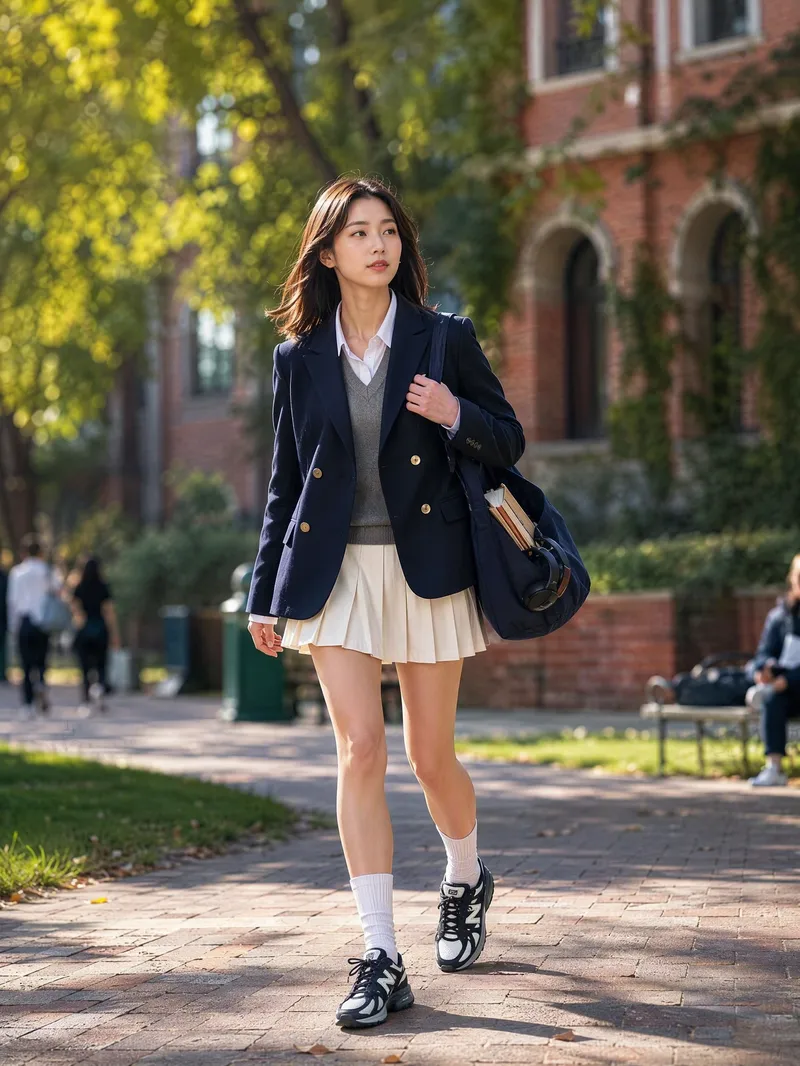
Upload a photo of your clothing item, shoes, bag, or accessory to receive a 5-dimension item breakdown and 10 street style proposals. Each proposal includes a finished outfit image, bilingual prompts, a 6-part structure, and styling logic. Select a style to generate 5 complete outfits complete with English prompts, images, brand lists, styling logic, and wardrobe alternatives, plus purchasing priorities and reusable parameters. Adjust formality, color, footwear, scenes, body types, or regenerate images using simple commands. Defaults to a 3:4 portrait format with optimal generation models. Become a styling expert every day Switch freely between multiple styles Turn your wardrobe into a fashion show Includes brand and style lists for easy wear