
Batch File Redactor V2.0
Auto-redact files and create a mapping table
Batch File Redactor V2.0
Auto-redact files and create a mapping table
Showcase
Description
Upload local files or data materials to automatically identify and redact common sensitive information, including organization and company names, addresses, contact names, customer information, contact details, email addresses, and phone numbers. The tool replaces them with consistent codes while fully preserving the business data in the files. It supports Office files (Word/Excel/PPT), PDFs, plain text, and images, including scanned documents processed with OCR, and can handle files in batches. It outputs redacted files with the same names as the originals, along with an additional “Original ↔ Code” mapping table.
Related Skills
View all
Data Cleaning & Prep Expert
Data cleaning and organization skill for structured tables and unstructured text, images, and audio. Use when you need to clean data, fix messy spreadsheets, remove duplicates, fill missing values, standardize formats, flatten multi-level headers or cross-tabulations, merge sheets, process survey exports, organize ledgers, run data quality health checks, resolve pivot table mismatches, fix zero sums or numbers stored as text, handle mixed full-width/half-width characters, fix GBK encoding errors, convert wide-to-long tables, split multi-select columns, handle merged cells, reconcile mismatched keys, unify field definitions, standardize tables, or write cleaning steps and formulas. Also covers unstructured scenarios such as cleaning chat logs or interview transcripts, deduplicating and desensitizing text, removing phone numbers and ID cards from materials, checking image libraries, finding duplicate photos, cleaning EXIF privacy and location data, organizing recordings, and auditing audio archives. Covers the full workflow of structural diagnosis, tidy reconstruction, cleaning decisions and execution, conservation verification, and audit trail delivery for Excel, CSV, and TSV files (delivering a clean sheet, backup, log, and exclusion details). For unstructured data, delivers health reports and decision lists, while text workflows execute deduplication and desensitization with dual conservation checks for row and character counts. Ideal for Chinese practical scenarios in government, industrial parks, enterprise ledgers, survey exports, business reports, chat or transcription corpora, and image/audio asset libraries. Not suitable for machine learning feature engineering (missing value imputation serves analysis rather than modeling), and does not perform audio transcription or noise reduction.
Smart Batch File Renamer
Automatically reads multiple file types (PDF, Word, Excel, PPT, images, text, etc.) from folders, intelligently extracts titles and dates, generates a standardized naming format (title_date.extension), provides a preview table for confirmation, then batch renames files—solving the problem of chaotic file names.
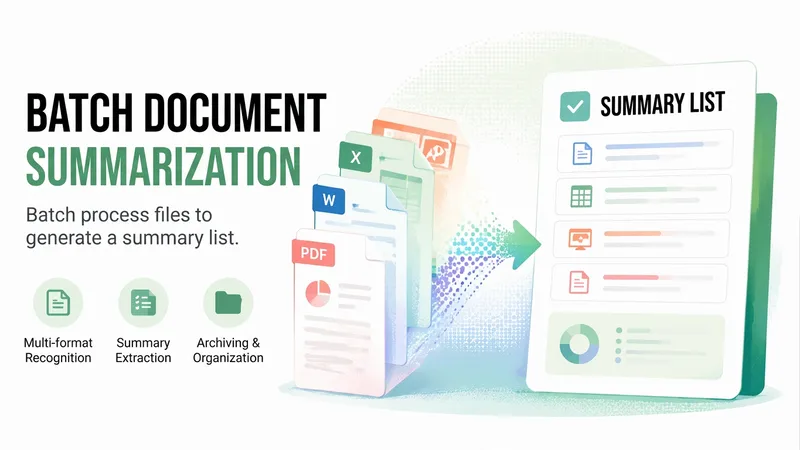
Office File Summaries
Batch-read Office files: identify Word, Excel, PPT, and PDF files and generate summaries. Useful for Office file identification, conversion, renaming, archiving, search, metadata management, template application, and delivery package organization.
Information
- Version
- v3
- Last updated
- Runtime credits
- Usage-based
- Models
- Auto
