
Topic Animation Director Pro
Make explainers you can review and revise
Topic Animation Director Pro
Make explainers you can review and revise
Showcase
Description
Turn a topic or source material into an original narrated animation: first clarify requirements and check capabilities, then conduct research and develop the core narrative, script and storyboard, visual style, voice-over, captions, and timeline. Validate the result with a 20–30-second test clip before rendering the final video. Clearly distinguish between the finished video, animation preview, and production package, and deliver the storyboard, captions, and source notes. Supports targeted revisions by scene.
Best for
Content creators, educators, and researchers who need to turn a topic or source material into a clearly structured narrated animation with captions.
How to use this Skill
Provide your input
Provide a topic, article, notes, reference image, or existing script. You can also add the audience, duration, aspect ratio, style, voice tone, and key points.
Run the Skill
Turn the materials into an original narrated animation with research, scripting, storyboarding, visual direction, voice-over, captions, and a timeline, then validate it with a short test clip.
Review your result
Deliver a finished video, playable preview, or production package based on actual capabilities, with narration, storyboard, captions, and source notes. Supports scene-specific revisions.
Related Skills
View all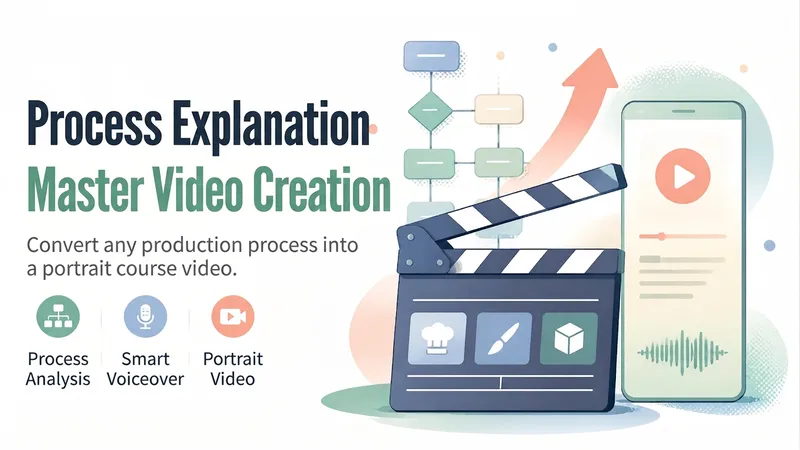
Process Explainer Video Maker
Turn a “making process”—cooking, crafts, painting, software操作, and more—into a 45–90-second vertical explainer course video. The Skill first analyzes the topic and creates a six-part storyboard script, then generates or uses a presenter character, animated visuals and subtitles for each segment, and finally records the voiceover, assembles the timeline, and performs quality checks before delivery. Uploaded user audio is preferred for the voiceover. If no audio is uploaded, the Skill automatically selects a suitable, natural-sounding voice and does not use any personal cloned voice. Suitable for process explainers, workflow training, tutorial shorts, and similar use cases.
Animated Explainer Videos
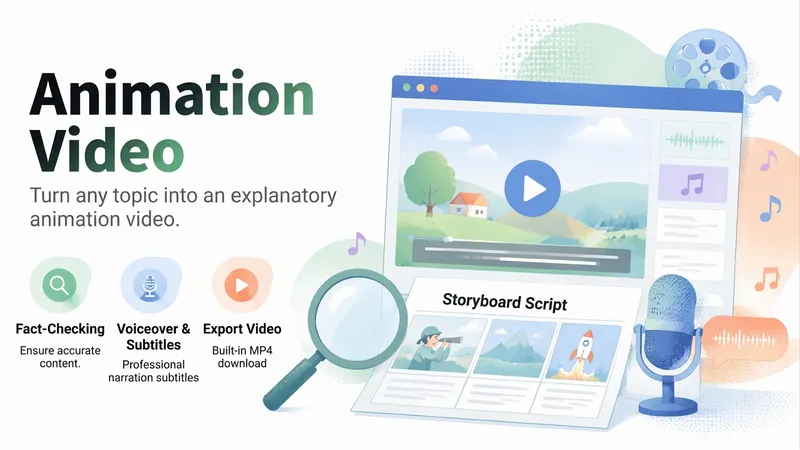
Use this when prompted with requests like "turn a certain topic into an animated video," "generate an explainer animation," "create an animated webpage with voiceover, subtitles, and music," or "input a topic and animation style to get a video." This Skill guides you through a six-step pipeline: information verification → scene script → voiceover narration → visual assets → animated webpage (including player, subtitles, and music) → built-in "Export MP4" download. It supports 16 animation styles, with a final runtime of 3 to 10 minutes.
AI Whiteboard Doodle Animation
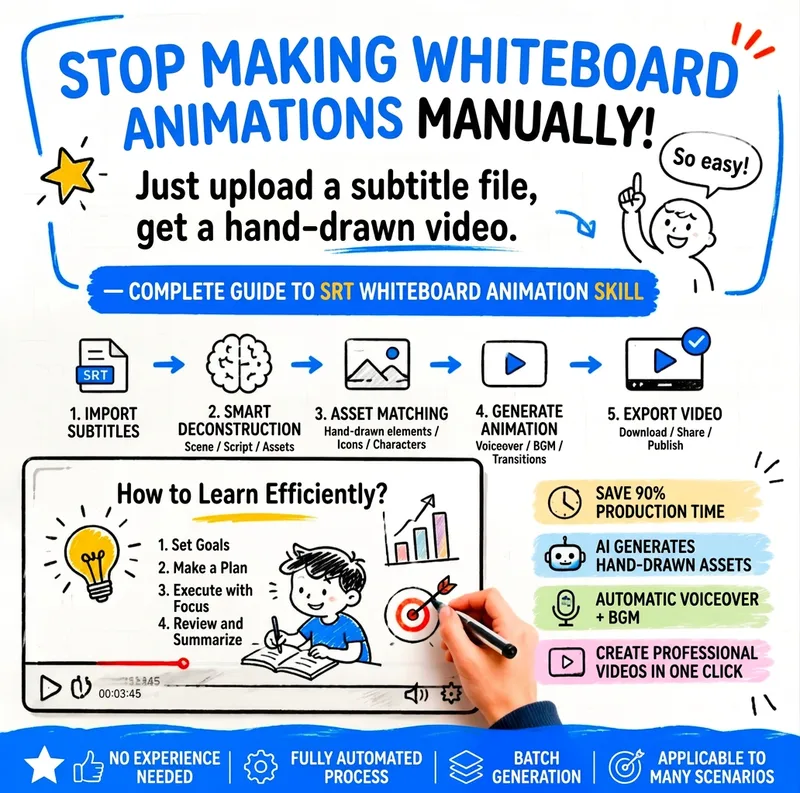
Designed for knowledge sharing, online courses, explainer short videos, and whiteboard doodle animations. Import SRT subtitles or plain text, and the system automatically parses the text, splits scenes into 25 to 35-second segments, generates line art assets, and configures settings to simulate real handwriting strokes. It first draws grayscale line art, then fills in colors progressively, supporting zone mask controls for element entrance order. Scenes are rendered one by one and merged into a complete MP4 whiteboard doodle video. Preview and adjust timing and drawing areas directly in your browser, making it ideal for course videos, storytelling, science explainers, and doodle animations.
Information
- Version
- v3
- Last updated
- Runtime credits
- Usage-based
- Models
- Auto
- Use cases
- Writing & contentVideo & audioResearch & analysis
- What you get
- DocumentVideoScript
- Visual styles
- Hand-drawnCollagePaper art
