
Keyframe Visual Storyboard
Turn stories into static shots
Keyframe Visual Storyboard
Turn stories into static shots
Showcase
Description
Input original stories and characters, and the skill helps plan shots, shot sizes, and visual keyframes, generating static images when the environment supports it. The four display images are fictional visuals created locally by manually organizing prompts; the first image was modified based on the second, with variations in characters and clothing, and consistency cannot be guaranteed. Not yet fully tested on YouMind, and delivery consists of images rather than finished video. Usage: Provide the story, characters, and scenes, review the shot list and visuals, and adjust as needed.
Best for
Ideal for creators and content planners who need to organize original stories into static visual storyboards.
How to use this Skill
Provide your input
Provide an original story, characters, scenes, and required shots, and you may attach reference materials with usage rights.
Run the Skill
Review the shot order, character actions, composition, and scene settings, and make adjustments as needed. Static keyframes can be generated in environments that support image generation.
Review your result
Receive static storyboard keyframes, a shot list, and matching prompts for visual communication. This does not include finished videos, nor does it guarantee consistent characters and clothing.
Related Skills
View all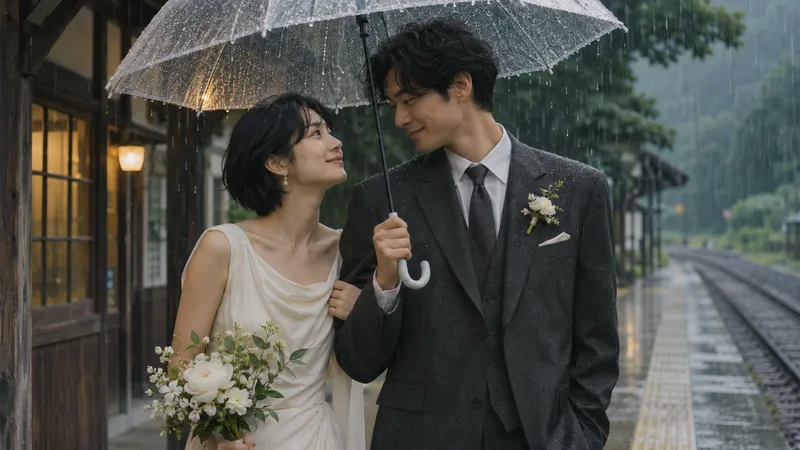 Image
Wedding Story Video Director
Ideal for creators, planners, and couples who want to organize a couple's story into a video proposal. Provide the stories both parties are willing to share, desired style, aspect ratio, duration, and authorized materials. The Skill organizes facts and items to confirm, and plans a story synopsis, narration draft, shot list, static image prompts, and optional video motion prompts. When the runtime environment supports image generation, you can further explore creating keyframes; video generation, voiceover, and editing require additional tool configuration and authorization, which may incur costs. This Skill does not guarantee the automatic generation of finished videos, nor does it guarantee cross-shot character consistency or exact likeness to real people. The four display images are fictional AI static visuals manually generated and edited locally based on the Skill's prompts, and are not real couples, client projects, live-action footage, or videos. Some images use character reference photos, yet details still vary. Full testing has not yet been completed on YouMind, and results depend on the models and tools used. How to use: Enter a few shareable key story segments, character descriptions, target duration and aspect ratio, and whether you want a static image or video proposal. Specify authorization scopes for real-person photos, voices, or music. Verify facts and storyboards first, then proceed with production based on available tools.
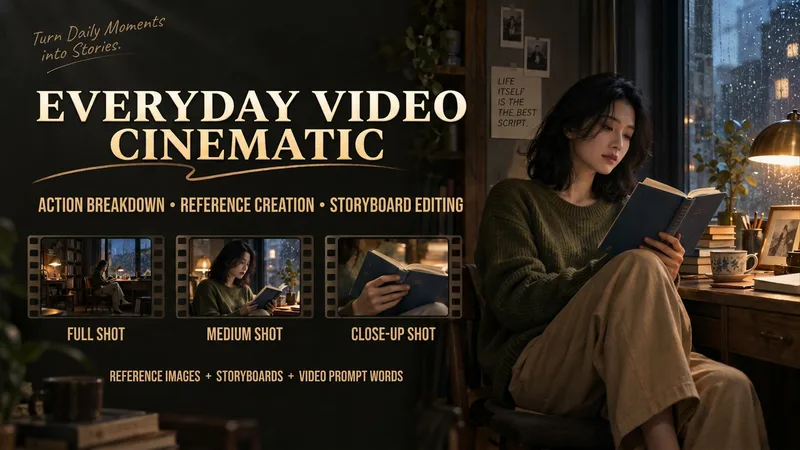
Make Everyday Video Cinematic
Provide everyday footage, ordered keyframes, or action descriptions, and tell it the mood you want. The basic deliverables are an event chain, cinematic storyboard, reference-material mapping, platform-neutral video-generation prompts, and review notes. Reading the original video, creating reference images, and generating the finished video continue according to the tools supported in the current environment. This version has not yet been fully tested with complete tasks in YouMind. The Skill first separates confirmed visual information, user-provided details, and unknown elements. It organizes the people, settings, and key objects, then redesigns the shots, pacing, lighting, and color. When it cannot read the footage, it guides you to provide keyframes and action descriptions. It focuses on checking whether people change appearance, whether extra props appear, whether action cause and effect is altered, and whether positions still connect after a cut. It is suited to everyday creators who want to give life moments, pet stories, and small shop stories a stronger narrative feel. When the environment supports image generation, it directly creates and checks reference images. When it supports a video-generation tool with the relevant reference inputs, it can continue to generate and review a short clip. Without the corresponding tools, it clearly delivers the completed plan and materials for external generation. Actual image and video generation capabilities, available parameters, and resource usage depend on the current environment.
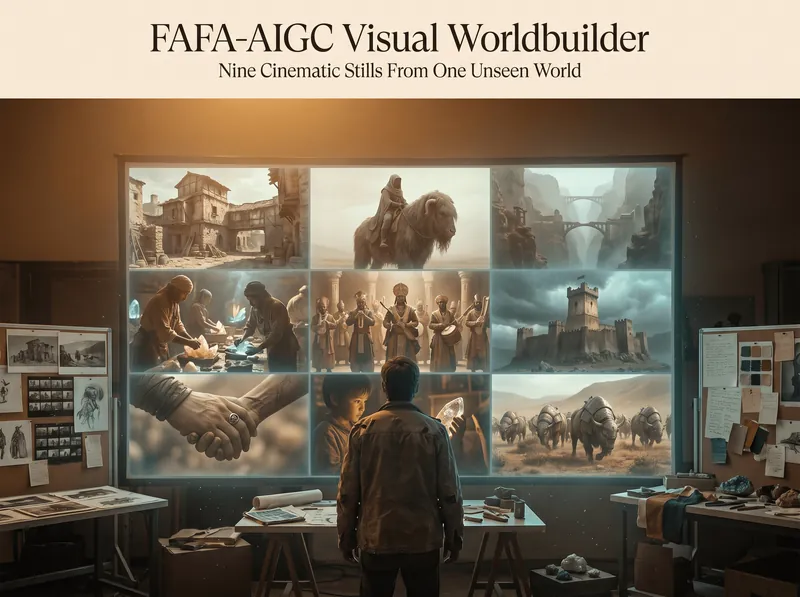
Film World-Building Set FA0719
This skill is a professional "Film World-Building Visual Development Tool". It emphasizes world consistency, cultural logic, ecology and materials, character behavior, spatial relationships, and narrative connections across nine images. -------------- Responsible for constructing a complete world from a concept, reference image, or story idea, and outputting nine world stills. From a single concept, build a complete mythological world and output nine film still prompts. Responsible for exploring nine compositions around a fixed scene; from one image, generate 9 different composition versions. --------------- Suitable for: Fictional world visual development, reference world expansion, nine coherent stills from the same unfilmed movie, cultural/ecological exploration. Not suitable for: Single ordinary image prompts, character design three-view drawings, video motion prompts, storyboard breakdowns, nine compositions of a fixed scene.
Information
- Version
- v2
- Last updated
- Runtime credits
- Usage-based
- Models
- Auto
- Use cases
- Writing & contentImages & design
- What you get
- DocumentImagePrompt
