One Thought, Two Visions
Turn text or ideas into conceptual art
One Thought, Two Visions
Turn text or ideas into conceptual art
Showcase
Description
Reads a selected passage, understands its core imagery and emotion, and develops two distinctly different minimalist visual scenes, each paired with a short English tagline. It then generates two hand-drawn illustration-style images for you to compare and choose from. Ideal for article visuals, reading notes, content creation, and more.
Recommended by
nene@YouMind
Why we love this skill
Distills themes, emotions, and metaphors into a visual soul, transforming them into two distinct minimalist imagery options with unique accent colors, ample whitespace, and subtle English slogans.
Best for
Content creators and readers looking for clean imagery to accompany articles, reading notes, or original content.
How to use this Skill
Provide your input
Provide selected text or a custom description as the content basis for the illustration.
Run the Skill
The tool extracts the theme, emotion, and imagery from the text, conceives two different minimalist visual scenes, and generates the illustrations.
Review your result
Receive two hand-drawn illustration style images with short English slogans, ready for comparison or adjustment requests.
Related Skills
View all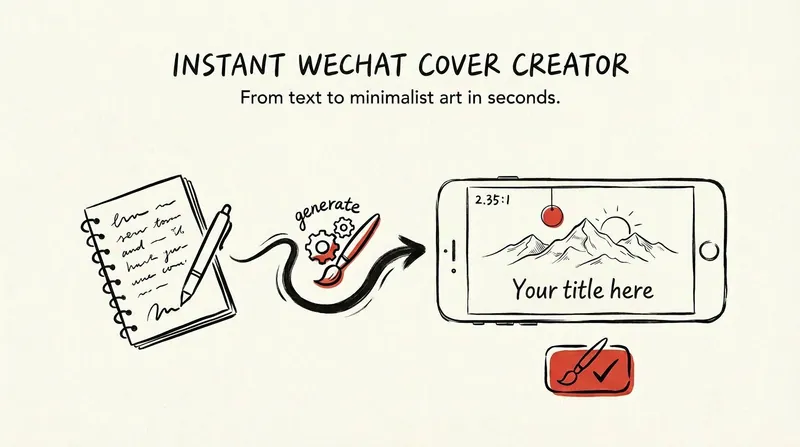
WeChat Cover | Envision Cover
Deeply understand the theme, mood, and imagery of the entire article, conceive two completely different minimalist visual scenes, integrate the article title into the image with striking visual typography, and generate two hand-drawn ink sketch style cover images for the official account for selection. Suitable for long-form article covers such as WeChat Official Account posts, newsletters, etc.
 Image
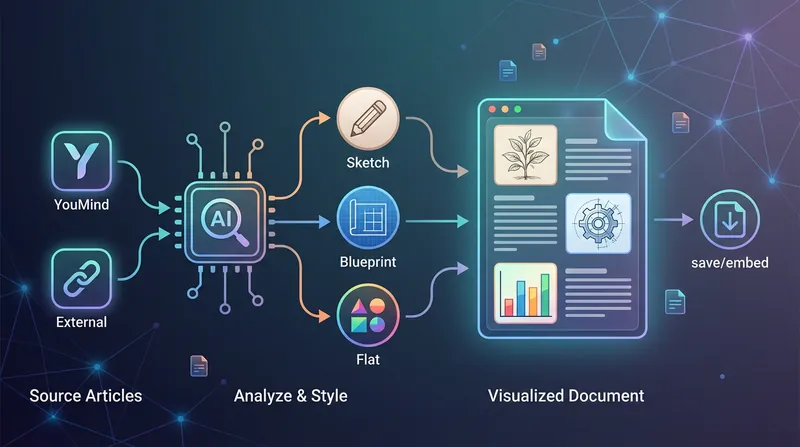
Batch Article Illustration 2.0
This is an intelligent visual enhancement tool designed for content creators. It deeply understands the flow of your text and automatically creates high-quality supporting illustrations for key paragraphs of your articles. Whether your content resides in a personal knowledge base or you need to process externally imported long-form articles, it accurately identifies core concepts, turning abstract text into concrete visual language and significantly improving the reading experience and shareability of your content. The tool offers three distinct visual styles to suit different creation scenarios: a fresh and lively minimalist hand-drawn style fits essays and popular science; a rigorous and professional architectural blueprint style is the ideal choice for technical documents and research reports; and a modern flat illustration style perfectly matches the aesthetic needs of social media accounts and knowledge notes. For long-form content, it also intelligently suggests illustration layouts to ensure a reasonable visual distribution with key points highlighted. During generation, you can flexibly choose how images are produced. You can have the generated illustrations seamlessly embedded directly into the original document paragraphs for automated layout, or you can opt to receive a standalone image resource package for manual distribution. This end-to-end collaboration, from content analysis to visual generation, makes your writing more impactful and complex ideas instantly clear.
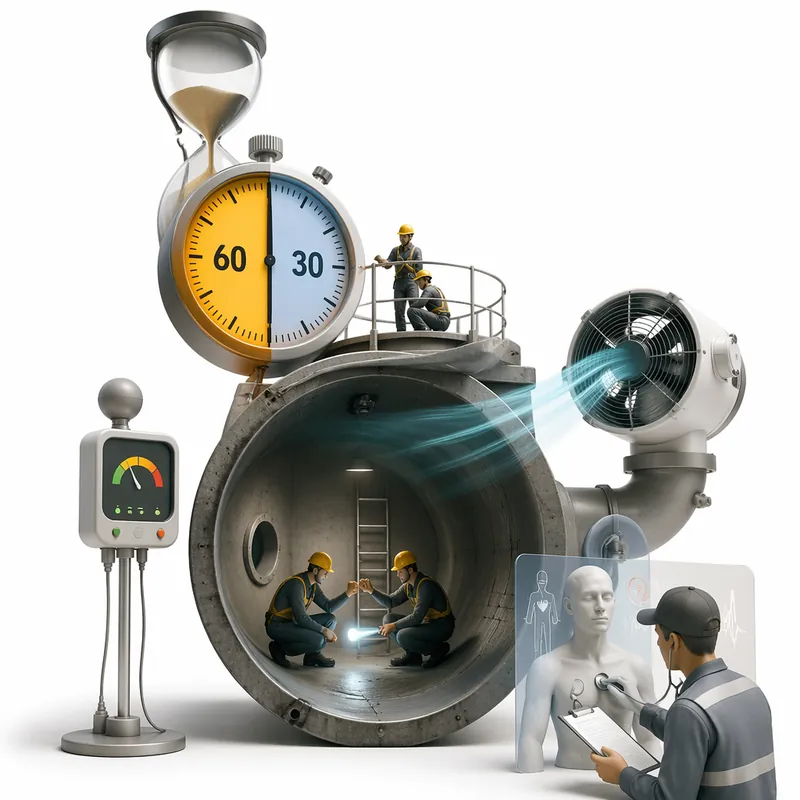
Surreal Image Generation
Have you ever felt this way— Abstract thoughts swirling in your mind, yet unable to find the right visual language to express them? Written a deep, insightful article, only to struggle endlessly for an accompanying image—ordinary photos too literal, illustrations lacking soul? Want to create a 'thoughtful' visual for your brand, only to end up with clichés that everyone else has already used? Stuck in a creative rut, scouring your asset library, only to find every image repeating yesterday's self... We desperately need a visual language that can 'read' the emotions, conflicts, and philosophy behind the text. And now, all it takes is a theme, a piece of text—leave the rest to it. What is it exactly? A smart creative tool that transforms abstract concepts and deep thoughts into surreal, wordless images with a single click. How to use it? Ridiculously simple. Enter any text: a sentence, a short essay, a philosophical proposition, or even a few fleeting keywords. Choose a ratio: 16:9, 4:3, 1:1... you decide. Click generate—and a surreal image full of philosophical depth and visual impact appears instantly. No drawing skills needed, no design experience required. You think, it sees. What makes its visual language stand out? It doesn't rely on realism or flatter prettiness. Instead, it uses the 'grammar' of surrealism to translate your thoughts: Scale paradox — a giant apple floating above a miniature city; Material alienation — books growing bones, clocks flowing into rivers; Spatial misconstruction — staircases leading to the sky, windows opening to another universe; Collage grafting — unrelated elements colliding into striking metaphors. In terms of color, it is restrained to the point of being cold—low-saturation, high-end grays as the main tone, with local high-saturation highlights at key points, creating a dreamlike detachment and silent astonishment. Every frame is clean, exquisite, and balanced, uniformly using a pure white background—extreme simplicity to accentuate extreme absurdity. Where can it be used? Art creation for inspiration — let the subconscious surface as images; Concept covers / album visuals — instantly captivating at first glance; Deep articles / poetry illustrations — image and text resonate, striking the heart; Brand visual extension — create a unique, story-rich visual identity.
Information
- Version
- v6
- Last updated
- Runtime credits
- Usage-based
- Models
- GPT Image 2.6 Flare
- Use cases
- Writing & contentImages & design
- What you get
- Image
- Visual styles
- MinimalistHand-drawnWatercolor
