3D Tactical Terminal Style
For industrial, tech, and AI brand pages
3D Tactical Terminal Style
For industrial, tech, and AI brand pages
Showcase
ARCOLOGY_LAB
ARCOLOGY_LAB
ARCOLOGY_LAB
ARCOLOGY_LAB
Description
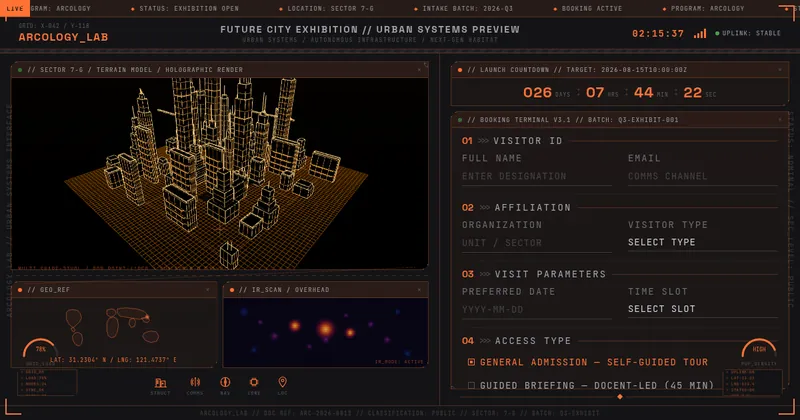
Generates single-page webpages in an industrial tactical-terminal / mission-briefing aesthetic. Charcoal-black background with exactly ONE scarce accent color (rust/amber orange) used only on the CTA button, numbering, and key data highlights — never on headline copy. Features a 'Cyber Window' panel system with cut-corner frames, title bars, and status indicators. Pairs a bold geometric sans headline typeface with an uppercase monospace type for all labels, meta info and body copy. Adds layered HUD graphic details (crosshair reticles, coordinate readouts, signal bars, arc gauges, connector lines, mini terminal blocks, chevron markers, corner brackets, ticker marquee) that fill the viewport without feeling empty. Supports static holographic imagery (AI-generated wireframe visuals) as hero elements. No glow/blur effects anywhere. Layout is asymmetric and editorial, compressed to fit a single 16:9 screen without scrolling. Use for landing pages, intake/application forms, event registration, product launches, exhibitions, and briefing pages for tech/industrial/AI brands.
Recommended by
nene@YouMind
Why we love this skill
Featured for its disciplined tactical-terminal art direction: a charcoal, mono-led interface with restrained rust accents, modular Cyber Window panels, and a self-contained Canvas 2D wireframe model. It delivers cinematic industrial depth without relying on WebGL, gradients, glow, or external dependencies.
Best for
Tech, industrial, and AI teams creating focused landing pages, application forms, event registrations, product launches, or briefing pages.
How to use this Skill
Provide your input
Provide a brief for a single-page industrial, technology, or AI brand webpage, including the desired content, form fields, and call to action.
Run the Skill
Use the Skill to generate and preview a dense, responsive landing page with a tactical terminal visual direction and interactive webpage elements.
Review your result
Receive a single-page webpage with an asymmetric mission-briefing layout, structured panels, responsive form components, HUD-inspired details, and an animated wireframe hero visual.
Related Skills
View all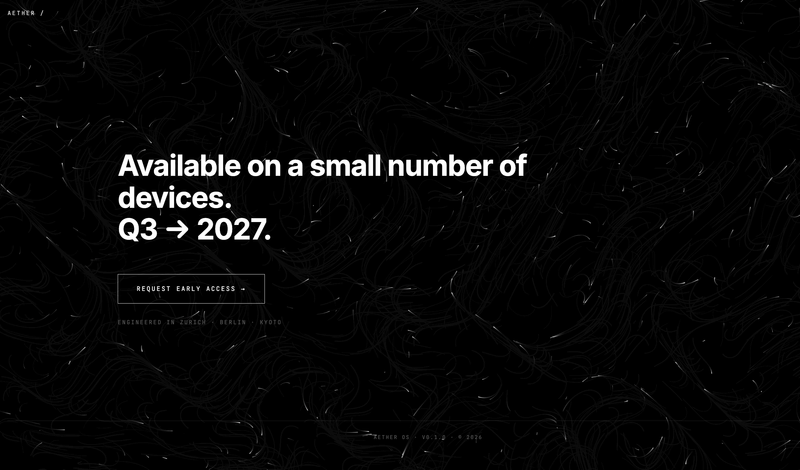
Particle-animation presentation (HTML)
This skill generates a sleek, single-page website with a striking black and white, futuristic aesthetic, ideal for showcasing a new product, an artist's portfolio, or a digital business card. It's designed for individuals or businesses who need a visually impactful online presence without the complexity of traditional website development. The skill produces a self-contained HTML file featuring 4-5 smoothly scrolling sections, each designed to capture attention with minimalist typography and high-contrast elements. The background comes alive with a custom-coded, monochrome animation—such as flowing particles or subtle noise gradients—that creates a dynamic, high-tech atmosphere without relying on external media. Upon loading, the page greets visitors with an engaging hero animation: an eyebrow text types out, followed by a dramatic "scramble" effect for the main title, and a smooth fade-in for the subtitle. Content in subsequent sections then gracefully appears as the user scrolls, ensuring a fluid and immersive experience. All images provided by the user are automatically converted to grayscale to maintain the consistent visual theme. The final output is a responsive, accessible, and performant webpage, delivered as a single, ready-to-deploy HTML file.
 Image
YouMind Landing Page Style Poster
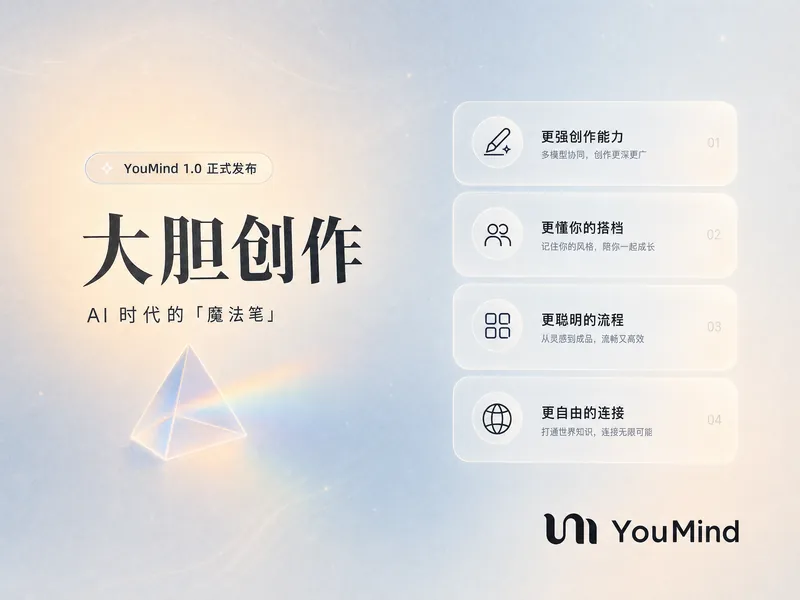
Transform your content into a stunning visual narrative with a YouMind Landing Page Style Poster. This skill crafts beautiful infographic posters that capture attention with a unique Natural Retro-Futurism aesthetic. Perfect for showcasing key data, project highlights, or product features, your information will be presented in a sophisticated and easily digestible format. Leveraging a balanced cool-warm color palette featuring a light gray-blue base with subtle beige-peach accents, each poster embodies a modern UI feel. Expect elegant typography, with authoritative Source Han Serif for titles and clean sans-serif for body text, ensuring readability. The layout utilizes a dynamic Bento grid, arranging your content into visually engaging, soft-edged cards with generous breathing room, avoiding cluttered designs. Beyond striking visuals, the skill integrates subtle design elements like a uniform fine film grain, impressionistic rendering, and optional frosted glass icons for your data points. A single, translucent triangular prism can be added for an elegant accent, while the YouMind official logo is always discreetly placed to maintain brand consistency. This results in a professional, airy, and modern infographic that effectively communicates your message.
 Video
Kallaway Black & Red Vertical Style
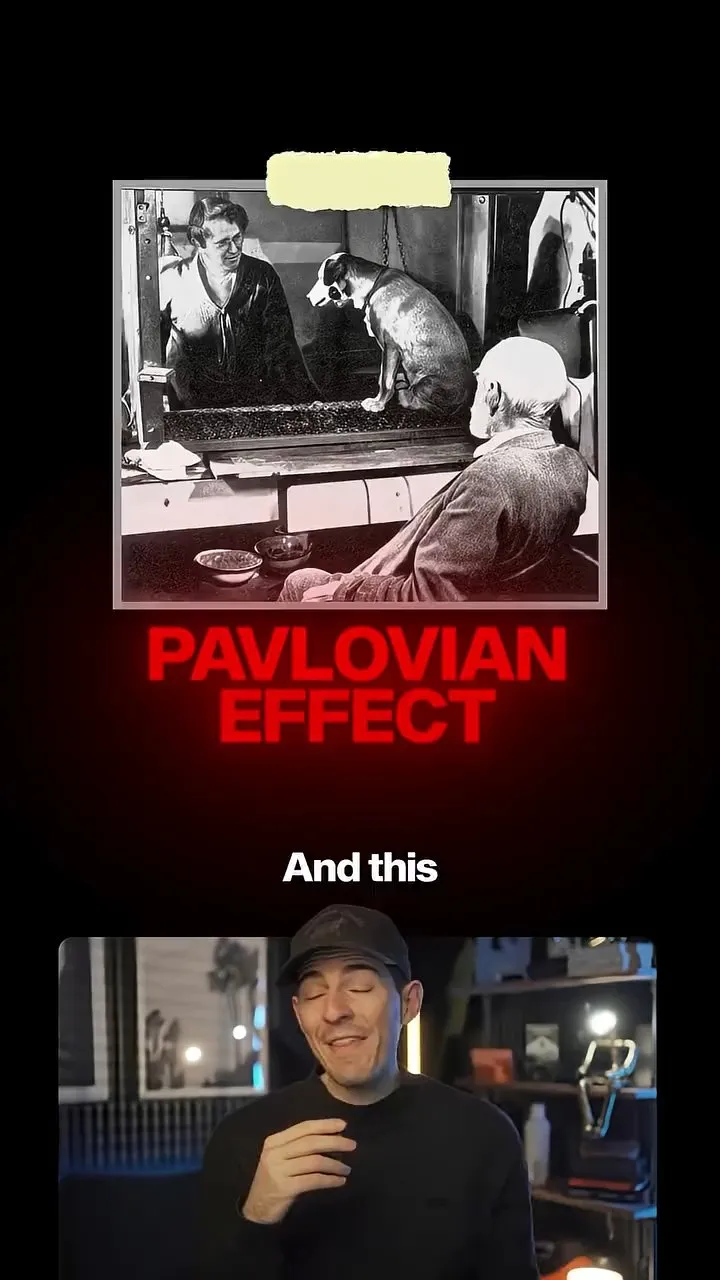
Turn a vertical talking-head video into a dense, editorial-style Shorts or Reels cut with a distinctive black-and-red visual language, warm gray graph-paper layouts, and clear infographic storytelling. The result keeps your original voice and ideas at the center while translating key moments into focused visual scenes rather than generic captions or a static talking-head edit. The edit can combine a continuous rounded video window with evidence cards, archive-style references, avatar relationship diagrams, phone and post mockups, comparison layouts, animated metrics, concept labels, and focused principle-by-principle reveals. Full-screen presenter moments provide breathing room between information-heavy sections, while short on-screen words reinforce what is actually said in the video without adding new claims. The opening goes straight into the presenter and a representative visual element—no unrelated cover or title card. Upload your video and optionally provide a script, key points, portraits, logos, screenshots, historical images, data, or emphasis terms. When supporting assets are missing, the edit uses clearly marked neutral placeholders and identifies what to replace. You receive a previewable editing webpage with timeline navigation, playback controls, scrubbing, mute, a segment overview, and video export with original audio when browser support allows. If export is blocked by media permissions or cross-origin restrictions, the page provides a clear screen-recording fallback.
Information
- Version
- v18
- Last updated
- Runtime credits
- Usage-based
- Models
- Auto
- Use cases
- Images & designWeb creationMarketing & growth
- What you get
- Webpage
- Visual styles
- Futuristic
