
Steve Jobs Presentation
Turn any topic into a Jobs-style presentation
Steve Jobs Presentation
Turn any topic into a Jobs-style presentation
Showcase
Description
Based on Carmine Gallo's three-act methodology from "The Presentation Secrets of Steve Jobs," transform any topic into a Steve Jobs-style presentation. Adapts to various inputs such as pure topics, detailed outlines, or @referenced materials. First produces a complete presentation outline (story structure + page-by-page visual plan + speaking guide), then generates the final Slides file upon confirmation. Strictly follows: Twitter-style headlines, rule of three, villain-hero narrative, Zen minimalist design, image-first, no bullet points.
Recommended by
nene@YouMind
Why we love this skill
Deeply restores Jobs' presentation methodology, using dramatic three-act structure, Zen minimalist visuals, and the rule of three, to transform mundane topics into highly compelling and impactful keynote-level presentations.
Related Skills
View all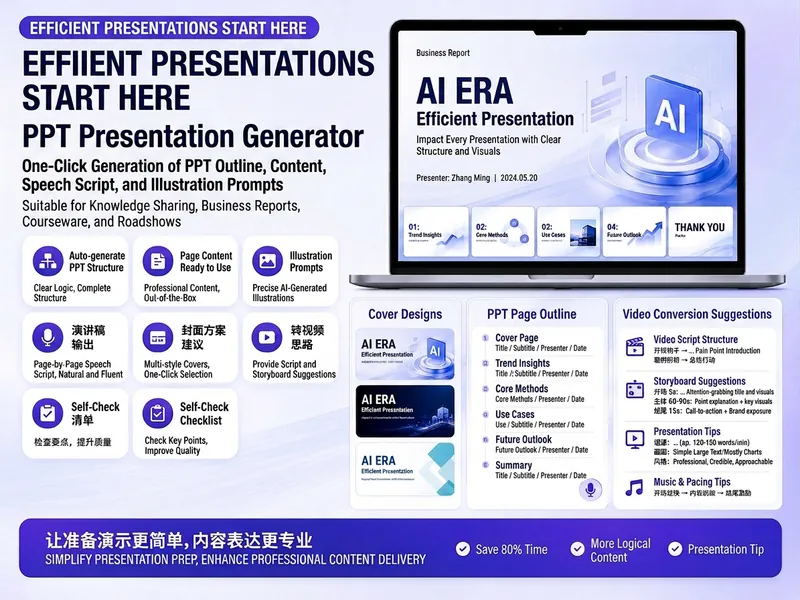
Trending PPT Slides Generator
Easily create engaging PPT Slides for knowledge sharing, business reports, course teaching, product introductions, or roadshows. Simply provide the topic, purpose, audience, duration, number of slides, or style preferences to get a customized PPT content plan. This skill provides a detailed PPT slides plan, including the PPT title, one-sentence theme, audience analysis, slide structure, titles for each slide, body text, and key points for your speech. It also offers specific visual suggestions and image prompts for each slide, even including cover design keywords to help you create a visually cohesive and attractive presentation. If you need to convert your PPT to a short video, this skill can also provide professional video conversion suggestions, covering key elements like rhythm, subtitles, voiceover, camera movements, and cover art to help your content perform well on multiple platforms. Say goodbye to vague outlines; every slide's content is ready to copy and use, ensuring your presentation is both substantive and impressive.

PPT Slides Architect
Especially suited for three scenarios: You have materials but lack a clear narrative thread You've used AI to generate slides directly, but found the results hollow, templated, and lacking visual personality You plan to hand your outline to a designer or professional Slides tool for further refinement Give it your materials or a goal, and it first defines a global style for the entire slide deck — aesthetics, color palette, typography, visual elements — then produces a full outline from cover to closing, with each page structured in four parts: Narrative Goal / Key Content / Visual Scene / Layout Structure. Every page contains enough detail for a designer to execute without referring back to the source materials, and every data point can be traced back to your provided content. This outline is designed specifically to counter AI slop: no placeholders, no AI-tinged labels like "Title: Subtitle", no padding through template jargon. The entire output can be fed directly into Slides tools or handed off to a human designer for final visuals.
 Slides
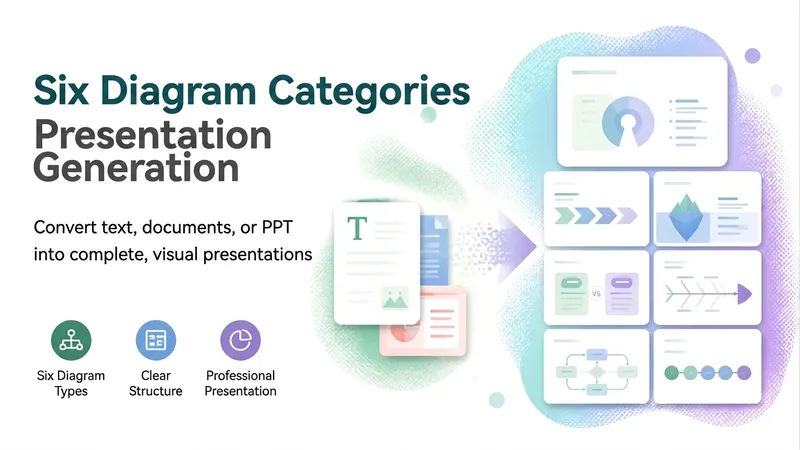
Diagram Presentation Generator
Transform text, documents, or existing Slides files into a ready-to-deliver presentation that retains original facts, data, and core conclusions while reorganizing slide structures based on content and context. Choose from key diagrams, arrow diagrams, iceberg diagrams, comparison diagrams, fishbone diagrams, or flowcharts to present your main content through clear visual relationships for key elements, directions, symptoms and underlying factors, current states versus goals, categorized issues, or action stages. During generation, the Skill adjusts colors, fonts, and visual styles based on your theme, audience, industry, and brand requirements, ensuring consistent covers, tables of contents, content pages, and endings without rigid template repetition, while keeping text, units, timelines, and logic accurate and clear. It will not fabricate numbers, causal relationships, sequences, or conclusions lacking source support, and will clearly point out missing information if a file cannot be read or key details are insufficient. You will receive a complete Slides file or accessible link rather than just a text outline, along with explanations of the chosen diagram type, important material gaps, and actual editability. It is ideal for project reporting, proposal explanations, business summaries, workflow planning, and information visualization.
Information
- Version
- v3
- Last updated
- Runtime credits
- Usage-based
- Models
- Deepseek V4 ProGPT Image 2
