
Presentable PPT
Every slide pushes forward. Cut what doesn't.
Presentable PPT
Every slide pushes forward. Cut what doesn't.
Showcase
Description
Turn scattered materials into a PPT outline ready for actual presentation. No information overload—each slide pushes the audience forward. The core method comes from Humanize PPT's AST (Audience-State-Transition) framework. First, clarify who the audience is, what they currently believe, and what they should believe after. Then, following the hook → background → tension → method → evidence → takeaway arc, design state transitions slide by slide. You will receive: audience profile, narrative arc, slide-by-slide plan (including speaking actions), and key page annotations.
Related Skills
View all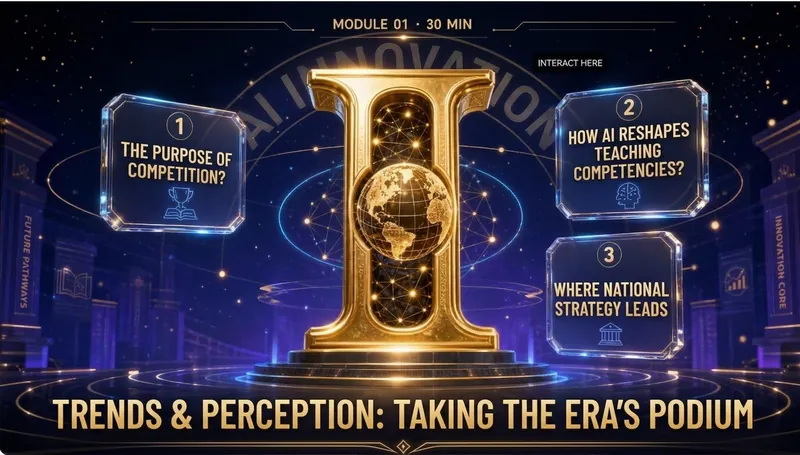
Elite Tech Slide Designer
Make every slide a breathtaking moment for the audience! Are you still suffering through presentations like these? 😴 Your carefully prepared content ruined by a template-heavy PPT? 😩 Judges or clients think "another ordinary presentation" at first glance, losing interest instantly? 😵 You want to convey authority, cutting-edge, and trustworthiness, but it looks like a "township enterprise brochure"? 😞 Others' PPTs look like an Apple launch, yours like a 1998 Office default template? The problem isn't your content—it's your visual authority! ✨ Now, equip the Elite Tech Slide Designer skill 👉 Turn any content (speech, report, whitepaper, policy briefing) into: An elegant film-like chapter structure that gives the audience breathing rhythm 💎 With this skill, you'll gain: 🔥 A design master assistant that builds your authority—no more struggling with colors, fonts, or alignment 🔥 A cover that makes judges/clients "hold their breath" at first sight—winning their expectations in 3 seconds 🔥 Never flashy or cheap 🔥 A "premium template library" that peers secretly copy—isometric 3D + glassmorphism + gold fine lines, max visual impact 🔥 Get asked "Can you send me that PPT?" after your speech—your presentation will be remembered because of the slides 🎯 Who is it for? 🎙 Seasoned speakers / TED-style presenters—keynotes, industry conferences, product launches 💼 Senior consultants / investment managers—investor roadshows, board meetings, client proposals 🎓 University professors / academic authorities—academic lectures, research reports, policy briefings 📊 Corporate strategy leads / CMOs—annual strategy meetings, brand launches, media communications 🏆 Any professional participating in national competitions/reviews—teaching competitions, innovation contests, project defenses ⚡️ Install Elite Tech Slide Designer now Turn your next presentation into a visual ritual that makes the audience "hold their breath and rush to save." "Not just conveying information, but creating a sanctuary." This skill is your scepter of visual authority. 👑 👇 Click to install and become the speaker that makes your peers say, "That's the one who made the audience hold their breath!"
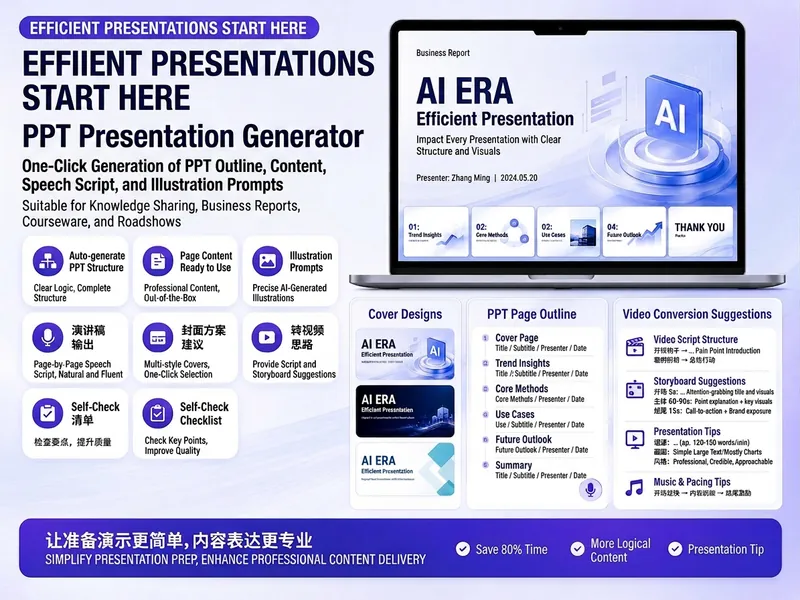
Trending PPT Slides Generator
Easily create engaging PPT Slides for knowledge sharing, business reports, course teaching, product introductions, or roadshows. Simply provide the topic, purpose, audience, duration, number of slides, or style preferences to get a customized PPT content plan. This skill provides a detailed PPT slides plan, including the PPT title, one-sentence theme, audience analysis, slide structure, titles for each slide, body text, and key points for your speech. It also offers specific visual suggestions and image prompts for each slide, even including cover design keywords to help you create a visually cohesive and attractive presentation. If you need to convert your PPT to a short video, this skill can also provide professional video conversion suggestions, covering key elements like rhythm, subtitles, voiceover, camera movements, and cover art to help your content perform well on multiple platforms. Say goodbye to vague outlines; every slide's content is ready to copy and use, ensuring your presentation is both substantive and impressive.
Strong Logic, Essential Slides
Provide a text script—whether a transcript, speech, or article—and get a polished, true PPTX with a complete logical flow: structure breakdown, logic completion, research and fact-checking, copy refinement, visual design, and native visual creation, all in one seamless process. Automatic mode is also supported for generating the full deck in one click. Every page includes a takeaway and its source, so it stands on its own and can serve as a backup teleprompter without relying on the original script. A 15-slide deck costs less than 300 credits.
Information
- Version
- v2
- Last updated
- Runtime credits
- Usage-based
- Models
- Auto
