
App Feature Infographic Generator
Create vertical feature posters with callouts
App Feature Infographic Generator
Create vertical feature posters with callouts
Showcase
Description
Enter a product or app name, interface name, title, and key features to highlight to instantly generate a vertical, flat-illustration-style feature explainer infographic. It features a centered phone with a schematic screen, two rows of white pill-shaped callout cards with colorful icon badges and blue thin leader lines, a top title and subtitle banner, and a bottom brush slogan. It uses a default fixed layout and brand blue primary color, while copy, callout items, color schemes, and aspect ratios can all be fine-tuned. It directly generates the image using the best image generation model.
Best for
Ideal for content creators and product marketers who need to organize product or app features into easy-to-read visual posters.
How to use this Skill
Provide your input
Provide the product or app name, interface name, title, subtitle, and key features to highlight. You can also specify the primary color, aspect ratio, slogan, and copy tweaks.
Run the Skill
Organizes the features into left and right callout structures, generating a centered phone schematic interface, leader lines, a title area, and a slogan area with a unified flat illustration style.
Review your result
Get a vertical feature explainer infographic featuring a phone interface, feature callout cards, colored icons, connecting leader lines, and top and bottom text areas.
Related Skills
View all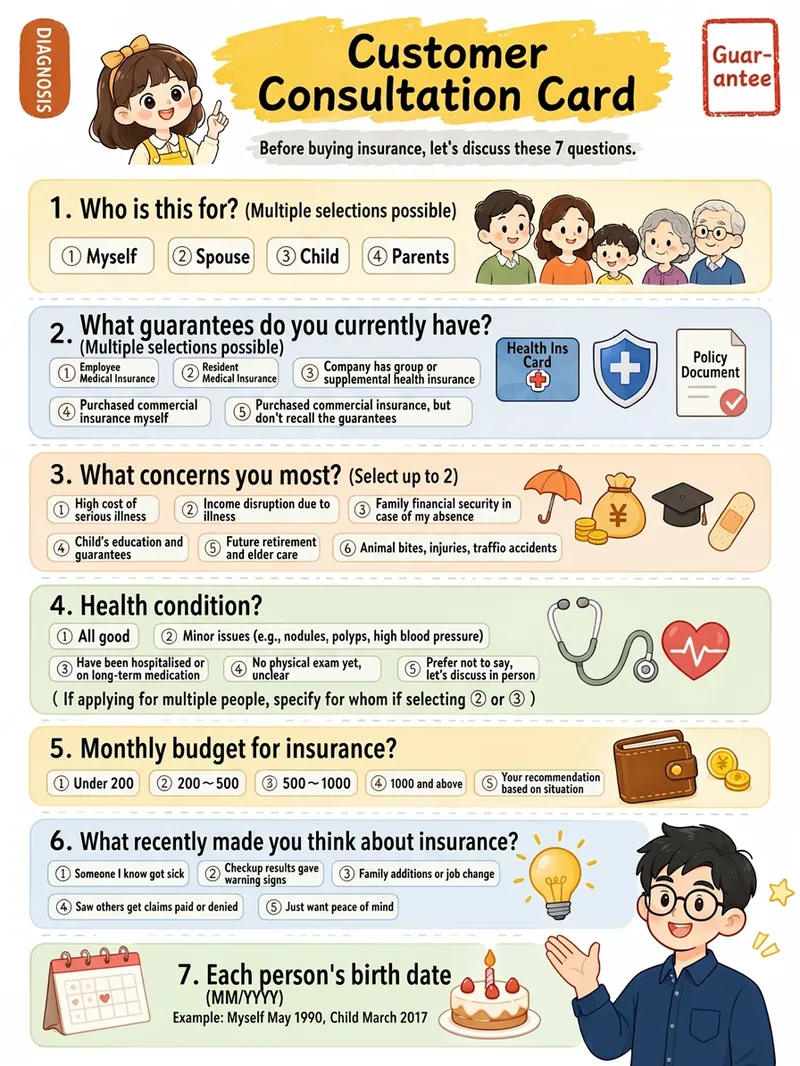
Xiaohongshu Hand-Drawn Infographics
Provide a complete piece of copy, choose the number of images and an aspect ratio (3:4 / 1:1 / 16:9), and generate Xiaohongshu infographics in a “hand-drawn knowledge card” style. The Skill includes a consistent visual system: bright, translucent pure-white paper texture with fine fibers, minimal speckling, and a clean, airy feel; bright yellow hand-drawn brush lettering for main titles; a gray brush-stroke subtitle band; a red stamp in the upper-right corner; a vertical capsule-shaped color label in the upper-left corner; colorful rounded module panels; and newly designed flat vector hand-drawn cartoon characters, along with a rich variety of icons and charts. During processing, it first organizes a “typesetting copy draft” that preserves the full text word for word for your confirmation. Once confirmed, it generates the images. Each module includes an icon or chart, keeping the visuals clear and readable while adding artistic character.
 Image
Hand-Drawn Infographic Collage
Enter a topic or a piece of educational copy to generate a vertical infographic in a hand-drawn collage notebook style, featuring large brushstroke titles, macaron-colored torn-paper sticky notes, clear handwritten text hierarchy, and cartoon characters with white sticker-style outlines that match the content. Ideal for long-form Xiaohongshu educational graphics about insurance, health, work, and general knowledge. The process runs in two steps: first, it produces a layout script and image-generation prompt for your review; then it generates the final image and performs a quality check.
 Webpage
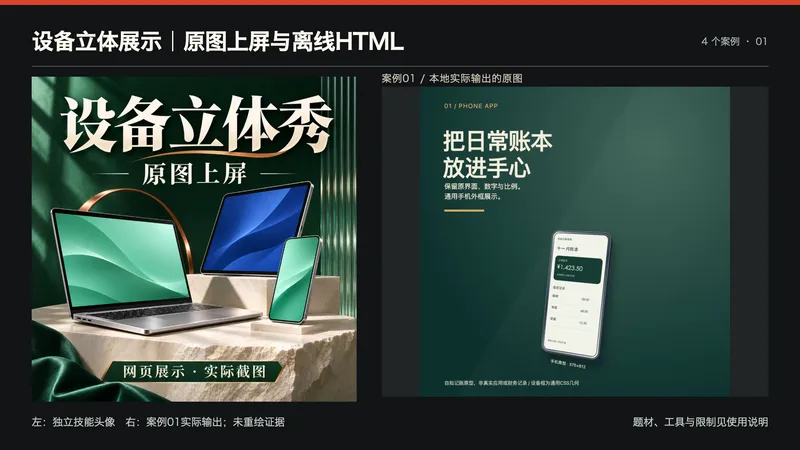
设备立体展示|原图上屏与离线HTML
适合展示App界面、网页原型、课程页面或设计作品的创作者。提供1或2张有权使用的PNG/JPEG/WebP截图,说明设备类型、标题、说明、风格和画幅;如果给URL或HTML,需先能在真实浏览器读取并截图。 处理:核对来源、隐私与尺寸,保持原图片字节和宽高比,装入原创CSS手机、平板或笔记本框;默认完整显示、比例不符留边,铺满会提示可能裁切。生成无外链的单文件HTML,实际打开操作后截图。不会让生图模型重绘真实界面或数据。 交付:可离线打开的展示HTML、实际浏览器渲染PNG、原图尺寸与哈希、使用说明和裁切核查。支持16:9、方形、9:16画幅与正面/左右角度,导出时隐藏控制栏。通用CSS几何不代表品牌精确设备,不交付GLB、3D网格、App功能或真实产品摄影。 使用:上传截图并给简报;运行构建器,打开HTML切换角度/画幅并核对原图,启用只看画面再用浏览器截图。Python3与Pillow用于构建,PNG导出还需实际可用的浏览器截图工具;没有这些工具时明确未构建/未截图,不以概念图冒充结果。 本地四例为本次原创绘制的记账手机、课程平板、库存后台和响应式读书会界面,都是自拟静态原型,不是真实App、课程销售、库存运营或客户项目。四张展示为最终HTML的1400方形真实截图;原图字节/加载尺寸、3种画幅、390像素手机布局、角度与裁切提示已实际检查。封面为ImageGen原创概念视觉,不是运行结果。 文字规划推荐GPT,具体版本由平台实际选择;核心不需要图片API重绘屏幕。本地使用Python/Pillow与隔离Chrome,工具未返回可核验的图像模型ID,不宣称调用Image2。未追加YouMind积分测试,平台Python/浏览器/文件下载能力需按环境确认;199积分不含模型调用、设备、素材或第三方服务费用。不保证所有浏览器同像素呈现或商品销量。 展示说明:首张为独立技能头像与案例01实际输出的并排排版,用于横向缩略展示;不是新增案例,也未让生图模型重绘证据。其余三张对应案例02—04。
Information
- Version
- v3
- Last updated
- Runtime credits
- Usage-based
- Models
- Auto
- Use cases
- Images & designLearning & educationMarketing & growth
- What you get
- Image
- Visual styles
- Flat
