To Be English PDF
Turn English materials into study resources
To Be English PDF
Turn English materials into study resources
Showcase
Description
1. Enter English materials (text, PDF, image, or webpage link)\n2. Select, add, or remove key points\n3. Generate webpage code, download it, open the webpage, and press Ctrl+P to print an A4 PDF
Related Skills
View all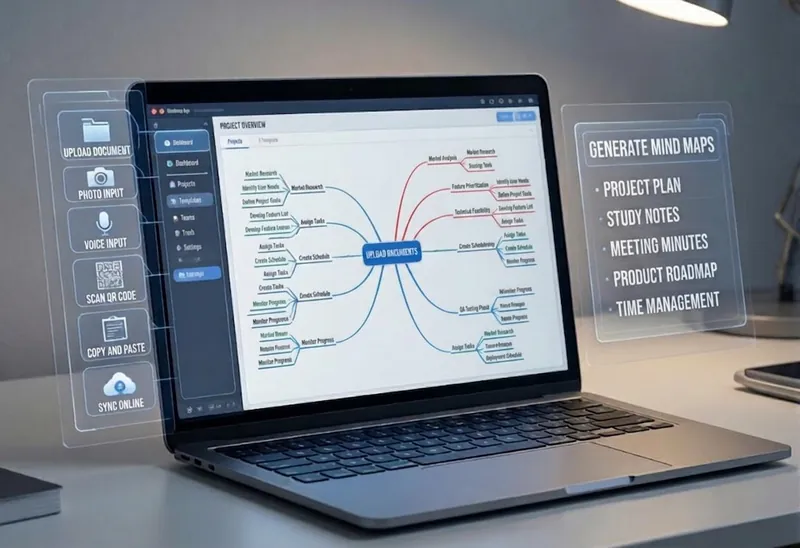 Research
Multi-Source Mind Map 2.0
Turn complex documents, web pages, or long text into clearly structured visual mind maps with one click. Whether it's academic papers, course materials, or technical documents, this tool intelligently extracts core topics and multi-level knowledge points, helping you quickly clarify the logical structure. Through in-depth content analysis of the input source, it automatically identifies section structure and key details, generating a well-organized knowledge system. This tool supports generating mind maps in multiple styles, including professional educational tree diagrams (PlantUML format) and intuitive center-radial diagrams (Mermaid format). You can directly get SVG images viewable in a browser, along with the corresponding source code files. This means you can quickly preview the results and also import the source code into XMind, FreeMind, or a Markdown editor for further editing and in-depth processing. Simply upload a PDF, Word, or text file, or provide a web link, to transform a large amount of information into a visual knowledge map. It's ideal for study notes, structured paper reading, and brainstorming presentations, making knowledge organization and sharing more efficient and professional.
 Webpage
To be PDF
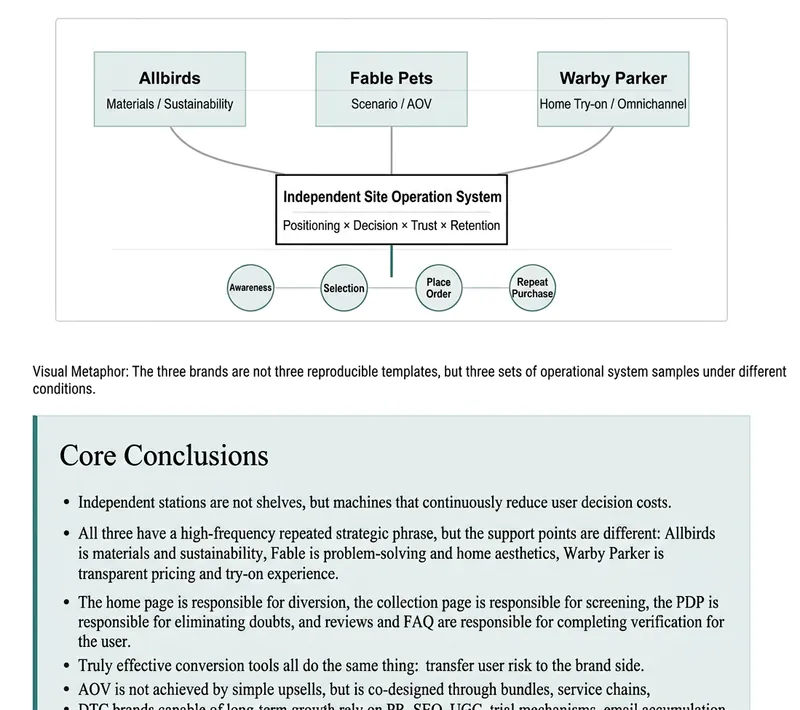
Converts reference content—such as articles, reports, notes, Markdown, and text extracted from PDFs—into A4 print-ready single-file HTML. It adaptively selects accent colors based on the content theme, embeds semantic, minimalist hand-drawn SVG line art, automatically fixes printing issues like blank pages, widows, and element truncation when exporting PDF, and opens the result directly in a canvas panel in the final step. Users can browse, print, or export PDF without copying and pasting code.
 Research
Exam Paper Generator
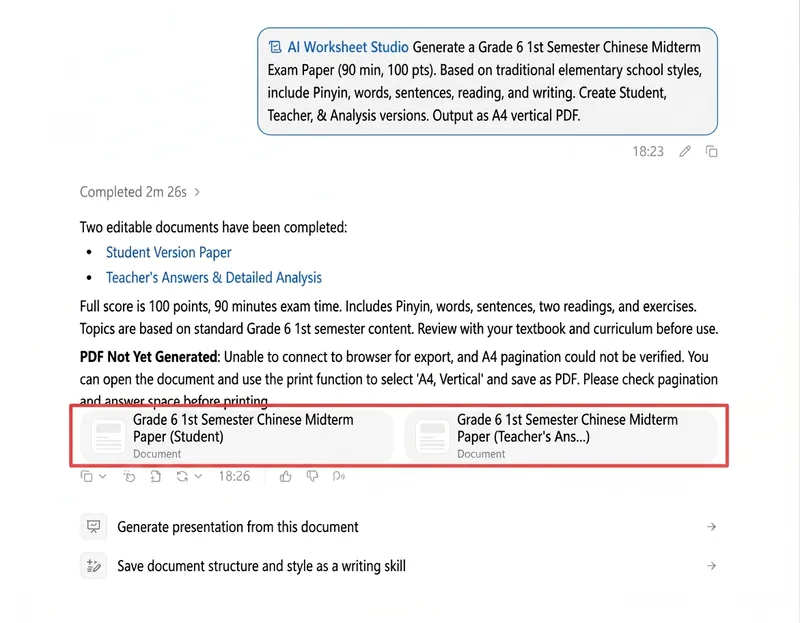
AI Exam Paper Factory | All-Subject Smart Study Material Generator for Primary Schools Still spending hours creating questions, formatting, and making practice tests? AI Exam Paper Factory is a smart study material creation tool designed specifically for primary school education. It supports grades 1 through 6, covering subjects such as Chinese, mathematics, English, and science. Simply enter the grade, subject, textbook version, and knowledge points to automatically generate professional unit tests, midterm exams, final review mocks, daily practice, specialized training, and pre-exam sprint materials. Core Features: Smart Question Generation: Automatically designs original questions based on grade level and knowledge points. Comprehensive Coverage: One-stop generation for Chinese, mathematics, English, and science. Difficulty Control: Freely switch between basic, intermediate, and advanced levels. Similar Paper Generation: Reference uploaded exam images to generate brand-new practice tests of the same type. Answers and Explanations: Automatically generates standard answers, step-by-step solutions, and grading criteria. Wrong Answer Reinforcement: Generates targeted variant practice based on student mistakes. Professional Formatting: A4 portrait layout, black-and-white printing, standard numbering, and answer areas. File Output: Supports generating editable documents and PDFs (depending on available export tools). Target Audience: Primary school teachers, parents, educational training institutions, and study material creators. From a single knowledge point to a complete set of mock exams, make test creation more efficient, practice more targeted, and lesson planning simpler.
Information
- Version
- v8
- Last updated
- Runtime credits
- Usage-based
- Models
- Auto
