
Daily Journal Cards
Turn daily notes to hand-drawn journal cards
Daily Journal Cards
Turn daily notes to hand-drawn journal cards
Showcase
Description
Input your daily journal text to automatically generate 3:4 vertical hand-drawn journal-style knowledge card images, featuring a warm, soothing, low-saturation color palette, a replaceable signature, with sections and formatting fully determined by your input.
Why we love this skill
One-click turns daily lesson content into adorable hand-drawn journal-style knowledge cards. A fixed layout with flexible content transforms your study notes into social media hits.
Related Skills
View all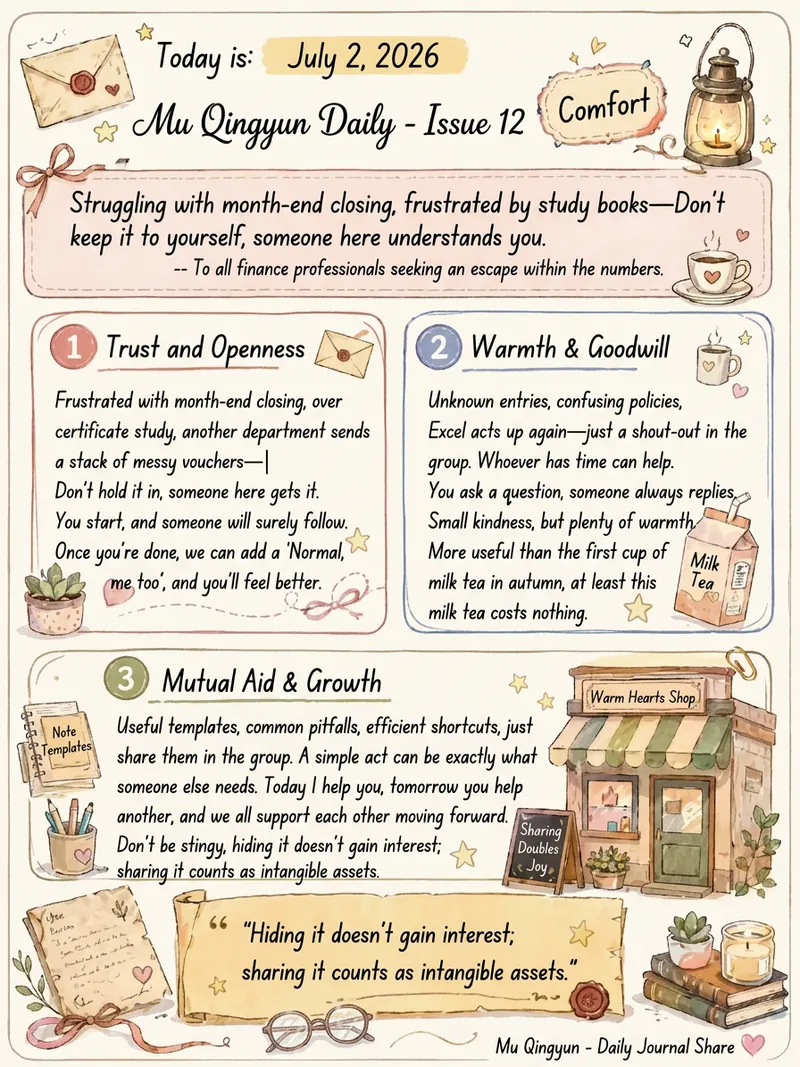
Daily Journal Card Generator
Transform your daily thoughts and reflections into artistic portrait-oriented knowledge cards. This tool captures the essence of your daily journal entries and presents them in a unique warm watercolor hand-drawn style on elegant 3:4 ratio cards. Each time you generate, you’ll receive a card with a one-of-a-kind visual experience. It cleverly combines rounded text boxes, hand-drawn borders, and scroll-like styles to make your content structured and pleasing to the eye. From the calligraphy-like title to the clear readability of the body text, and the highlighted display of key quotes, every layout is layered with thoughtful design, ensuring each record becomes a treasurable work of art. We have carefully designed a "three-layer" decoration mechanism to ensure that each card is both consistent in style and full of surprises. First, thematic decorations intelligently match your keywords—like a quill, hourglass, or tangled thread—directly echoing the core content. Second, based on the overall emotion of your text, we select a unique atmospheric theme, such as "Letter Corner" or "Sitting by the Night Window," placing the card in a specific scene. Finally, the third layer picks 3-5 elements from a rich generic ornament pool—like small stars, hearts, or mini potted plants—scattered across the card to add breathing room and liveliness, while ensuring each combination is unique. These knowledge cards use a warm off-white canvas with soft Morandi watercolor strokes—low saturation yet deeply soothing. Whether your daily journal is a gentle narrative or a collection of sharp insights, we choose the most suitable visual layout to match its character, so your daily thoughts and feelings are recorded and shared in the most beautiful form.
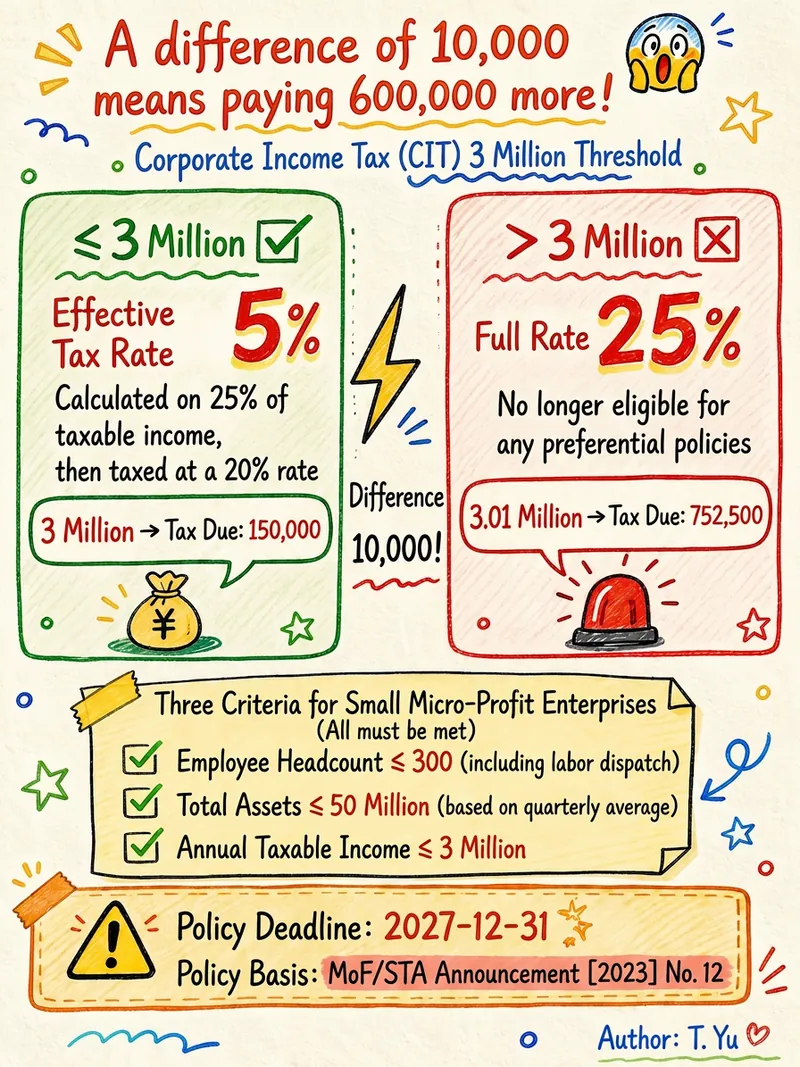
Hand-drawn Knowledge Cards
Users input knowledge content from any field, and the Skill intelligently adapts the layout to generate 3:4 vertical hand-drawn doodle style knowledge cards. Featuring journal note-taking aesthetics with orange-yellow and blue-green contrasting colors, and a unified handwritten font throughout. Suitable for creating visual content such as science popularization, policy interpretation, process checklists, etc.
 Research
Knowledge Card Generator
Turn your articles, notes, quotes, or any inspiration into beautiful knowledge cards to easily share your insights. Whether it's reading notes, course highlights, or daily thoughts, this tool intelligently identifies core content, automatically selects the most suitable card type, and presents it in a professional and visually appealing style. You can choose to generate a single eye-catching knowledge card or create multiple linked "card sets" with one click, perfect for publishable swipeable carousel content on social platforms like Xiaohongshu and Instagram. It automatically designs a cover for you, extracts key points for each page, and attaches the source, ensuring your sharing is both deep and shareable. We offer six card types: quotes, key points, comparisons, steps, data, and concepts, paired with five curated visual styles: academic blue, warm literature, dark tech, magazine red, and minimalist black and white, with full support for Chinese content. You can also customize your brand primary color and account signature, giving each card a personal touch, ensuring knowledge output is as high-quality as input. For companion use: For long-text infographics, check out 'Infographic Maker'; for finished drafts to publish on WeChat Official Account, check out '公众号排版器'.
Information
- Version
- v5
- Last updated
- Runtime credits
- Usage-based
- Models
- Auto
