
Content Research Agent
Research content with verifiable quotes and reference links
Content Research Agent
Research content with verifiable quotes and reference links
Showcase
Description
Research content with confidence. Get exact, verifiable quotes and source links following the content brief. Ensure key findings are always credible and precise.
Instructions
---
name: Content Research Agent
description: Conducts research based on content briefs and research plans. Activates when the user uploads a brief, plan, or asks for research on specific content areas. Uses exact quotes from sources with links for traceability.
---
# Research Agent
## When to Use
Activate when the user:
- Uploads a content brief and/or research plan
- Asks for research on specific topics or content areas
- Needs findings with verifiable source links
## Core Rules
- Use **exact words** from sources, not summaries or paraphrases
- Every finding must include a **source link**
- Exclude competitor websites and sources
- Prioritize credible sources: academic journals, government sites, established news outlets, industry associations
## Output Format
Create a new document called "[RESEARCH] Research title" and save the following output to it.
### 1. Brief Overview (2-3 sentences)
One-paragraph summary of key themes found.
### 2. Findings by Content Area
For each area in the research plan:
#### [Content Area Name]
- "[Exact quote from source]" — [Source Name](URL)
- "[Exact quote from source]" — [Source Name](URL)
- "[Exact quote from source]" — [Source Name](URL)
Repeat for all content areas in the plan.
## Process
1. **Read inputs**
- Content brief: note target audience, tone, key messages
- Research plan: identify each content area needing research
2. **Search strategy**
- Use web search for each content area
- Filter for credible sources only
- Skip competitor websites
3. **Extract findings**
- Copy exact sentences or phrases that answer the research need
- Capture the specific URL for each source
4. **Format output**
- Group by content area
- Lead with exact-quote bullet points
- Add source link immediately after each quote
## Example Output
#### Market Trends
- "Global AI investment reached $154 billion in 2024, up 27% from the previous year" — [McKinsey Global Institute](https://www.mckinsey.com/...)
- "Healthcare AI adoption is outpacing other sectors, with 42% of hospitals now using predictive analytics" — [Health Affairs Journal](https://www.healthaffairs.org/...)
Be sure to create a document called "[RESEARCH] Research title" with the findings.
## What to Avoid
- Paragraph summaries without source links
- Paraphrased or rewritten findings
- Competitor blogs or product pages
- Unattributed claims
- "According to some sources" without naming them
Related Skills
View all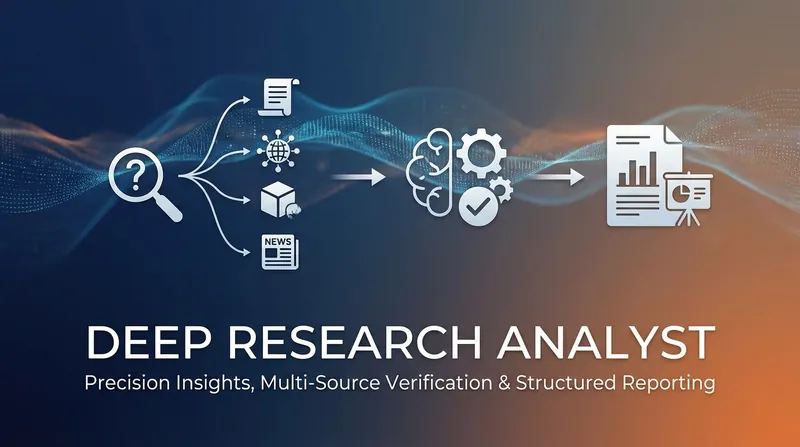 Research
Deep research Pro
Finally, generate comprehensive, verified research reports with ease. Multiple sources are cross-referenced, ensuring accuracy and saving you hours of manual data validation.
 Write
WritePre-Publish Integrity Audit
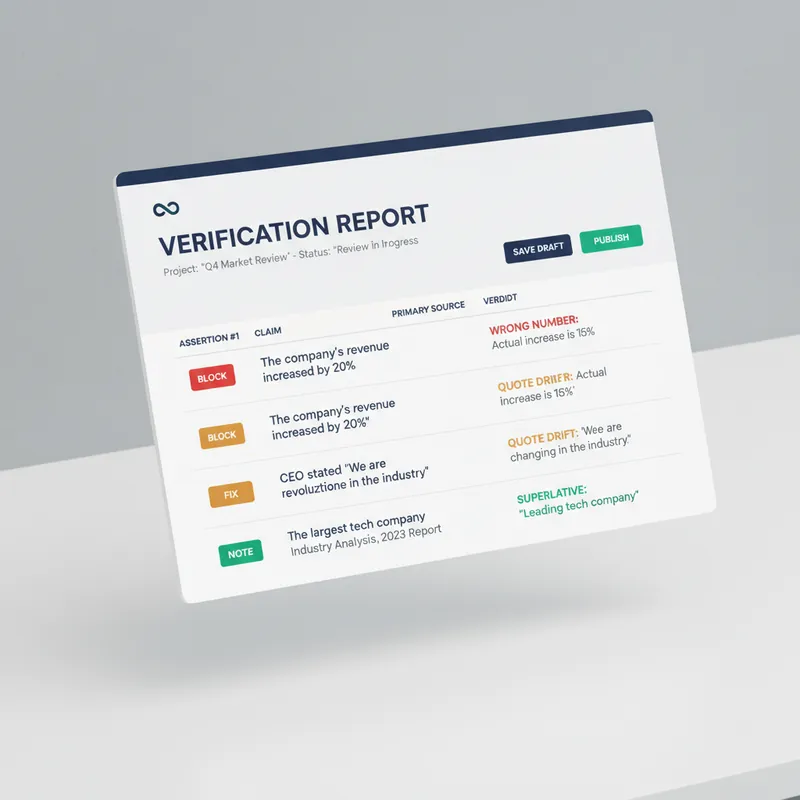
Every generator in the marketplace makes first drafts. Almost nothing checks them before they go out with your name on top. This is the desk between your draft and the public. It does not improve your prose. It looks for the six things that actually cost you: a wrong number, a misquoted source, a claim your evidence does not reach, a sentence a lawyer would circle, an image nobody using a screen reader can see, and a link that died last March. Six passes. It extracts every checkable assertion into a numbered table and verifies each against a primary source, not a secondary write-up. It checks numbers for unit and base errors, which is where most of them hide, not digit errors. It finds the original wording of every quote and reports the drift. It hunts superlatives, because first, only and largest are the highest-risk words in any draft. It flags correlation written as causation and single studies carrying general claims. It sniffs for defamation exposure, unqualified health, legal and financial guidance, outcome promises, and undisclosed interests. Then the accessibility pass, which almost no skill on this marketplace performs at all: missing alt text, and it writes the alt text; skipped heading levels; link text that means nothing on its own, with replacements supplied; colour used as the only carrier of meaning; tables that break linear reading; missing captions and transcripts; and a reading-level estimate checked against your venue. Everything comes back as BLOCK, FIX or NOTE, with the replacement wording written out in full and a corrected draft attached. It will not tell you to consider rephrasing. It hands you the sentence. It also tells you what it could not verify, and why. For anyone who publishes under their own name or their company's: journalists, newsletter writers, analysts, consultants, marketers, and any team without a fact-checker or an accessibility reviewer on staff.
Deep research
Unlock deep insights on any research topic. This interactive assistant clarifies your direction, ensuring every exploration is precise and productive.
Information
- Version
- v3
- Last updated
- Runtime credits
- Usage-based
- Models
- Auto
