
Book Knowledge Card Lite
Turn a book into a visual HTML card
Book Knowledge Card Lite
Turn a book into a visual HTML card
Showcase
Description
Book → one visual knowledge card in HTML, with a warm red, whiteboard-style hand-drawn look. Covers the full flow: “Read a book → break down its structure → write in plain language → apply the template → run a final check.” Trigger phrases: knowledge card, make a knowledge card, turn this book into a knowledge card, book visualization, card HTML.
Best for
For readers, learners, and content creators who want to quickly understand a book’s main ideas, structure, core methods, and real-world value.
How to use this Skill
Provide your input
Provide the book title, author, publication details, and your reading notes, highlights, or spoken thoughts about the content.
Run the Skill
Distill the book into a clear, easy-to-browse knowledge card and organize it as a single-file HTML document.
Review your result
Get a self-contained web card that opens directly without installing software or going online—ideal for saving, sharing, and adding to your notes.
Related Skills
View all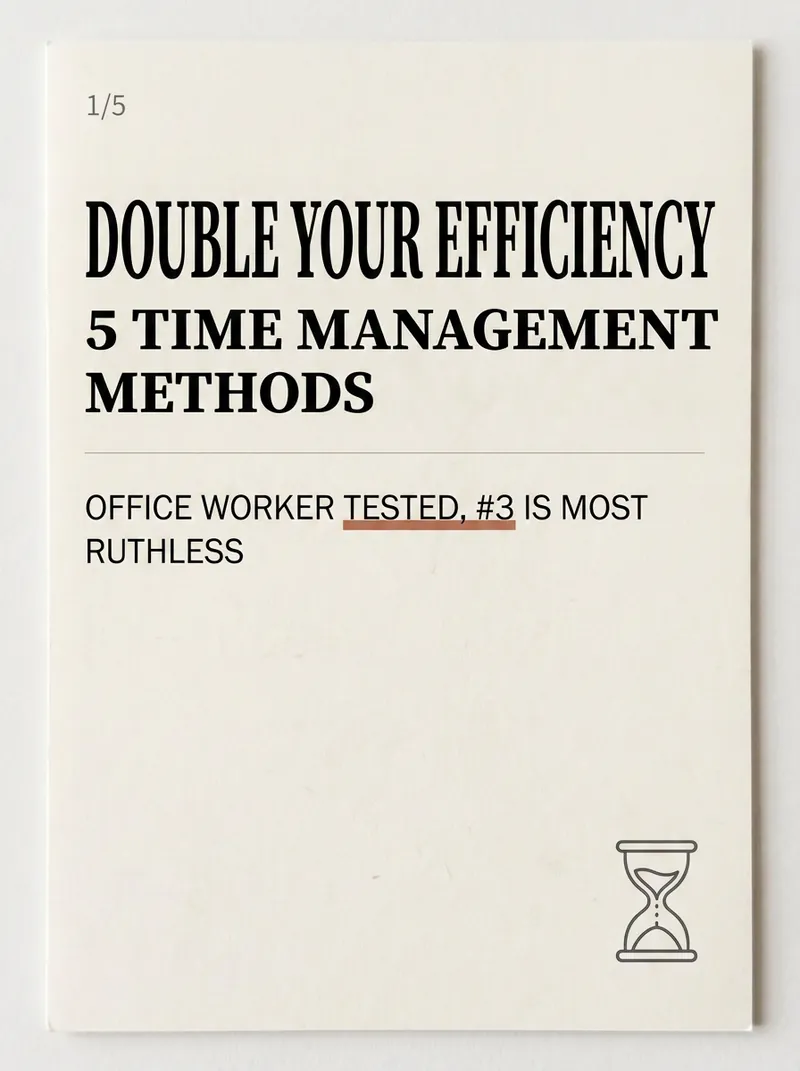
Xiaohongshu Card Generator
Being a Xiaohongshu knowledge blogger, the hardest part isn't writing content—it's formatting it into card images that people want to click and save. Searching for templates, adjusting fonts, colors, alignment—a single set can take two hours, and it still often has that AI-generated tacky feel. The Xiaohongshu Viral Knowledge Card Generator compresses this into one minute: input a topic or text, and it automatically splits into cover + inner pages, applies layouts that match real Xiaohongshu aesthetics, and generates a complete set of vertical cards ready to publish. ✨ Core Capabilities 1. 6 combinable layout types—cover hook cards, checklist cards, step-by-step cards, comparison cards, quote cards, and knowledge point breakdown cards—covering almost all informative posts. 2. 5 native styles—Cream Magazine, Morandi Minimalist, High Saturation Pop, Sticker Journal, Business Premium Gray—switch styles with one click, no rework needed. 3. 3 sizes—Xiaohongshu vertical 3:4, square 1:1, story 9:16—one input, multiple uses. 4. Cover formula—number hook + pain point + benefit, specifically designed to solve 'no one clicks'. 5. Anti-AI guardrails—rejects standard fonts, purple-white gradients, and rigid symmetry to deliver an authentic blogger feel. 📱 Applicable Scenarios Workplace, study, finance, science, and education bloggers' value-packed collections, knowledge sharing, list recommendations, opinion quotes; also works for WeChat Official Account headers and WeChat Moments infographics. Input a topic, leave the rest to it—make your notes irresistible at first glance.
 Research
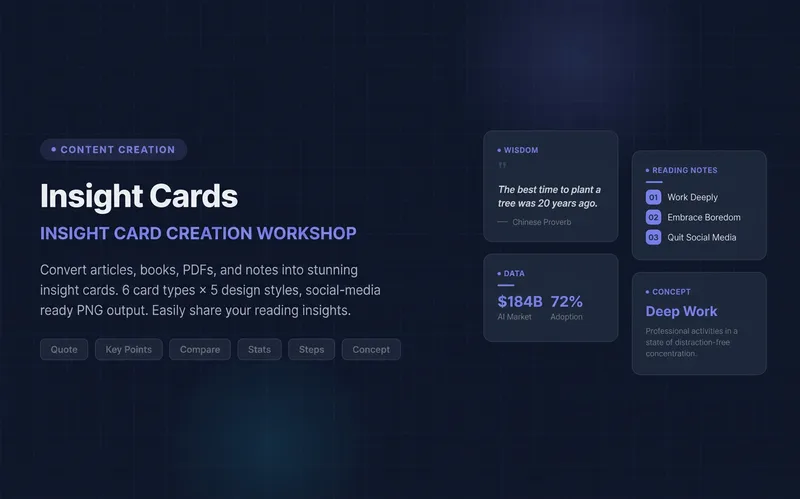
Knowledge Card Studio
Turn articles, notes, or book excerpts into a single knowledge card or a 3–5-page carousel. Choose from six card types and five existing styles; each page delivers one takeaway while preserving quotes, numerical qualifiers, and sources. Create a reusable series brand profile with fixed colors, font hierarchy, margins, title placement, page numbers, and byline. For the next edition, provide the profile to reuse the same system and keep the series consistent—no need to explain the design requirements again. The default deliverables are editable HTML/SVG and the brand profile. When the environment supports actual rendering, sequentially numbered PNGs are also included. Missing glyphs, overflow, and inconsistencies across pages are checked and fixed; if the images were not actually rendered, the skill will not claim that image checks passed. No local scripts are required. Try it directly: create a five-page book-notes carousel, use a brand profile for the next edition, or turn quotes from the original text into cards. For complex relationships or charts, use Infographic Maker. For a finished WeChat Official Account post, use the WeChat Official Account Formatter.
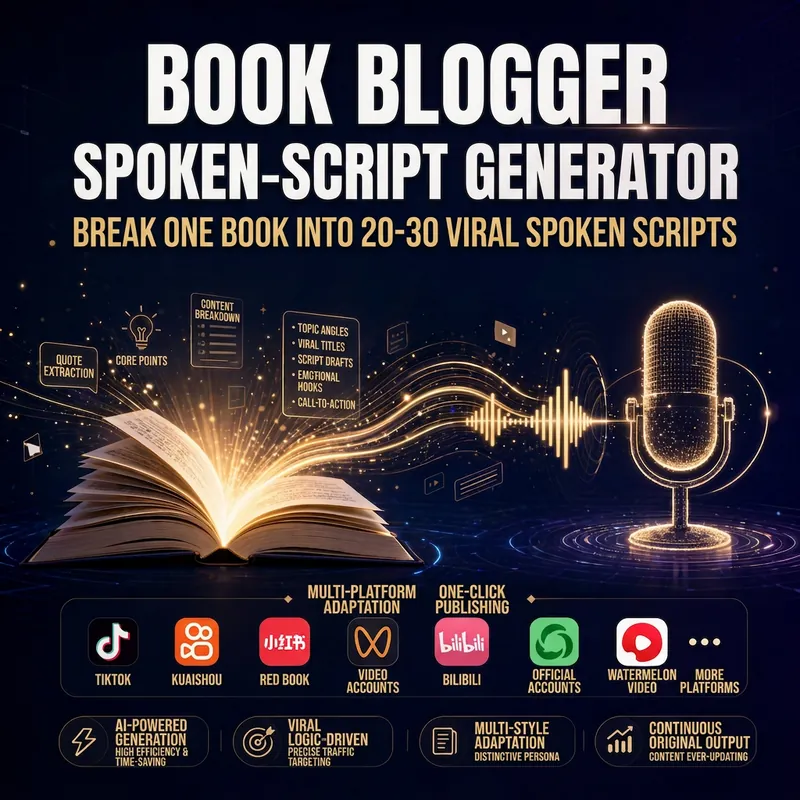
Book Blogger Script Generator
**【10万积分打磨skill】** Finished reading a book, head full of "that makes sense", but freeze when recording a video? This skill breaks down a book's highlights into scripts you can read directly. It does three things: 1. **Extract** — Feed it a book, it pulls out all the shareable insights, filtering based on whether each can stand alone as a video. 2. **Write** — Each insight becomes a full script with an opening hook, examples, and pacing — not a dry reading note. 3. **Track progress** — Use one book across multiple sessions; it remembers what you've covered and what's left, no repeats. Who it's for: - Book bloggers / knowledge video creators - People who consume a lot but struggle to "explain it out loud" - Anyone wanting to turn reading into content assets In a nutshell: Turn "I've read it" into "I've shared it."
Information
- Version
- v3
- Last updated
- Runtime credits
- Usage-based
- Models
- Auto
- Use cases
- Writing & contentWeb creationLearning & education
- What you get
- Webpage
- Visual styles
- Hand-drawn
